Apps Games Articles
Fonts Art: Keyboard Font Maker
AIBY Inc.
Rating 4.1star icon
Editor's summary
Editor rating
star icon star icon star icon star icon empty star icon
4.2

One-line summary Fonts Art is easy to like for its big, stylish font library and playful keyboard customization, but I’d only recommend it wholeheartedly if you can tolerate ad gates, some premium lockouts, and a keyboard experience that isn’t always as smart as your default one.

  • Installs

    10M+

  • Developer

    AIBY Inc.

  • Category

    Personalization

  • Content Rating

    Everyone

  • Latest version

    2.47.9

  • Package

    cool.fonts.symbol.keyboard.custom.fancy.text.editor

In-depth review
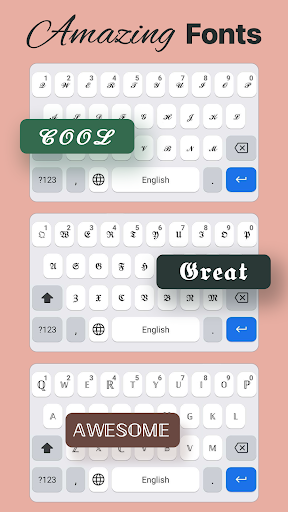
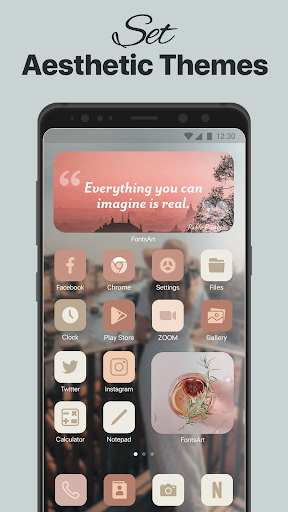
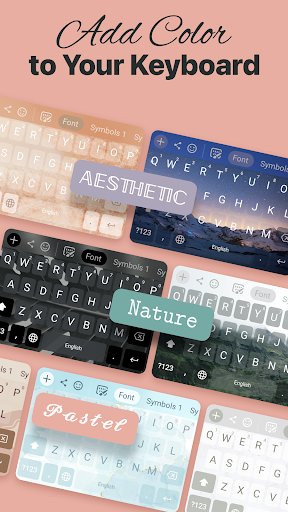
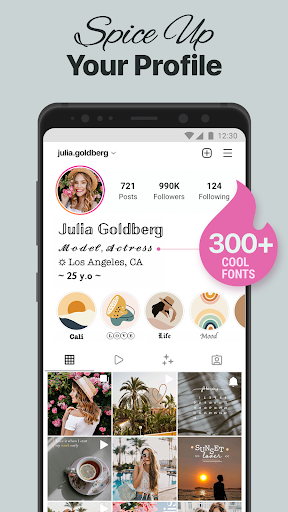
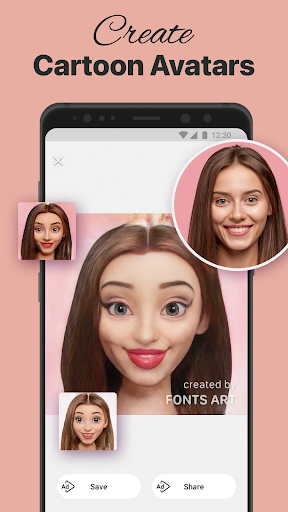
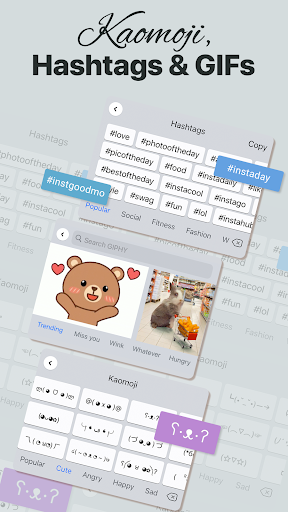
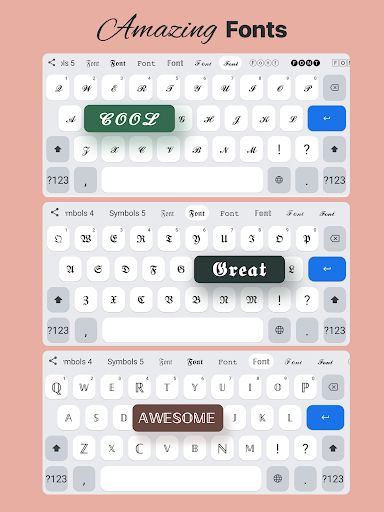
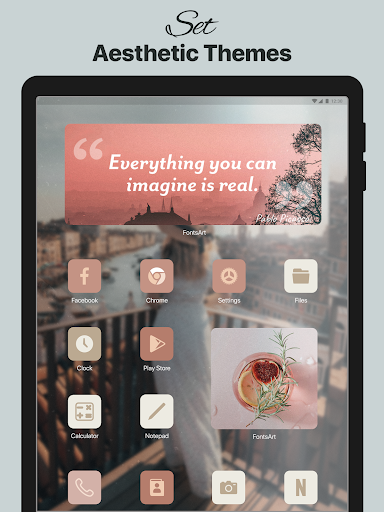
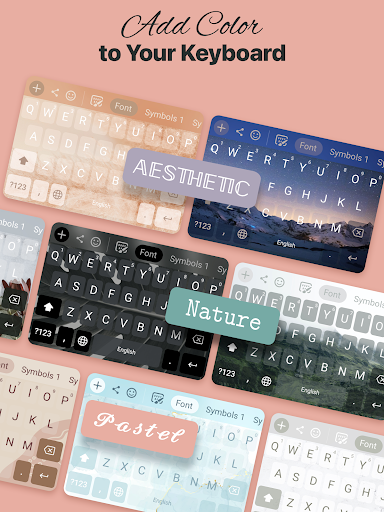
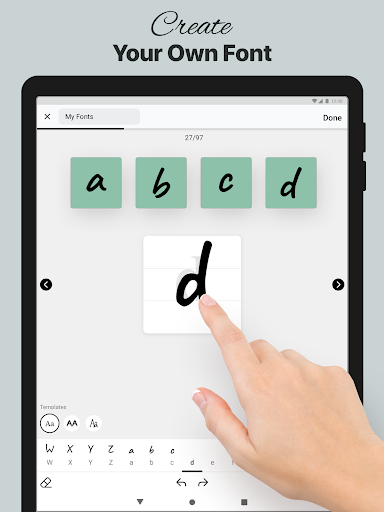
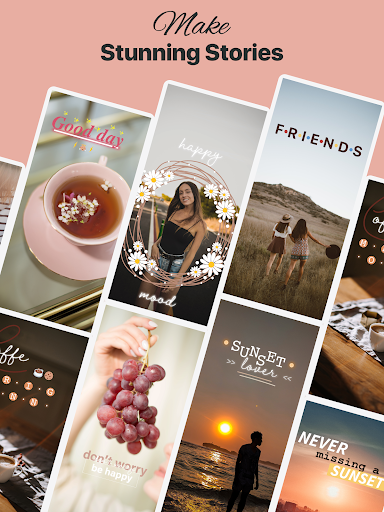
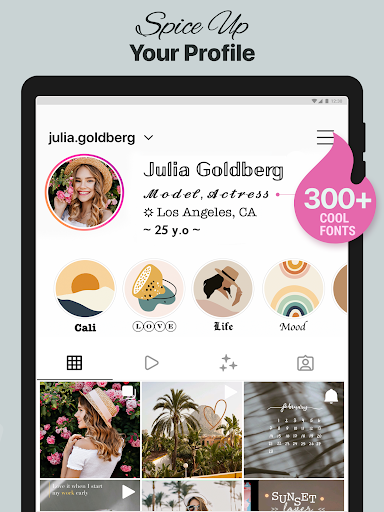
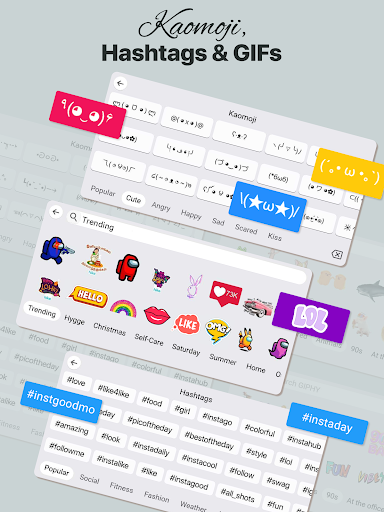
Fonts Art: Keyboard Font Maker sits in that crowded corner of Android where personalization apps promise to make your phone look more expressive, more aesthetic, and more “you.” After spending time with it, I came away thinking it succeeds at the fun part more often than the practical part. If your main goal is to dress up your texts, social bios, and keyboard with eye-catching styles, this app delivers a lot. If you want a replacement keyboard that feels as refined and dependable as the stock keyboard you already use, the cracks show fairly quickly. The first thing Fonts Art gets right is immediate payoff. You open it and you are not left wondering what the app is supposed to do. The appeal is obvious: lots of decorative fonts, symbols, themed keyboards, and extra visual customization touches meant for social posts, messages, and phone aesthetics. It’s the kind of app where within minutes you can produce text that looks dramatically different from plain typing, and that instant transformation is the whole hook. In testing, that sense of novelty never completely wore off. There is a genuinely broad variety of font styles here, from elegant and minimal to loud, gothic, bubbly, or heavily stylized. For Instagram bios, TikTok captions, usernames, or just texting with a bit more flair, it’s easy to see why people get attached to it. What impressed me most was how approachable the app feels. A lot of customization tools bury the fun under menus and setup friction, but Fonts Art is generally straightforward. Switching between styles, previewing what your text will look like, and applying keyboard themes doesn’t feel overly technical. Even if you are not the kind of person who normally tweaks widgets and home screens, this app is designed to make experimentation feel low-stakes. That is one of its biggest strengths: it invites casual play. You don’t need to commit to a big redesign of your phone to get value from it. The second strength is simply breadth. Fonts are the headline feature, but the app doesn’t stop there. There are symbols, kaomoji-style expression tools, keyboard themes, and broader personalization elements that push it beyond a one-trick text generator. That gives it more staying power than apps that only convert plain text into Unicode styles. You can use it for a quick fancy caption one minute, then poke around keyboard themes and visual customization the next. It feels less like a novelty utility and more like a lightweight personalization hub. The third big positive is that the output is socially useful. This is not just decoration for decoration’s sake. In actual use, the app is best when you want your text to stand out in places where plain system fonts can be boring. Bios, profile names, status messages, captions, and casual messages all benefit from that extra flair. When the styled text renders properly on the receiving side, the app feels rewarding in a very immediate way. That said, there are trade-offs, and the biggest one is monetization friction. Fonts Art may be free to install, but it does not feel unlimited in practice. During use, it becomes clear that some content is gated either behind ads, in-app currency mechanics, or premium access. That doesn’t make the app unusable, but it does interrupt the flow. Personalization apps thrive on impulse: you see a style, you want to try it, and you want it now. Any time that process turns into “watch this first” or “unlock this another way,” the magic dips a little. The free experience is still workable, but it asks for patience. The second weakness is that the keyboard side is more style-first than intelligence-first. This matters because once you move from generating fancy text to actually typing every day, you start comparing Fonts Art not with other novelty apps, but with your normal keyboard. That’s a much tougher standard. In use, it can feel less polished in the basic typing department. Features people take for granted on mainstream keyboards, like smooth autocorrect behavior, auto-capitalization, and helpful punctuation handling, are where specialized keyboards often feel weaker, and Fonts Art is not immune to that. If you write long messages, work emails, or anything where speed and accuracy matter, you may find yourself switching back. The third issue is compatibility and consistency. Styled Unicode fonts are fun, but they are not universal in the way many users assume. Some styles will look great in one app and less convincing in another, or show up imperfectly depending on where they are pasted. That is not entirely Fonts Art’s fault; it is part of how decorative text works across platforms. Still, it affects the real-world experience. You have to treat some fonts as social-media candy rather than dependable formatting. So who is this app for? It is best for people who enjoy personal expression on their phones: social media users, teens and young adults decorating profiles, aesthetic customization fans, and anyone who likes adding flair to captions, bios, or casual chats. It is also a decent pick for people who want lots of choice without needing advanced setup knowledge. Who is it not for? If you care more about typing efficiency than visual style, or you expect a custom keyboard to match the intelligence and comfort of the best default keyboards, you may get frustrated. It is also not ideal for anyone with a very low tolerance for ads or unlock mechanics. Overall, Fonts Art is one of the more enjoyable personalization apps in its niche because it understands the appeal of instant style. It is playful, generous in variety, and easy to dip into. I enjoyed using it most as an enhancement layer for social text and phone aesthetics, not as a total keyboard replacement. Go in with that expectation, and it is a strong, fun download. Expect a flawless everyday keyboard, and its limitations become harder to ignore.