Apps Games Articles
Grok • Smartest AI Advisor
xAI
Rating 4.8star icon
Editor's summary
Editor rating
star icon star icon star icon star icon
half star icon
4.5

One-line summary Grok is one of the most enjoyable AI apps on Android thanks to its fast answers, live-feeling knowledge, and genuinely fun image and video tools, but you should hesitate if you need perfectly reliable formatting or polished long-form media generation every time.

  • Installs

    50M+

  • Developer

    xAI

  • Category

    Productivity

  • Content Rating

    Teen

  • Latest version

    1.1.38-release.31

  • Package

    ai.x.grok

In-depth review
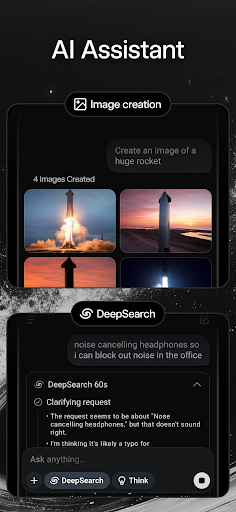
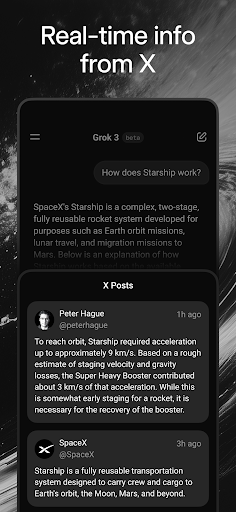
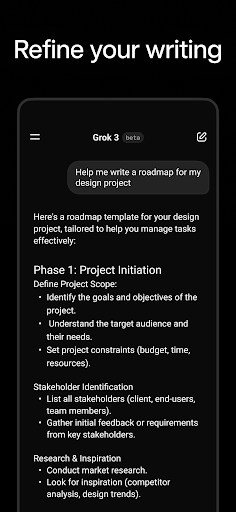
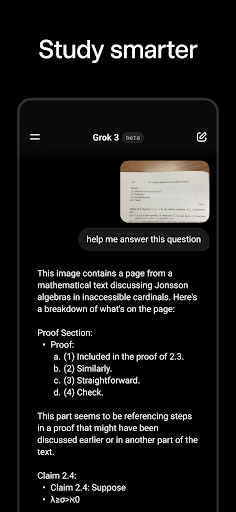
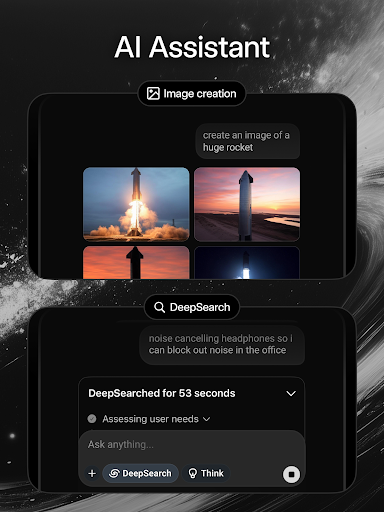
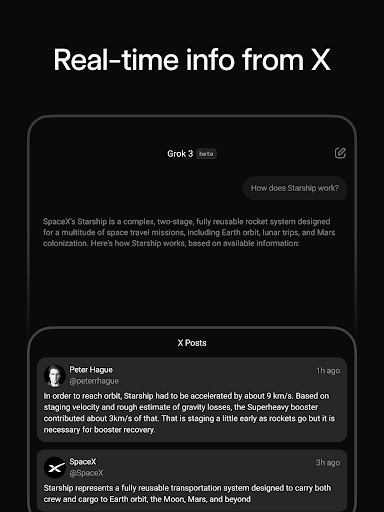
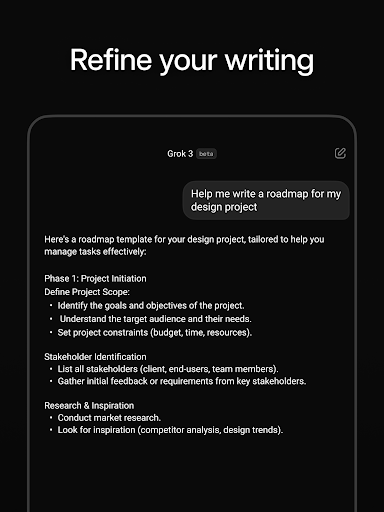
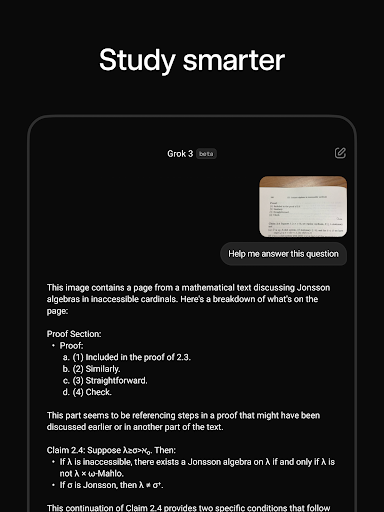
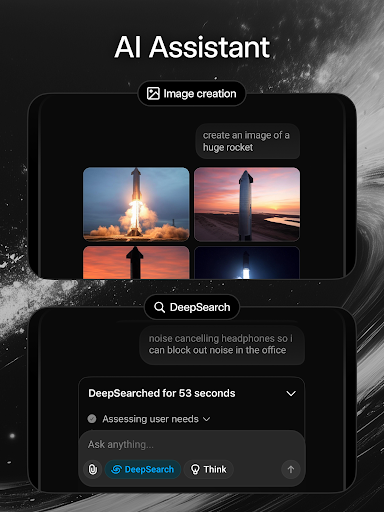
After spending real time with Grok • Smartest AI Advisor on Android, my biggest takeaway is simple: this is one of the few AI apps that feels both useful and entertaining on a phone. A lot of mobile AI tools can answer questions, summarize text, and spit out images, but many of them feel cramped, over-restricted, or clearly cut down compared with their web versions. Grok avoids much of that frustration. It feels like an app built to be used often, casually, and for more than one narrow purpose. In day-to-day use, the strongest thing about Grok is how quickly it becomes part of your routine. I used it for straightforward questions, quick explanations, casual brainstorming, and condensing long blocks of information into something easier to process on a small screen. That flow works well. Responses generally feel fast, readable, and current, and the app gives off a more connected, real-time tone than many assistants that feel stuck a step behind. If you want an AI that feels plugged into what is happening now instead of just what was true at some vague point in the past, Grok makes a strong first impression. That sense of freshness is one of its best qualities. I found it especially good for questions where timeliness matters, or where older AI tools often become hesitant and generic. It does not magically eliminate the need to double-check facts, and I absolutely would not trust any AI blindly for sensitive or high-stakes information, but Grok often feels more alive and responsive than many rivals. That matters more than it sounds. On a phone, convenience is everything, and an assistant that feels current is far easier to keep coming back to. The second big strength is that Grok is not just a text chatbot. The image and video generation side gives the app a playful edge, and that changes the experience dramatically. I spent time testing it with both practical prompts and intentionally ridiculous ones, and the app handled that shift well. It can go from helping explain something to generating stylized visuals without making the process feel like you have switched to a different product. That versatility is a genuine advantage. For casual creators, meme-makers, and people who just like experimenting with AI for fun, Grok is more engaging than a purely productivity-focused assistant. There is also a welcome sense that the free experience is not constantly trying to bully you into paying before you can do anything interesting. That does not mean there are no limits, and some generation tasks still clearly run into boundaries, but the overall experience feels more generous than many competing AI apps. If your main goal is to try things, learn how to prompt better, and explore image or video generation without being shut down immediately, Grok is refreshingly approachable. The third major strength is the app design itself. It is not perfect, but it generally feels polished enough that I wanted to keep using it. Text handling is decent, conversations are easy to follow, and having this kind of tool on a phone is simply convenient. Features like voice interaction and the ability to work with uploaded images broaden its usefulness. Even when I was just using it for short bursts throughout the day, it felt natural rather than gimmicky. That said, Grok is not flawless, and its rough edges become obvious the longer you use it. My biggest complaint is consistency. Text answers are often strong, but formatting can still get messy in practical use. Some mathematical or notation-heavy output can feel awkward on mobile, and copying text into other apps is not always as clean as it should be. If you regularly move AI-generated notes into a document editor or note-taking app, that friction is annoying. It is not a deal-breaker, but it is the kind of issue that chips away at the premium feel. The media generation tools are fun, but they are also where the second weakness shows up: quality is not always dependable. Visuals can be impressive, especially for casual use, but once you ask for more precision, realism, or longer output, the seams start to show. Video generation in particular can be very good in short bursts, yet still feel unfinished when dialogue, duration, or natural blending really matter. This is the kind of feature that can wow you one minute and remind you the technology is still uneven the next. The third weakness is the classic AI problem: hallucination and overconfidence have not disappeared. Grok can sound convincing even when it is simplifying too aggressively or drifting off target. In lighter use, that is manageable. In serious research, technical work, or anything where exactness matters, you still need to supervise it. Grok often feels smart, but feeling smart is not the same as being reliable all the time. So who is this app for? It is a great fit for people who want one AI app that can do a bit of everything: answer questions, summarize, chat naturally, generate images, experiment with short video, and generally make a phone feel more capable. It is especially good for curious everyday users, students, casual creators, and anyone who values current-feeling answers and creative tools in the same place. Who is it not for? If you need airtight factual reliability, perfectly structured exports, or professional-grade media generation with predictable results every single time, Grok will still feel too loose around the edges. It is also not ideal for users who only want a sterile, no-nonsense productivity tool and do not care about creative features at all. Overall, Grok • Smartest AI Advisor is easy to recommend. It gets the big things right: it is fast, versatile, current-feeling, and fun. More importantly, it feels good to use repeatedly, which is not something every AI app can claim. The flaws are real, especially around formatting, occasional inaccuracies, and uneven video output, but they do not overshadow the fact that this is one of the more compelling AI experiences currently available on Android.