Apps Games Articles
QuickBooks Workforce
Intuit Inc
Rating 4.5star icon
Editor's summary
Editor rating
star icon star icon star icon star icon empty star icon
4.4

One-line summary QuickBooks Workforce is one of the most practical employee time-and-pay apps you can carry every day, but its convenience takes a hit when login friction or admin-heavy setup interrupts the otherwise smooth routine.

  • Installs

    1M+

  • Developer

    Intuit Inc

  • Category

    Productivity

  • Content Rating

    Everyone

  • Latest version

    4.51.3.20241016.1.RELEASE

  • Package

    com.tsheets.android.hammerhead

In-depth review
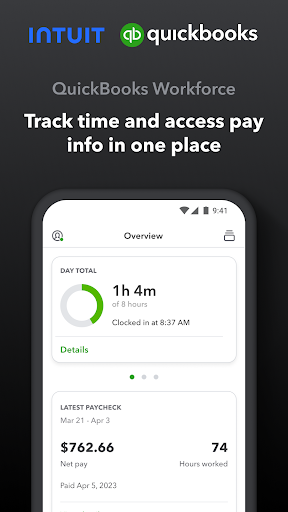
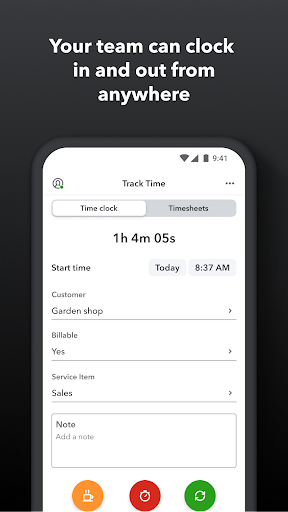
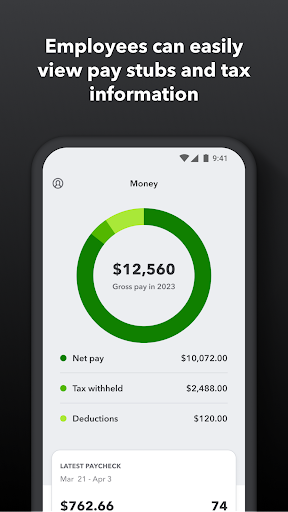
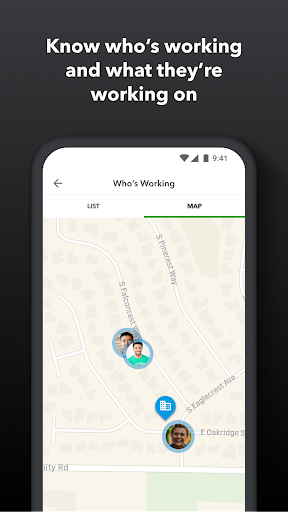
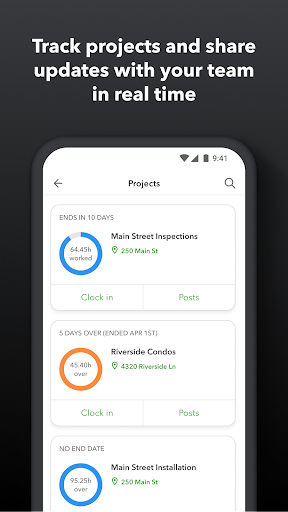
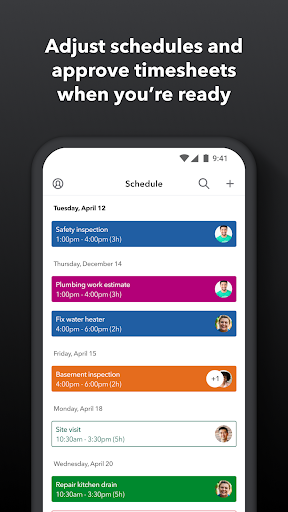
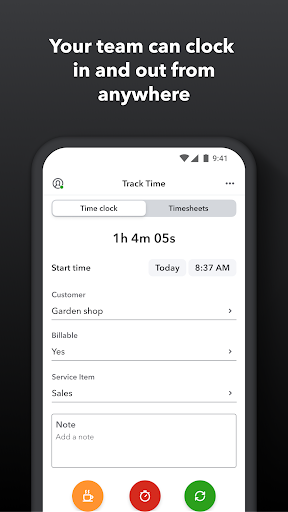
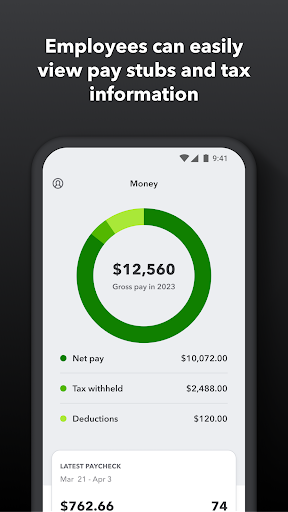
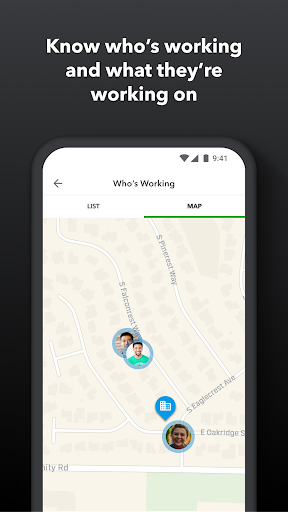
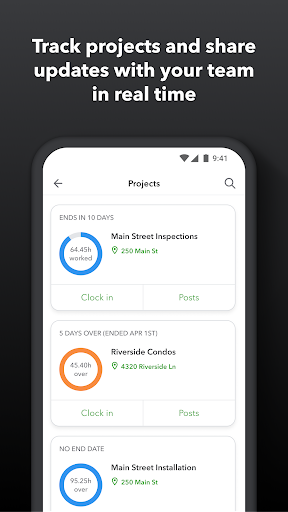
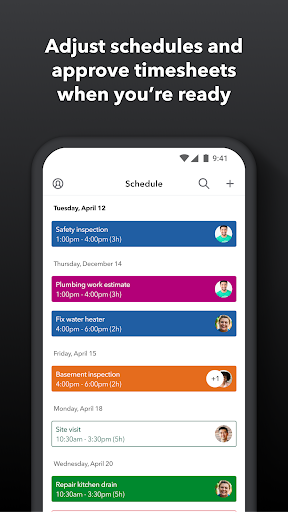
QuickBooks Workforce feels like an app built for people who do not want to think about payroll and time tracking any more than necessary. After spending time with it as both a day-to-day employee tool and from the perspective of someone checking scheduling and timesheet workflows, the biggest takeaway is simple: when your company is already in the QuickBooks ecosystem, this app removes a lot of the usual friction from hourly work. It brings pay info, clock-ins, timesheets, and schedule-related tasks into one place, and most of the time that makes it feel genuinely useful rather than bloated. The best part of the experience is how quickly it gets to the point. Opening the app, checking whether you are clocked in, switching jobs, reviewing hours, or pulling up pay information all feel like core actions rather than buried extras. That matters, because apps in this category often become cluttered with admin tools and reporting features that make the employee side feel like an afterthought. QuickBooks Workforce generally avoids that trap. The employee-facing side is straightforward, readable, and clearly designed for repeated use during a workday. In practice, clocking in and out is the centerpiece, and it works the way it should. The flow is simple enough that it does not feel like a mini task every time you start work, stop for a break, or move between jobs. I especially liked how the app supports switching between tasks without making time tracking feel fragile. If your day involves bouncing between assignments, projects, or locations, that flexibility goes a long way. It feels like the app understands that work is messy and that people do not always stop and restart their day in neat blocks. A second strength is the way payroll visibility is folded into the same experience. Being able to check pay stubs, W-2s, and other basic payroll information from the same app makes Workforce more than just a time clock. It becomes the app employees actually keep around and revisit. For workers who are used to digging through portals, emails, or desktop-only payroll systems, that convenience is significant. It is not flashy, but it is the kind of utility that saves time repeatedly over months. The third major strength is offline support and broader everyday reliability. An app like this has to work in imperfect conditions, especially for field teams, mobile crews, or anyone who is not sitting in a strong Wi-Fi zone all day. The ability to clock in and out even without service makes the app feel job-site ready. There is also a nice sense that the app is designed around real-world work patterns: schedules, paid time off requests, edits to timesheets, and location-aware features are there when your organization uses them, but they do not completely overwhelm the basics. That said, QuickBooks Workforce is not friction-free. The biggest annoyance I ran into was account access and session persistence. This is the kind of app people open briefly and often, sometimes multiple times in the same shift. When that rhythm is interrupted by having to sign back in or work through a slower-than-expected login flow, the experience becomes disproportionately irritating. For a consumer app, that would be mildly annoying; for a workplace utility, it is worse, because you are usually trying to do something fast while already in the middle of work. The second weakness is that the app’s usefulness depends heavily on how your employer has set things up. On paper, there are a lot of tools here: scheduling, GPS-based tracking, accruals, geofencing in some cases, activity feeds in some tiers, and reporting or approvals for admins. In actual use, this means two employees at different companies can have very different experiences with what appears to be the same app. If your workplace has configured it well, Workforce feels efficient. If not, parts of the app can feel half-relevant, underused, or slightly confusing because the structure reflects company rules more than personal workflow. The third drawback is that the app sometimes feels more functional than elegant. That is not a disaster for software whose main job is to record time accurately, but there are moments where it feels like a utility first and a polished mobile experience second. Navigation is generally clear, yet some areas have the dense, enterprise-adjacent feel common to payroll tools. You can get what you need done, but you are unlikely to forget that this is workplace software built around systems and permissions. Who is this for? QuickBooks Workforce is best for employees and managers at companies already using QuickBooks Payroll or QuickBooks Time, especially teams with shifts, hourly tracking, job switching, or field work. It is also a good fit for individuals who need simple, structured time tracking tied to a broader account workflow. If your day revolves around clocking in, checking hours, requesting time off, and occasionally looking up pay documents, this app covers those needs well. Who is it not for? It is not the best choice for someone looking for a standalone personal productivity timer with complete independence from employer systems, and it is not ideal for anyone who has very little patience for authentication hiccups or company-configured complexity. If you want a beautifully minimal consumer time tracker, this is not that. It is a work app, and it behaves like one. Overall, QuickBooks Workforce succeeds because it handles the core routine of hourly work with a reassuring level of practicality. The ability to track time, move between jobs, view payroll information, and stay productive even without a strong connection gives it real everyday value. Its rougher edges mostly show up around login friction and the fact that the experience is shaped by employer setup, but those issues do not erase how useful the app is when it is running smoothly. For the right audience, it earns a place on the home screen.