Apps Games Articles
Verizon Cloud
Verizon Consumer Group
Rating 4.3star icon
Editor's summary
Editor rating
star icon star icon star icon star icon empty star icon
4.2

One-line summary Verizon Cloud is easy to recommend if you want a mostly hands-off backup and phone-transfer tool, but it’s harder to love if you expect perfect organization and a consistently streamlined app experience.

  • Installs

    100M+

  • Developer

    Verizon Consumer Group

  • Category

    Productivity

  • Content Rating

    Everyone

  • Latest version

    23.2.10

  • Package

    com.vcast.mediamanager

In-depth review
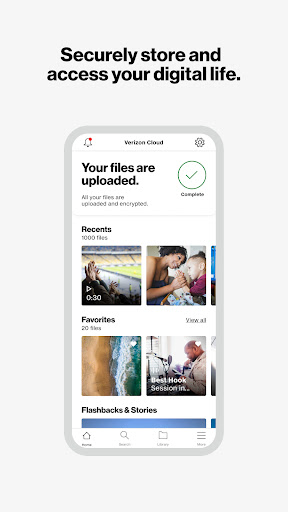
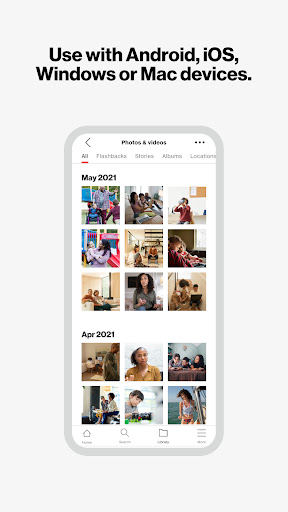
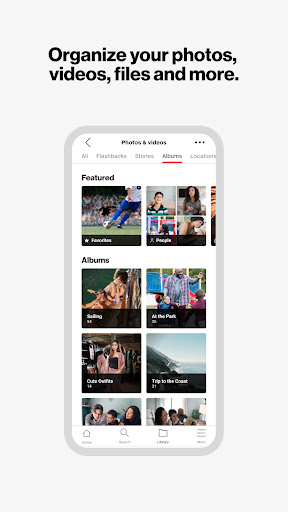
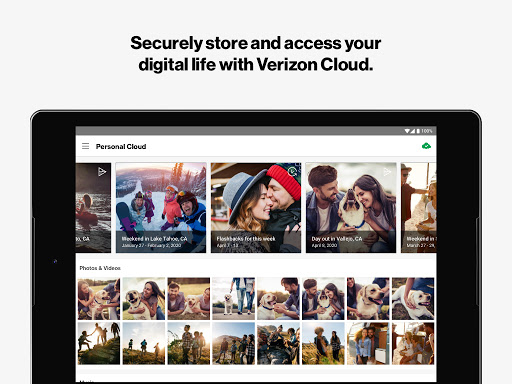
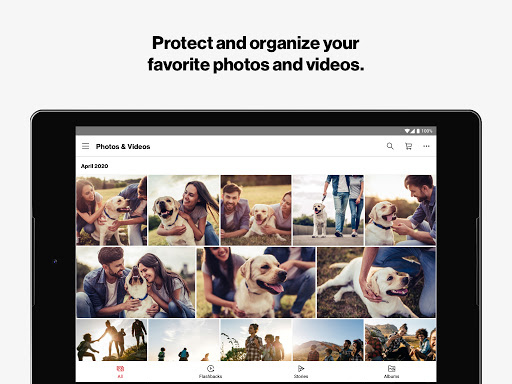
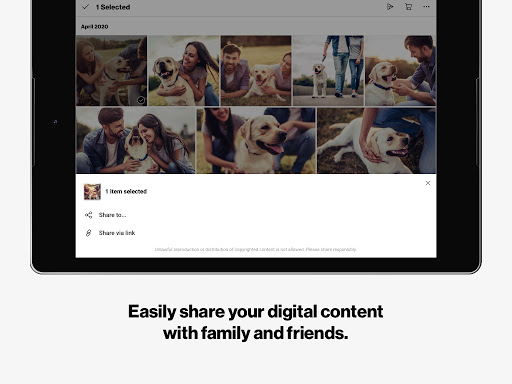
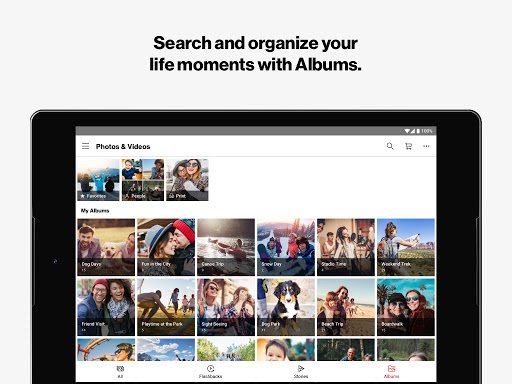
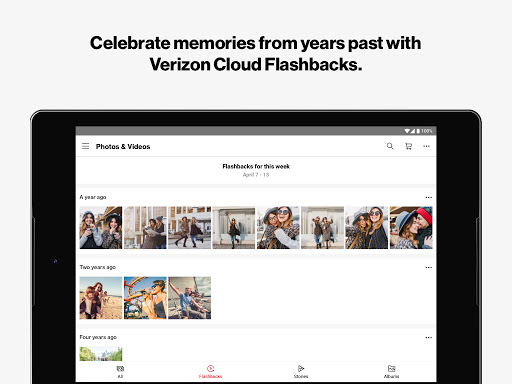
Verizon Cloud feels like one of those apps you do not fully appreciate until you actually need it. After spending time with it as a daily backup tool and as a safety net for switching devices, my main takeaway is simple: this app does its most important job well. It is built around protecting the stuff that matters on your phone—photos, videos, documents, contacts, messages, and call history—and in day-to-day use, that sense of dependable coverage is the real value here. The setup experience is fairly straightforward, and once the app is connected and pointed at your content, it settles into a familiar routine. Backups happen in the background, your media is available across devices, and you get that comforting feeling that a lost, damaged, or replaced phone will not automatically mean starting your digital life from scratch. In practical use, that reliability is Verizon Cloud’s strongest quality. It is not trying to reinvent cloud storage with a flashy concept. It is trying to be useful, calm, and present when disaster strikes, and in that role it succeeds more often than not. The app’s interface is also better than I expected. Verizon Cloud has a clean, fairly purposeful layout, and the basics are easy to understand. Browsing backed-up photos and videos is simple, and the app does a decent job of making your stored content feel accessible rather than buried in an archive. Some of the added features, like memory resurfacing and media-based organization tools, give the app a little warmth. Flashbacks and story-style presentation are not essential, but they do make the experience feel less like a dry utility and more like a personal archive you might actually want to open. Another genuine strength is device migration. If you are moving from one phone to another and want your contacts, photos, and personal data to come along with minimal friction, Verizon Cloud is at its best. That is where its value becomes immediately tangible. Instead of treating backup as an abstract promise, it turns into time saved and stress avoided. For users who stay in the Verizon ecosystem or simply want one place to restore their essentials, it can be a practical and reassuring tool. That said, living with Verizon Cloud for more than a quick setup also reveals some rough edges. The first is performance. While the app is generally stable, it does not always feel fast. Navigation and transitions can be a little sluggish, especially when you are moving through larger collections or waiting for the app to catch up. It is rarely broken, but it can feel a step behind your taps. For an app that is supposed to sit quietly in the background until needed, that may be acceptable. For an app you want to actively browse and manage, the slight heaviness becomes more noticeable. The second issue is organization. Backing up content is one thing; restoring it in the exact way you expect is another. Verizon Cloud is good at preserving access to your files, but it is not always elegant about preserving structure in a way that feels intuitive. In use, this can create a frustrating disconnect: yes, your photos are there, but they may not reappear in the same tidy arrangement you had before. If you are meticulous about folders and file order, that can turn a successful backup into a mildly annoying cleanup project. The third weakness is that the app occasionally feels busier than it needs to be. Verizon Cloud works best when it stays focused on backup, recovery, and simple access. But there are moments where the extra features, prompts, and layers of information make it feel less direct than it should. I never found it unusable, but I did find myself wishing that the app would get out of its own way a little more often. When your goal is simply to upload, sync, or recover content, any extra friction stands out. There is also a very specific kind of user this app fits best. Verizon Cloud is for people who want peace of mind more than tinkering. If your priority is making sure your phone’s important content is backed up, available on another device, and restorable when things go wrong, this app makes a lot of sense. It is especially appealing for users who change phones periodically, want contacts and media protected automatically, or like having one service handle multiple categories of personal data. It is less ideal for users who are extremely particular about file management or who want the lightest, fastest, most minimalist cloud experience possible. If you expect every backup and restore step to preserve your exact structure without intervention, or if you are impatient with occasional UI slowness, Verizon Cloud may feel competent but not delightful. Overall, Verizon Cloud leaves a positive impression because it understands the core anxiety behind mobile backup: nobody wants to lose years of photos, messages, and contacts. In my time with it, the app consistently felt trustworthy in that essential role. It has enough polish to be pleasant, enough utility to be genuinely helpful, and enough reliability to justify keeping it installed. It is not perfect. It can be slow, a bit cluttered, and less graceful than I would like when restoring organization. But as a practical backup companion, it does what many people need most: it protects your digital life with relatively little drama.