Apps Games Articles
DScanner - Camera Scanner
TrustedOffice
Rating 3.4star icon
Editor's summary
Editor rating
star icon star icon star icon
half star icon
empty star icon
3.8

One-line summary DScanner is an easy, capable scanner for quick PDFs and OCR on a budget, but its ad-heavy free experience and occasional text-recognition quirks keep it from feeling like a top-tier pick.

  • Installs

    10M+

  • Developer

    TrustedOffice

  • Category

    Business

  • Content Rating

    Everyone

  • Latest version

    4.5.1

  • Package

    com.documentscan.simplescan.scanpdf

In-depth review
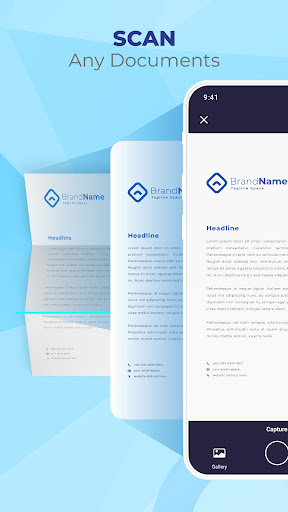
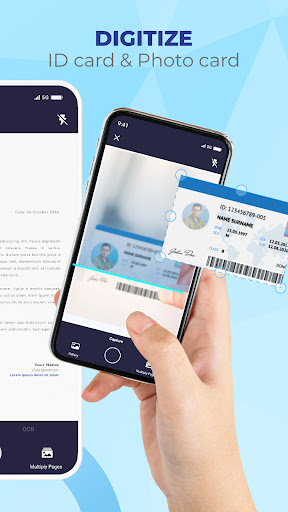
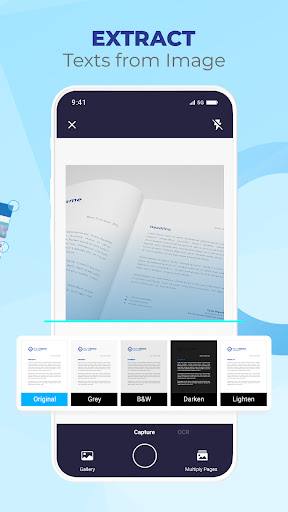
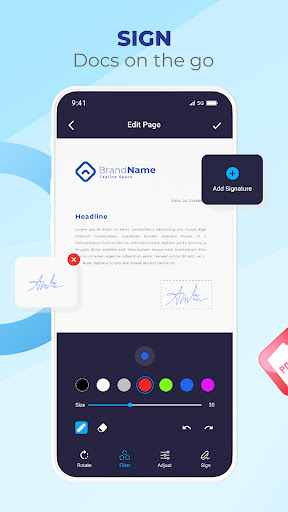
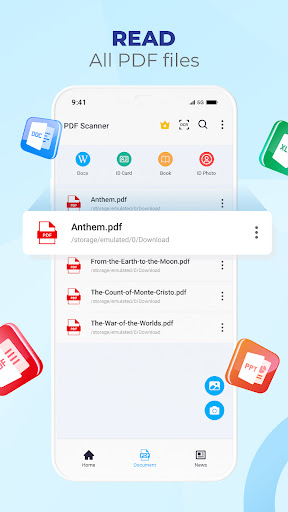
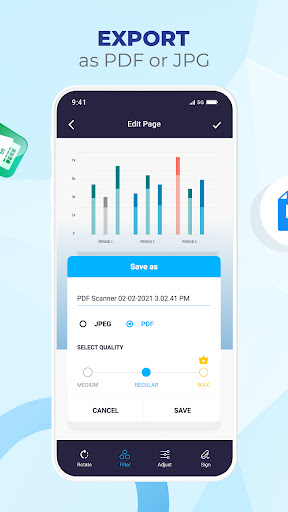
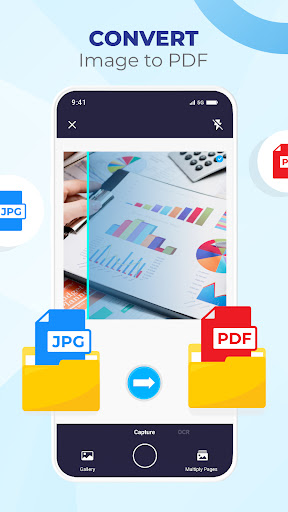
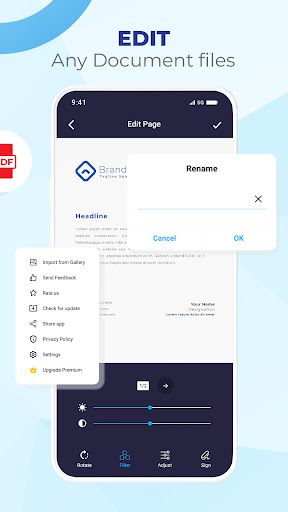
DScanner - Camera Scanner is the kind of app that tries to be a little bit of everything: document scanner, PDF creator, OCR tool, viewer, and lightweight editor. After spending time with it as a daily utility app rather than just a five-minute demo, my impression is that it gets the basics right often enough to be genuinely useful, but it also has enough rough edges that I would stop short of calling it an automatic recommendation for everyone. The first thing DScanner does well is lower the barrier to getting a document into digital form. Open the app, point the camera at a page, and it is clearly designed to move you from paper to PDF with minimal fuss. In normal lighting, it does a respectable job detecting page edges and cleaning up the image so that receipts, printed forms, notes, and multi-page paperwork look more presentable than a raw camera photo. It is not a fussy app. That matters. A lot of scanner apps bury their usefulness under too many options, but DScanner generally feels like it wants you to get in, scan, crop if needed, and save. That ease of use is probably its biggest selling point. Even if you are not particularly technical, the core workflow is straightforward. I found it especially comfortable for everyday household and office tasks: scanning a signed form, saving a couple of pages as a PDF, or quickly digitizing printed text for later reference. The interface does not feel premium in every corner, but it is understandable. You can get from capture to export without much confusion, and that counts for a lot in this category. Another strength is that DScanner is not just a camera-to-PDF app. The OCR and text extraction side gives it more practical value than a basic scanner. When I used it on clearly printed text, it did a solid job recognizing content with enough accuracy to make copying and editing worthwhile. It is especially helpful if your goal is not just archiving a document but reusing the text inside it. That said, this is not flawless OCR magic. Clean, typed pages fare much better than anything messy, angled, or visually dense. If you are scanning a report or form, you will likely get something usable. If you expect perfect conversion every time, especially from complex layouts or handwriting, you will still need to correct mistakes. The editing tools are also more useful than I expected from a free scanner app. Basic adjustments like cropping, rotation, and switching between color modes are exactly the kind of things you want close at hand, and DScanner includes them without making them feel intimidating. I also liked the inclusion of signature support. For people who regularly need to sign PDFs or annotate simple documents on a phone, that adds convenience and makes the app feel more complete. It helps turn DScanner from a one-off scanner into a small mobile paperwork toolkit. But the app definitely has its annoyances, and the biggest one is advertising. DScanner is free, and it reminds you of that. Ads are not just present in the background; they are part of the experience. In casual use, that may be tolerable if you only scan something once in a while. In repeated use, especially when you are trying to get through a stack of pages or convert multiple files quickly, the interruptions start to chip away at the app's efficiency. The free version works, but it can feel like it is always asking for a little more patience than it should. The second weakness is consistency. DScanner performs well enough on straightforward documents, but the polish can slip when the task becomes more demanding. OCR is useful, not exceptional. Formatting is not always preserved in an intuitive way, and structured text can come out in odd reading order. If your document is simple, the result can be impressively clean. If it has columns, unusual spacing, or more complicated layouts, you may spend extra time fixing the output. This does not make the feature bad; it just means it is best treated as a convenience rather than a professional-grade text capture tool. The third issue is that the app sometimes feels more functional than refined. The main tools are there, but the overall experience lacks the smooth confidence of the very best scanner apps. Some parts feel efficient and thoughtful, while others feel merely adequate. That matters more for power users than occasional users. If you scan documents every day for work, small frictions stand out quickly. If you only need to digitize papers a few times a month, you may never care. So who is DScanner for? It is a good fit for students, casual office users, freelancers, and anyone who wants a simple mobile scanner without a steep learning curve. If you mainly need to turn paper into readable PDFs, occasionally extract text, and maybe sign or adjust documents on the go, DScanner covers a lot of ground. It is also suitable for people who can tolerate ads in exchange for a capable free tool. Who is it not for? If you need highly accurate OCR for complex documents, a polished premium experience, or an uninterrupted workflow with minimal distractions, you may find DScanner a little too rough around the edges. Heavy-duty document users will likely want something more dependable and more elegantly tuned. In the end, DScanner is a decent all-rounder. It wins on convenience, approachability, and feature breadth, and it loses points on ad pressure, occasional OCR imperfections, and an experience that does not always feel fully polished. I would recommend it to people who want a practical free scanner first and a refined one second. That may not sound glowing, but in a crowded category, being reliably useful still goes a long way.