Apps Games Articles
Adobe Scan: PDF Scanner, OCR
Adobe
Rating 4.8star icon
Editor's summary
Editor rating
star icon star icon star icon star icon
half star icon
4.7

One-line summary Adobe Scan is one of the easiest document scanners on Android thanks to its fast auto-capture and excellent cleanup tools, but the constant Adobe account nudges and some premium-feature upselling keep it from feeling completely frictionless.

  • Installs

    100M+

  • Developer

    Adobe

  • Category

    Business

  • Content Rating

    Everyone

  • Latest version

    23.01.17-regular

  • Package

    com.adobe.scan.android

In-depth review
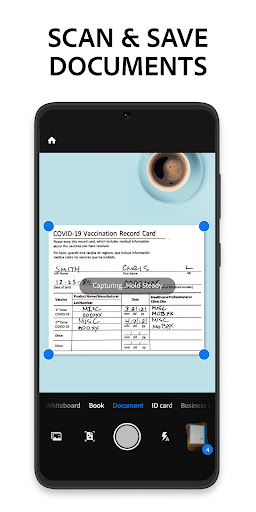
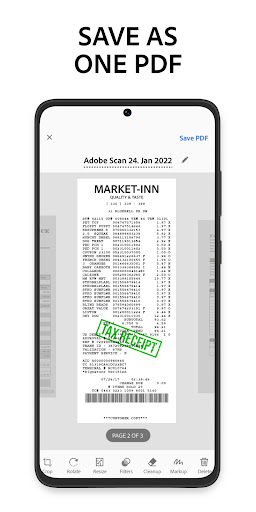
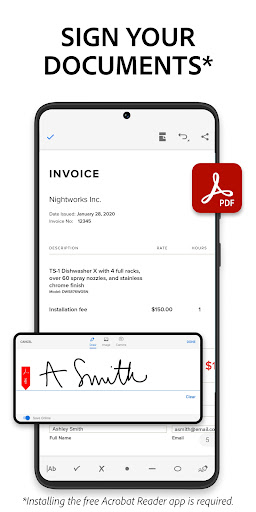
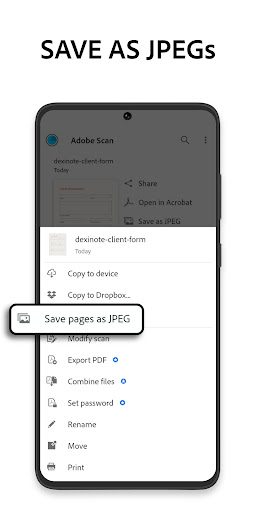
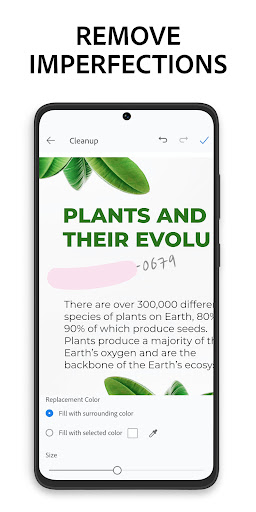
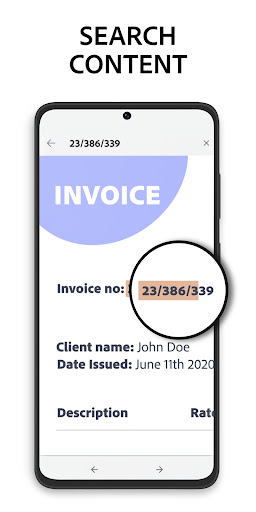
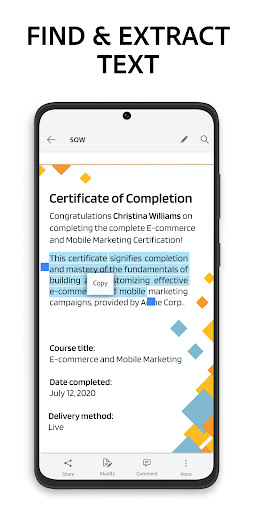
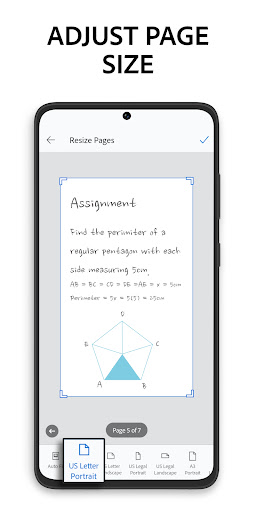
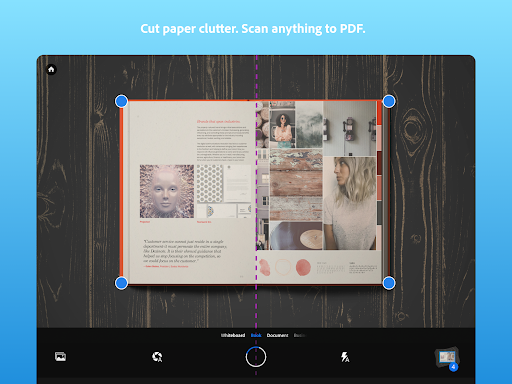
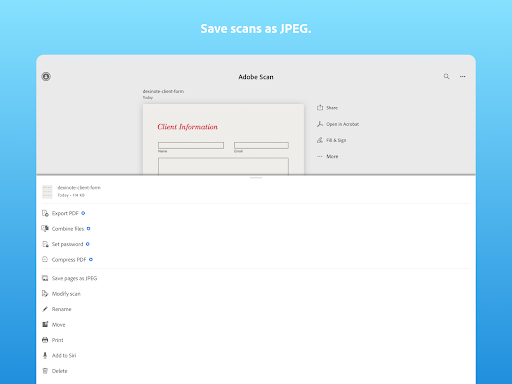
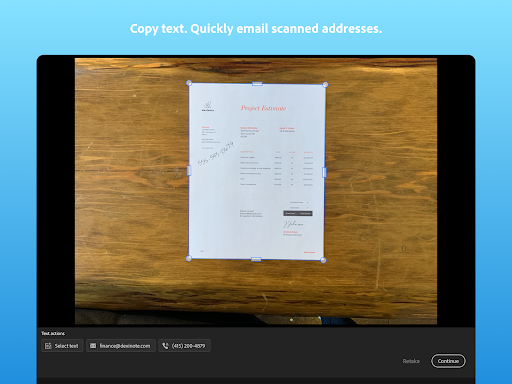
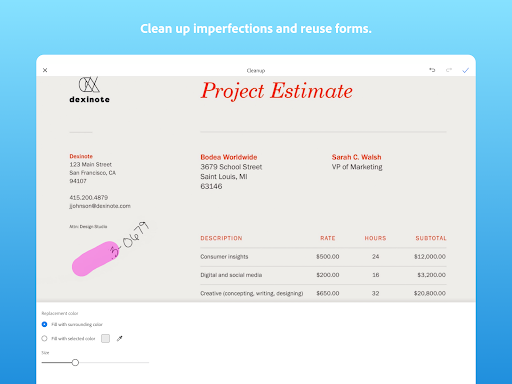
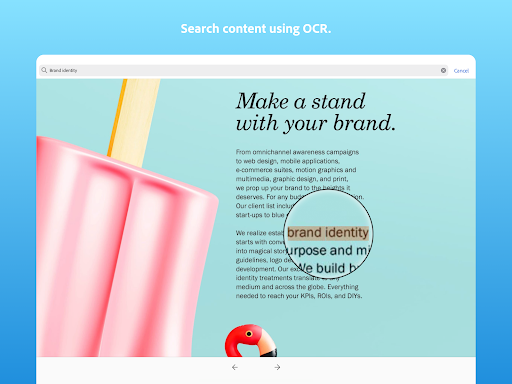
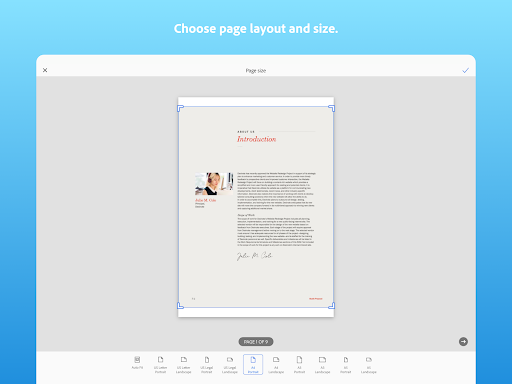
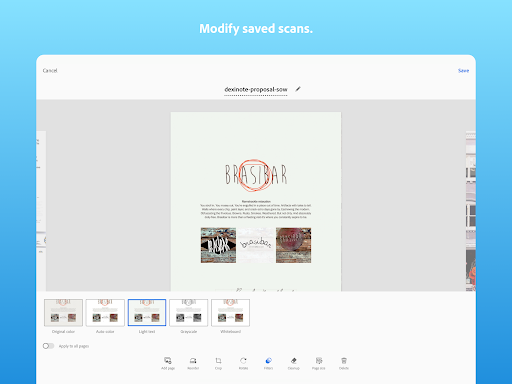
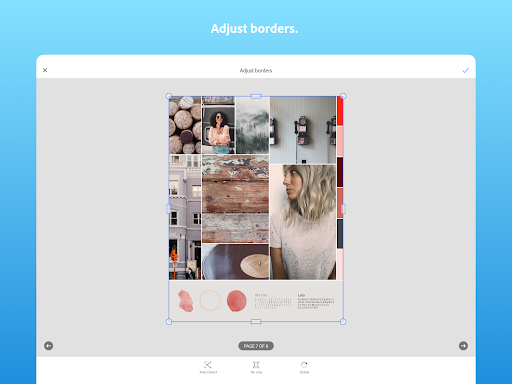
Adobe Scan feels like the kind of utility app that earns a permanent spot on your phone because it solves a boring, recurring problem with very little ceremony. After spending time with it as an everyday scanner for receipts, printed documents, handwritten notes, and a few old photos, my biggest takeaway is simple: this app is at its best when you need to turn paper into a clean, shareable PDF quickly, and it usually does that better than most people actually need. The first thing Adobe gets right is speed. Launch the app and it is basically ready to scan immediately. That matters more than it sounds. A lot of scanner apps bury the camera behind menus, templates, account prompts, or feature callouts. Adobe Scan mostly understands the assignment: open, point the phone, let the app find the page, and capture. In good lighting, edge detection is impressively reliable. It snaps onto standard documents fast, straightens perspective well, and usually produces a result that looks flatter, cleaner, and more professional than a normal phone photo. For day-to-day scanning, that convenience is the app’s best feature. It also handles multi-page jobs well. We ran through small one-page tasks and larger document batches, and the workflow stayed smooth. Adding pages to the same PDF is easy, reordering is straightforward, and the app does not make the process feel heavier than it needs to. This is where Adobe Scan becomes more than a casual tool. It is not just for grabbing a receipt once in a while; it is good enough for assembling school assignments, sending signed paperwork, digitizing tax documents, or building a quick archive of paper records without trekking to a printer-scanner. The second major strength is image cleanup. Adobe Scan does a very nice job turning rough captures into legible documents. Backgrounds are brightened, text is sharpened, and the overall output usually looks cleaner than what the camera actually saw. The editing tools are useful without being intimidating. Cropping, rotating, adjusting pages, and touching up imperfections all feel practical rather than gimmicky. There is a polished quality here that makes the app feel like it came from a company that has spent years around PDFs and document workflows. OCR is another area where Adobe Scan earns its keep. Searchable text is one of those features that sounds boring until you need it, and then it becomes essential. Being able to pull text from a scan, reuse information, and treat a photographed document like something more than a static image makes the app much more useful than a basic camera-plus-PDF wrapper. If your life involves notes, forms, receipts, or printed handouts, this is one of the reasons to choose Adobe Scan over a simpler scanning app. That said, the experience is not perfect, and Adobe’s ecosystem is both a strength and a mild annoyance. Syncing with Adobe’s tools can be convenient if you already live in that world, but the app does like to remind you that there is a larger Adobe account and subscription layer around it. During use, that can translate into occasional prompts to sign in or nudges toward premium features. None of that ruins the core scanner, and the essential scanning workflow remains very usable for free, but it does interrupt the feeling of this being a pure, lightweight utility. The second weakness is that the capture intelligence is not magical. On normal paper against a contrasting background, it works beautifully. On trickier surfaces or less distinct backgrounds, it becomes less confident. I noticed that results were best when the document was clearly separated from whatever surface it was sitting on. That is not unusual for this category, but it does mean you still need to help the app a little if conditions are messy, lighting is uneven, or the page edges do not stand out well. The third complaint is that some parts of the workflow are slightly less intuitive than they should be, especially around what happens immediately after a scan. Adobe Scan is generally simple, but not always as obvious as its clean interface suggests. There are moments where the path from capture to save, share, or export feels one step longer than necessary. Most people will figure it out quickly, but this is still an app with enough Adobe-style structure that complete beginners may need a minute to understand where the finished document actually goes and how to get it out. Who is this app for? It is excellent for students, office workers, freelancers, teachers, remote workers, and basically anyone who regularly needs to email a PDF, digitize forms, or store paper documents without touching a traditional scanner. It is also very handy for people who want a free scanner that does not immediately assault them with ads. If you already use Adobe Reader or other Adobe tools, the experience makes even more sense. Who is it not for? If you want a totally offline-feeling, no-account, no-ecosystem utility with zero premium messaging, Adobe Scan may feel a little too tied to Adobe’s broader platform. It is also not the right app if your main priority is high-end photo restoration or large-format image quality rather than document scanning. Overall, Adobe Scan is one of the most dependable document scanner apps you can put on an Android phone. It is fast, polished, and genuinely useful, with excellent auto-capture, strong cleanup, and OCR that elevates it beyond a simple camera trick. Its rough edges are real but relatively minor: some upselling, some workflow friction, and occasional sensitivity to scanning conditions. For most people, those are easy trade-offs for an app that makes paper handling dramatically less annoying.