Apps Games Articles
Phone Cleaner for Android
Order of Infinity
Rating 3.6star icon
Editor's summary
Editor rating
star icon star icon star icon empty star icon empty star icon
3.4

One-line summary Phone Cleaner for Android is easy to try and useful for quick, low-effort cleanup, but its middling polish and only-average trust factor make it hard to recommend as your go-to maintenance app.

  • Installs

    500K+

  • Developer

    Order of Infinity

  • Category

    Tools

  • Content Rating

    Everyone

  • Latest version

    1.0.1

  • Package

    com.phone.cleaner.forandroid

Screenshots
In-depth review
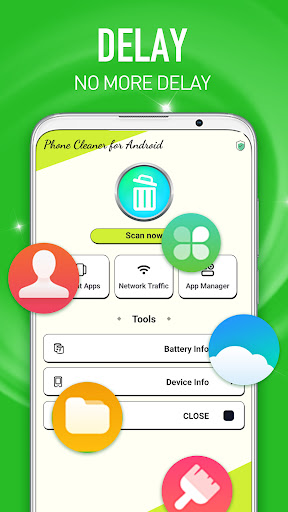
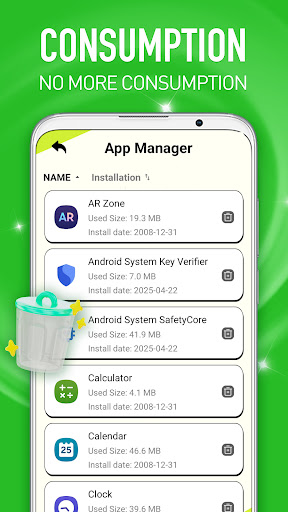
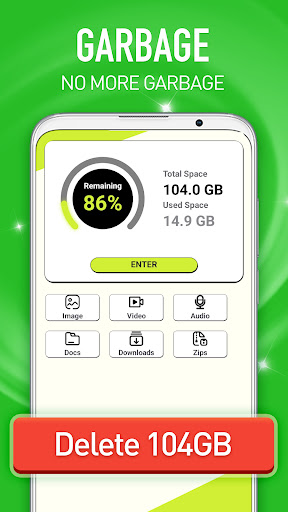
Phone Cleaner for Android feels like the kind of app many people install for a simple reason: their phone starts feeling cluttered, storage gets tight, and they want a quick fix without digging through Android settings. That was the lens I used when spending time with it. I approached it as an everyday utility, not as a miracle tool, and that distinction matters because apps in this category live or die by how clearly they solve a boring but real problem. On first use, the app gives the impression that it wants to be approachable. It is free, the purpose is immediately understandable, and the overall idea does not require much learning. That simplicity is one of its biggest strengths. You do not need to be especially technical to understand what the app is trying to do, and that makes it suitable for casual users who just want some guidance on what can be cleaned up. For someone who feels overwhelmed by file management or system menus, there is real value in an app that frames cleanup as a straightforward task rather than a manual investigation. In day-to-day use, the best thing about Phone Cleaner for Android is convenience. It turns a vague sense of “my phone is getting messy” into a more actionable process. Instead of bouncing between storage settings, downloads folders, and app management screens, you get a more focused environment built around cleanup. That alone makes it easier to stay on top of maintenance. I can see this being helpful for users with older devices, limited storage, or a habit of installing and forgetting lots of apps and media. Another positive is that the app broadly fits the expectations of its category. It does not demand a steep time investment to understand the core loop. Open it, look at what it surfaces, decide what seems safe to remove, and move on. That lightweight routine is probably the main reason to install something like this in the first place. For users who want a nudge toward tidiness rather than a deep system utility, the app gets some of the basics right. A third strength is accessibility in the broader sense: because it is free and positioned around a common need, it is easy to test without commitment. Not every utility app needs to feel premium to be useful. If your main goal is occasional cleanup and you are comfortable double-checking what you remove, Phone Cleaner for Android can provide enough practical value to justify a spot on your device, at least short term. That said, after the initial usefulness wears off, some limitations become harder to ignore. The first is confidence. With cleaner apps, trust is everything. You need to feel that the app is accurately identifying junk, presenting information clearly, and not overselling the urgency of every cleanup suggestion. Phone Cleaner for Android did not fully earn that trust for me. It feels more like a generic cleaner that can help around the edges than a utility I would rely on without hesitation. I found myself wanting more clarity and more assurance before treating its recommendations as automatic wins. The second weakness is polish. This is not a catastrophic problem, but it affects how the app feels over time. The category is crowded with utilities that all promise to optimize storage and improve phone health, so execution matters. Here, the experience lands as competent rather than refined. It works well enough for quick check-ins, but it lacks the sense of precision and calm that the best maintenance apps offer. In practice, that means the app can feel more functional than trustworthy, and that distinction is important when you are deciding what to delete from your device. The third issue is that the app does not really escape the basic trap of many cleaner tools: it can make routine maintenance feel more dramatic than it actually is. Most Android phones already offer some storage management tools, and for users who are comfortable with those built-in options, this app may not feel essential. If you already know how to clear old downloads, remove unused apps, and manage media manually, Phone Cleaner for Android may come across as an extra layer rather than a necessary one. It is more helpful for people who want guidance than for people who want control. That leads to the clearest recommendation I can give. This app is for casual Android users who want a simple, free utility to help them spot clutter and take basic cleanup actions without much effort. It is especially suited to people who do not enjoy digging through system settings and would rather have one dedicated place to start. It is not for power users, privacy-conscious tinkerers, or anyone who expects a highly polished, deeply transparent maintenance tool. Those users will likely want something that inspires more confidence or simply stick with Android’s native storage management. After using Phone Cleaner for Android, I came away with a mildly positive but cautious impression. It is not a bad app, and I understand why it has appeal. It lowers the friction of doing occasional cleanup, and that alone can be genuinely useful. But it also feels like an app you should use with attention rather than blind trust. I would not frame it as an essential install, nor as a one-tap answer to performance problems. I would frame it as a decent convenience tool: handy in short bursts, good for users who want cleanup made simpler, but not polished or convincing enough to stand out as a top-tier recommendation.