Apps Games Articles
Edge Lighting - Borderlight
ZipoApps
Rating 4.5star icon
Editor's summary
Editor rating
star icon star icon star icon star icon empty star icon
4.1

One-line summary Edge Lighting - Borderlight is an easy, flashy way to make your phone feel more alive, but its aggressive premium pricing and a few wallpaper/live-background quirks keep it from being an effortless recommendation.

  • Installs

    10M+

  • Developer

    ZipoApps

  • Category

    Personalization

  • Content Rating

    Everyone

  • Latest version

    3.3.6

  • Package

    com.pixelkraft.edgelighting

In-depth review
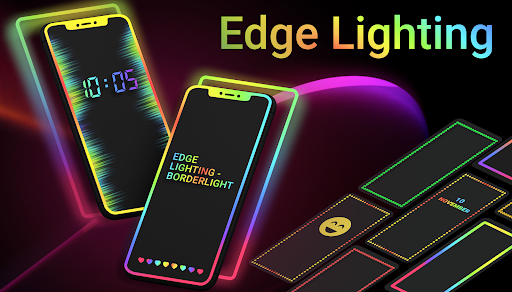
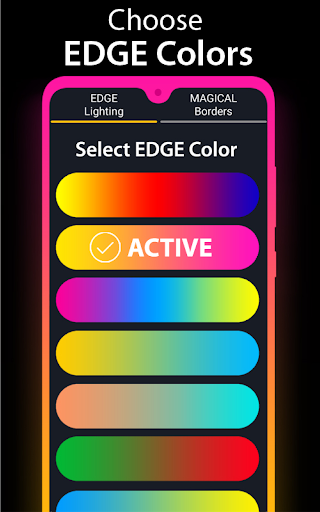
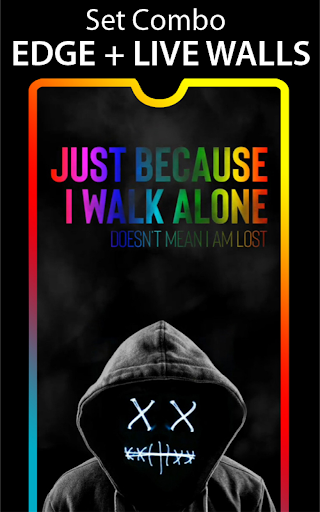
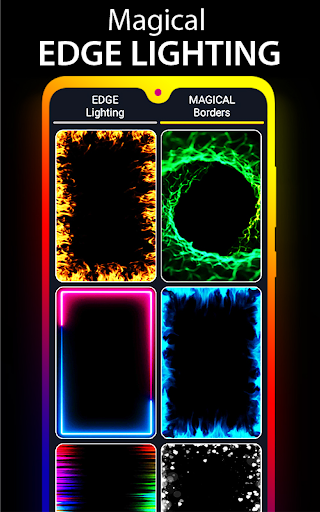
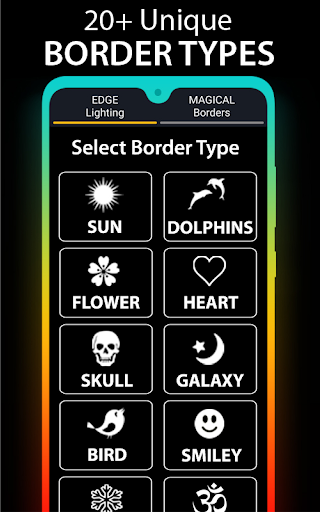
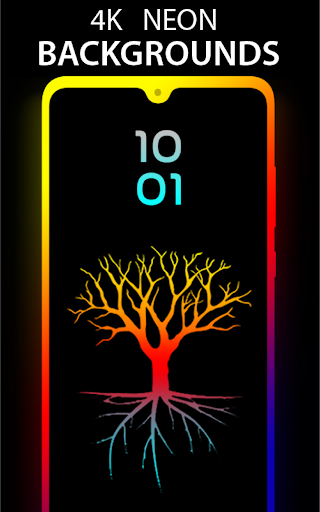
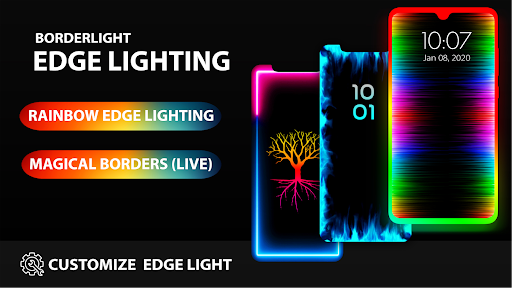
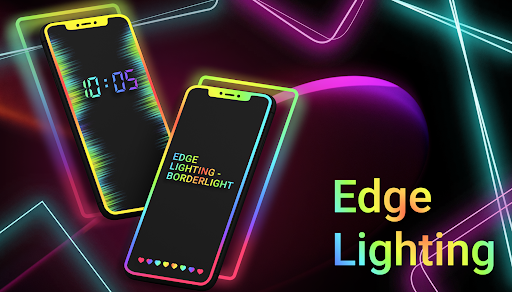
Edge Lighting - Borderlight is one of those Android personalization apps that tells you exactly what it is in the first minute: this is not a subtle utility, it is decorative screen candy. If you like the idea of your home screen and lock screen glowing with animated borders, color gradients, symbols, and live wallpaper effects, this app delivers that experience quickly and with less friction than many apps in this category. In day-to-day use, the biggest strength is how immediate the payoff feels. Install it, pick a border style, choose some colors, tweak the speed, and your phone instantly looks different. The app does not bury its best features behind confusing menus. We were able to jump between classic RGB-style edge lighting, shaped borders, and more playful live effects without much learning curve. That matters, because customization apps can easily become tedious if every change requires five nested menus and a restart. Here, most of the fun is in experimenting, and the app makes that experimentation easy. The visual variety is also genuinely better than expected. Beyond the usual neon line around the screen, there are shape-based borders and themed effects that make the app feel more playful than generic. Some combinations look over-the-top, but that is part of the appeal. We found it surprisingly easy to land on setups that looked polished rather than tacky, especially when pairing a simple border with a calmer wallpaper. If you want your phone to stand out without replacing your launcher or rebuilding your whole home screen, this is a fast and satisfying way to do it. Another thing the app gets right is customization around screen shape. Phones with punch-hole cameras, curved corners, or notches can make edge-lighting apps look sloppy if alignment is off. Borderlight gives you enough control over notch size, border width, curve radius, and related placement settings to make the effect sit more naturally on different devices. We appreciated that because nothing ruins the illusion faster than a glowing frame that collides awkwardly with the front camera or leaves uneven spacing around the display. The free version is also usable, which is important. Ads are present, but during our time with the app they felt more like setup interruptions than constant harassment. Once your wallpaper and border are configured, you are not supposed to live inside the app anyway. That makes ad tolerance much higher than in apps you actively interact with all day. For casual users who just want a cooler-looking lock screen or home screen, the free tier is enough to enjoy what Borderlight does best. Still, using the app for longer than a quick demo reveals some rougher edges. The first and most obvious issue is the premium pricing structure, which feels wildly out of proportion for a customization app. Even if you like the app, the subscription ask can be hard to justify, especially when the free version already provides a decent amount of functionality. That disconnect leaves the paid offer feeling less like a natural upgrade and more like something to actively avoid unless you are absolutely committed to this style of personalization. The second weakness is that, like many live wallpaper-based apps, the setup is not always as permanent or seamless as you would hope. On some devices, the effect can require the app to stay active in the background, and after a restart you may need to reopen the app to get everything back in place. That does not make the app unusable, but it chips away at the magic. A wallpaper should feel like part of the phone, not something you occasionally have to babysit. We also noticed that not every wallpaper and border combination scales elegantly across every display shape. Some backgrounds can look stretched or not ideally composed on taller phone screens, and because this is such a visual app, those mismatches stand out quickly. You can work around it by trying different images or simpler effects, but it means the polished look you see in one preview does not always translate perfectly to your actual device. Battery impact is the other consideration. Animated borders and live effects naturally demand more than a static wallpaper. We did not find it disastrously heavy in normal use, but if you are the kind of person who micromanages battery drain or prefers a clean, static interface, this app probably will not convert you. The same goes for users who dislike visual motion, who want a minimalist home screen, or who are irritated by any ad presence at all. So who is this for? It is for Android users who enjoy making their phone feel personal, colorful, and a little extra. If you like changing wallpapers often, showing off your screen, matching your setup to your mood, or using themed visuals that feel more expressive than stock Android, Borderlight is a very good fit. It is not for minimalists, battery worriers, or anyone expecting a deeply practical utility. After spending time with it, our verdict is that Edge Lighting - Borderlight succeeds because it understands the assignment. It is not trying to reinvent Android; it is trying to make your phone look more fun. On that front, it works. The app is easy to use, flexible enough to suit different tastes, and visually lively in a way that keeps it entertaining beyond the first setup. But the inflated premium pricing, occasional background/live-wallpaper friction, and uneven scaling on some screens stop it short of being an unqualified recommendation. If you stick to the free version and go in wanting style rather than substance, there is a lot to enjoy here.