Apps Games Articles
Avast SecureLine VPN & Privacy
Avast Software
Rating 4.3star icon
Editor's summary
Editor rating
star icon star icon star icon star icon empty star icon
4.2

One-line summary Avast SecureLine VPN & Privacy is easy to like for its clean, low-friction VPN experience and trusted Avast polish, but I’d hesitate if you need flawless always-on reliability for streaming, calls, or background notifications.

  • Installs

    10M+

  • Developer

    Avast Software

  • Category

    Communication

  • Content Rating

    Everyone

  • Latest version

    6.55.14378

  • Package

    com.avast.android.vpn

In-depth review
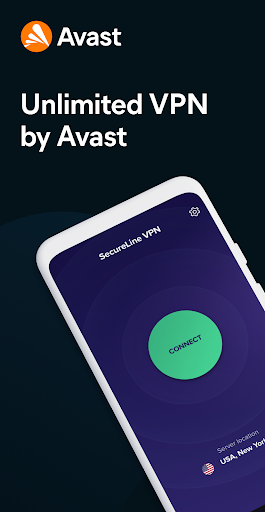
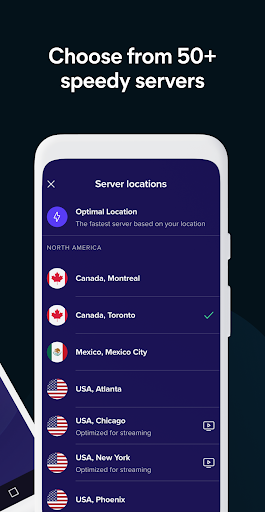
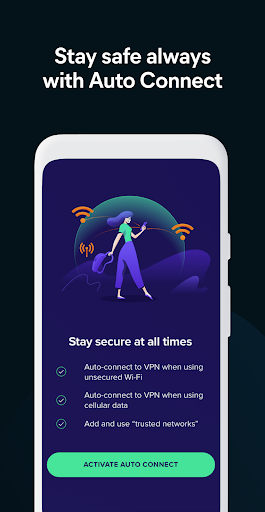
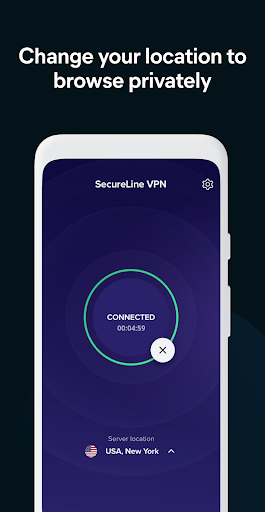
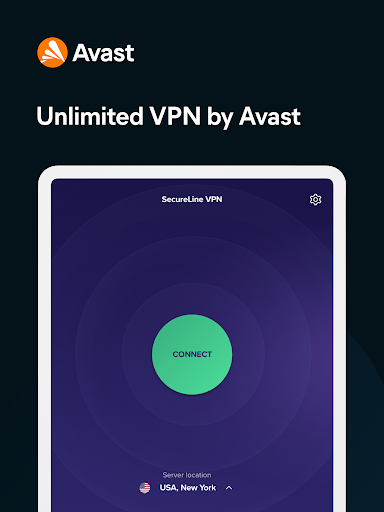
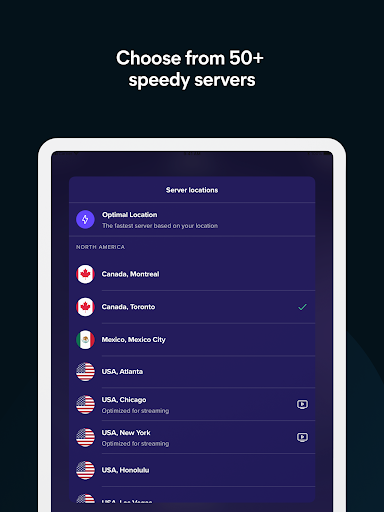
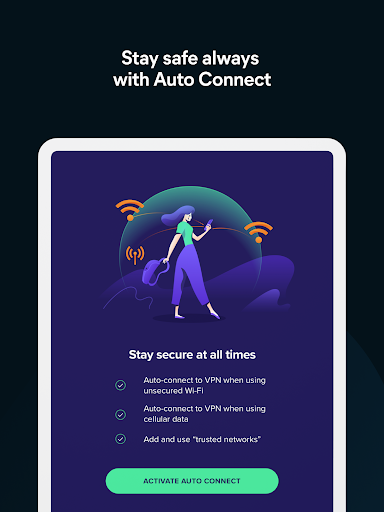
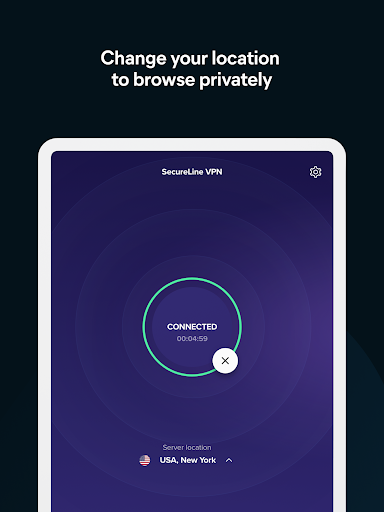
Avast SecureLine VPN & Privacy feels like a VPN made for people who do not want to think too hard about VPNs. After spending time with it as an everyday mobile privacy tool, that is both its biggest advantage and, occasionally, its biggest limitation. This is a very approachable app. You open it, tap to connect, pick a location if you want to, and get on with your day. If your main goal is protecting yourself on public Wi-Fi, masking your location, or adding a basic privacy layer when traveling, Avast makes that process refreshingly painless. The first thing that stood out in use was the interface. Avast has clearly put effort into making the app understandable at a glance. The connection screen is uncluttered, the controls are obvious, and the overall flow feels like it was designed for normal people rather than networking enthusiasts. Some VPN apps bury basic actions under menus or overload you with jargon about protocols and advanced settings. SecureLine mostly avoids that trap. It is one of those apps you can hand to a less technical family member and reasonably expect them to figure out in a minute or two. That simplicity also helps in day-to-day use. Connecting to a server is quick, and switching locations is straightforward. I never got the sense that Avast wanted to turn the app into a power-user playground. Instead, it tries to be dependable background protection. For many people, that is exactly the right approach. If you want a VPN for coffee shop Wi-Fi, airport browsing, hotel networks, or just a bit of extra privacy on your phone, SecureLine feels comfortable and low-maintenance. Performance was generally solid, though not perfect. For regular browsing, social apps, and light media use, the app held up well enough that I rarely felt like it was getting in the way. Speed did dip at times, which is not unusual for a VPN, but it was usually manageable rather than disastrous. In normal use, pages loaded, apps stayed functional, and location switching did what it was supposed to do. That makes SecureLine easy to recommend to casual users who want a VPN that behaves itself most of the time. The app’s second major strength is that it feels polished in the way you would expect from a long-established security brand. There is a confidence to the presentation. The connection workflow is stable more often than not, the app is visually tidy, and it integrates cleanly into a broader “set it and forget it” security routine. If you already use Avast products, SecureLine fits naturally into that ecosystem and carries the same user-friendly design language. A third strength is that it does not feel bloated. Even with the branding and security framing, the app experience remains lightweight. It is not constantly shoving unnecessary complexity in your face. That matters on Android, where a VPN can either become a background helper or a daily annoyance. SecureLine usually lands on the helper side. But this is not a flawless app, and the weak spots become obvious once you rely on it more heavily. The biggest problem I ran into was inconsistency around staying connected exactly when I wanted it to. There were moments when the app did not feel as reliably “always on” as it should. A VPN is one of those tools where even small lapses can be frustrating, because the whole point is persistent protection. If you are the kind of user who expects your VPN to quietly activate every time, on every network change, without needing babysitting, SecureLine may test your patience now and then. The second issue is compatibility friction with certain services. In my use, this showed up most clearly with video and communication apps. Some streaming platforms clearly prefer that you disconnect, and video meeting apps can behave better with the VPN off. That is not unique to Avast, but it is still part of the real experience. If your phone is a work device and you spend much of the day bouncing between Teams, Zoom, Webex, and media apps, SecureLine can become something you toggle rather than something you leave on permanently. The third weakness is subtle but important: background behavior can occasionally interfere with the normal rhythm of your phone. Notifications may arrive late, or apps can seem slower to update until the VPN is turned off. Again, this is not an every-minute problem, but it happened often enough to notice. For a privacy app that aims to stay out of your way, that kind of friction stands out. So who is Avast SecureLine VPN & Privacy for? It is for people who want a simple, recognizable VPN from a familiar security company, and who value ease of use over endless customization. It is a good fit for travelers, casual users on public Wi-Fi, and anyone who wants quick location switching without needing a networking degree. It is also a comfortable option for people already invested in Avast’s broader security tools. Who is it not for? I would look elsewhere if you are a demanding power user who wants deep control, if you need a VPN that must stay perfectly seamless around work conferencing and streaming services, or if delayed notifications would drive you crazy. Those users may find SecureLine just a little too inconsistent in the corners. Overall, Avast SecureLine VPN & Privacy is a good, friendly VPN that gets the fundamentals right more often than it gets them wrong. It succeeds because it is simple, polished, and easy to live with. It falls short because a VPN needs to be invisible and dependable at all times, and SecureLine occasionally reminds you that it is there. For many Android users, that trade-off will still be acceptable. For others, especially those who need rock-solid always-on behavior, it may feel just short of great.
Alternative apps