Apps Games Articles
Document Reader & PDF Editor
QR Code Scanner.
Rating 4.6star icon
Editor's summary
Editor rating
star icon star icon star icon star icon
half star icon
4.5

One-line summary Document Reader & PDF Editor is an easy app to recommend if you want a fast, offline, all-in-one file viewer that handles PDFs and office docs with minimal fuss, but its ad interruptions and a few rough edges in file management keep it from feeling truly premium.

  • Installs

    50M+

  • Developer

    QR Code Scanner.

  • Category

    Productivity

  • Content Rating

    Everyone

  • Latest version

    1.2.3.59

  • Package

    all.documentreader.filereader.office.viewer

In-depth review
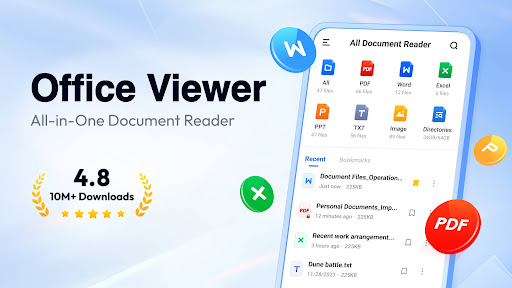
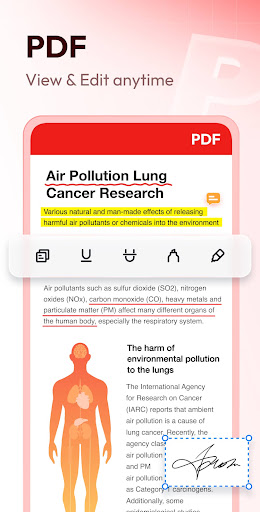
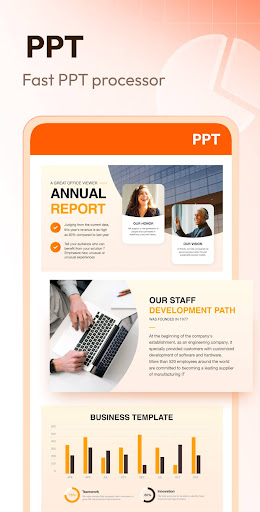
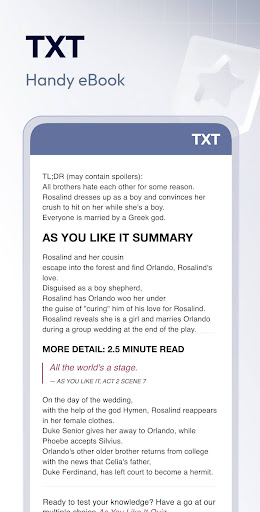
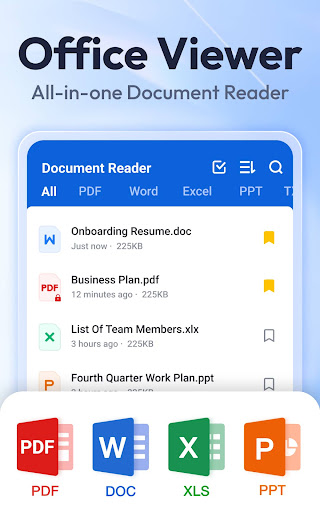
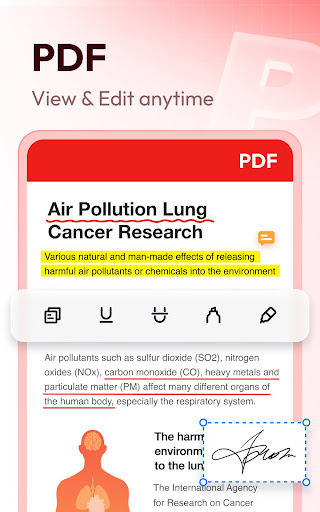
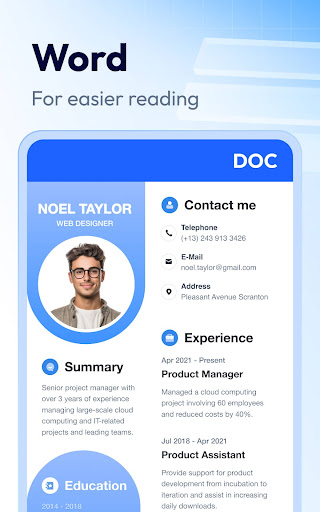
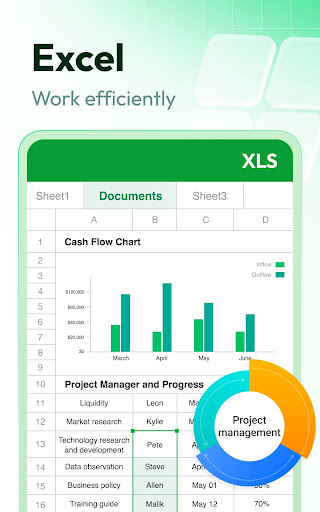
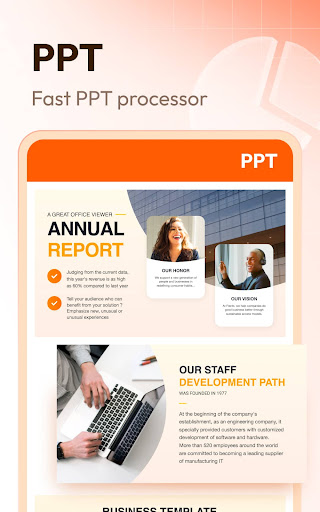
Document Reader & PDF Editor is the kind of utility app that wins you over not with flashy design or ambitious promises, but by solving a very ordinary problem well: opening the document you need, quickly, on a phone. After spending time with it as a day-to-day reader for PDFs, Word files, spreadsheets, slide decks, and plain text documents, my impression is that this app gets the core experience right more often than not. The first thing that stood out in use was how approachable it feels. Launch the app and it presents your files in a way that is easy to understand even if you are not especially technical. Documents are grouped clearly, folders are visible, and the overall layout avoids the cluttered, overdesigned look that many “all-in-one” Android file apps fall into. For a free app, it does a good job of making basic tasks feel direct: open a PDF, jump to a page, zoom in, switch orientation, and move on with your life. That simplicity is one of its biggest strengths. In everyday use, PDF handling is the real star. Large files feel responsive once they are open, and the reading experience is smooth enough that I was comfortable using it for practical work, not just casual viewing. Scrolling through multi-page PDFs, zooming into details, and navigating page by page feels snappy. On a phone, where many document apps turn dense PDFs into a sluggish mess, this one generally stays usable. If your main need is reading forms, reference documents, manuals, study material, or scanned pages, this app does a strong job of staying out of the way. Its second major strength is convenience across formats. A lot of people do not want separate apps for PDFs, DOCX files, spreadsheets, and presentations, and this app understands that. It is useful to have one place that can surface all your office-style files and let you open them without playing “which app handles this?” every time. Word documents and PowerPoint files are easy to access, and simple text and spreadsheet viewing is straightforward. I would not call it a full office suite replacement, but as a universal reader and light utility, it is genuinely practical. The third strength is that it works well offline. That matters more than app developers sometimes realize. Once installed, the app feels like a reliable local tool rather than a cloud service pretending to be a document reader. If you are on the move, dealing with attachment downloads, opening saved paperwork, or reviewing class material without a stable connection, this alone makes the app worth considering. That said, the app is not without irritations. The most obvious weakness is advertising. The ad load is not always unbearable, but it is noticeable enough to affect the tone of the experience. I could tolerate it during basic viewing, especially for a free app, yet there are moments when pop-ups and prompts feel more intrusive than they should. In a utility app, trust and calm matter. Anything that interrupts that rhythm, especially around opening files, feels more annoying here than it would in a game. A second weakness is startup inconsistency. Once documents are open, performance is generally good, but launching the app itself can sometimes feel slower than expected. It gives the impression that the app is scanning or indexing local files before settling down. That is not a dealbreaker, but it weakens the otherwise “quick tool” personality the app is aiming for. When you tap a document reader, you want immediacy. The third weak spot is file management depth. The app is better at showing and opening documents than truly organizing them. Searching and sorting are useful, and the file lists are readable, but if you are trying to clean up duplicates, preview files more intelligently, or manage a messy download folder with precision, the experience starts to feel limited. It is a solid reader first, a capable organizer second, and only a light editor beyond that. On editing, expectations matter. The app positions itself as more than a viewer, and there is some real utility here, especially for filling in documents and handling simple PDF-related tasks. For basic form work and quick text entry, it can absolutely help. But if you are expecting robust desktop-style editing controls across every document format, this is not that app. Some advanced features appear gated behind the fuller version, and the overall toolkit is more “get it done on your phone” than “serious document production.” That is perfectly fine, as long as you go in with the right mindset. Who is this app for? It is a strong fit for students, office workers, job seekers, and anyone who regularly opens downloaded documents on Android and wants one simple app to handle the lot. It is especially good for people whose main needs are reading PDFs, browsing Word or PowerPoint files, doing light form filling, and accessing documents offline. Who is it not for? If you need sophisticated editing, advanced document collaboration, or deeper file management tools, this may feel too basic. It is also not ideal for users who are highly sensitive to ads or who expect every part of the experience to feel polished and premium. Overall, Document Reader & PDF Editor succeeds because it understands the core job: open documents fast, keep navigation simple, and support the formats most people actually use. It is not the most refined document app on Android, and it does have a few free-app compromises, but as a practical everyday reader, it earns its place on a lot of phones.
Alternative apps