Apps Games Articles
Google Calendar
Google LLC
Rating 4.2star icon
Editor's summary
Editor rating
star icon star icon star icon star icon
half star icon
4.5

One-line summary Google Calendar is still one of the easiest and most dependable ways to run your life across devices, but a few nagging mobile quirks and limited customization keep it from feeling untouchable.

  • Installs

    1B+

  • Developer

    Google LLC

  • Category

    Productivity

  • Content Rating

    Everyone

  • Latest version

    VARY

  • Package

    com.google.android.calendar

In-depth review
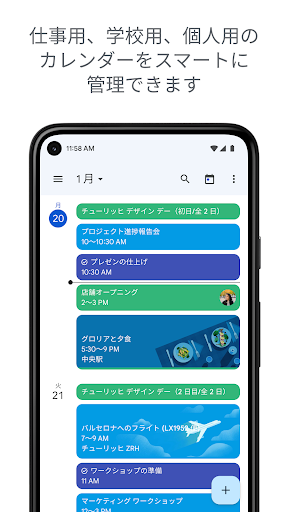
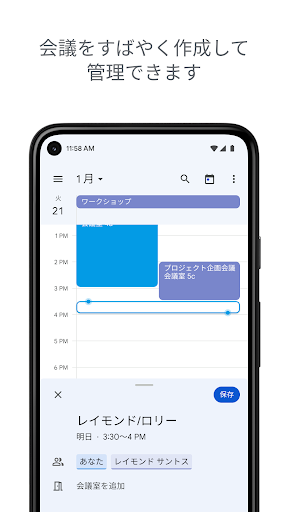
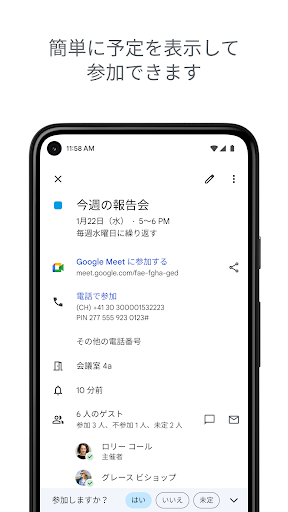
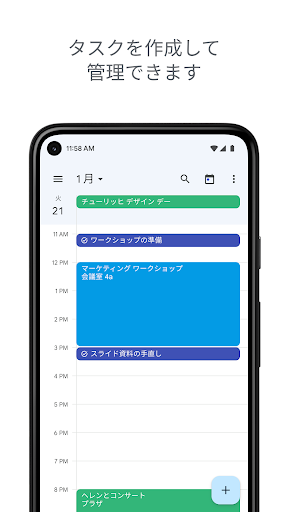
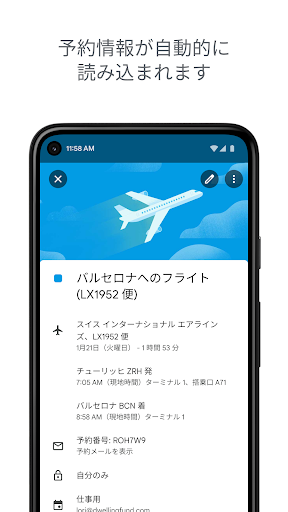
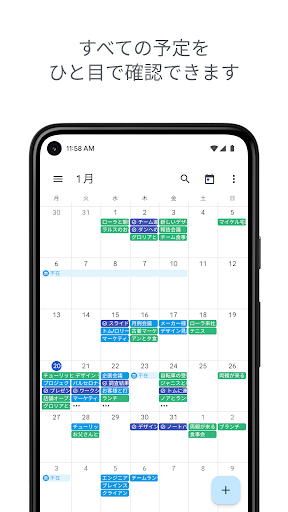
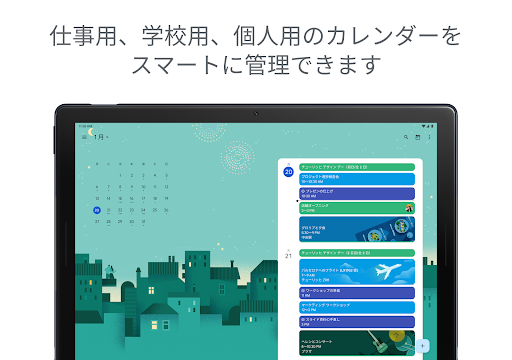
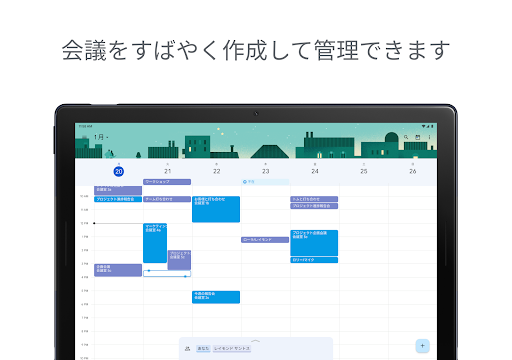
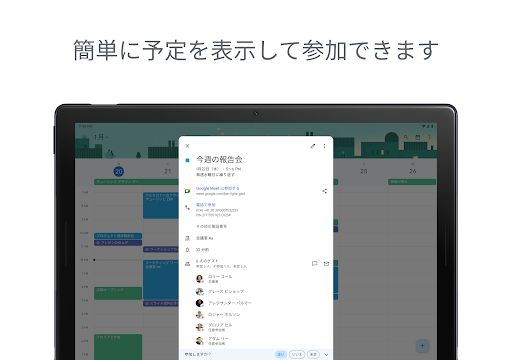
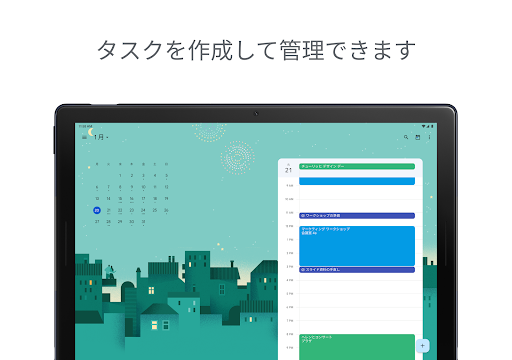
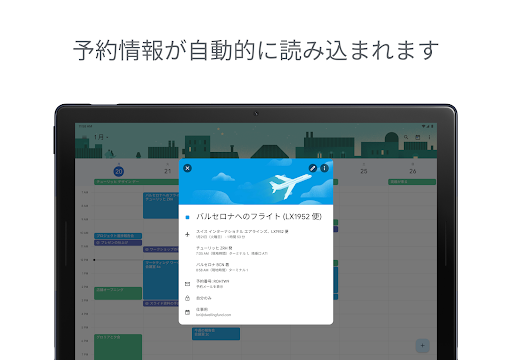
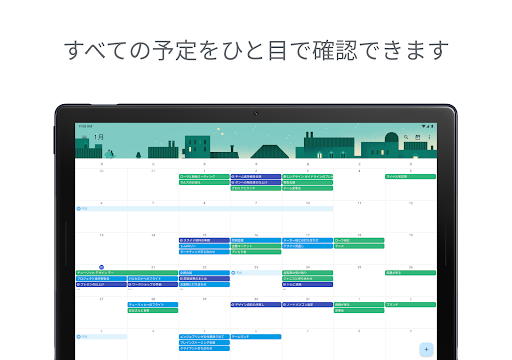
Google Calendar is one of those apps that quietly becomes infrastructure. After spending real time with it as a daily planner rather than just a place to dump appointments, what stands out most is how naturally it fits into a routine. It is fast, familiar, and generally friction-free in the moments that matter most: adding an event quickly, checking what is next, and making sure plans follow you from phone to tablet to computer without effort. That basic reliability is the reason so many people stick with it, and in day-to-day use, it is easy to see why. The app’s biggest strength is how efficiently it handles the ordinary chaos of life. Creating events is simple, and the layout does a good job of making your day feel readable rather than cluttered. Month, week, and day views are all useful in different ways, and switching among them is painless. On a busy week, the week view gives enough structure to see how packed your schedule really is. On a planning day, the month view remains the quickest way to get the big picture. For routine use, that balance between overview and detail feels polished. Another major win is how well Google Calendar brings different streams of life together. During testing, it felt especially effective when used as a central hub rather than a standalone diary. Events pulled in from Gmail are genuinely helpful when they work in the background without demanding attention. Reservations, bookings, and general scheduling details reduce manual entry, which is exactly the kind of convenience a calendar app should provide. Shared calendars are similarly valuable. Coordinating with family or colleagues is one of the app’s strongest practical advantages, because it reduces the usual back-and-forth of “are you free then?” into something visual and immediate. The integration with tasks also adds real value. Having to-dos sit alongside scheduled events makes the app feel more like a command center than a passive calendar. For users who like planning both commitments and personal errands in one place, that setup is convenient. It is especially useful for people who do not want separate apps for appointments, reminders, and lightweight task management. In that sense, Google Calendar succeeds not by doing something flashy, but by removing little bits of organizational friction all day long. That said, the app is not flawless, and most of its weaknesses show up in the finer details rather than the fundamentals. The first frustration is inconsistency in small interactions. On the whole, the app is smooth, but occasionally certain actions feel less dependable than they should. We ran into moments where creating or editing tasks did not feel as precise as event creation, and that difference matters because a calendar app lives or dies by trust. Even small hiccups, like tapping save and briefly wondering whether something actually registered, stand out more here than they would in a less essential app. The second weakness is customization, which remains good but not great. Color coding is useful, but the available shades can feel too similar, especially if you rely heavily on visual sorting. At a glance, some categories do not separate as clearly as they should. Theme options are also fairly basic. Light and dark mode are welcome, but users who want a softer visual style or more control over how the calendar looks may find the app a bit rigid. This is not a deal-breaker, but for an app many people stare at multiple times a day, visual flexibility matters. The third complaint is that some workflow preferences still feel oddly limited. Google Calendar handles common scheduling tasks very well, but there are moments when it seems less adaptable than power users might want. Certain view preferences, reminder behaviors, and editing actions do not always feel as flexible as they should in a mature productivity app. If you are the kind of person who wants your calendar to open exactly the same way every time, or wants more nuanced recurrence and notification control, you may notice the edges of the app’s design philosophy. It is optimized for broad usability first, and advanced personal tuning second. Still, those limitations do not overshadow how pleasant the app is to live with. The widget support is useful, the mobile experience is generally clean, and the syncing across devices remains one of its best qualities. You can start planning on your phone, glance at your watch, and later refine details on a larger screen without feeling like you are managing separate systems. That continuity is what makes the app feel mature. Google Calendar is best for people who want a dependable, low-friction organizer that can handle appointments, shared schedules, reminders, and basic tasks in one place. It is excellent for students, busy households, professionals already living in Google services, and anyone who wants their scheduling system to stay out of the way until needed. It is less ideal for users who want deep visual customization, advanced note-taking inside calendar entries, or highly specialized planning controls. In the end, Google Calendar earns its place not by being the most ambitious calendar app, but by being one of the easiest to trust. It makes planning feel lighter, and that is exactly what a good calendar should do. The rough spots are real, especially in customization and occasional interface quirks, but the overall experience is strong enough that for most people, this remains one of the safest and smartest productivity apps to keep installed.