Apps Games Articles
Phone by Google
Google LLC
Rating 4.4star icon
Editor's summary
Editor rating
star icon star icon star icon star icon
half star icon
4.5

One-line summary Phone by Google is the smartest and most polished Android dialer you can get if spam protection and call screening matter to you, but its best tricks are unevenly available and occasional calling glitches can still spoil the experience.

  • Installs

    1B+

  • Developer

    Google LLC

  • Category

    Tools

  • Content Rating

    Everyone

  • Latest version

    VARY

  • Package

    com.google.android.dialer

In-depth review
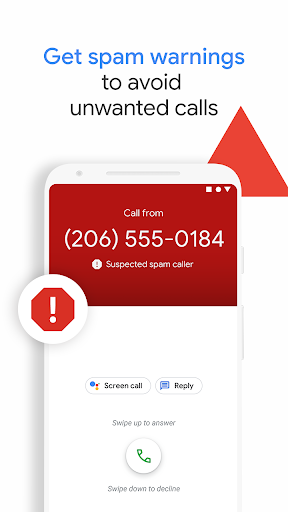
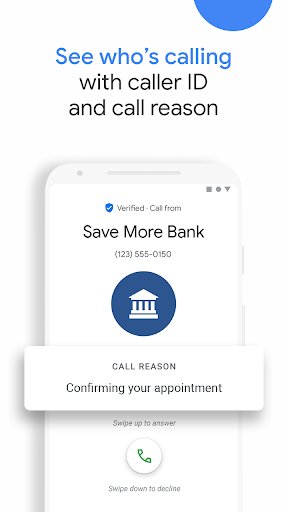
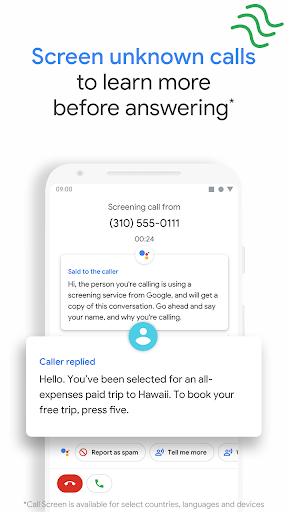
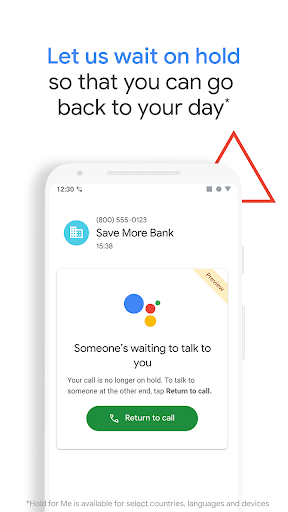
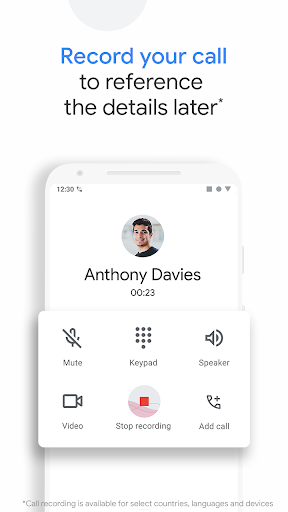
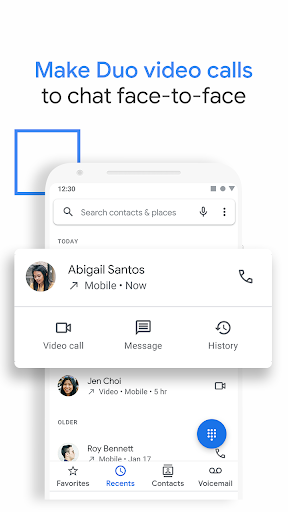
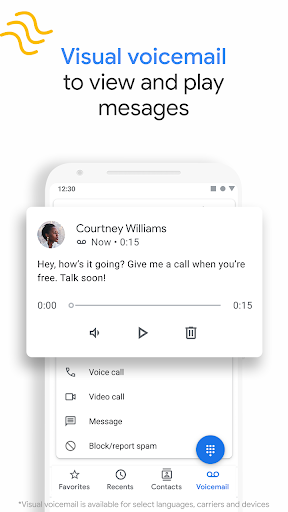
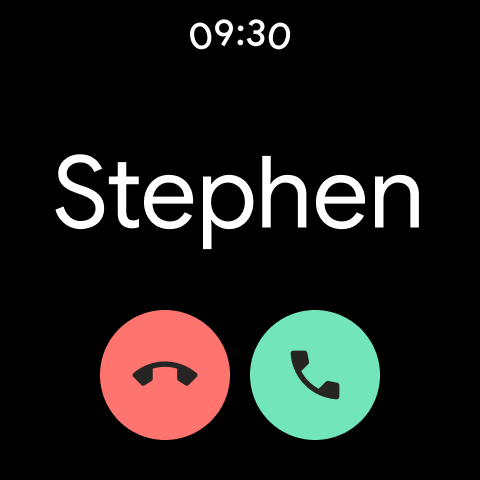
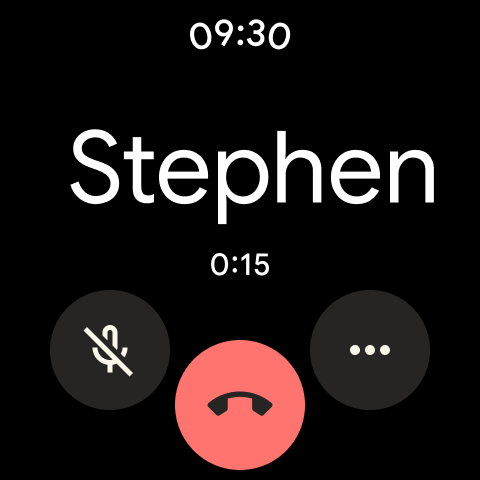
Phone by Google is one of those apps that seems too basic to review seriously until you spend a week using it and then try going back to a more generic dialer. On the surface, it is just a phone app: keypad, recents, contacts, voicemail, done. In practice, it is one of Google’s most quietly useful pieces of software, and when it is paired with the right device and carrier setup, it can make everyday calling feel much more modern than the old tap-dial-hang-up routine. What struck me first in day-to-day use is how clean and frictionless the interface feels. Google has kept the design lightweight, readable, and fast. The app opens quickly, the call history is easy to scan, and the in-call screen is uncluttered enough that the controls you need are exactly where you expect them to be. That sounds like faint praise, but it matters. A phone app is not supposed to feel flashy; it is supposed to disappear. Phone by Google mostly succeeds at that. Whether I was placing a quick call, checking missed calls, or jumping into voicemail, the app felt efficient rather than overloaded. The biggest reason to choose it, though, is not the interface. It is the layer of intelligence Google adds on top of basic calling. Spam protection and caller ID are the standout features in normal everyday use. There is real comfort in seeing suspicious calls flagged before you answer, and business identification is surprisingly helpful when you are expecting a delivery, a doctor’s office callback, or some other number you do not already have saved. It reduces hesitation. Instead of guessing whether an unknown number is important or junk, you often get enough context to decide immediately. Call Screen is where the app starts to feel genuinely better than an ordinary dialer. When it is available, it changes the rhythm of handling unknown calls. Rather than either ignoring the call or answering and risking a robocall, you can let the app step in and gather information first. In actual use, this is one of those features that sounds gimmicky until you rely on it. It is especially useful for people who get frequent unknown calls, and it is even more meaningful for accessibility. If talking on the phone is stressful, difficult, or not always possible, the screening and transcript-style interaction can make calls feel much less intimidating. Visual voicemail is another area where Phone by Google can be a real quality-of-life upgrade. Being able to see messages in an app, play them in any order, and avoid the old voicemail menu maze is a huge improvement over traditional carrier voicemail systems. When transcription works, it saves even more time. Even without every advanced feature enabled, just having voicemail integrated cleanly into the app makes missed calls feel less annoying to manage. That said, Phone by Google is not flawless, and its weaknesses are frustrating precisely because the app gets so much right. The first issue is inconsistency. Some of the headline features are device-, country-, carrier-, or language-dependent. In other words, the version of Phone by Google that one person loves may not be the exact version you get. That can make the experience feel uneven. If you install it expecting every smart Assistant-style feature you have heard about, you may discover that some of them simply are not available on your device or in your region. The second weak point is reliability around calling extras, especially Wi-Fi calling and related call behavior. In my time with the app, core calling was generally solid, but there are enough edge-case annoyances around call quality and call handling that I would not call it perfect. The most irritating problems are the sort that break trust: calls that do not behave consistently, audio issues that make you wonder whether the app, carrier, or network is at fault, and occasional moments where incoming-call behavior feels off when it really should not. A dialer does not get much room for error because it is tied to one of the phone’s most basic functions. The third complaint is that some app behaviors can feel oddly limited for a Google app. Contact handling is usually straightforward, but when something goes wrong, it can be surprisingly stubborn. Likewise, smaller convenience features do not always go as far as power users might want. If you are the kind of person who likes deep customization, advanced call recording management, or broader communication shortcuts beyond standard calling and messaging, Phone by Google can feel a little boxed in. It is polished, but not endlessly flexible. Who is this app for? It is an easy recommendation for most Android users, especially those who want a clean default dialer with strong spam filtering, useful caller ID, and smart call-assistance features. It is particularly good for Pixel owners and for anyone who values accessibility, easier voicemail handling, and less stress around unknown callers. It is also ideal for people who want their phone app to be simple rather than stuffed with extras. Who is it not for? If you need guaranteed access to every advertised smart feature regardless of device or location, this app may disappoint. If your carrier setup already makes voicemail or Wi-Fi calling flaky, Phone by Google will not magically solve that. And if you want a heavily customizable communication hub rather than a refined dialer, you may find it a bit too restrained. Overall, Phone by Google earns its place as one of the best dialers on Android because it improves the parts of phone calls that people actually dread: spam, uncertainty, voicemail friction, and hold-time misery. Its smartest features can be excellent, and its basic design is consistently strong. I hesitate only because the experience is not identical for everyone, and the occasional calling hiccup is more noticeable here than in many other app categories. Still, for most people, this is the phone app I would choose first and complain about second.
Alternative apps