Apps Games Articles
Brightest Flashlight Launcher
AtomApplications
Rating 4.2star icon
Editor's summary
Editor rating
star icon star icon star icon star icon empty star icon
4.2

One-line summary Brightest Flashlight Launcher is genuinely useful because it puts a bright flashlight and a surprisingly handy magnifier within easy reach, but the launcher takeover is a real reason to hesitate if you like your home screen exactly as it is.

  • Installs

    1M+

  • Developer

    AtomApplications

  • Category

    Tools

  • Content Rating

    Everyone

  • Latest version

    3.18.1

  • Package

    com.flashlight.bright.led.light

In-depth review
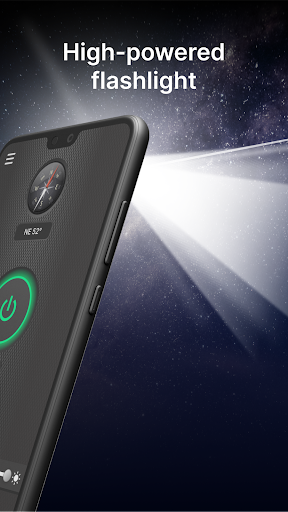
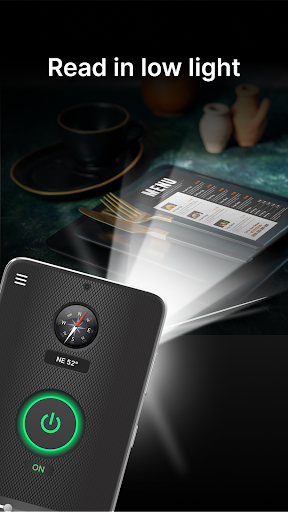
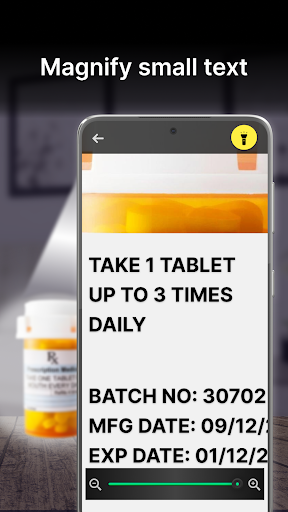
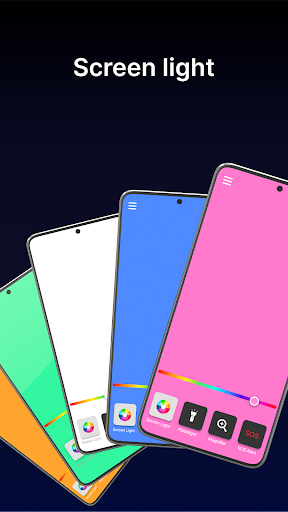
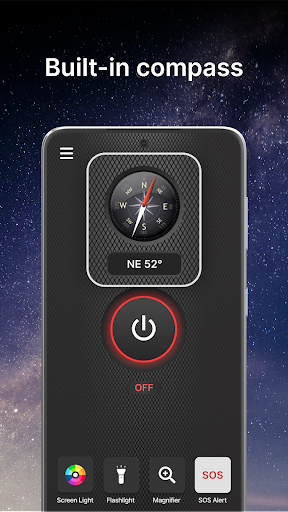
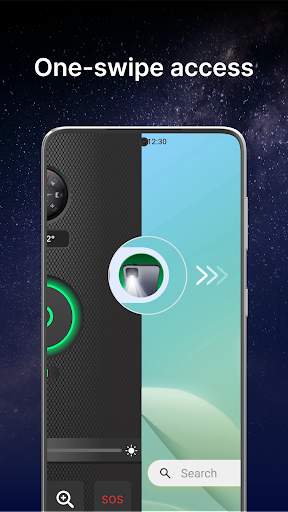
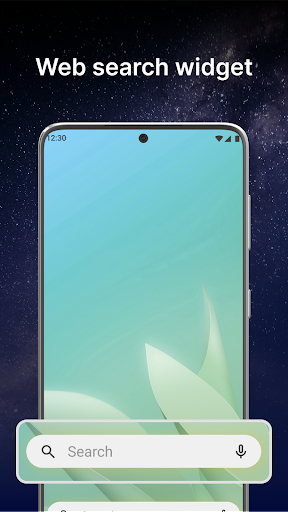
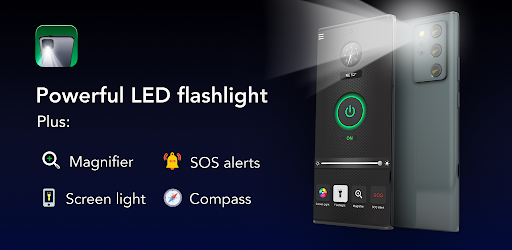
Brightest Flashlight Launcher is one of those apps that sounds more dramatic than it really is, right up until you start using it in ordinary life. On paper, it is a flashlight app with extras. In practice, it is a utility hub built around quick access to a bright light, a magnifier, and a few emergency-style tools, wrapped inside a launcher that changes how your phone’s home screen behaves. That last part is the app’s biggest differentiator and also its biggest risk. After spending time with it, the best thing I can say about Brightest Flashlight Launcher is that it feels built around real, mundane moments rather than gimmicks. I used it in the most boring scenarios possible: checking labels in a pantry, finding something under a car seat, reading tiny print on packaging, and walking around a dark room without waking everyone else up. In those moments, it delivers. The flashlight is quick to access, bright, and dependable. That matters more than flashy design language or exaggerated claims. When you need light, you usually need it immediately, and this app understands that. The second standout feature is the magnifier. This is not just filler added to make the app page look longer. It ended up being one of the most practically useful parts of the whole package. Reading fine print on medicine bottles, ingredient labels, and other tiny text is exactly the kind of task where phone cameras can either feel surprisingly clever or deeply awkward. Here, the experience leans toward helpful. It is not a replacement for dedicated visual accessibility hardware, but for everyday reading assistance it works well enough that I kept returning to it. It is especially useful because it is paired with light, so you are not juggling multiple tools. There is also a nice sense that the app is trying to be a pocket emergency kit. The compass, SOS alert, and screen light give it broader usefulness than a simple flashlight toggle. I would not call every extra essential, but they are the kind of features that can be genuinely useful when you are outdoors, in a power outage, or just trying to get your bearings in low light. The screen light, in particular, is a good example of a small feature that becomes surprisingly handy in situations where the camera flash feels too harsh. That said, Brightest Flashlight Launcher is not an app I would recommend equally to everyone, because the launcher aspect changes the entire relationship. This is not just a flashlight sitting quietly in your app drawer. It wants to live on your home screen and reshape part of the experience around itself. If you are comfortable experimenting with launchers, that may feel like a convenience. If you are the kind of person who hates having icons move, layouts change, or default settings get touched, this can feel intrusive fast. Even if the app warns you about it, there is still a psychological speed bump when your familiar home screen no longer looks the same. That is the first major weakness: the utility is strong, but the packaging is more aggressive than many people will want from a flashlight app. A lot of users simply want a light button, not a redesigned home experience with widgets, wallpapers, and search integrations. The second weakness is that some of the extra functionality feels more useful in concept than in daily habit. The SOS and compass tools are welcome additions, but they are not features most people will touch often. They help the app feel comprehensive, yet the real value still comes from the flashlight and magnifier. If you are downloading this expecting every included tool to become part of your daily routine, that probably will not happen. The third weakness is that the app can create a mismatch between expectation and reality depending on your phone. A flashlight app can only work with the hardware your device already has. So while this one does a good job of surfacing brightness and utility, it is still ultimately relying on your phone’s light, camera, and screen. In some cases it may feel excellent; in others it may simply feel competent. That is not a flaw unique to this app, but it does keep the experience grounded. Still, there is a lot to like here. The app succeeds because it is convenient, because the magnifier is actually worth using, and because it organizes several low-light tools into one place without making the core actions hard to reach. It also avoids the worst sin of this category: making you fight the interface when you are already in the dark and in a hurry. Who is it for? This is a good fit for anyone who frequently uses their phone as a practical everyday tool: older users reading small print, shoppers checking labels, people navigating dark rooms, and anyone who likes the idea of combining a flashlight, magnifier, and safety tools in one app. It also makes sense for users who do not mind trying an alternate launcher and may even appreciate one-swipe access. Who is it not for? If you are extremely protective of your home screen setup, if you dislike launcher apps on principle, or if you just want a basic flashlight shortcut with zero changes to your phone’s layout, this app is probably more than you asked for. In the end, Brightest Flashlight Launcher is better than its slightly overpacked concept suggests. As a flashlight-and-magnifier utility, it is genuinely handy. As a launcher, it is much more divisive. If that tradeoff does not bother you, there is real day-to-day usefulness here. If it does, the app’s biggest feature will also be the reason you uninstall it.
Alternative apps