Apps Games Articles
Bose Connect
Bose Corporation
Rating 4.2star icon
Editor's summary
Editor rating
star icon star icon star icon star icon empty star icon
4.1

One-line summary Bose Connect is easy to recommend if you own compatible Bose headphones or speakers because it makes pairing, switching, and device settings genuinely painless, but it’s harder to love when you realize how dependent its value is on having the right Bose hardware.

  • Installs

    10M+

  • Developer

    Bose Corporation

  • Category

    Audio

  • Content Rating

    Everyone

  • Latest version

    21.0

  • Package

    com.bose.monet

In-depth review
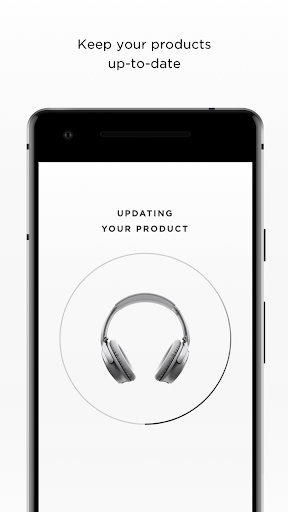
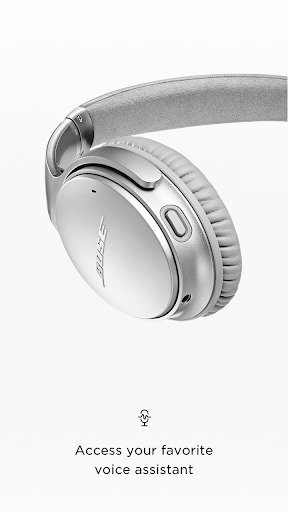
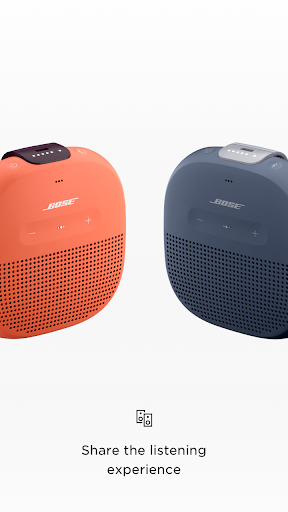
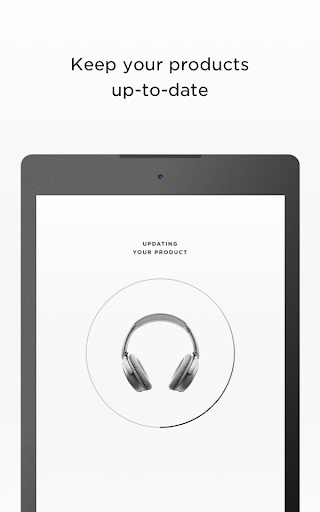
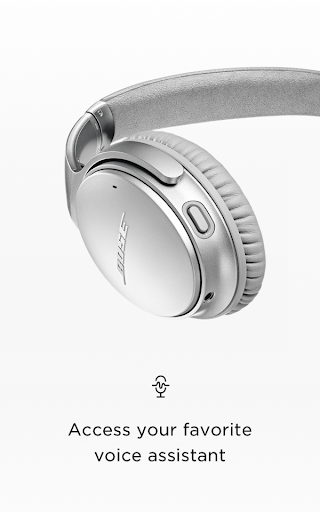
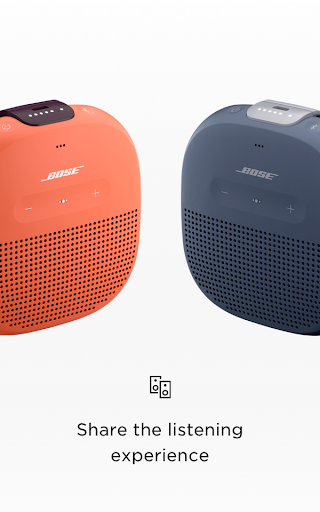
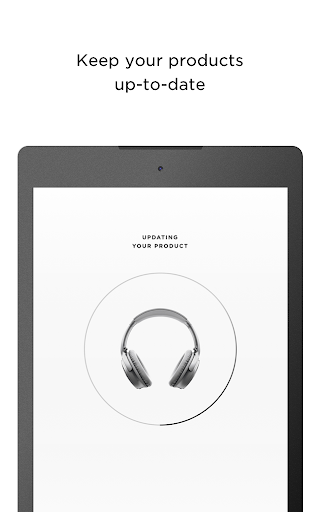
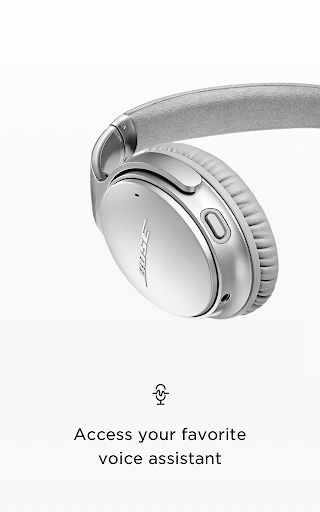
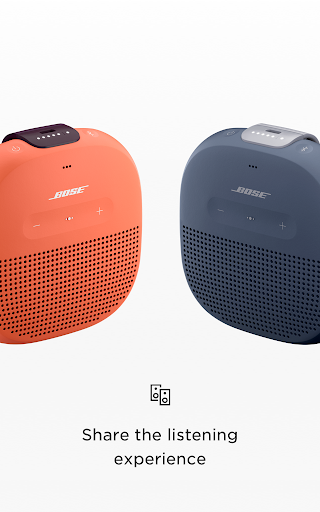
Bose Connect is one of those companion apps that does not try to become a music platform, an equalizer playground, or a social layer on top of your audio gear. Its job is much simpler: help you manage supported Bose Bluetooth products without friction. After spending time with it in that practical, day-to-day way—pairing headphones, checking battery status, moving between devices, and poking through the available settings—the app comes across as polished, focused, and refreshingly restrained. It also has some clear limits, and whether those limits feel acceptable depends almost entirely on what Bose product you own. The first thing that stands out is how approachable the app feels. Bose Connect is built around the assumption that people opening it want to do something quickly, not explore a maze of menus. That is a real strength. The app surfaces the basics right away: connection status, battery readings, product identification, and a short path to whatever controls your particular device supports. In practice, that means less hunting around and more getting things done. If you are using Bluetooth headphones every day, that simplicity matters. There is a big difference between an app that makes you think and an app that quietly stays out of your way, and Bose Connect is firmly in the second category. Managing multiple Bluetooth connections is another area where the app earns its keep. On supported Bose gear, juggling a phone, tablet, or laptop can be more annoying than it should be if you are relying only on system Bluetooth menus. Bose Connect gives that process a cleaner front end. It feels less like troubleshooting and more like actual device management. During regular use, that convenience becomes one of the app’s biggest selling points. It does not reinvent Bluetooth, but it does make Bose hardware feel more premium by smoothing over some of the usual rough edges. The app is also at its best when it exposes useful product-specific features that would otherwise be buried or unavailable. Things like controllable noise cancellation on certain headphones, speaker grouping modes such as Party Mode or Stereo Mode on supported speakers, and background software updates all add practical value. None of this feels flashy for the sake of it. It feels like the app is unlocking hardware you already paid for. That is probably Bose Connect’s strongest quality overall: when it works with a supported device, it feels like a genuine extension of the product rather than a tacked-on mobile extra. That said, the app’s biggest weakness is also obvious almost immediately: its usefulness is narrow. Bose Connect is not for casual listeners shopping for a better general audio app, and it is not for people who expect broad compatibility across brands or even across every Bose product. It is a companion utility, and a tightly scoped one. If your Bose device is supported, great. If not, there is not much here for you. Even among supported devices, the available options can vary quite a bit, which creates an uneven experience. Some products get meaningful controls and customization; others may feel like they are only getting the basics. A second frustration is that Bose Connect can feel a little too minimal at times. The clean design is excellent for quick access, but the tradeoff is that power users may find the app somewhat shallow. If you like to fine-tune every aspect of your headphones or expect a deep bench of audio personalization tools, this app can come off as conservative. It is not overloaded, which is good, but there are moments when the restraint starts to feel limiting rather than elegant. The third complaint is more about dependency than outright failure: the app matters most when you are setting up, switching, sharing, or updating. Outside those moments, many users will not spend much time in it. That is not a fatal flaw—arguably it means the app knows its place—but it does mean Bose Connect is less of an essential daily destination and more of a well-made control panel. If you are hoping for a richer ongoing experience, you may find that it fades into the background once everything is configured. Still, from a usability standpoint, there is a lot to like. The interface is readable, the core actions make sense, and the app avoids the clutter that often drags down hardware companion software. Battery level visibility is particularly handy in everyday use, and software update handling being built into the app is the kind of practical convenience that owners appreciate over time. Share-focused features for supported products, like linking speakers or sharing audio between compatible headphones, are also genuinely fun when you have the right hardware. These are not gimmicks in the abstract; they become useful in real living-room, travel, and casual listening scenarios. Who is Bose Connect for? It is for Bose owners who want a straightforward, low-stress way to manage compatible Bluetooth headphones and speakers. It is especially well suited to people who value ease of use more than endless customization, and to anyone who regularly switches between devices or wants quick access to battery and product settings. Who is it not for? Anyone without supported Bose hardware, for starters. It is also not ideal for tweak-heavy audio enthusiasts who want deep sound shaping options or a more expansive companion experience. If your expectation is a highly customizable audio control suite, Bose Connect may feel too basic. In the end, Bose Connect succeeds because it understands its role. It is not trying to be the center of your listening life. It is trying to remove small annoyances from owning Bose wireless gear, and most of the time, it does that very well. The app is clean, practical, and polished where it counts. Its weaknesses—limited scope, uneven feature depth across devices, and a somewhat light feature set for advanced users—are real, but they do not outweigh how convenient it is for the audience it was clearly built for. If you own supported Bose products, this is a useful and mostly satisfying companion. If you do not, there is no reason to seek it out.