Apps Games Articles
Poweramp Music Player (Trial)
Poweramp Software Design (Max MP)
Rating 4.3star icon
Editor's summary
Editor rating
star icon star icon star icon star icon
half star icon
4.5

One-line summary Poweramp is the local music player I’d recommend to anyone who cares about sound and control, but its depth can feel like overkill if you just want a dead-simple app that works with zero setup.

  • Installs

    50M+

  • Developer

    Poweramp Software Design (Max MP)

  • Category

    Audio

  • Content Rating

    Everyone

  • Latest version

    build-957-bundle-play

  • Package

    com.maxmpz.audioplayer

In-depth review
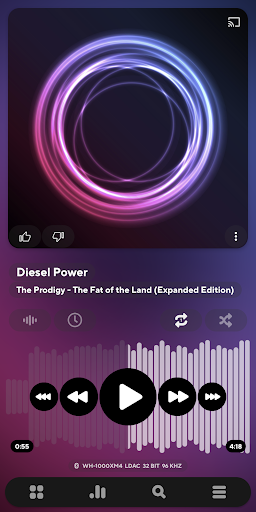
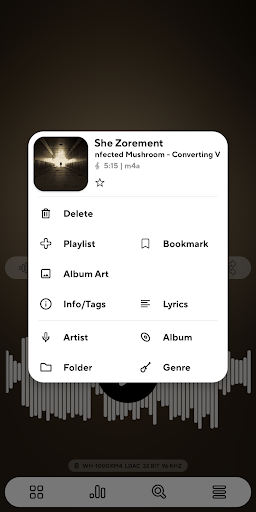
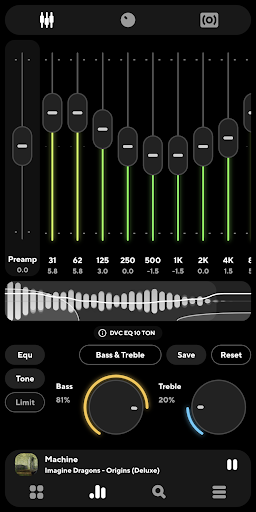
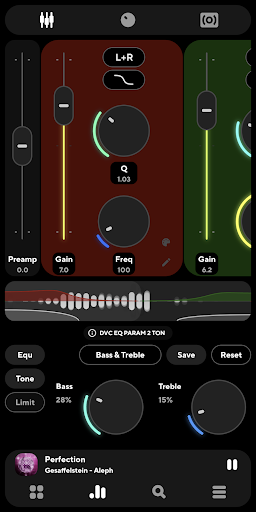
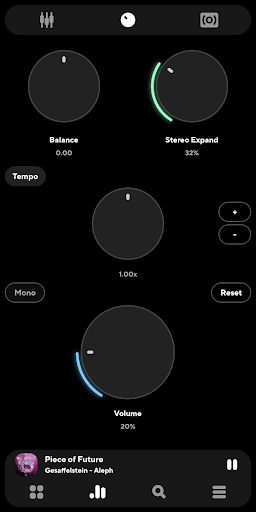
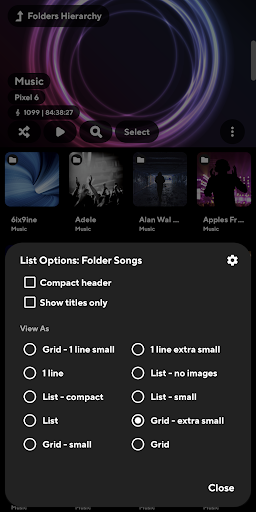
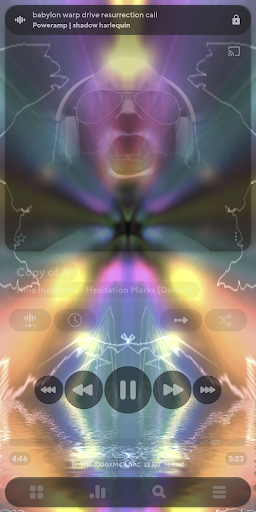
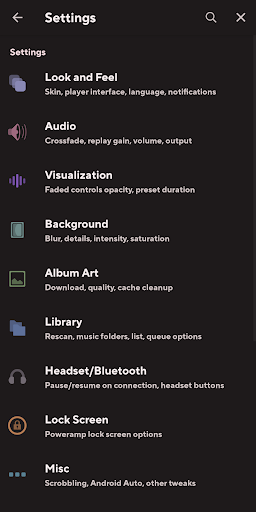
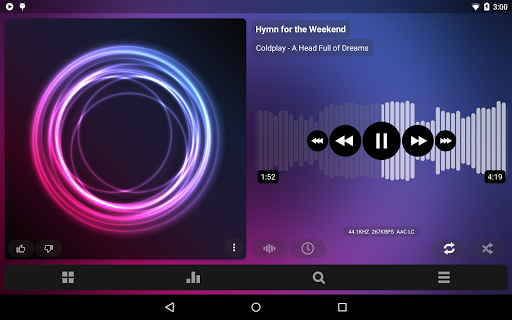
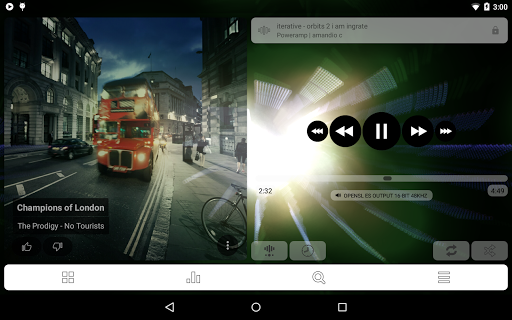
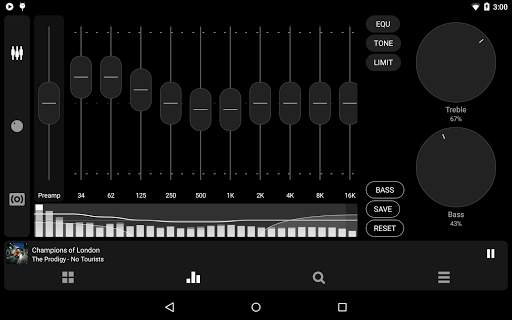
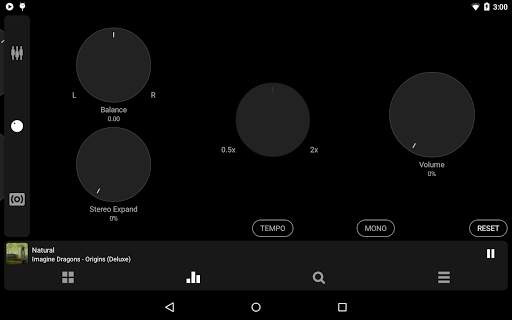
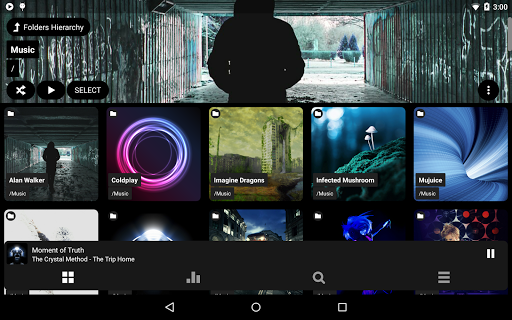
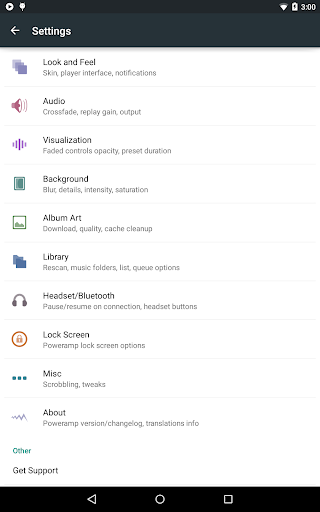
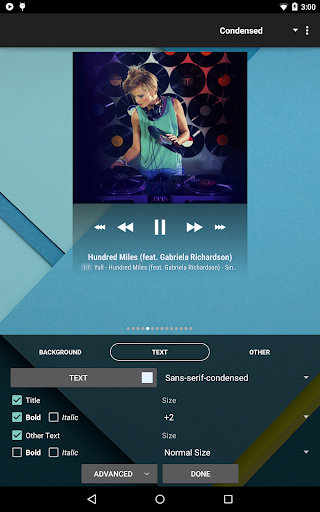
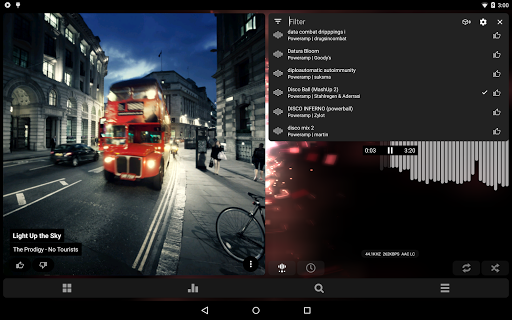
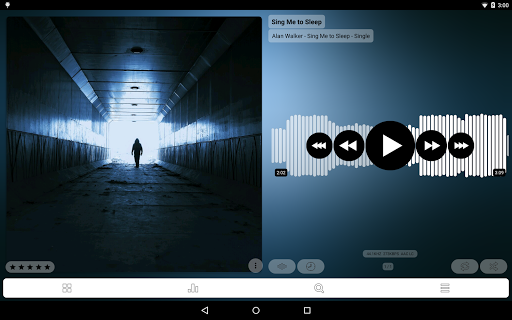
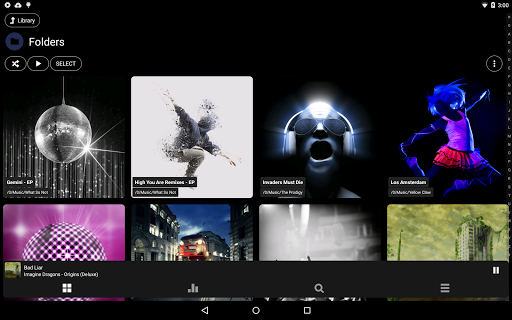
Poweramp Music Player (Trial) still feels like one of those rare Android apps built by people who are borderline obsessed with the craft. After spending time with it as a daily local music player, what stood out most wasn’t any single feature on the spec sheet. It was the sense that nearly every part of playback has been considered, tweaked, and exposed to the user. If you enjoy shaping how your music sounds, how your library is organized, and how the interface behaves, Poweramp is deeply satisfying. If you don’t, it can be a lot. The first thing I noticed in regular use was the sound. Plenty of music apps claim to improve audio, but Poweramp actually gives you enough tools to make that claim meaningful. The equalizer is not there for decoration; it is central to the experience. Bass and treble adjustments have bite, presets are easy to apply, and the app makes it very tempting to tune output for different headphones, speakers, or car setups. On a decent pair of wired or Bluetooth headphones, I found it easy to dial in a fuller, cleaner sound without immediately slipping into distortion or muddy bass. For listeners who like to tinker, this is where Poweramp earns its reputation. It can be as simple as “add a little warmth” or as deep as building a more deliberate sound profile for each device. That said, this power is also one of the app’s first weaknesses. Poweramp is not a minimalist music player. Open the settings and you are met with a huge number of toggles, modes, output options, UI choices, and playback behaviors. As a reviewer, I appreciate that level of control. As a casual listener, I can see it being intimidating. The app does work fine if you ignore most of the advanced options, but it never really stops reminding you that there is a deeper layer waiting underneath. Some people will read that as “feature-rich.” Others will read it as “slightly exhausting.” Both reactions are fair. In daily playback, though, Poweramp feels polished. Library browsing is fast, folder playback is handled properly, playlist support is robust, and the app does a nice job of making large music collections feel manageable rather than messy. I especially liked how comfortable it is switching between a library view and a more file-oriented mindset. That matters for people who actually keep their own music collection in order instead of living entirely inside streaming apps. Tag editing, album art handling, and queue control all contribute to the sense that this was made for people who still care about ownership and organization. The second major strength is customization of both sound and interface. Poweramp lets you shape the player into something that feels personal. Themes, visual tweaks, widgets, seekbar options, lock screen behavior, lyrics support, and visualizations all make the app feel more enthusiast-friendly than most modern players. I especially appreciated that the interface, while dense in places, does not feel cheap or unfinished. It has its own style and sticks to it. There’s a confidence to the design. But the interface is also where another weakness shows up. Some parts are elegant; some parts feel like they were designed by and for power users first. Basic actions are easy enough, but once you start adjusting output behavior, library scanning, or special playback rules, the learning curve rises quickly. I had moments where I knew the app could probably do exactly what I wanted, but I had to dig for the setting. That is very different from an app that feels instantly obvious. Poweramp rewards patience, but it asks for some too. A third strength is how well it serves local music collectors specifically. This is not an app trying to push you toward a service, a social feed, or a storefront. It is about your files, your playlists, your tags, your listening habits. That focus gives it a kind of old-school seriousness that I found refreshing. It also handles extras like radio streams, lyrics, and album art in a way that expands the experience without overwhelming the core purpose. Still, Poweramp is not flawless in real-world use. Library behavior can occasionally be fussy, especially if your file organization is unusual or if your device storage situation changes. This is the third weakness worth noting: the app is extremely capable, but that complexity means when something goes wrong, the fix is not always obvious. Also, because this is a 15-day full-featured trial, you do eventually run into the paywall question. That is not unreasonable, but it does mean this is not a forever-free music player. Who is this for? Poweramp is for Android users with local music libraries, better-than-average headphones or speakers, and at least some interest in tuning sound and managing playback properly. It is for people who still care about albums, tags, cover art, folders, EQ presets, and audio quality. It is not ideal for someone who mainly streams music, wants the absolute simplest interface possible, or has no interest in touching audio settings beyond play and pause. After using it, my impression is simple: Poweramp remains one of the most complete music players on Android because it respects the listener. It assumes you may actually want control over your music, and then it gives you that control in abundance. The trade-off is complexity, and at times a little friction, but for the right person that trade-off is more than worth it. For serious local playback on Android, this is still one of the first apps I would install.