Apps Games Articles
Learn Piano - Real Keyboard
WorkPlay Space
Rating 3.8star icon
Editor's summary
Editor rating
star icon star icon star icon star icon empty star icon
4.2

One-line summary Learn Piano - Real Keyboard is easy to recommend as a free, surprisingly useful practice tool with realistic sound and friendly lessons, but the ad-heavy free experience and some locked content keep it from feeling like a truly clean learning app.

  • Installs

    10M+

  • Developer

    WorkPlay Space

  • Category

    Audio

  • Content Rating

    Teen

  • Latest version

    2.9.2

  • Package

    com.pianokeyboard.learnpiano.playmusic.instrument

In-depth review
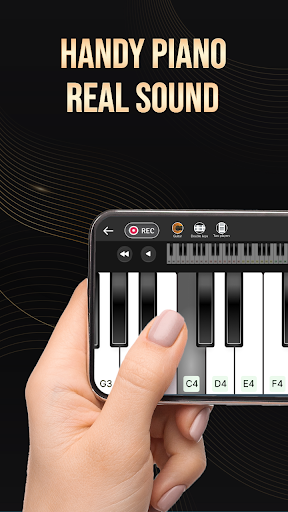
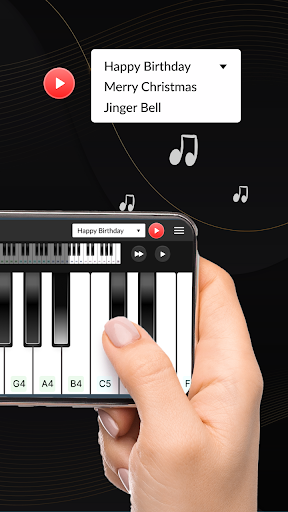
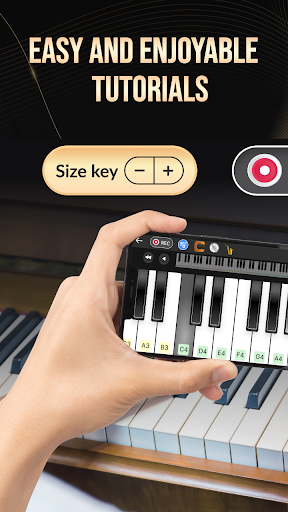
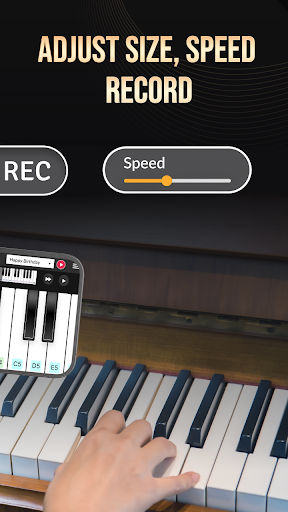
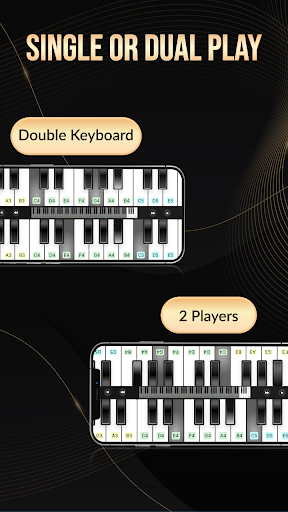
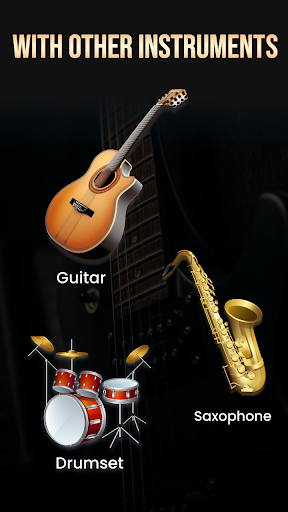
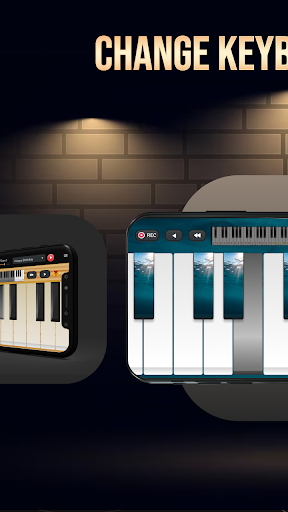
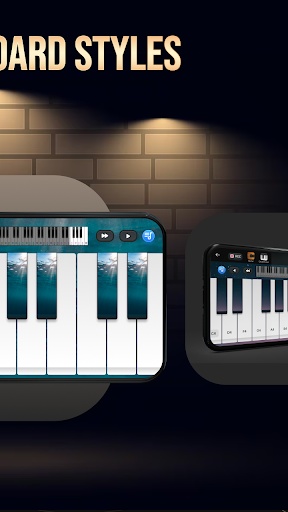
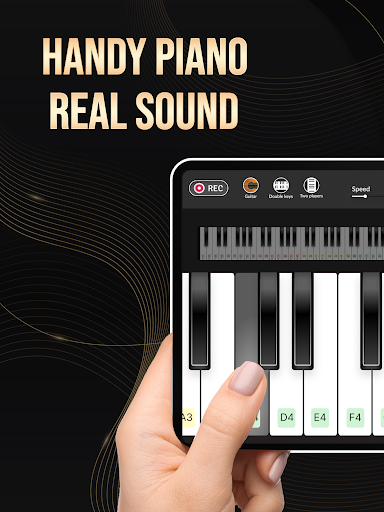
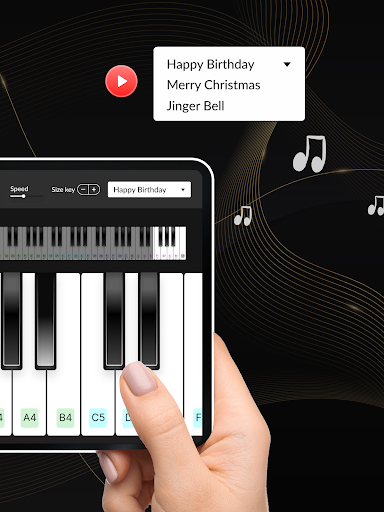
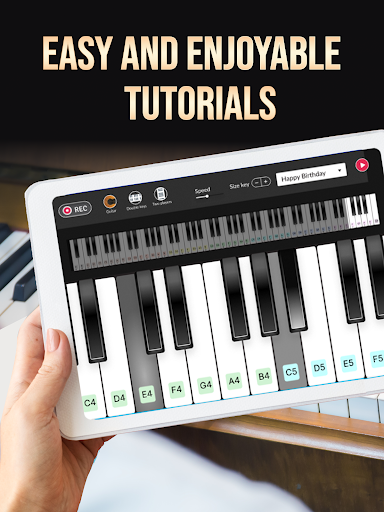
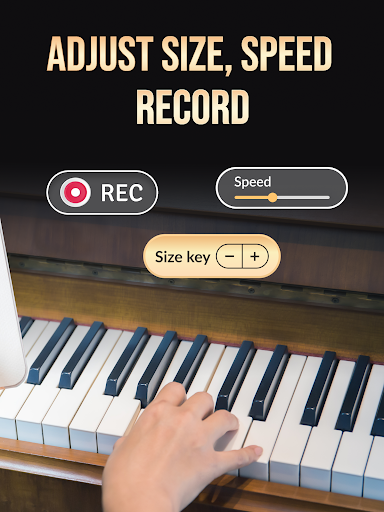
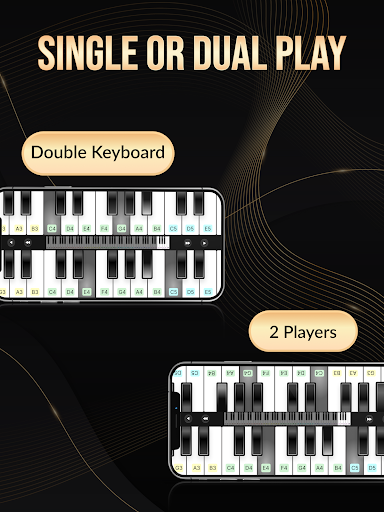
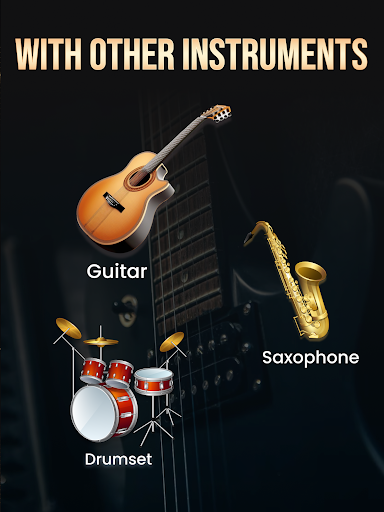
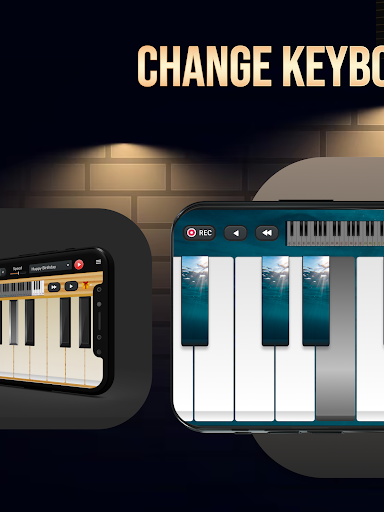
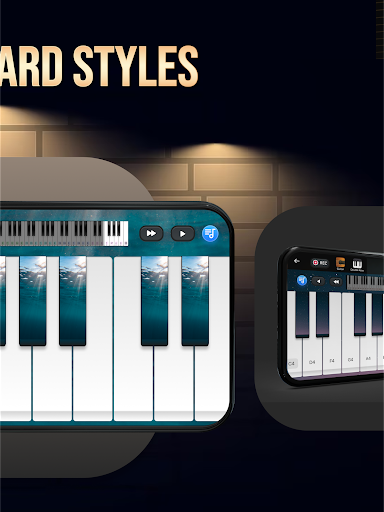
Learn Piano - Real Keyboard sits in an interesting middle ground: it is not trying to replace a real instrument, but it does a better job than many casual music apps at making your phone feel like a legitimate practice space. After spending time with it, what stood out most was how quickly it lowers the barrier to entry. You open it, see a full keyboard layout, tap a few notes, and within minutes it feels less like a novelty app and more like something you can actually use to learn basic patterns, chords, and melodies. The biggest strength here is accessibility. This is the kind of app that works best for someone who is curious about piano but does not own a keyboard, or someone who wants a portable way to practice note positions and simple songs. The layout is approachable, and the learning flow is easy to understand without much setup. You can move from free play into guided content without the app feeling overly technical. That matters, because beginners tend to bounce off music apps that front-load too many controls and theory terms. This one generally avoids that trap. The second thing that impressed me was the sound and overall feel of the keyboard. On a phone screen, realism always has limits, but the app does a respectable job of making taps feel responsive and musically satisfying. The piano tone is convincing enough that practicing scales, little melodies, or chord shapes does not feel cheap or toy-like. I also appreciated that the app lets you adjust the keyboard size, because on smaller devices that can make the difference between a frustrating experience and a workable one. The multi-touch support helps too. You can actually attempt simple two-hand patterns or chord-plus-melody playing without the app immediately falling apart. The third major strength is that it gives you more than a bare keyboard. There are beginner-friendly song lessons, tutorial-style modes, and recording tools that make the app feel more interactive than a plain virtual instrument. Recording is especially useful in daily practice. Being able to save what you played and listen back adds a small but important sense of progress. That feature makes the app feel less disposable. It encourages repetition, which is exactly what a beginner practice app should do. That said, using Learn Piano - Real Keyboard for longer sessions also reveals its rough edges. The most obvious drawback is advertising. In a short session, it is tolerable. In a serious learning session, it can become disruptive. This is especially noticeable when you are trying to maintain rhythm or follow along with a lesson and the app interrupts the flow. Music practice depends on concentration, and anything that breaks that concentration feels worse here than it would in a puzzle game or utility app. The app remains usable for free, but the ads are never far from the experience. A second weakness is that not all of the educational content feels equally open or flexible. Some songs appear gated, and that creates a slightly uneven feeling where the app invites you to learn broadly but then narrows your path unless you pay. That is common in free learning apps, so it is not a deal-breaker, but it does affect how generous the app feels once you move beyond the basics. If your goal is simply to explore piano fundamentals, there is enough here to get started. If your goal is to build a larger lesson library inside one app, you may hit limits sooner than expected. The third issue is a more practical one: touchscreens are still touchscreens. Even with decent responsiveness, a phone display is not ideal for serious piano technique. When I used the app for quick melody practice or note finding, it felt helpful. When I tried to play more precisely or with more expressive timing, the limitations of screen size and flat glass became obvious. Wider keyboards help, and tablets would likely be better, but this is still a compromise device for musical learning. The app does a good job within that constraint, yet it cannot fully escape it. I did like that the app stretches beyond piano into other instruments such as guitar, drums, and saxophone. These extras are fun and help the app feel generous, though they are more of a bonus than a core reason to install it. The real value remains the piano side, where the combination of realistic tone, beginner lessons, and recording features creates a learning loop that is easy to keep returning to. Who is this for? It is ideal for beginners, casual learners, younger users, and anyone who wants a no-fuss way to practice simple songs when a real keyboard is not available. It is also a nice fit for people who learn best by tapping around and repeating short exercises rather than reading formal notation lessons. Who is it not for? Intermediate players looking for deep musical instruction, advanced technique work, or a distraction-free professional practice environment will likely outgrow it quickly. Overall, Learn Piano - Real Keyboard succeeds because it understands its job. It makes piano practice feel immediate, affordable, and unintimidating. Even with the ads and the occasional friction around premium content, it remains one of the more usable and genuinely encouraging virtual piano apps in this category. If you treat it as a practice companion rather than a full substitute for a real instrument or a serious course, it is easy to enjoy and easy to recommend.