Apps Games Articles
Groovepad - music & beat maker
Easybrain
Rating 4.7star icon
Editor's summary
Editor rating
star icon star icon star icon star icon
half star icon
4.5

One-line summary Groovepad is one of the easiest ways to turn random taps into surprisingly polished beats, but its ad-gated packs and cramped two-sided pad layout keep it just short of greatness.

  • Installs

    50M+

  • Developer

    Easybrain

  • Category

    Audio

  • Content Rating

    Everyone

  • Latest version

    1.21.0

  • Package

    com.easybrain.make.music

In-depth review
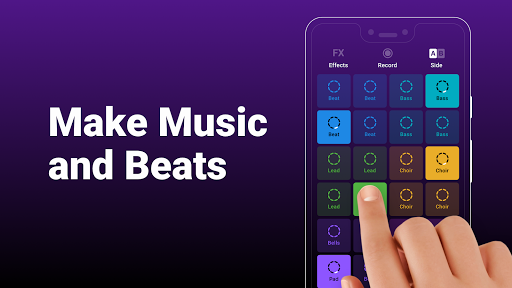
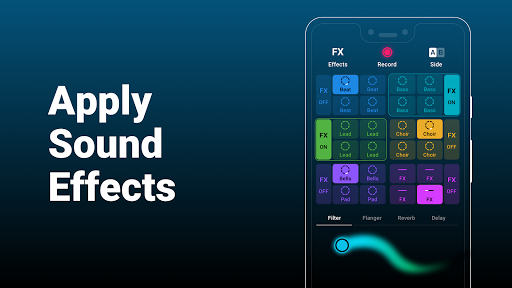
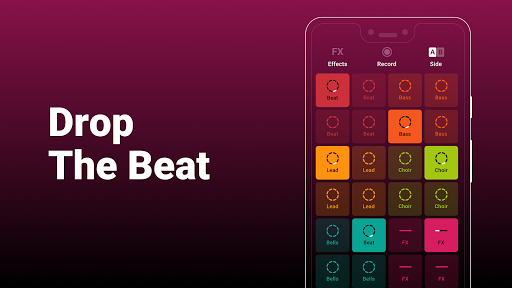
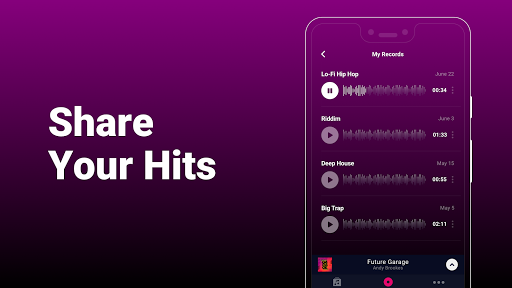
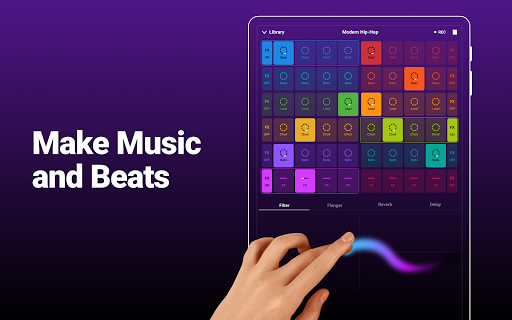
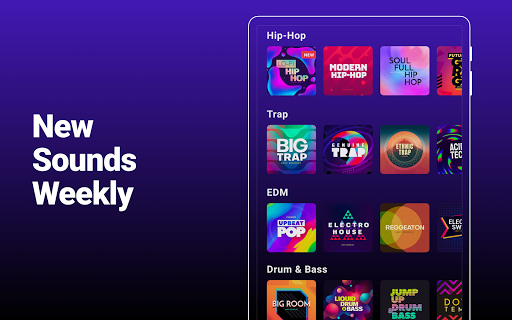
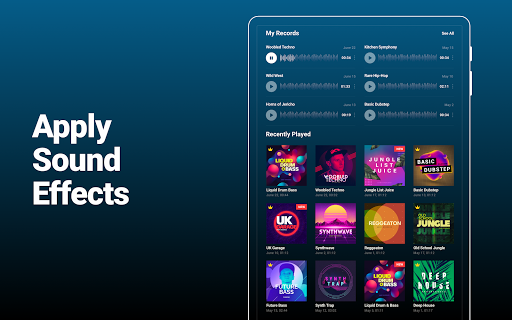
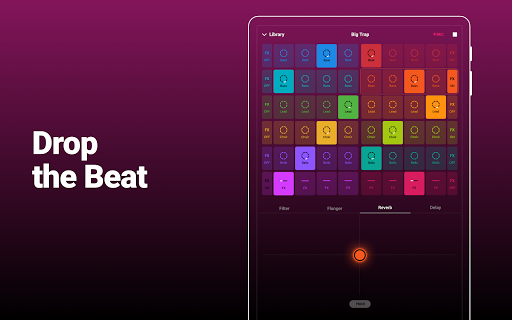
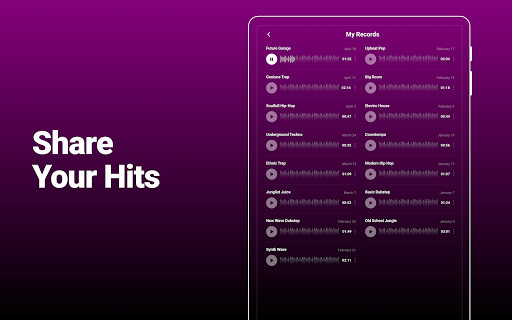
Groovepad understands something many music apps forget: most people don’t want to engineer a track, they want to feel like they’re making music within seconds. That is the app’s biggest win, and after spending time with it, that accessibility is what stands out most. You open it, pick a pack, tap a few pads, and almost immediately it starts sounding like something intentional rather than a chaotic pile of loops. For a casual music maker, that instant sense of payoff is incredibly hard to get right, and Groovepad gets it right. The onboarding is smartly pitched. Instead of dumping you into a blank interface and expecting you to understand layering, timing, and structure, the app nudges you through short guided lessons tied to the sound packs. In practice, this makes the first session feel less intimidating than most beat-making apps on Android. I never had the sense that I needed prior DJ knowledge or production experience to get anything enjoyable out of it. Even when I was just experimenting, the app’s loop structure did a lot of invisible work to keep things musical. That makes Groovepad especially good for beginners, younger users, and hobbyists who want the fun of mixing without the technical overhead of a full DAW. The second thing Groovepad does well is presentation. The sound packs are organized around recognizable moods and genres, and they are genuinely fun to browse. Hip-hop, EDM, house, trap, and electronic styles all feel like natural fits for this format. More importantly, the packs usually sound polished enough that you don’t feel like you’re working with bargain-bin samples. The synths, bass lines, vocal chops, FX, and percussion are designed to fit together cleanly, so even a sloppy performance often comes out listenable. That is not a small achievement. Some music apps promise creativity but punish inexperience; Groovepad is much more forgiving. I also liked how easy it was to save ideas and come back to them. Once I got into the rhythm of trying different packs, it became a very low-friction app to pick up for a few minutes and then accidentally use for half an hour. It works well as both a toy and a sketchpad. If you are the kind of person who likes noodling with patterns on a phone while commuting, relaxing, or killing time, this app is unusually effective. It gives you enough control to feel involved, but not so much that every session turns into work. That said, the app is clearly designed around limits, and those limits show up quickly if you spend more than a casual amount of time in it. The biggest usability issue for me was the split board layout. On some packs, moving between the two sides of the pad set breaks the flow more than it should. I kept wishing I could see the full board at once, or at least switch more fluidly without losing momentum. When you are trying to build transitions or trigger different loops in real time, having to manage two sides makes the performance feel less immediate than it ought to. It is not a deal-breaker, but it does make the app feel more like a clever music toy than a truly flexible live pad instrument. The ad model is the second major point of friction. Groovepad is generous in one sense: it does let free users access a lot by watching ads, and that is better than hard-locking everything behind a subscription. But the experience still depends heavily on those ad breaks. If you like hopping between packs, trying new boards, and exploring the library, the interruptions add up. They are not the worst ads I have seen in a mobile app, and I would not call them aggressively hostile, but they are frequent enough to remind you constantly where the paywall is. For light use, this is manageable. For longer sessions, it becomes tiresome. The third weakness is depth. Groovepad excels at making you sound good fast, but that same simplicity becomes a ceiling. I found myself wanting more performance control: more visible access to everything on one screen, more flexibility in mixing sounds across packs, and more direct manipulation over the structure of what I was building. The app includes effects, and they do help add movement and energy, but this still feels more curated than open-ended. If your goal is to casually create beats, that curation is a benefit. If your goal is to seriously craft original tracks with detailed control, Groovepad starts to feel narrow. There are also a few smaller rough edges that stood out over time. Finding previously downloaded boards could be clearer, and some organization choices are more awkward than they need to be. I also noticed that the app occasionally leaves you wanting more variety once you’ve spent enough time cycling through packs in the same broad styles. The library is strong, but not infinitely surprising. Still, I came away impressed. Groovepad knows its audience and mostly serves them well. It is fast, approachable, polished, and genuinely enjoyable. It lowers the barrier to music-making in a way that feels inviting rather than watered down. The audio design is strong, the learning curve is gentle, and the overall experience makes experimentation feel rewarding almost instantly. This app is for people who want to make beats for fun, learn the basics of layering loops, record quick ideas, or just play with music in a way that feels intuitive on a phone. It is also a good fit for beginners who have been curious about beat-making but bounced off more complex tools. It is not for users who want a full production environment, deep arrangement tools, or precise live performance control. Those people may enjoy Groovepad for a while, but they will probably outgrow it. As a mobile creativity app, though, Groovepad is easy to recommend. It makes music-making feel immediate, playful, and surprisingly satisfying. You just have to accept that the path to that fun is paved with ads and a few design compromises.