Apps Games Articles
Drum Pad Machine - beat maker
Easybrain
Rating 4.4star icon
Editor's summary
Editor rating
star icon star icon star icon star icon
half star icon
4.5

One-line summary Drum Pad Machine is one of the most immediately fun and capable beat-making apps on Android, but its ad-heavy flow and limited song-building depth keep it from feeling like a true mobile studio.

  • Installs

    100M+

  • Developer

    Easybrain

  • Category

    Audio

  • Content Rating

    Everyone

  • Latest version

    2.26.0

  • Package

    com.agminstruments.drumpadmachine

In-depth review
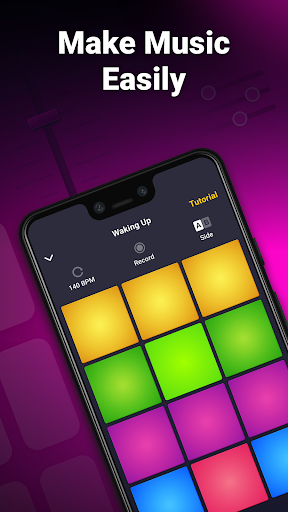
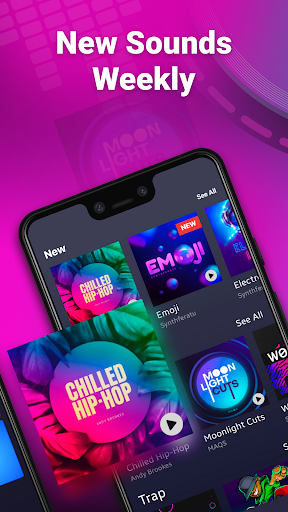
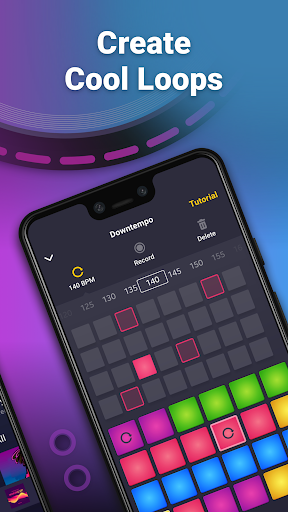
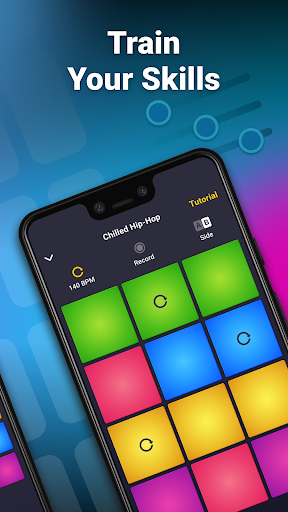
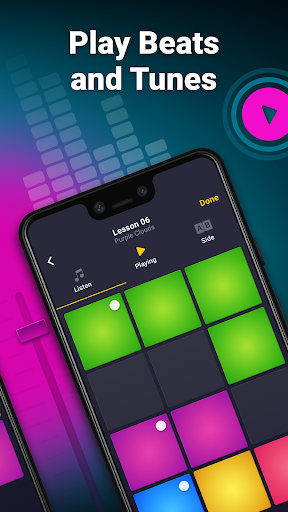
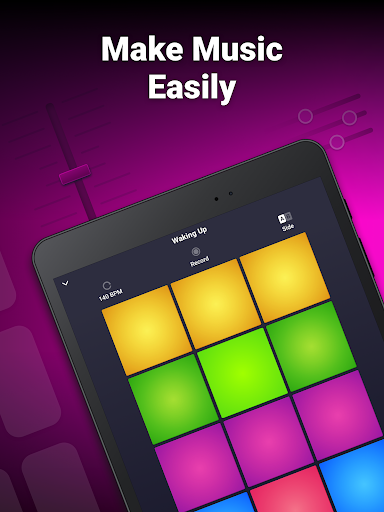
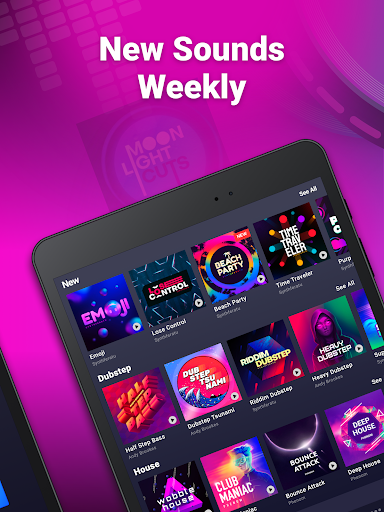
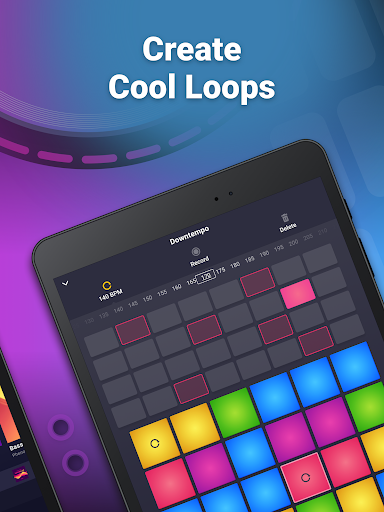
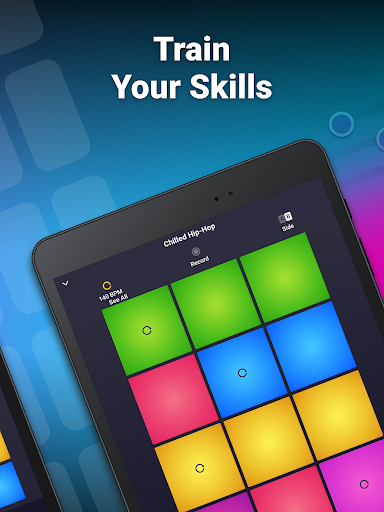
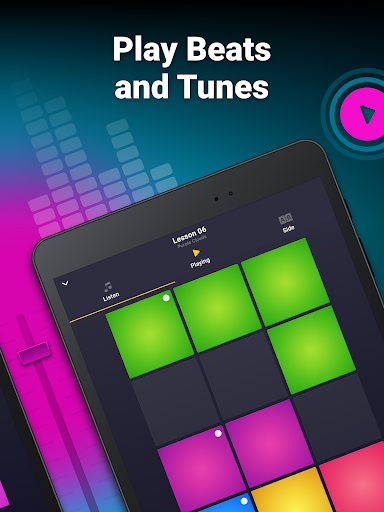
Drum Pad Machine - beat maker lands in that sweet spot between toy and tool. After spending real time with it, what stood out most was how quickly it gets you from tapping random squares to making something that actually sounds intentional. Plenty of music apps promise that kind of instant gratification, but this one delivers it better than most. Within minutes, I was triggering loops, layering percussion, dropping bass lines in and out, and building short performances that felt polished enough to replay instead of instantly deleting. The app’s core interface is its biggest strength. The colorful pad layout is easy to read and even easier to understand without much explanation. Similar sounds are grouped in a way that makes experimentation feel safe rather than chaotic. You do not need production experience to get started, and that matters. On first launch, Drum Pad Machine gives the impression that it wants you making noise immediately, not studying menus. That decision makes the app accessible to beginners, casual hobbyists, and younger users who just want to create something satisfying fast. That simplicity does not mean it is empty. Once I moved past casual tapping, the app revealed enough depth to stay interesting. The inclusion of a sequencer and recording tools gives it more credibility than many “music game” style apps. Being able to lock in a beat pattern, adjust tempo, and record what you build turns the experience from momentary fun into actual sketch creation. I found myself using it in two different ways: sometimes as a stress-free rhythm toy, other times as a rough idea pad when I wanted to test loop combinations. It is not a full DAW, and it never pretends to be, but it does more than enough to feel purposeful. Another thing Drum Pad Machine gets right is sound pack variety. The app leans heavily into modern, high-energy genres like trap, dubstep, house, EDM, and hip-hop, and that focus works in its favor. The packs generally sound punchy, clean, and performance-ready rather than cheap or novelty-grade. Even when a specific pack felt a little thin on variation, it was easy to jump into another style and find fresher inspiration. That rotating sense of discovery is part of the app’s appeal. It keeps the experience from becoming repetitive too quickly. The tutorial approach is also stronger than expected. Instead of burying you in technical explanations, the app teaches through direct interaction. That makes it good for people who want to develop timing and pattern instincts without sitting through dry lessons. It feels closer to learning by playing than studying, and that is a smart fit for this kind of app. Still, Drum Pad Machine has some real friction points, and the most obvious is ads. In day-to-day use, the ad load is tolerable right up until it isn’t. If you stay in one sound pack and work for a while, the interruptions are manageable. But the moment you start hopping between packs, unlocking content, or moving around more aggressively, the experience gets choppier. Ads break rhythm, and rhythm is the whole point of the app. In a music tool, even short interruptions feel more intrusive than they do in other categories. This is the single biggest reason the app sometimes feels less polished than it should. A second limitation is arrangement depth. Drum Pad Machine is excellent for making loops, short performances, and beat fragments, but less convincing if you want to build a fully structured song from intro to breakdown to outro inside the app itself. I often reached a point where I had a strong groove but wanted more freedom to extend, layer, or chain sections in a more complete way. There is recording, yes, and that helps, but the app still feels more like a launchpad for ideas than a full composition environment. The third weakness is content organization. Once you spend enough time with the app and collect more packs, finding exactly what you want can become clumsy. Browsing is fine early on, but over time I wanted better search and sorting tools. That may sound minor, yet in a creativity app, even a small delay between “I have an idea” and “I found the right sound” can cool off momentum. Performance is generally solid, though not flawless. Most of the time the pads responded as expected and the app felt smooth, but I did notice occasional roughness when revisiting packs or loading content after some time away. It was not enough to ruin the experience, but it is worth mentioning because timing-sensitive apps live and die by responsiveness. So who is this for? It is an easy recommendation for beginners, aspiring beat makers, casual DJs, and anyone who wants a fun, low-pressure way to create loops on a phone or tablet. It is also good for people who enjoy finger drumming and genre-based experimentation without needing to understand full production workflows. If you want to make catchy patterns quickly, learn the basics of beat structure, and save or share short creations, this app does that very well. Who is it not for? If you want a serious mobile production suite, advanced sample editing, deeper multitrack arrangement, or unrestricted custom song construction, you will hit the ceiling fairly quickly. Likewise, if ads immediately ruin an app for you, this one may test your patience. Even with those frustrations, Drum Pad Machine remains easy to like. It is polished where it matters most: sound, approachability, and the simple thrill of tapping out something that grooves. For a free app, it offers a surprisingly satisfying bridge between game-like accessibility and real music-making utility. It may not replace a proper production setup, but it absolutely earns a place as one of the better beat-making apps you can casually pick up and actually keep using.
Alternative apps