Apps Games Articles
Perfect Piano
Revontulet Soft Inc
Rating 4.2star icon
Editor's summary
Editor rating
star icon star icon star icon star icon
half star icon
4.5

One-line summary Perfect Piano is one of the most fully featured and genuinely useful piano apps on Android, but the small-screen keyboard and ad-driven unlocks can still get in the way of serious practice.

  • Installs

    100M+

  • Developer

    Revontulet Soft Inc

  • Category

    Audio

  • Content Rating

    Everyone

  • Latest version

    7.6.8

  • Package

    com.gamestar.perfectpiano

In-depth review
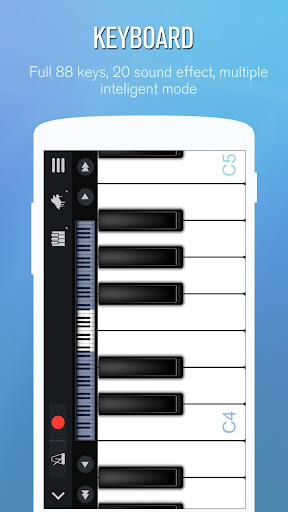
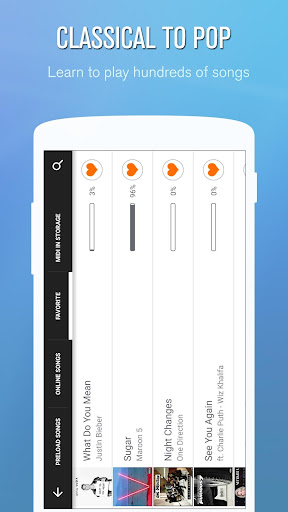
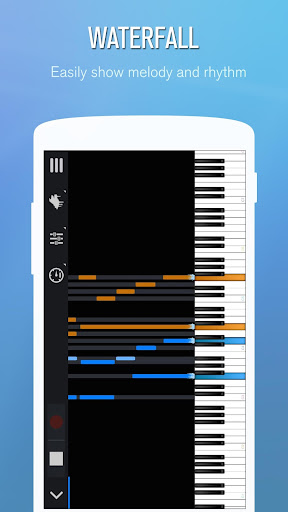
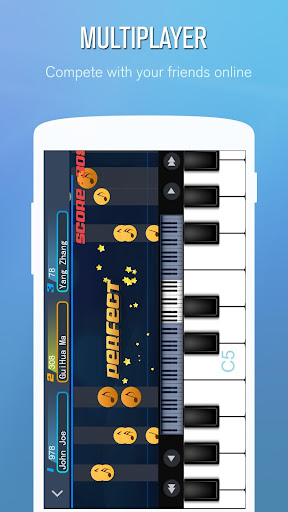
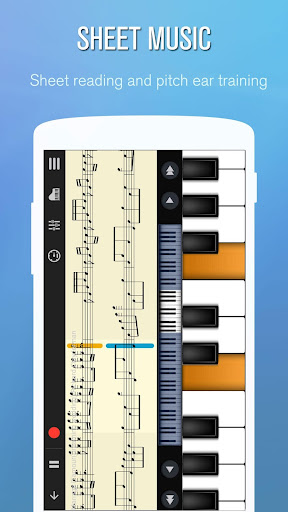
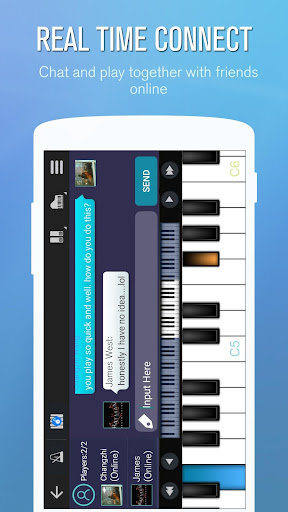
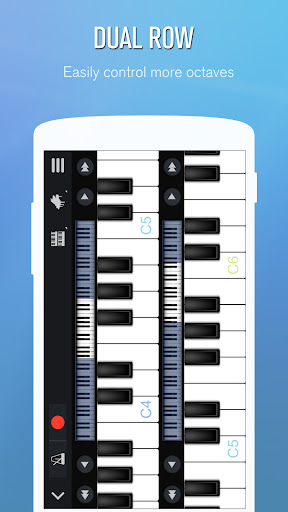
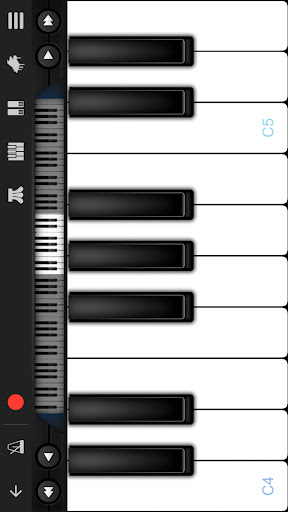
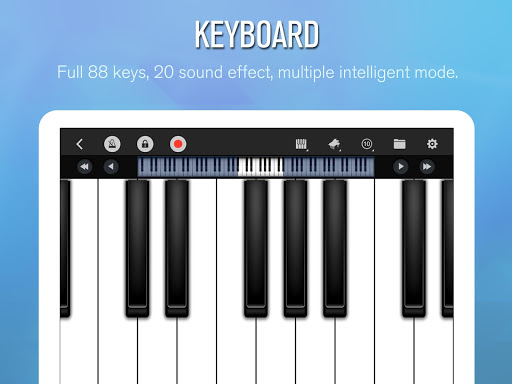
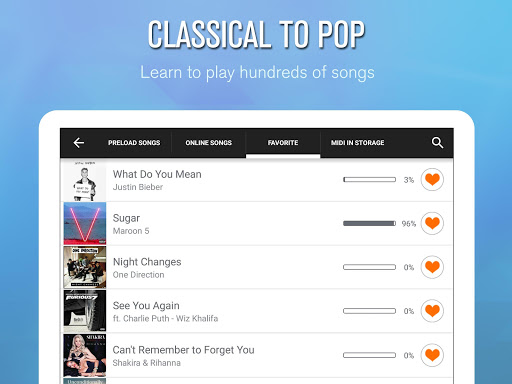
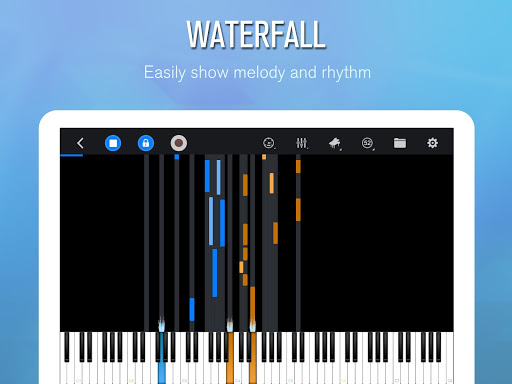
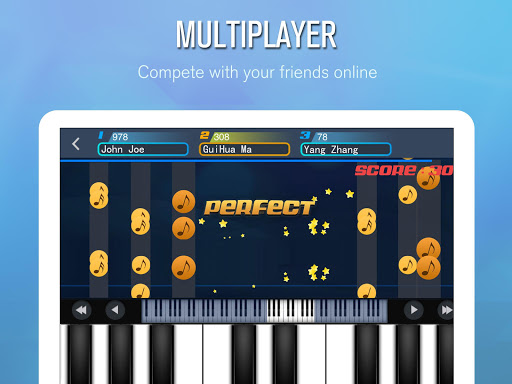
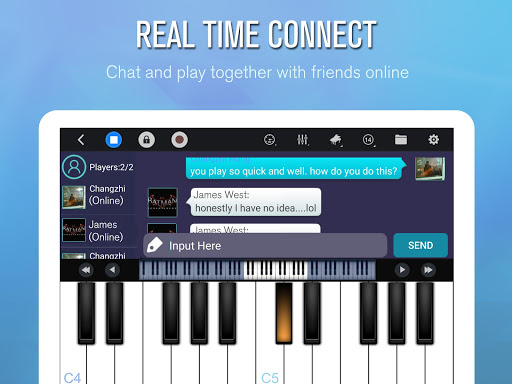
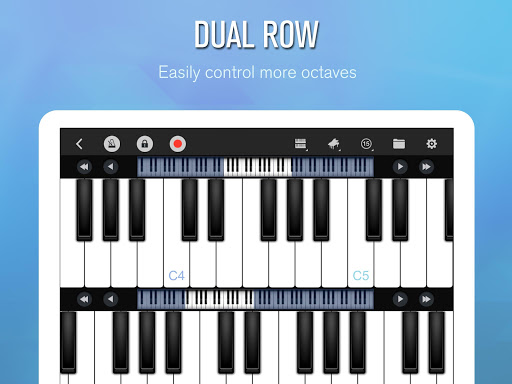
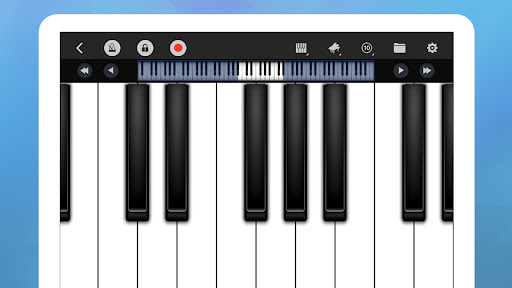
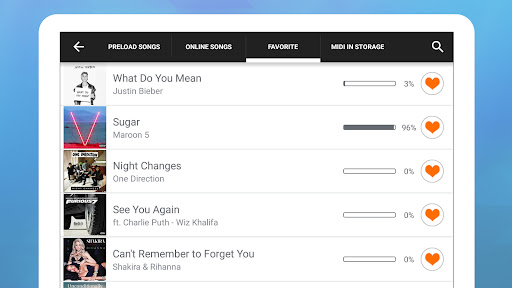
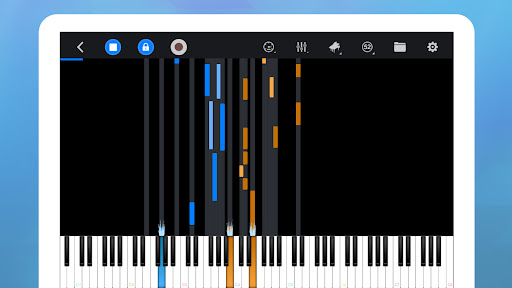
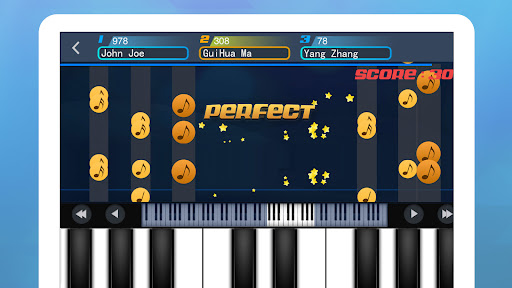
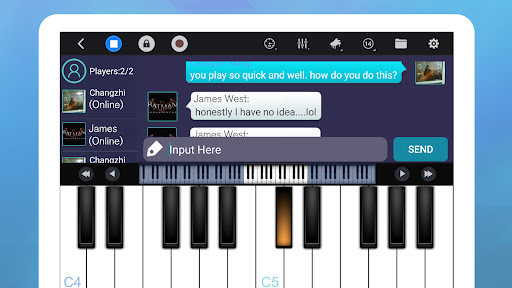
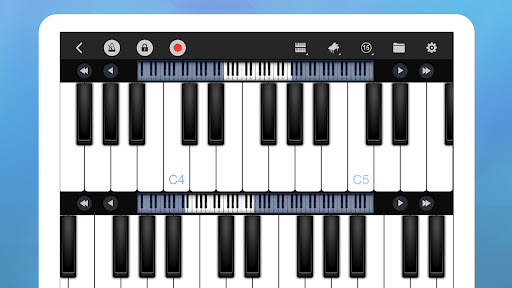
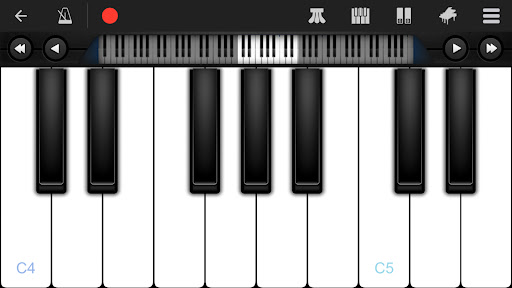
Perfect Piano has been around long enough to feel like a survivor, and after spending real time with it, that makes sense. This is not a flashy, minimalist music app built around one gimmick. It is a sprawling, slightly old-school piano toolkit that tries to do a lot: free play, guided learning, recording, alternate instrument sounds, chords, and even multiplayer. The impressive part is that much of it actually works well enough to make the app more than a novelty. The first thing I appreciated was how quickly it lets you get to the keyboard. Too many music apps bury the instrument under setup prompts, accounts, or lesson funnels. Perfect Piano gets to the point. Open it, tap into the keyboard, and you are making sound almost immediately. That matters. If you are the kind of person who just needs to check a melody, find a starting note, work out a chord progression, or noodle for a few minutes on the train, the app respects your time. In day-to-day use, the keyboard experience is better than I expected from a free mobile app. The app supports multi-touch properly, which sounds basic but is still something plenty of weaker piano apps fumble. Here, I could play simple two-hand shapes, basic chords, and little harmonic runs without the notes choking each other. The built-in piano tone is pleasant enough for sketching ideas, and the alternative sounds add some variety without turning the app into a toy. I would not confuse it with a full software instrument on a desktop, but on a phone or tablet, it is surprisingly competent. Another strength is flexibility. There are different keyboard layouts, width adjustments, chord tools, and multiple ways to approach learning songs. That range gives Perfect Piano broader appeal than most of its rivals. Beginners can lean on the falling-note style guidance and slower playback, while more experienced players can just use it as a pocket keyboard or a quick composition scratchpad. I found the chord mode especially handy when I wanted to test progressions quickly without fighting the cramped keyboard. It is also nice that recording is built in rather than treated as a premium afterthought. The learning side is where the app becomes more than just a utility. There is a large library of songs and enough guidance options to make practice feel structured instead of random. I liked being able to switch between more game-like visual guidance and more notation-based views depending on what I was trying to do. For beginners, this makes the app feel approachable. For casual players, it makes the app sticky in the best way: you open it meaning to check one tune and end up spending half an hour playing through lessons. That said, Perfect Piano is still very much a mobile piano app, and its limitations show up the moment you ask too much of the screen. The biggest problem is obvious: keys get cramped fast. On a phone, playing anything beyond simple melodies, basic accompaniment, or slow chord changes becomes fiddly. Even with layout adjustments, there were plenty of moments when my fingers landed ambiguously, especially in denser passages. On a tablet, this is less of an issue; on a smaller phone, it is simply part of the bargain. If you are dreaming of serious repertoire practice on a handset, this is not that app. The interface also feels a little busy in places. Not unusable, but busy. Perfect Piano has accumulated features over time, and you can feel that in the navigation. Once I learned where everything lived, I was fine, but the app does not always present its best tools elegantly. Some functions feel tucked away rather than gracefully introduced. That roughness does not ruin the experience, though it does make the app feel more practical than polished. Then there is the monetization. For a free app, Perfect Piano gives you a lot, and I do think the core experience is generous. Still, ads and ad-based access to some extras can be annoying, especially when you are moving in and out of modes or trying to stay focused. I never felt the app was unusable without paying, but it occasionally breaks the musical mood in a way that cleaner premium apps do not. I also found that the quality of the song-learning experience can vary depending on what you expect from it. There is a lot to explore, but not every track feels equally well suited to touch-screen play, and some songs quickly run into the physical limits of the device. The app is at its best when treated as a learning aid, idea notebook, or casual practice companion, not a replacement for a full keyboard and proper lessons. Who is this for? It is excellent for beginners, singers who need to find notes, hobbyists sketching melodies, and casual players who want a free instrument that does much more than produce a single octave of toy-piano sound. It is also a smart pick for anyone who values versatility: chords, recording, different layouts, and song-learning tools all in one place. If you own a tablet, the experience gets better. Who is it not for? Advanced pianists looking for a realistic practice substitute will outgrow it quickly. Anyone who is highly sensitive to ads or wants a sleek, modern teaching flow may find it a bit cluttered. And if your phone has a very small screen, the keyboard can become an exercise in thumb accuracy rather than musicianship. Even with those caveats, Perfect Piano remains easy to recommend. What wins me over is not one headline feature but the combination of usefulness and generosity. It feels like an app made by people who understand that mobile music tools should be immediately playable, flexible, and practical. It does not replace a real piano, but for a free app you can carry in your pocket, it comes closer than most.