Apps Games Articles
Voice Recorder
quality apps (recorder, weather, music)
Rating 4.8star icon
Editor's summary
Editor rating
star icon star icon star icon star icon
half star icon
4.5

One-line summary Voice Recorder is easy to recommend for its reliably clear, long-form recording and dead-simple background capture, but I’d hesitate if you want polished editing tools or a truly ad-free workflow.

  • Installs

    10M+

  • Developer

    quality apps (recorder, weather, music)

  • Category

    Audio

  • Content Rating

    Everyone

  • Latest version

    55.1

  • Package

    com.media.bestrecorder.audiorecorder

In-depth review
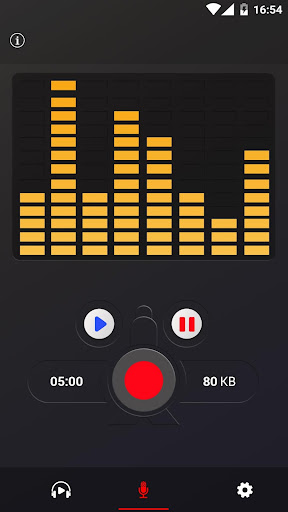
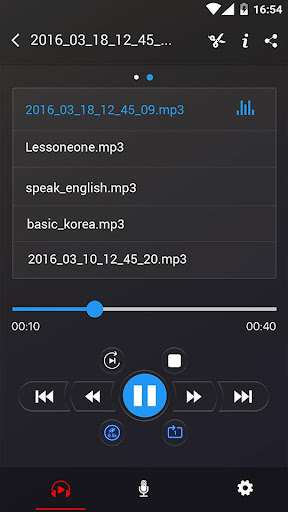
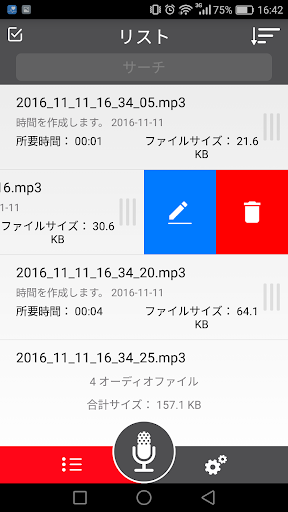
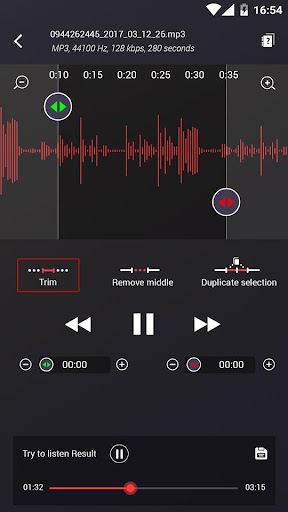
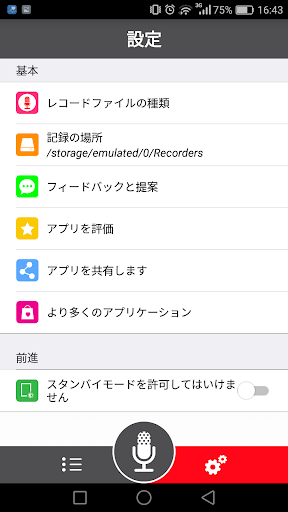
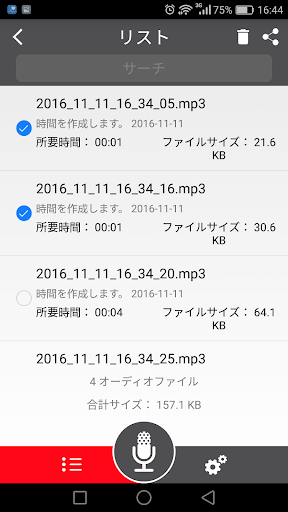
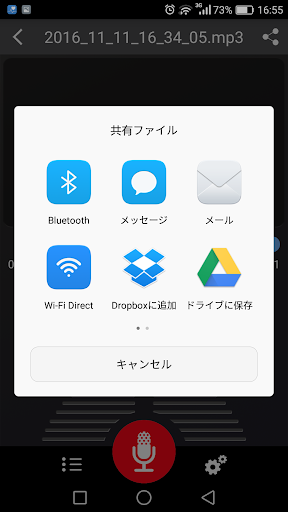
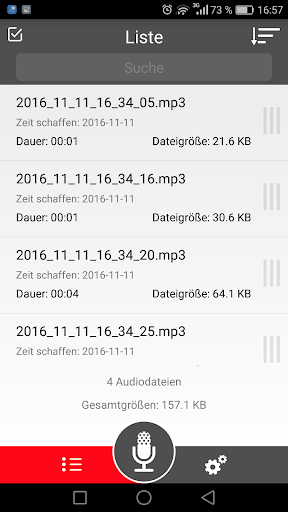
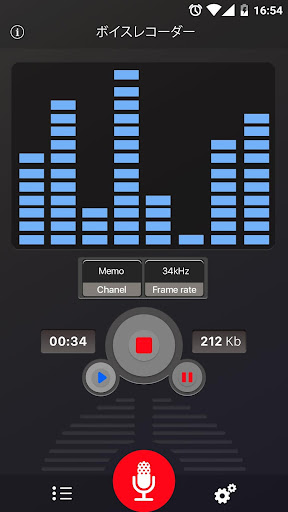
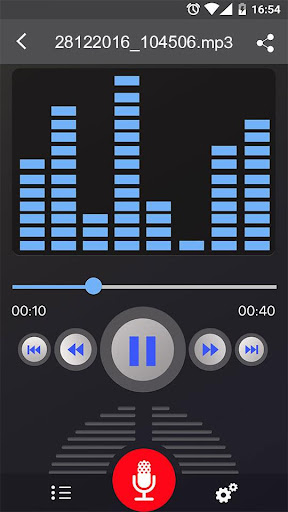
Voice Recorder is one of those apps that wins you over by not trying too hard. I installed it expecting a basic utility, the kind of app you use once to capture a memo and then forget about. Instead, after spending real time with it for meetings, quick spoken notes, room audio tests, and a few music ideas, what stood out most was how little friction there is between opening the app and getting a usable recording. That simplicity is the app’s biggest strength. Launch it, hit the big record control, and you are off. There is very little ceremony here. You do not have to dig through menus to do the basic job, and that matters more than many developers seem to realize. For a voice recorder, the most important question is whether it gets out of your way when you need it now. This app generally does. I had no trouble starting a recording quickly, letting it run in the background, switching to other apps, and coming back later to stop and save it. That background behavior is especially useful if you are recording a lecture, interview, rehearsal, or your own spoken thoughts while multitasking. The second thing it gets right is audio quality. I would not call it a studio app, and it does not pretend to be one, but for a free recorder the captured sound is impressively clear. Speech came through with good intelligibility even when the phone was not held close. In a quiet room, voice recordings sounded crisp and detailed. In noisier spaces, the app was almost a little too good at hearing everything around it. That can be a positive or a negative depending on what you are doing. If you want to document a meeting, rehearsal, or environmental sound, the sensitivity is helpful. If you are trying to isolate just your voice, you will notice background noise more than you might like. I also appreciated the file flexibility. The app supports common formats like MP3 and OGG, and in day-to-day use that makes life easier because recordings are simple to move around, share, and use elsewhere. I never got the sense that the app was trapping files in some awkward proprietary format. Sending recordings out is fairly straightforward, and for anyone using a recorder as a practical tool rather than an archival hobby, that matters. If you record long sessions, that convenience becomes even more important. Still, the app is not perfect, and its rough edges become clearer the longer you use it. The most obvious annoyance is advertising. The ad load is not the worst I have seen in this category, and importantly it does not feel like the app is sabotaging active recording sessions with interruptions. But ads are still part of the experience, and they can break the otherwise clean, utilitarian mood of the app. A recorder should feel calm and dependable. Ads, even occasional ones, chip away at that feeling. The second weakness is editing, or more accurately, the limited sense of polish around post-recording management. If your workflow is simply record, save, and share, you will probably be satisfied. If you expect more refined trimming, cleanup, or organization tools, the app starts to feel basic. It does enough for casual use, but not enough to feel like a full audio workspace. I found it strongest at capture, not at shaping or refining what comes after. Third, there are small usability quirks that keep it from feeling truly excellent. The recordings list is functional, but not especially elegant. Managing files is mostly easy, though not always as intuitive as it could be if you are trying to quickly discard mistakes or understand exactly where files are stored. That sort of thing sounds minor until you are doing multiple takes and trying to keep your list tidy. At that point, you start noticing that the app is efficient, but not especially graceful. Even with those complaints, I came away liking Voice Recorder a lot because it respects the core job. It records for long stretches without drama, it captures clear audio, and it works well in the background. Those are the make-or-break points for this type of app, and it handles them with confidence. I also liked that it feels lightweight in spirit. Some utility apps drown you in permissions, account prompts, or cluttered features. This one mostly avoids that trap and keeps the focus where it belongs. Who is it for? It is a strong fit for students recording lectures, professionals capturing meetings or voice notes, musicians grabbing rough ideas or rehearsals, and anyone who just wants a reliable no-fuss recorder on their phone. It is especially good for people who value quick access and dependable long recordings over advanced production tools. Who is it not for? If you want serious audio editing, more professional sound controls, cloud-first backup built into the experience, or a premium-feeling interface with zero advertising friction, this is probably not your endgame app. Likewise, if you need specialized recording features beyond standard voice capture, you may outgrow it. In the end, Voice Recorder succeeds by being useful more often than it is annoying. It is not glamorous, and it is not the most feature-rich audio app you can find, but it nails the fundamentals better than many flashier alternatives. For most people, that is enough to make it an easy install and an even easier app to keep.