Apps Games Articles
TIDAL Music
TIDAL
Rating 4.0star icon
Editor's summary
Editor rating
star icon star icon star icon star icon
half star icon
4.5

One-line summary Choose TIDAL if sound quality actually matters to you; hesitate only if you need a flawless, feature-rich music app, because its search, playlist handling, and occasional playback quirks still get in the way.

  • Installs

    10M+

  • Developer

    TIDAL

  • Category

    Audio

  • Content Rating

    Teen

  • Latest version

    -

  • Package

    com.aspiro.tidal

In-depth review
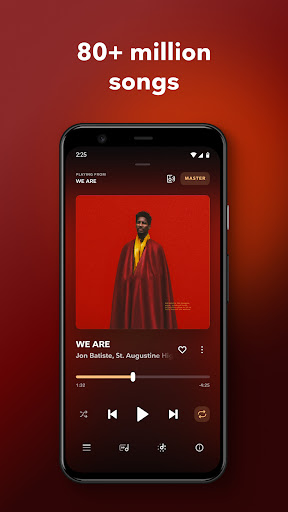
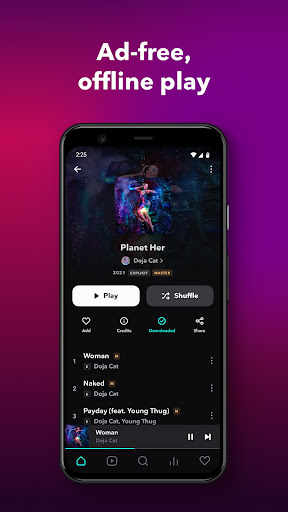
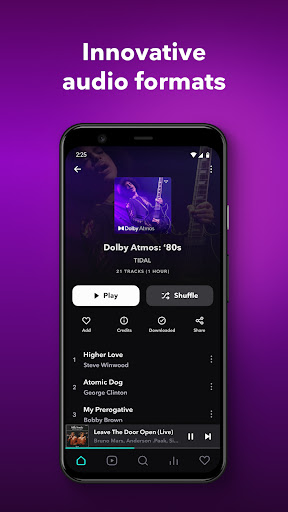
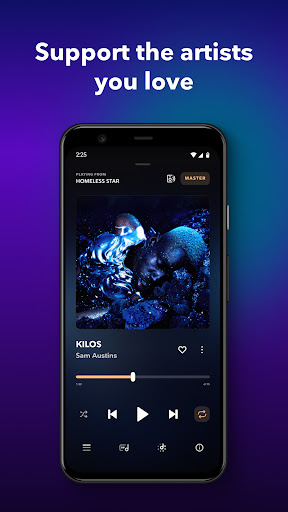
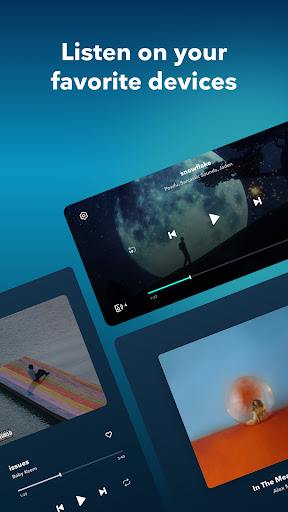
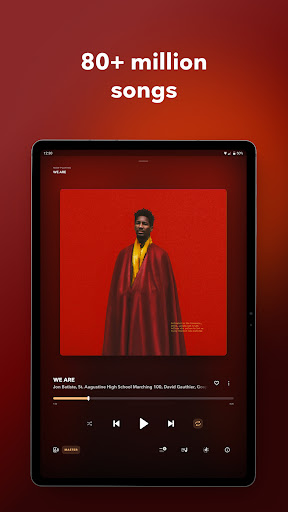
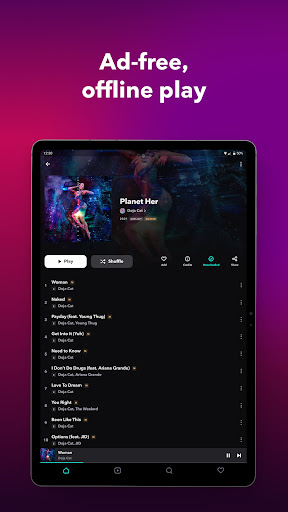
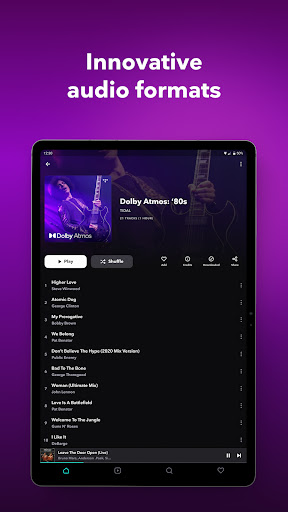
TIDAL Music makes a very strong first impression, and after spending real time with it, I understand exactly why it has such a loyal following. This is one of those apps that knows its main selling point and puts it front and center: music is supposed to sound great. If you care about that even a little, TIDAL feels different almost immediately. The app opens into a clean, dark interface that looks modern without trying too hard. I liked how little visual clutter there is. Browsing feels focused on the music rather than on pushing distractions in your face, and the ad-free experience helps a lot with that. In everyday use, that matters more than marketing copy ever does. You search for an artist, open an album, hit play, and the app mostly stays out of the way. That simplicity is one of TIDAL’s biggest strengths. Then there is the sound. Yes, audio quality is the headline feature, but in practice it really is the reason to use this app. On decent headphones and speakers, tracks feel fuller, cleaner, and more spacious than on lower-tier streaming services. Even without getting overly technical, the difference is noticeable enough that switching back to a standard compressed stream can feel like a step down. TIDAL is at its best when you are sitting down to actually listen, not just filling silence in the background. For albums with strong production, live recordings, jazz, classical, electronic music, or anything with real dynamic range, the service plays directly to its strengths. That said, TIDAL is not only for audiophiles with expensive gear. I also found it enjoyable in normal day-to-day use: commuting, working, and downloading albums for offline listening. Offline mode is a genuinely practical part of the experience, not a buried extra. Being able to load up albums and playlists before heading out is useful, and the app presents downloading clearly enough that you do not have to hunt for it. For a music service, that kind of convenience matters just as much as premium sound. Its catalog also feels broad enough to be satisfying. In my time with the app, I rarely had the feeling that I was hitting a wall when looking for music. It handles mainstream material well, and it also feels comfortable as a discovery tool thanks to mixes, recommendations, and editorial playlists. I especially liked that TIDAL can work in two modes depending on your mood: you can lean into recommendations when you want to explore, or keep things more controlled when you want your playlist to simply end without the app taking over your listening session. But TIDAL is not perfect, and the weak spots are noticeable precisely because the core experience is so good. The first issue is search. It works, but it does not always feel as sharp or forgiving as the best music apps. Finding a song can sometimes require being more exact than you should have to be, especially if you are searching by title alone or trying to dig through multiple versions of the same work. This gets more frustrating in genres with complex naming conventions, such as classical music, where organization matters a lot. The second weak point is playlist management. Creating playlists is easy enough, but maintaining them can become awkward if you have built up a large library. Adding songs to the right playlist should be fast and fluid, yet it can feel more manual than it ought to. If you are the kind of listener who keeps dozens of carefully organized playlists, this part of the app starts to show some friction. It is not broken, but it is less polished than the listening side of the experience. The third issue is reliability. During most of my use, playback felt fast and stable, but TIDAL also has the kind of occasional rough edge that can break the mood quickly: songs stopping unexpectedly, odd playback behavior on certain tracks, or small app inconsistencies after updates. These moments are not the whole experience, and they do not cancel out what TIDAL does well, but they are worth mentioning because this is a premium-feeling service that sometimes falls just short of premium-level smoothness. Even with those frustrations, I kept coming back to TIDAL because when it is working well, it makes listening feel intentional again. It has an elegant, minimal look, excellent sound, strong music discovery, and the practical basics like offline listening and curated recommendations. More importantly, it has a point of view. It is not trying to be everything at once. It is trying to be a music app for people who still care about how music feels. TIDAL is for listeners who value audio quality, want an ad-free environment, and prefer a cleaner interface over a busy one. It is also a good fit for album listeners and anyone who wants a service that feels serious about music rather than just endless background content. It is less ideal for people who live and die by ultra-fast search, advanced collaborative queue features, or heavy playlist organization tools. If your priority is absolute convenience above all else, some of TIDAL’s rough edges may stand out more than its strengths. For me, TIDAL earns a recommendation because its core promise holds up in actual use. It sounds excellent, looks refined, and makes music feel like the main event. It just needs a bit more polish around search, playlist handling, and occasional playback stability to feel truly top-tier from every angle.