In-depth review
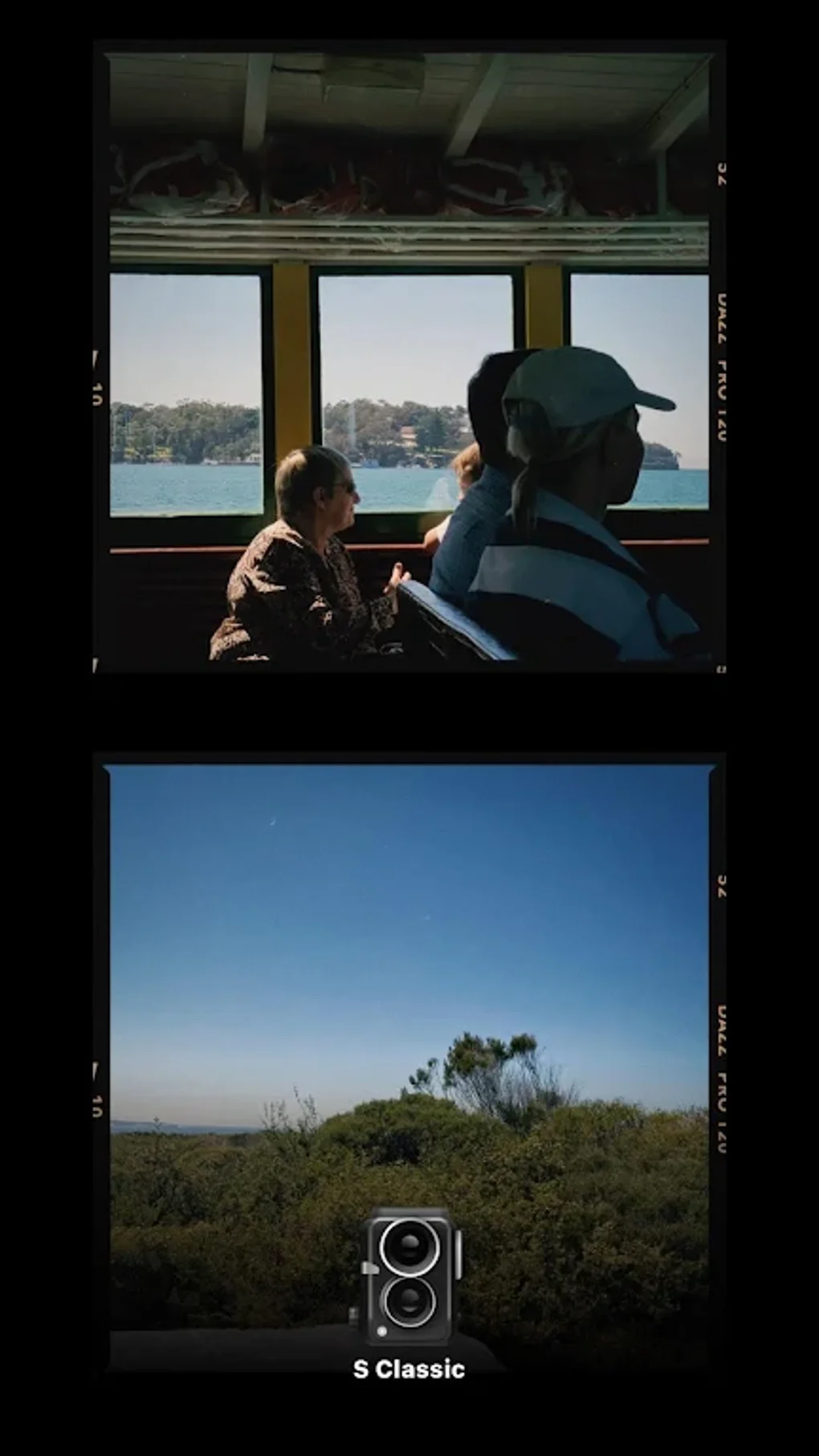
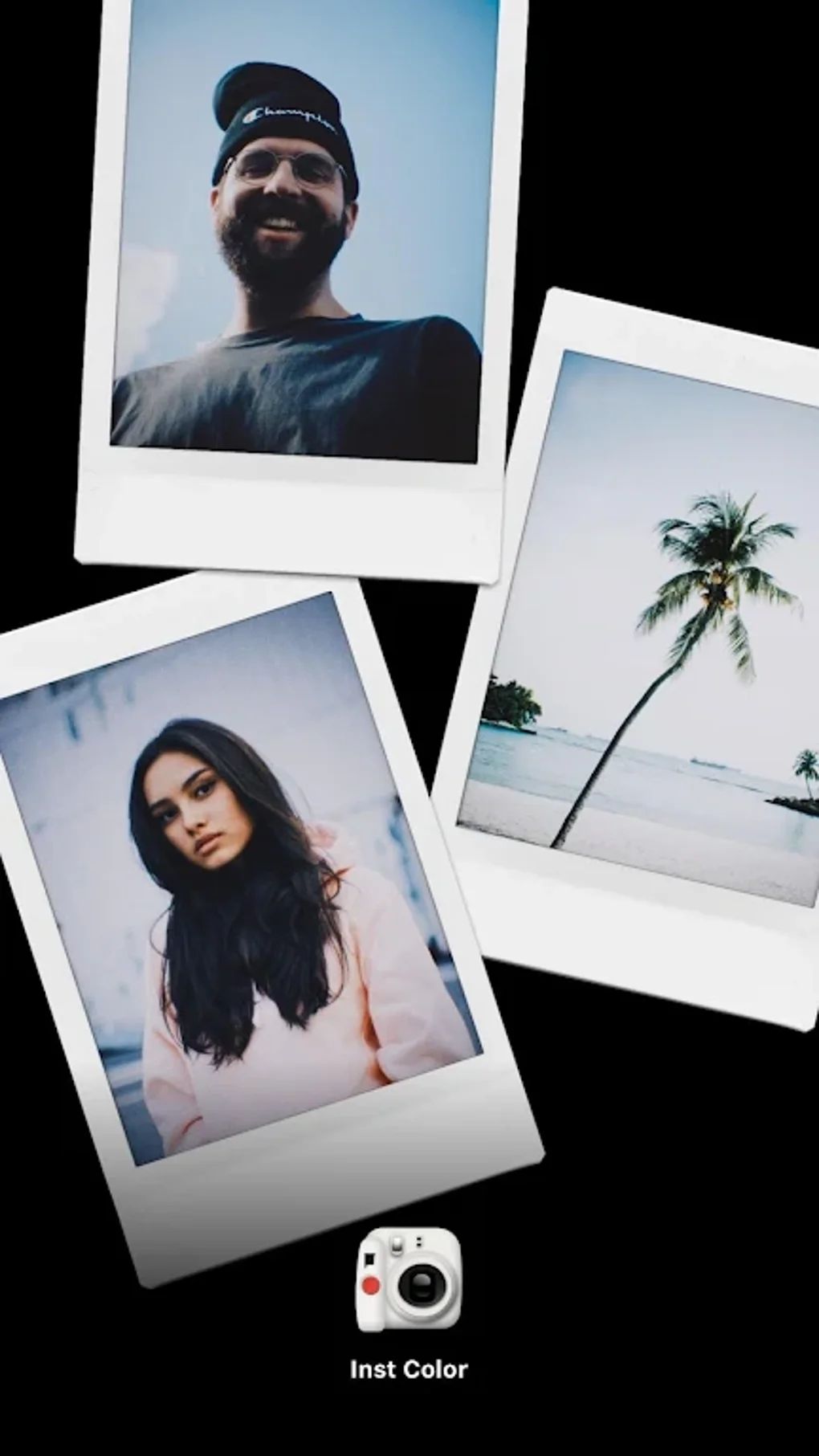
Dazz Cam - Vintage Camera is the kind of photo app that makes its case in the first few minutes. You open it, point your phone at something ordinary, and the app immediately tries to turn that scene into something moodier, softer, and more nostalgic. In practice, that is its biggest strength: it is not really about technical perfection, but about atmosphere. After spending time shooting casual street scenes, indoor snapshots, food, and a lot of test portraits, what stood out most was how quickly Dazz Cam can make digital photos feel more deliberate and characterful.
The app’s overall appeal is its sense of style. A lot of camera and filter apps throw huge menus at you and expect you to build a look from scratch. Dazz Cam feels more curated. Even when you do not know exactly what effect you want, it nudges you toward a recognizable visual mood without much effort. That makes it approachable for people who love the idea of film-inspired photography but do not want to study editing tools for half an hour before taking a picture. In everyday use, that convenience matters more than it sounds. It is easy to open, try a few looks, and come away with images that feel distinct from the standard phone-camera output.
That said, the app works best when you accept its personality rather than fight it. Dazz Cam is at its strongest when you want a stylized result quickly. If your goal is strict realism, precise color work, or finely tuned manual adjustments, the experience becomes less satisfying. There is a noticeable difference between an app that gives you a look and an app that lets you engineer one. Dazz Cam is much closer to the first category. For many users, that will be a feature, not a flaw, but it does define the experience.
In daily use, one of the things I liked most was how playful the app feels. There is a low barrier to experimentation. You can take the same subject and see it transformed into something warmer, grainier, softer, or more dramatic without needing to understand editing terminology. That sense of immediacy is a real strength. It encourages more shooting, more trial and error, and more creative risk. On social photos especially, the app can add enough texture and mood to make even simple images feel more memorable.
Another strength is that Dazz Cam generally knows its niche. It is not pretending to be a full professional camera replacement. It is selling an aesthetic experience, and that focus makes the app easier to enjoy. The best sessions I had with it were the casual ones: sunset walks, café shots, quick friend photos, and random urban details that looked flat in the stock camera but picked up extra personality through the app’s vintage treatment. The app is good at making imperfect moments feel intentional.
The third major plus is that it stays accessible. With a 4.6 rating and massive reach, it is clearly finding a broad audience, and that makes sense from a user-experience standpoint. You do not need to be a photo hobbyist to get something out of it. People who mostly want attractive results for sharing, mood boards, travel memories, or personal albums will probably get the value immediately.
Still, there are real trade-offs. The first weakness is that the stylization can sometimes feel stronger than the photo itself. Not every scene benefits from a vintage treatment, and Dazz Cam can occasionally make images feel a little too processed or too committed to the effect. Some shots gain character; others lose clarity or subtlety. You have to be selective, because the app’s signature look is not universally flattering.
The second issue is control. For users who like to fine-tune every part of the image, Dazz Cam may feel limiting compared with more editing-heavy photo apps. It is enjoyable when you are in a quick, expressive mood, but less impressive when you want exact results. There were moments where I wanted to dial an effect back just a bit more or shape the image with greater precision, and the app’s streamlined approach felt restrictive rather than elegant.
The third weakness is one common to many free creative apps: depending on how you use it, the free experience may not feel completely frictionless. Even without going into specific paywalls or feature gates, there is a difference between an app that feels entirely open and one that reminds you it has a premium side. Dazz Cam still delivers clear value for free, but users who are sensitive to interruptions or limitations may notice that tension.
So who is this app for? It is for casual photographers, social media users, students, travelers, and anyone who wants a fast way to give photos a film-like mood without learning a complicated editor. It is also good for people who are bored with the clean, overly clinical look of standard smartphone photography and want something with more texture and nostalgia.
Who is it not for? If you want a neutral camera app, advanced manual photography controls, or highly precise editing tools, Dazz Cam is probably not the best fit. It also may not suit users who prefer every image to stay sharp, natural, and minimally processed.
Overall, Dazz Cam succeeds because it understands the emotional side of mobile photography. It makes pictures feel less disposable. It will not satisfy every perfectionist, and it can lean too hard into its own aesthetic at times, but it is fun, visually confident, and easy to keep coming back to. For a free app, that combination goes a long way. I would recommend it most strongly to people who care more about vibe than technical purity, because that is exactly where Dazz Cam feels most at home.