Apps Games Articles
Google Sheets
Google LLC
Rating 4.8star icon
Editor's summary
Editor rating
star icon star icon star icon star icon
half star icon
4.5

One-line summary Google Sheets is the best spreadsheet app for most people because its real-time autosave and collaboration feel effortless, but mobile power users may still bump into missing advanced controls and a few annoying editing glitches.

  • Installs

    1B+

  • Developer

    Google LLC

  • Category

    Productivity

  • Content Rating

    Everyone

  • Latest version

    1.26.091.02.90

  • Package

    com.google.android.apps.docs.editors.sheets

In-depth review
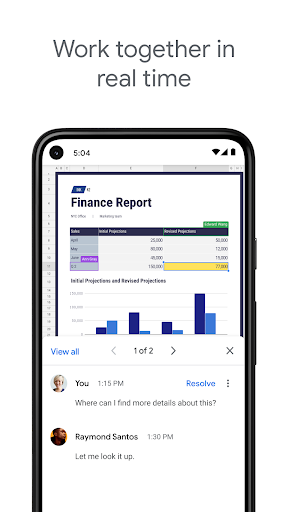
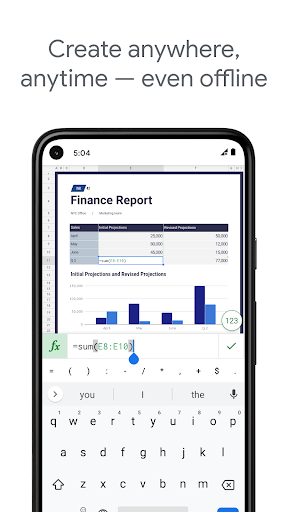
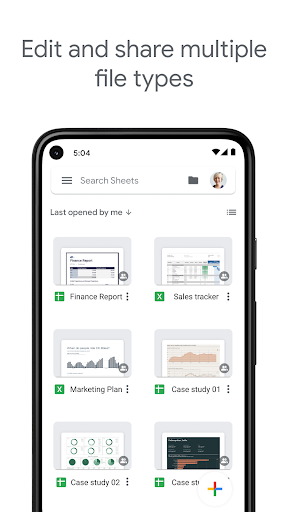
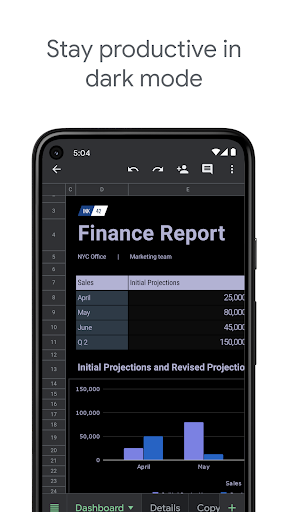
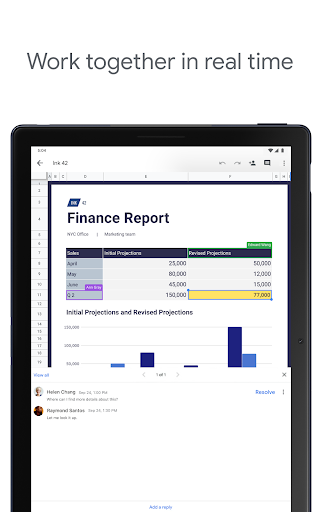
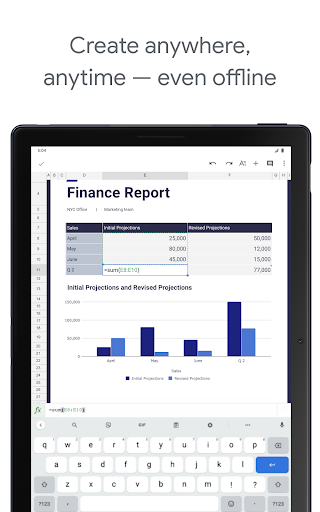
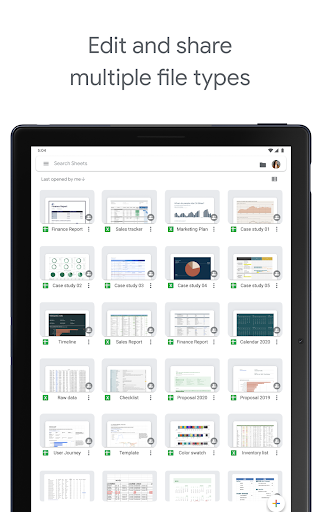
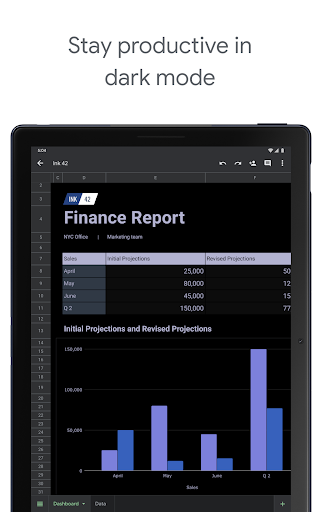
Google Sheets on Android feels like one of those rare productivity apps that actually respects the fact that you are using a phone, not just a shrunk-down desktop. After spending real time creating spreadsheets, editing existing files, juggling shared documents, and dipping in and out of offline work, the app comes across as fast, dependable, and surprisingly capable. It is not perfect, and it still runs into some familiar mobile limitations, but for everyday spreadsheet work it is easy to recommend. The first thing that stands out in daily use is how frictionless the core workflow is. Open the app, tap into a sheet, and you are usually working within seconds. There is very little ceremony. Changes save automatically as you type, and that turns out to be one of the app’s biggest strengths. On a desktop, autosave is convenient. On a phone, where interruptions are constant and app switching is a fact of life, it feels essential. I never had that nervous “did I lose that edit?” feeling that still creeps up with some office apps. That peace of mind matters more than any flashy feature. The second major strength is collaboration. Shared spreadsheets feel natural here rather than bolted on. Seeing changes appear in real time makes Google Sheets feel alive in a way that traditional spreadsheet apps often do not. It works especially well for lightweight team tracking, household budgets, shared lists, and anything else where multiple people need to touch the same file without stepping on each other. In practical use, this is where Sheets earns its reputation. You can hand someone a link, both make edits, add comments, and move on with your day without worrying much about file versions. The third strength is that the app is genuinely useful beyond simple data entry. Mobile spreadsheet apps often stop at “you can type in cells.” Google Sheets goes much further. Formatting options are solid, formulas are there, sorting is easy enough, charts are viewable, and features like find/replace and data organization tools make it possible to do real work from a phone. It does not feel like a toy. For budgeting, expense tracking, simple analysis, scheduling, and collaborative logs, it holds up remarkably well. I was also pleased by how well it handles opening and saving Excel files in the kinds of everyday situations most people actually face. That said, the mobile experience is not without rough edges. The biggest weakness is that some advanced actions still feel constrained compared with the web version. You can sense where the app is strong and where it starts running out of room. Basic and intermediate spreadsheet work are comfortable; deeper formatting and chart editing can feel pared back. If your day revolves around dense workbooks, heavy data modeling, or constant fine-tuning of charts and structure, you will eventually notice that the mobile app is not a complete replacement for desktop-class spreadsheet software. The second weakness is navigation in larger files. On a simple sheet, everything is fine. But once you start dealing with workbooks full of tabs and long-running projects, the mobile interface becomes more cumbersome. Jumping quickly between many sheets is not as graceful as it should be, and some actions take more taps than they ought to. It is manageable, but not elegant. On a phone screen, every extra gesture adds up, and Google Sheets still has room to improve in helping users move around complex files quickly. The third weakness is that the app occasionally feels inconsistent in edge cases. During testing, most files behaved well, but the Android app still gives off the occasional “mobile weirdness” vibe: a file may take too long to open, editing can feel unavailable when it should not be, or the app may seem to need a refresh before settling down. These moments are not the norm, and they do not erase the app’s strengths, but they are noticeable precisely because the rest of the experience is usually so smooth. Visually, Google Sheets is clean and familiar. It does not overdesign the spreadsheet, which is the right choice. The interface stays out of the way for the most part, and if you have ever used a spreadsheet before, the learning curve is gentle. On smaller screens, however, touch interaction is still touch interaction. Selecting the exact cell you want, dragging around a dense grid, or working with tightly packed data can become fiddly. This is more a limitation of the form factor than a failure of the app, but Google Sheets only partially overcomes it. Who is this app for? It is ideal for students, professionals, families, freelancers, and basically anyone who needs a spreadsheet that is always available, always syncing, and easy to share. It is particularly strong for budgets, trackers, reports, inventories, collaborative planning, and everyday administrative work. It is also a great fit for people already living in Google’s ecosystem and for users who value convenience over deep spreadsheet specialization. Who is it not for? If you are a spreadsheet power user who expects the full flexibility of a desktop setup on your phone, this app will eventually feel limiting. If your work depends on advanced chart editing, highly complex workbook management, or constant precision-heavy spreadsheet manipulation, you will still want a larger screen and more robust controls. Overall, Google Sheets is one of the best productivity apps on Android because it nails the fundamentals: quick access, automatic saving, seamless sharing, and enough spreadsheet muscle to be genuinely useful. Its weaknesses are real, but they mostly show up when you push the mobile form factor beyond what it handles best. For the vast majority of people, this is not just a convenient spreadsheet companion. It is the spreadsheet app they will actually keep using.