Apps Games Articles
Messenger Kids – The Messaging
Meta Platforms, Inc.
Rating 3.9star icon
Editor's summary
Editor rating
star icon star icon star icon star icon empty star icon
4.2

One-line summary Messenger Kids is one of the best kid-safe messaging apps we've used thanks to its strong parental controls and playful calling features, but recurring glitches and a few missing basics keep it from feeling fully polished.

  • Installs

    50M+

  • Developer

    Meta Platforms, Inc.

  • Category

    Communication

  • Content Rating

    Everyone

  • Latest version

    281.0.0.53.212

  • Package

    com.facebook.talk

In-depth review
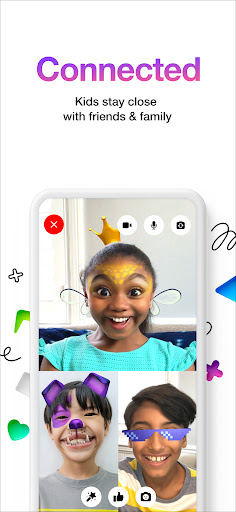
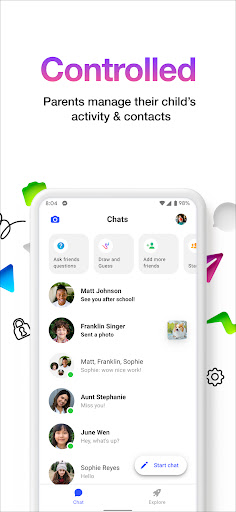
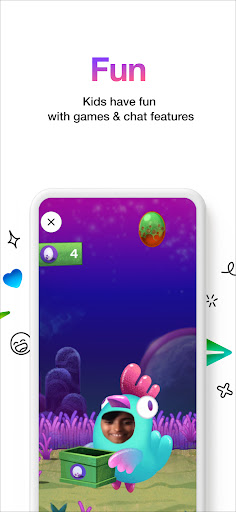
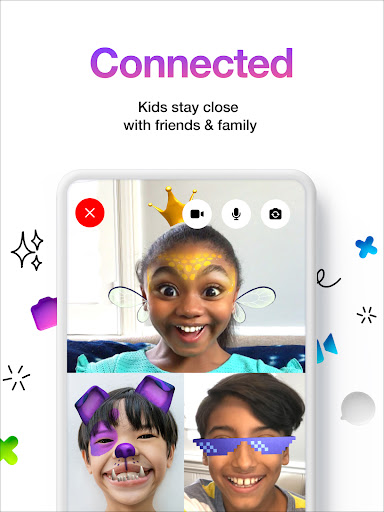
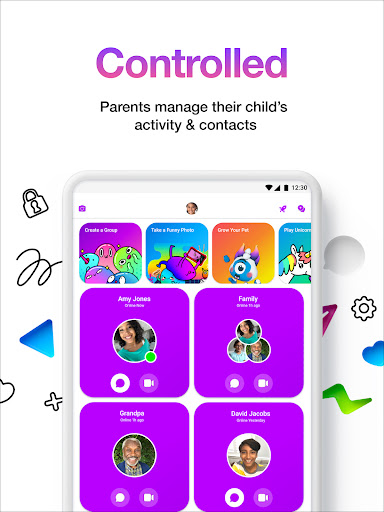
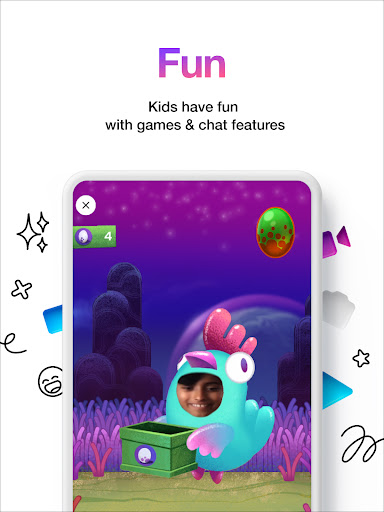
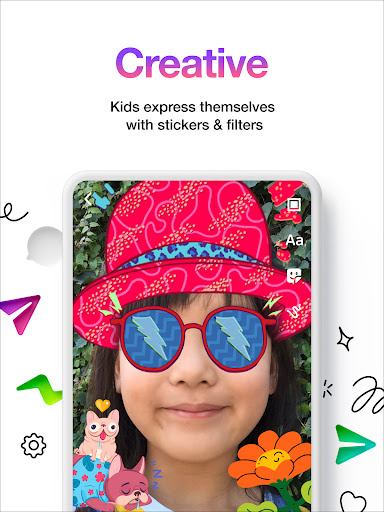
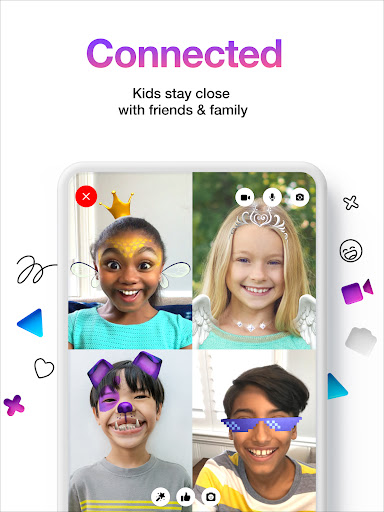
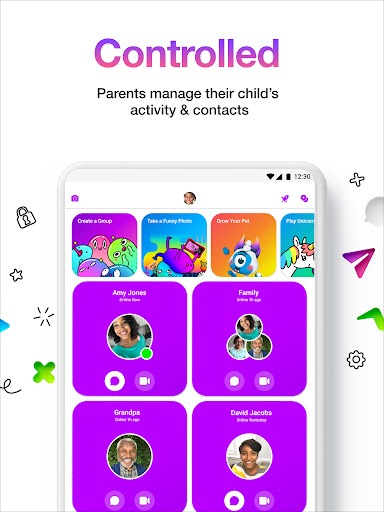
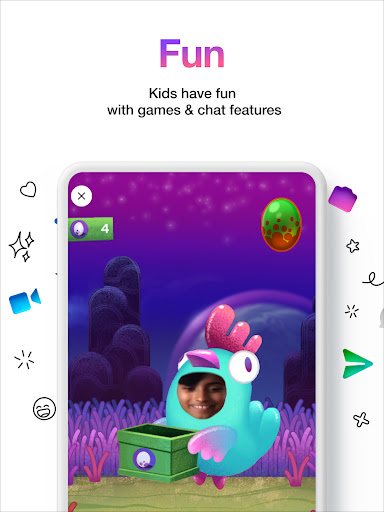
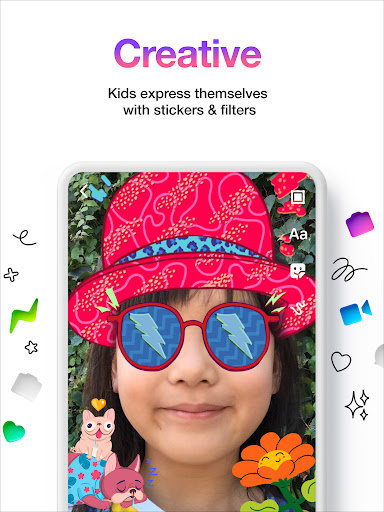
Messenger Kids feels like an app built around a very specific problem: kids want to message and video chat like everyone else, but parents want a lot more control over who gets through and what kind of communication is happening. After spending time with it, that focus comes through clearly. This is not just a smaller version of a general chat app. It is a communication app designed to feel fun for children while still keeping parents firmly in the loop. The setup experience is one of its biggest strengths. You do not need to jump through the usual phone-number-based hoops, and that matters because a lot of children using this app simply do not have their own number yet. Getting a child account going feels straightforward, and the parent-facing controls are easy to understand. From the start, the app makes it clear that this is a supervised environment. Parents manage contacts, can see messages, and are notified about certain actions like blocking. In practice, that changes the tone of the app completely. For younger kids, it creates a safer, more contained social space than a typical messaging platform. Once inside, Messenger Kids is much more lively than its safety-first framing suggests. The app leans heavily into playful communication. Video calls are filled with filters, reactions, stickers, effects, and simple creative tools that make chats feel less like formal messaging and more like a toy box attached to a conversation. That matters because kids do not just want a sterile safe app; they want something they actually enjoy opening. In our use, that is where Messenger Kids succeeds best. It feels inviting, colorful, and active, and the extras are not buried away. They are central to the experience. The communication basics are also mostly solid. Texting, video chats, voice clips, and group communication all help make this feel like a real messaging platform rather than a stripped-down kids mode. For families and close friends, it covers the main ways children are likely to stay in touch. We especially liked how natural it feels for everyday use: quick check-ins, silly photos, spontaneous calls, and ongoing group chats all fit comfortably here. For kids who are too young for mainstream social apps but old enough to want independent conversations, Messenger Kids finds a smart middle ground. That said, using it over time also reveals some rough edges. The biggest issue is reliability. The app is functional most of the time, but not always smooth. We ran into enough freezing, lag, and occasional slow message delivery to notice a pattern. Video chats can be especially inconsistent. When everything works, the filters and call effects are genuinely fun. When performance dips, those same calls can become frustrating fast. An app centered this heavily on live communication really needs rock-solid stability, and Messenger Kids does not always get there. A second weakness is that some basic customization still feels oddly limited. There is a lot of visual personality in the app, but a few practical features feel missing. Profile picture handling is one example: the experience can feel restrictive when you want to use an existing image rather than capture one in the moment. There are also small but noticeable gaps in flexibility around notifications, call behavior, and personalization. The app gives kids a fun layer of expression, but sometimes withholds simple controls that would make the experience more comfortable and convenient. The third weak point is that Messenger Kids can feel age-bound in a way that limits its long-term appeal. For younger children, the design is a good fit. For older kids creeping toward their teen years, it may start to feel a bit supervised, a bit toy-like, or just too controlled. That is not really a flaw in the app's mission, but it does define who it is for. This is best for elementary-age kids and maybe some younger middle-school users whose parents want close oversight. It is not a great fit for teens who expect privacy, more mature communication tools, or a more standard messaging environment. What impressed us most is that Messenger Kids does not treat safety and fun as opposites. The parental dashboard is meaningful, not cosmetic, and the app still manages to feel cheerful instead of oppressive. That balance is hard to get right. We also appreciated that the app avoids ads and in-app purchases, which helps the experience feel cleaner and less exploitative than many child-focused apps. Parents are not constantly fighting prompts to buy extras, and kids are not nudged toward spending. Still, polish matters. The small glitches, missing conveniences, and occasional call hiccups stop Messenger Kids from feeling like the undisputed standard it could be. If Meta smooths out performance and adds a few more everyday quality-of-life features, this would be easier to recommend without hesitation. As it stands, Messenger Kids is a very good app for families who want a controlled, kid-friendly way to stay connected. It is especially useful for children who want to chat with approved friends and relatives but are not ready for unrestricted messaging platforms. It is less suitable for older kids who want more independence or for anyone who is likely to be annoyed by occasional technical roughness. Within its lane, though, it does a lot right: it is safe, playful, easy to start, and genuinely useful in daily family life.
Alternative apps