Apps Games Articles
SHAREit Lite - Fast File Share
Smart Media4U Technology Pte.Ltd.
Rating 4.4star icon
Editor's summary
Editor rating
star icon star icon star icon star icon empty star icon
4.2

One-line summary SHAREit Lite is easy to recommend if you just want a lightweight, no-fuss way to move files quickly, but I’d hesitate if you’re sensitive to clutter or expect a truly premium, distraction-free experience.

  • Installs

    100M+

  • Developer

    Smart Media4U Technology Pte.Ltd.

  • Category

    Productivity

  • Content Rating

    Everyone

  • Latest version

    3.6.98

  • Package

    shareit.lite

Screenshots
In-depth review
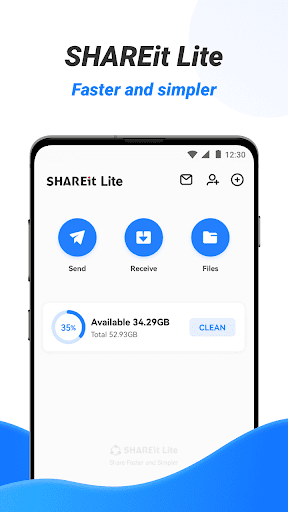
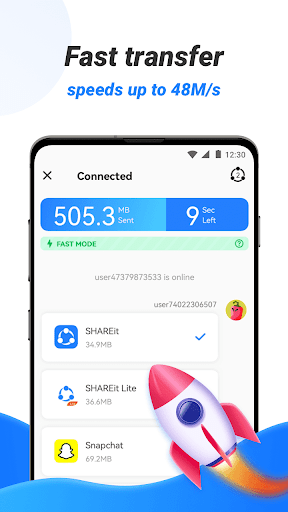
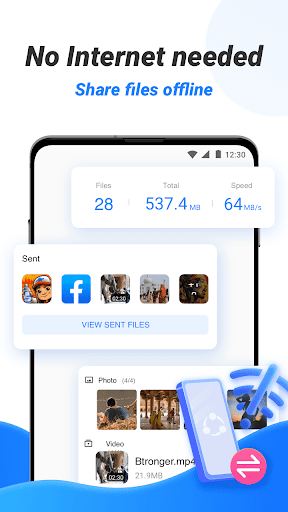
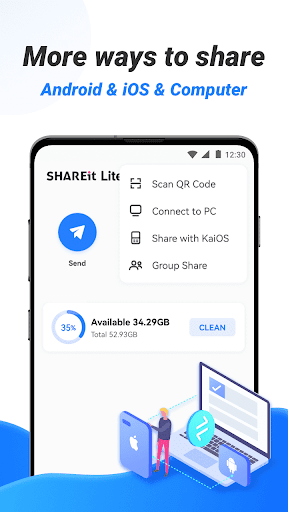
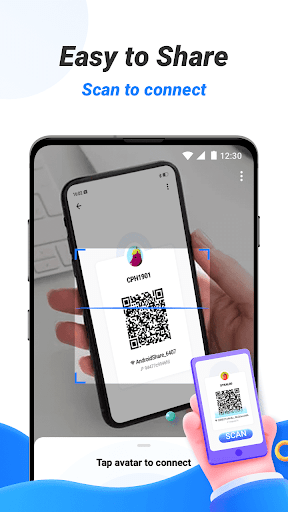
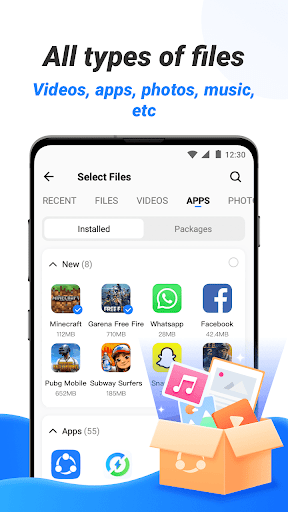
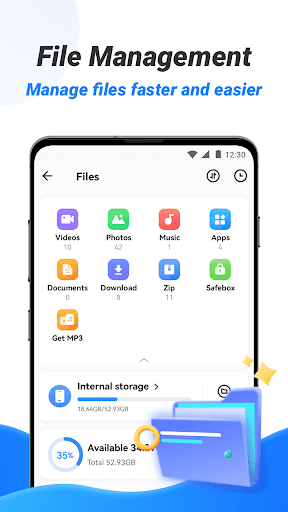
SHAREit Lite - Fast File Share makes a strong first impression by doing something many utility apps forget to do: it gets out of the way quickly enough to let you try the core task almost immediately. I approached it as someone who just wanted to move files between devices without overthinking the process, and in that role the app generally delivers. The “Lite” positioning matters here. It feels trimmed down compared with many bloated sharing tools, and that lighter footprint is one of the main reasons it remains appealing even in a crowded category. In everyday use, the biggest win is convenience. The app is built around a simple expectation: you open it because you want to send or receive something now, not because you want to explore a feature set. That practical focus comes through in the overall flow. It doesn’t feel like a complicated productivity suite pretending to be a transfer app. Once I started using it with that mindset, SHAREit Lite felt approachable and efficient. For casual file transfers like photos, videos, and miscellaneous documents, it offers the kind of low-friction experience that makes sense for people who regularly help friends or family move files from one phone to another. The second strength is speed in the experiential sense. I’m being careful here, because raw transfer performance can depend heavily on the devices involved and the local environment, but the app feels fast. More importantly, it feels faster than the old-fashioned alternatives people still fall back on, like hunting for a cable, waiting on cloud uploads, or sending compressed files through messaging apps. The emotional value of a transfer app is that it should make the process feel immediate, and SHAREit Lite usually succeeds on that front. I never had the sense that it was making a simple task more difficult than it needed to be. A third thing I liked is that the app’s scale shows in the polish of the basics. An app with 100M+ downloads typically has had plenty of real-world pressure to make the central workflow understandable, and that shows here. Buttons are generally where you expect them to be, the app’s purpose is obvious, and the overall onboarding curve is low enough that non-technical users should be able to grasp it without much coaching. That matters because file-sharing apps are often used in exactly those situations where one person is guiding another through the transfer. That said, SHAREit Lite is not perfect, and the main weakness is that even in a lighter version, the experience can still feel more crowded than a pure utility app ideally should. I prefer transfer tools that feel almost invisible—open, send, done. SHAREit Lite gets close to that but doesn’t consistently stay there. Depending on where you are in the interface, there can be a sense that the app wants to be more than a simple transfer utility. For users who value a clean, minimalist workflow, that can be mildly irritating. The second complaint is that the app occasionally gives off the familiar Android utility-app feeling of requiring a bit more tapping and attention than necessary. Not enough to make it hard to use, but enough to remind you that this is not the most elegant software in the category. During repeated use, these small moments matter. If you only use it once a month, you may never care. If you use it often, you start noticing where the flow could be tighter and more direct. My third hesitation is that the app’s usefulness is very context-dependent. SHAREit Lite shines when both sides are willing to use the app and the goal is straightforward local file transfer. It is less appealing if you want something deeply integrated with a broader ecosystem, or if you expect the app to feel premium and refined every second you use it. This is a practical tool first, and that practicality is both its advantage and its limitation. So who is it for? It’s for Android users who want a lightweight transfer app that can handle common file-sharing needs without feeling too heavy or intimidating. It’s especially suitable for people with older or lower-end phones, users who don’t want to rely on mobile data for every transfer, and anyone who values speed and accessibility over design purity. It’s also a good fit for families, students, and everyday users who occasionally need to move large batches of files quickly. Who is it not for? If you want an ultra-clean interface with zero distractions, you may find it less pleasant than you hoped. If you rarely transfer files and already have a method you trust, there may be little reason to switch. And if you are the kind of user who gets annoyed by even minor friction in setup or navigation, this app may feel functional rather than delightful. After spending time with SHAREit Lite, my verdict is positive. It succeeds at the core job, and that matters more than anything else in this category. It feels accessible, relatively light, and dependable enough for regular everyday sharing. At the same time, it doesn’t fully escape the usual compromises of utility apps that have grown beyond a single-purpose tool. I’d recommend it to most people who need fast file transfer on Android, especially if lightweight performance is a priority. I just wouldn’t call it the most elegant experience available—only one of the more practical and easy-to-reach options.