Apps Games Articles
CamScanner - PDF Scanner App
CamSoft Information
Rating 4.9star icon
Editor's summary
Editor rating
star icon star icon star icon star icon
half star icon
4.5

One-line summary CamScanner is still one of the best document scanners you can put on a phone thanks to its fast auto-cropping and genuinely clean results, but the watermark, ads, and subscription nudges keep it from being an effortless recommendation for everyone.

  • Installs

    100M+

  • Developer

    CamSoft Information

  • Category

    Productivity

  • Content Rating

    Everyone

  • Latest version

    6.46.0.2308010000

  • Package

    com.intsig.camscanner

In-depth review
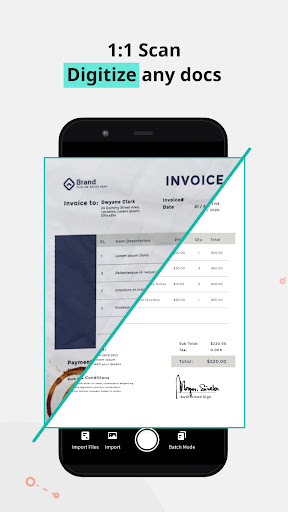
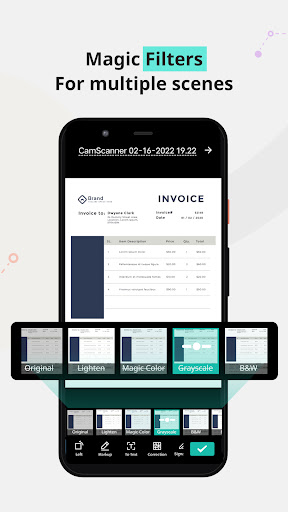
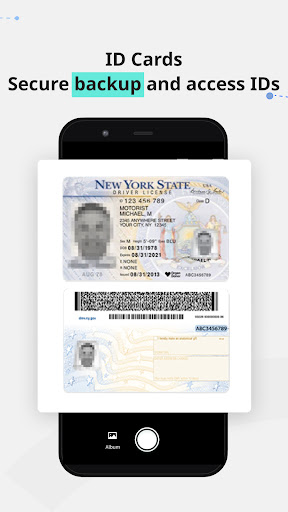
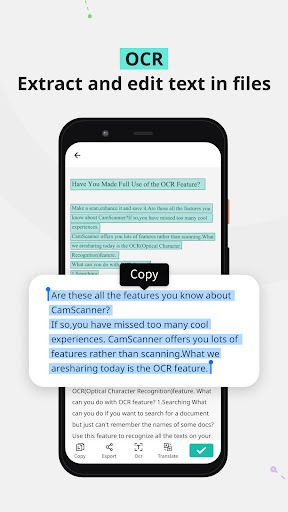
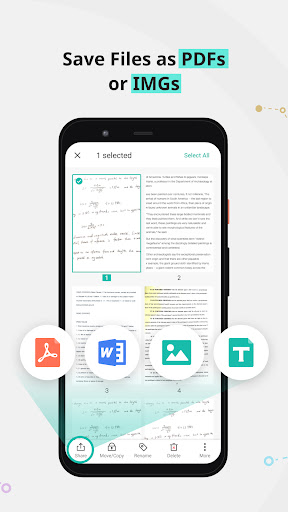
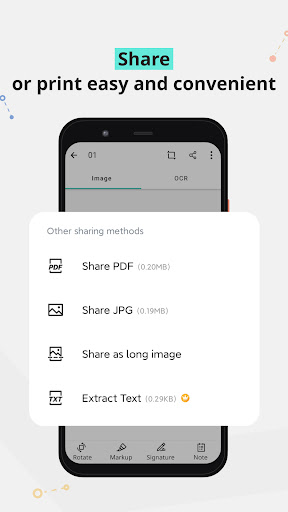
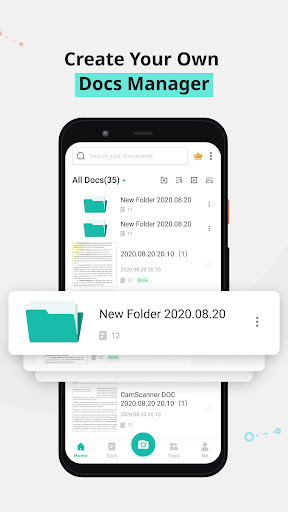
CamScanner remains one of those rare utility apps that immediately justifies why it exists. After spending time with it as an everyday document scanner rather than a one-off novelty, what stands out is how quickly it turns a phone camera into something that feels closer to a real office tool. This is not just a camera app with a PDF export button slapped on top. In regular use, it behaves like a purpose-built scanning workflow: point the camera at a receipt, worksheet, ID, invoice, or printed page, let the app find the edges, make a quick correction if needed, and you have a clean, readable document that looks far more polished than a normal photo. That edge detection is the first big reason CamScanner still earns its reputation. In my testing, the app did a very good job recognizing page boundaries and straightening perspective, even when I held the phone slightly off-angle. That matters more than any flashy feature list because the entire appeal of a mobile scanner is speed. CamScanner usually gets you from paper to usable PDF in a matter of seconds, and it often gets there without much hand-holding. I scanned everything from flat letter-sized pages to smaller scraps like receipts and ID cards, and the app consistently made them look cleaner, flatter, and easier to read than the original camera shot. The second strength is image processing. CamScanner’s enhancement tools are not subtle window dressing; they are the difference between “I took a picture of this form” and “I scanned this document.” Text comes out sharper, backgrounds are cleaned up, and contrast is boosted in a way that makes pages easier to share or archive. It is especially effective on ordinary paperwork, notes, and multipage documents. If you are trying to submit homework, send a signed form, digitize mail, or keep copies of important records, the app feels built for that exact kind of practical use. The resulting files look professional enough that you do not feel like you are sending a glorified phone snapshot. The third major advantage is workflow flexibility. Once a scan is captured, CamScanner makes it easy to organize, export, and share. PDF and image output are the obvious basics, but the app also leans into productivity features such as OCR, tagging, annotations, and cloud sync across devices. I found this especially useful when dealing with batches of documents rather than just one page at a time. Multi-page scanning is smooth, and the app clearly understands that people often need to capture several related pages and send them off quickly. It is the kind of app that feels just as useful for a student filing assignments as it does for someone dealing with contracts, licenses, or household paperwork. That said, CamScanner is not friction-free. The first annoyance is monetization pressure. The free version is absolutely usable, and for many people it will be enough, but the app makes sure you know there is a paid tier. Watermarks on free scans are the most obvious compromise, and that can be a deal-breaker if you need documents to look fully clean and professional. There are also ads and feature gates around some of the more advanced tools. None of this makes the app unusable, but it does make the experience feel a little less elegant than the scanning engine itself deserves. The second weakness is that some features live behind a subscription line in a way that can make the app feel slightly overcomplicated. CamScanner is at its best when you just want to scan, crop, enhance, and export. Once you move into the deeper layers—premium filters, more advanced OCR use, and some of the extra productivity tools—the app starts to feel more like a service ecosystem than a clean utility. That will be fine for power users who live in documents all day, but casual users may find the upgrade prompts and tiered experience a bit tiring. The third complaint is more subtle: while the automatic correction is very good, it is not magic. On tricky pages with perspective distortion, curved paper, uneven lighting, or awkward backgrounds, you may still need to tweak corners manually or adjust the output mode to get the best result. In fairness, that is true of every mobile scanner app, and CamScanner usually performs better than most, but it is still worth saying that the app works best when you give it a reasonably clear shot to begin with. Who is this app for? It is ideal for students, remote workers, freelancers, teachers, field staff, and basically anyone who regularly needs to convert physical paperwork into clean digital files without touching a desktop scanner. It is also excellent for people who need scan-and-send convenience on the move: contracts in a car, forms at a desk, receipts at a restaurant, IDs at a counter, notes after a class. If your life includes real paperwork, CamScanner feels immediately useful. Who is it not for? If you only scan once every few months and strongly dislike ads, watermarks, or subscription upsells, you may prefer a simpler built-in scanning tool from an ecosystem app you already use. And if you expect every advanced feature to be permanently unlocked with no recurring prompts, CamScanner’s business model may wear on you. Overall, though, the core verdict is easy. CamScanner still nails the thing that matters most: it turns document scanning on a phone into a fast, dependable, genuinely polished experience. The app saves time, produces impressive results, and handles real-world paperwork better than a basic camera ever could. Its free experience has compromises, and its premium push is impossible to ignore, but judged on pure scanning performance, it remains one of the strongest apps in its category.