Apps Games Articles
Microsoft SwiftKey Keyboard
SwiftKey
Rating 4.0star icon
Editor's summary
Editor rating
star icon star icon star icon star icon
half star icon
4.5

One-line summary Microsoft SwiftKey is one of the smartest, most customizable keyboards you can install, but its occasional prediction quirks and some lingering privacy unease keep it just shy of an unquestioned recommendation.

  • Installs

    1B+

  • Developer

    SwiftKey

  • Category

    Productivity

  • Content Rating

    Everyone

  • Latest version

    9.10.10.5

  • Package

    com.touchtype.swiftkey

In-depth review
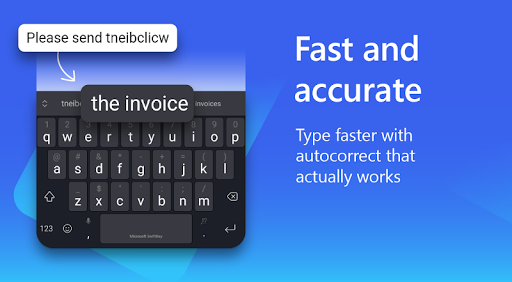
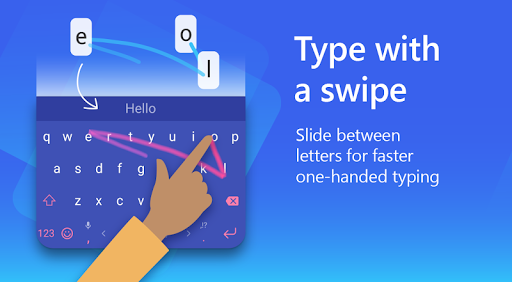
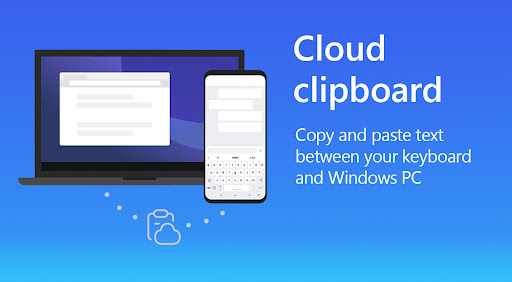
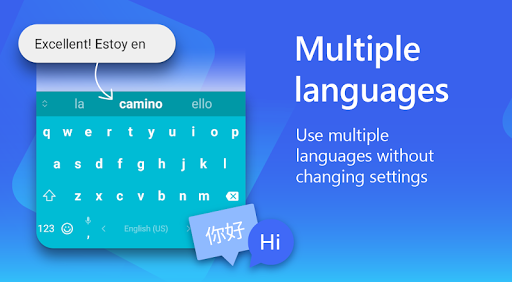
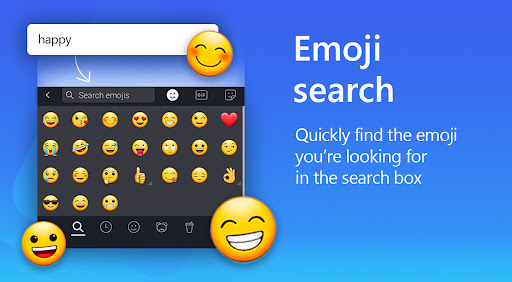
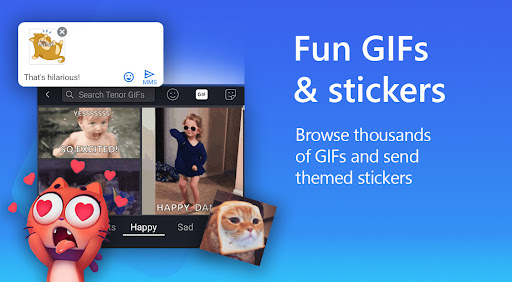
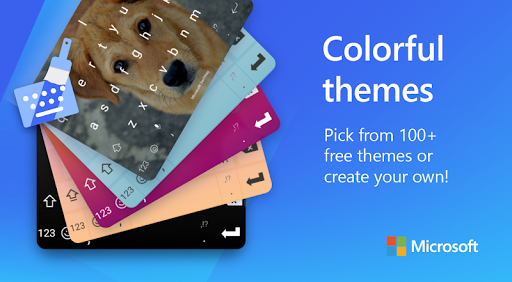
After spending real time with Microsoft SwiftKey Keyboard as a daily driver, the clearest takeaway is this: it still feels like a keyboard built by people who understand that typing is not just about letters, but rhythm. A good keyboard disappears under your thumbs. A great one learns how you move, where you make mistakes, how you mix languages, and what shortcuts matter to you. SwiftKey gets closer to that ideal than most Android keyboards I have used. The first thing that stands out is how quickly it becomes comfortable. Out of the box, SwiftKey already feels fast, but it gets better once it starts adapting. Predictions improve, common phrases surface more naturally, and autocorrect gradually stops feeling like a fight. That learning component is the app’s biggest strength. During everyday messaging, note-taking, and search-heavy use, I found SwiftKey especially good at handling imperfect taps. If your typing is a little sloppy, if you rush, or if you often hit neighboring keys, SwiftKey does a surprisingly convincing job of steering the sentence back on track. It gives the impression that it is watching your habits rather than forcing you to relearn typing around its limitations. Its second major strength is flexibility. Swift typing, tap typing, voice input, clipboard tools, translation, GIFs, stickers, themes, multilingual support, and AI extras are all packed in, but the app rarely feels chaotic. There is a lot here, yet most of it is tucked behind a toolbar that is easy enough to ignore if all you want is a clean keyboard. That balance matters. Some feature-rich keyboards feel like they are trying to turn every text box into a carnival. SwiftKey mostly avoids that. I liked being able to customize the layout, resize the keyboard, change themes, and keep useful tools close without making the main typing area feel cramped. The multilingual experience is another area where SwiftKey feels genuinely polished. Switching between languages, or even using multiple languages in the same flow, is one of the places where lesser keyboards tend to stumble badly. SwiftKey is much more natural about it. It does not feel startled when you move between languages, slang, names, or casual phrasing. For bilingual and multilingual users, this is one of the app’s most compelling reasons to install it. That said, SwiftKey is not flawless, and some of its annoyances are old-fashioned keyboard annoyances rather than deal-breakers. The biggest one is that its prediction engine, while excellent overall, can still make bizarre substitutions with total confidence. You will be flying through a sentence and then notice that one tiny preposition, one common word, or one obvious phrase was “helpfully” changed into something that is technically valid but contextually wrong. This is not unique to SwiftKey, but because the app is so aggressive about learning and predicting, those mistakes feel more noticeable when they happen. It remains a keyboard that rewards speed, but it also encourages a quick proofread before hitting send. The second weakness is that some parts of the experience feel more polished than others. The core keyboard is excellent. The surrounding extras are a mixed bag. Features like Copilot, rewriting tools, image creation, stickers, and expandable utilities may appeal to some users, but they do not all feel equally essential. In practice, I found the best part of SwiftKey to be the keyboard itself, not the push toward AI-assisted everything. None of these additions ruined the experience, but they can make the app feel busier than it needs to be. If you want a pure, minimalist keyboard with zero extra fluff, SwiftKey may feel a little over-equipped. The third hesitation is privacy comfort. SwiftKey gives you a lot of power, and with that comes the usual keyboard-app reality: you are trusting a very intimate layer of your device. The app explains optional permissions, and you can use it without enabling everything, which is good. Still, because this is a keyboard that learns from your writing style and offers cloud-connected intelligence features, it is fair to say privacy-sensitive users may pause before fully embracing it. I did not find the app obnoxious in use, but this category always asks for a level of trust that not everyone is happy to give. In daily use, though, SwiftKey remains remarkably easy to recommend. The clipboard is genuinely useful. Theme support is broad without being tacky unless you want it to be. Emoji and GIF search are there when you want them and invisible when you do not. The keyboard can be adjusted to fit different hand sizes and phone sizes, and that matters more than spec-sheet feature lists ever do. On large phones especially, having layout options can make the difference between comfortable typing and constant thumb gymnastics. Who is this app for? It is for heavy texters, multilingual users, people who want more control over layout and appearance, and anyone frustrated by default keyboards that feel rigid or dumb. It is also a strong pick for users who benefit from a keyboard that adapts to imperfect input rather than punishing it. If your phone is a communication tool first and foremost, SwiftKey earns its place quickly. Who is it not for? If you dislike AI features on principle, want the simplest possible keyboard, or are deeply uncomfortable with a third-party keyboard learning your writing habits, you may prefer something more minimal. And if you are the sort of user who gets irrationally annoyed by the occasional incorrect autocorrect, SwiftKey can still test your patience. Even with those caveats, Microsoft SwiftKey remains one of the most accomplished Android keyboards available. Its core typing experience is fast, adaptive, and deeply customizable, which matters far more than novelty features. I came away feeling that SwiftKey still understands the fundamentals better than most: a keyboard should help you type naturally, get out of the way, and quietly improve over time. On that front, it absolutely delivers.