Apps Games Articles
AI Chat - Ask your AI Chatbot
Syphnosys Apps
Rating 4.4star icon
Editor's summary
Editor rating
star icon star icon star icon
half star icon
empty star icon
3.9

One-line summary AI Chat - Ask your AI Chatbot is easy to like as a fast, all-in-one AI toolbox for chatting, study help, and casual image creation, but I’d hesitate to recommend it unreservedly if you want a cleaner, more focused experience with fewer distractions.

  • Installs

    10M+

  • Developer

    Syphnosys Apps

  • Category

    Productivity

  • Content Rating

    Everyone

  • Latest version

    1.8.0

  • Package

    com.syct.chatbot.assistant

Screenshots
In-depth review
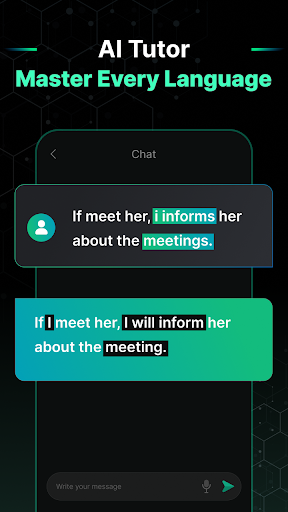
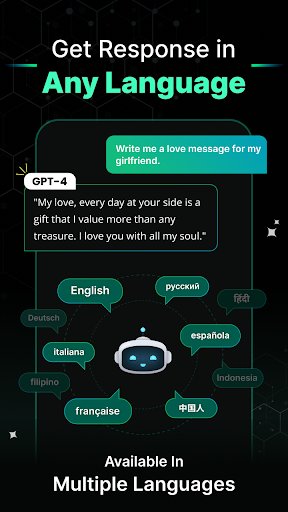
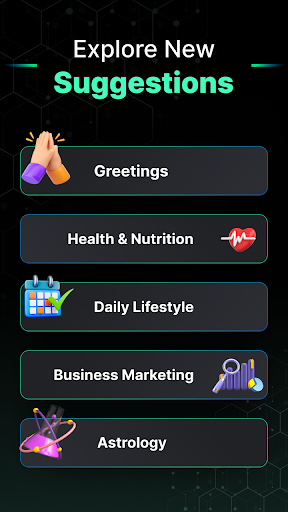
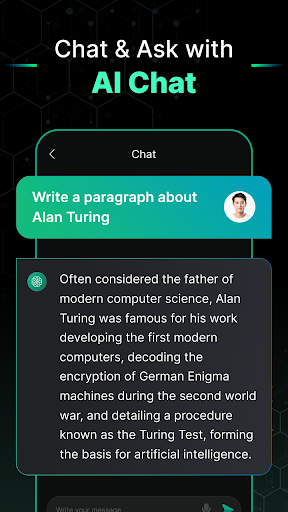
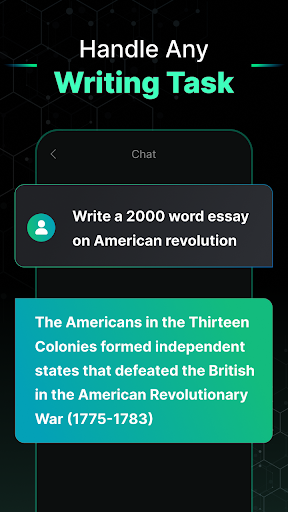
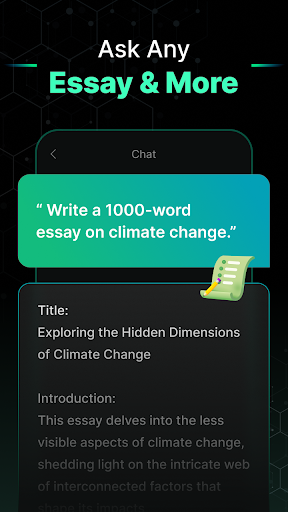
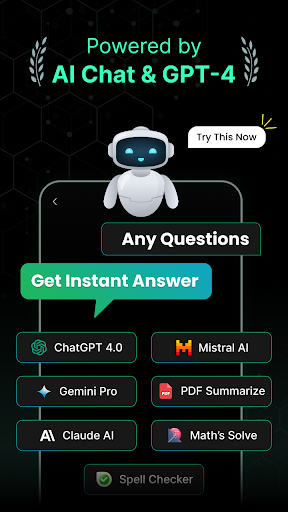
AI Chat - Ask your AI Chatbot is one of those Android apps that tries to be everything at once: conversational assistant, study buddy, image generator, video tool, document helper, and general productivity sidekick. After spending time with it as a day-to-day utility rather than just poking through menus for five minutes, my main takeaway is simple: this app is at its best when you treat it as a convenient AI Swiss Army knife, and at its worst when you expect a polished, specialist-grade experience in every category it touches. The first thing that stands out is accessibility. This is not an intimidating app. The setup is straightforward, the interface is designed for people who want answers quickly, and most of the core functions are presented in a way that makes sense even if you are not especially deep into AI tools. That matters. A lot of AI apps still feel built for early adopters; this one feels built for ordinary phone users who want to type a question, upload an image, summarize a document, or try an AI art prompt without learning a new workflow. In actual use, the core chat experience is the strongest reason to install it. Responses come quickly, and for routine tasks the app is genuinely useful. I tried it for basic writing help, quick explanations, idea generation, and everyday knowledge questions, and it handled those jobs with the kind of speed that makes you keep it on your home screen. It is especially handy for low-friction productivity: rewriting a message, summarizing a block of text, brainstorming a caption, getting a simpler explanation of a concept, or asking for structured study help. In that sense, the app succeeds because it removes effort. You open it, ask, and get something usable back fast. The second strength is the way it blends text and image-oriented tools into the same package. The OCR-style utility of reading text from images is the kind of feature that sounds minor on a store page but becomes surprisingly practical in real life. Snapping a page, screenshot, or note and getting help from it is one of the more convincing use cases here. For students and anyone dealing with visual source material, that functionality gives the app more substance than a basic chatbot wrapper. The third strength is breadth. There is real appeal in having chat, tutoring, image creation, and document-style assistance gathered into one place. If you are the kind of user who does not want to juggle separate apps for every AI task, this app makes a strong case for itself. It feels designed for convenience first, and often that is exactly the right priority on mobile. That said, the app’s biggest selling point is also one of its biggest weaknesses. Because it tries to cover so much ground, it can feel cluttered. Instead of a calm, focused assistant, the app sometimes comes across as a bundle of AI features competing for attention. If you open it wanting one clear job done, that is fine. If you start exploring more deeply, the experience becomes less elegant. The interface is beginner-friendly, but it is not always streamlined. There is a difference between “feature-rich” and “busy,” and this app occasionally crosses that line. The second frustration is that not every feature feels equally essential or equally refined. The chat assistant is useful. The study and text extraction tools make sense. But once the app expands into trend-driven AI image and video territory, the experience feels more mixed. These extras add fun and widen the audience, but they also make the app feel less focused as a serious productivity tool. If your priority is reliable AI help for work or school, some of the more flashy creative sections can feel like filler rather than a core reason to stay. The third issue is trust in the finer details of the app’s positioning. The store presentation promises a lot, and the app often delivers a convenient version of that promise, but not always with the depth suggested by the marketing language. That does not make it bad; it simply means expectations should be set correctly. This is a broad consumer AI app, not a deeply specialized environment for advanced creators, power users, or professionals who need highly transparent model behavior and carefully separated toolsets. In everyday use, I found AI Chat most appealing in short sessions. Ask a homework-style question, clean up a paragraph, extract text from an image, generate a quick idea, move on. In those moments it feels fast and helpful. During longer sessions, especially when switching between different AI modes and creative tools, the app starts to feel more like a content-heavy portal than a sharp assistant. Some people will enjoy that variety. Others will wish the app would pick a lane. So who is it for? It is a good fit for casual users, students, and general Android users who want a single app that can handle conversational AI, lightweight tutoring, quick document help, and some playful image-generation features. It is also a decent option for people who value ease of use over technical control. Who is it not for? Users who want a minimalist interface, a dedicated pro-grade writing assistant, or a serious standalone image or video generation platform may find it too scattered. Overall, AI Chat - Ask your AI Chatbot is a capable and approachable all-in-one AI app that gets the basics right and occasionally feels more useful than its generic name suggests. I enjoyed it most as a practical pocket assistant rather than a revolutionary AI platform. Keep your expectations grounded, use it for fast everyday tasks, and it can be a genuinely handy install. Expect a highly focused premium experience across every feature, and its rougher edges become much harder to ignore.