Apps Games Articles
PDF Reader - PDF Viewer
QR Code Scanner.
Rating 4.3star icon
Editor's summary
Editor rating
star icon star icon star icon star icon
half star icon
4.5

One-line summary PDF Reader - PDF Viewer is an impressively capable free document tool that gets the basics right and adds genuinely useful editing features, but its ad-heavy flow and occasional file-management rough edges keep it from being an easy five-star recommendation.

  • Installs

    100M+

  • Developer

    QR Code Scanner.

  • Category

    Productivity

  • Content Rating

    Everyone

  • Latest version

    2.0.3

  • Package

    pdf.pdfreader.viewer.editor.free

In-depth review
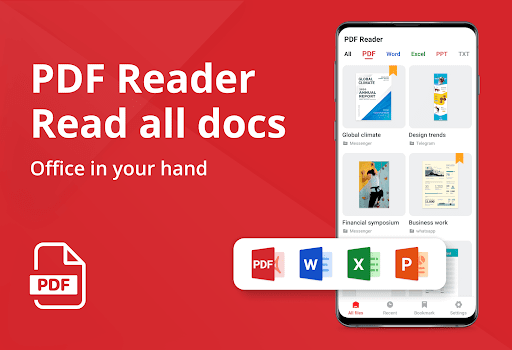
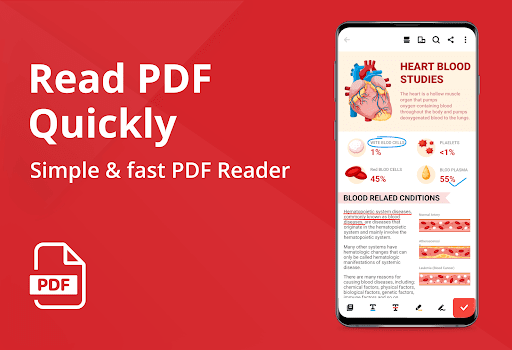
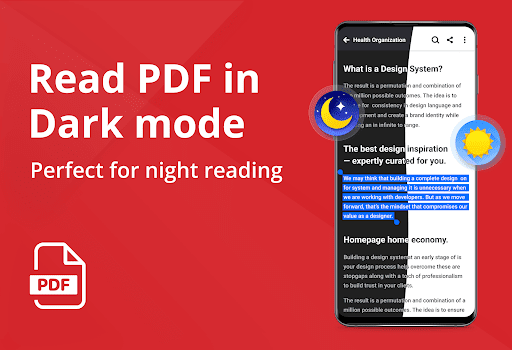
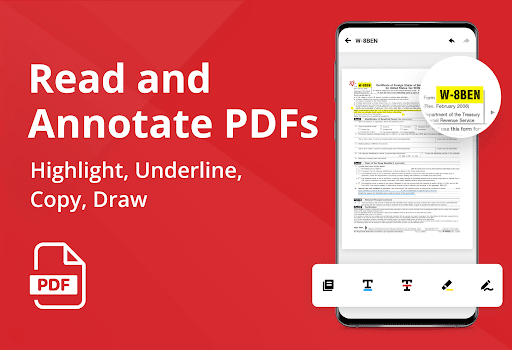
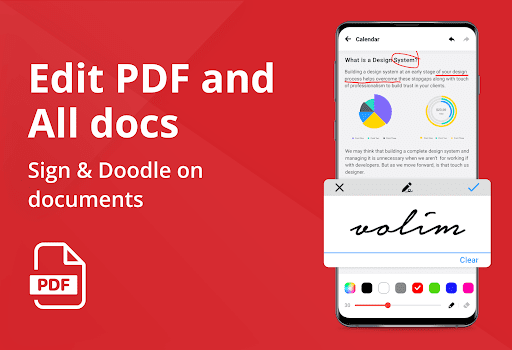
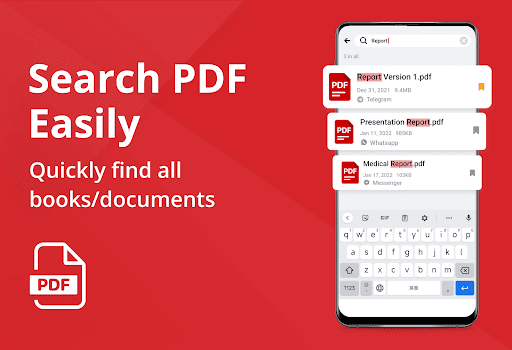
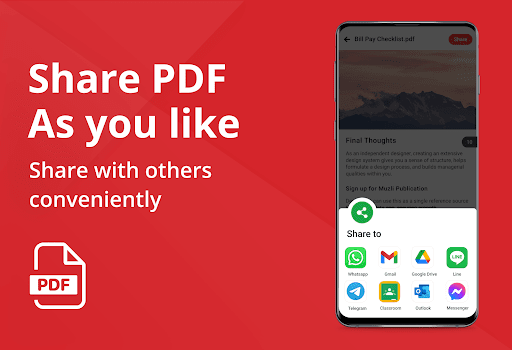
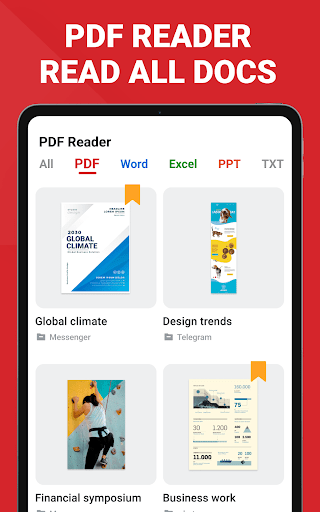
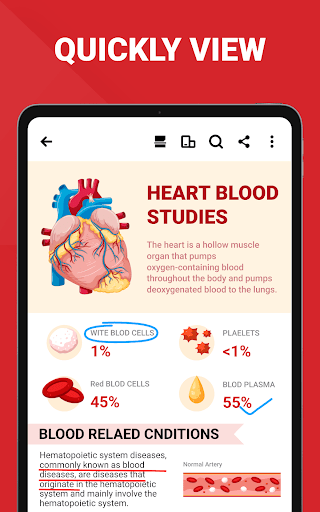
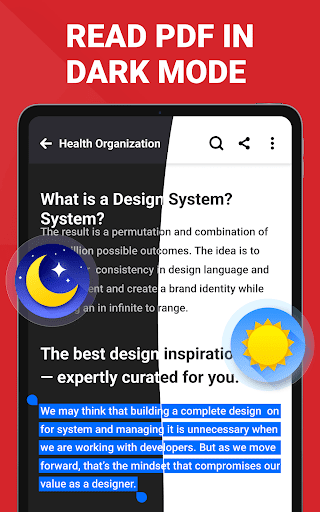
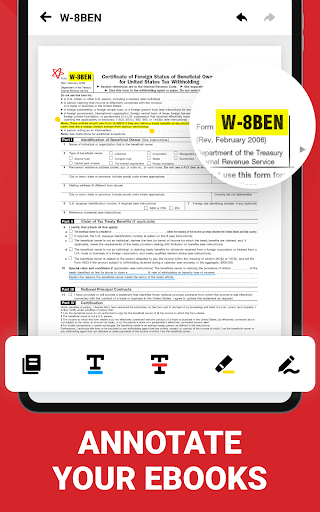
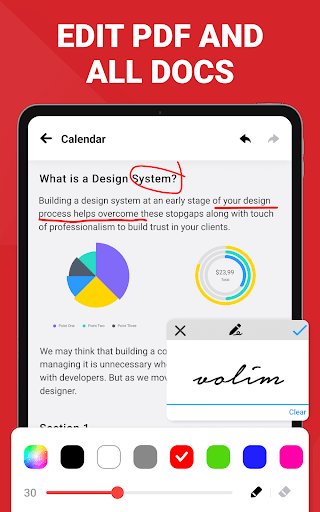
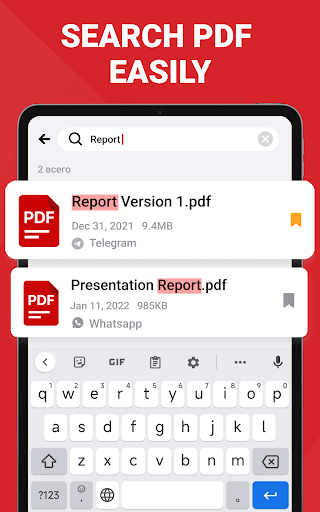
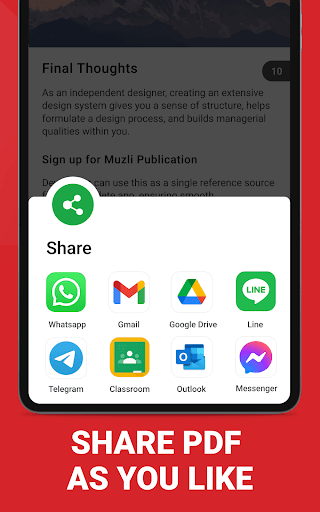
After spending time with PDF Reader - PDF Viewer as a daily document app rather than a one-off file opener, my main takeaway is simple: this is one of those rare free Android utilities that feels much more useful than its name suggests. It is not just a barebones PDF opener. It is a reader, lightweight editor, converter, scanner, and general document hub wrapped into a package that is easy to understand within minutes. The first thing that stood out in regular use was how approachable it feels. Some document apps overwhelm you with business-grade menus, cloud prompts, premium walls, or a desktop-style interface squeezed awkwardly onto a phone screen. This app goes the opposite direction. It scans the device, surfaces your documents quickly, and puts the most common actions within easy reach. Opening a PDF, jumping between recent files, searching for a document, highlighting text, renaming a file, and sharing something out all feel direct and well organized. For students, teachers, office workers, or anyone who mostly needs to read and mark up documents on a phone, that ease of use is a real strength. The reading experience is better than I expected from a free app. Standard PDFs open quickly, scrolling is smooth, and the app gives you enough viewing options to adapt to different types of files. Long-form reading is especially comfortable thanks to continuous scrolling, zoom controls, dark mode, and reflow support. Reflow can make or break a mobile PDF reader, and here it feels meaningfully useful rather than just a box-ticking feature. Text remains readable without turning the page into a visual mess, which matters if you read notes, handouts, or books on a smaller screen. This is the kind of practical polish that keeps an app installed. Editing tools are the second big win. Many free PDF apps let you read but become stingy the moment you try to do anything productive. Here, there is a healthy set of tools available for real-world use: highlighting, underlining, drawing, adding text, signing, filling forms, converting images to PDF, and doing simple PDF management tasks like merging or splitting files. None of this feels like full desktop publishing, of course, but it does cover the kind of everyday jobs most people actually run into. I found it particularly handy for annotating documents and converting photo-based paperwork into shareable PDFs without bouncing between multiple apps. The third strength is breadth. This app clearly wants to be your all-in-one document utility, and for the most part it succeeds. Being able to view not just PDFs but also common office file formats in the same place makes it genuinely convenient. If you receive a mix of school notes, forms, worksheets, slides, and scans, having one app handle the lot is a relief. Offline usefulness also adds to that appeal. For a lot of people, this can become the default “open anything document app” on their phone. That said, this is not a frictionless experience. The biggest irritation is advertising. The app is free, and that value equation is obvious, but the ads are noticeable enough to shape the experience. In my time with it, the interruptions were not always deal-breaking, but they were frequent enough to break concentration, especially when switching between files or trying to move quickly through small tasks. If you are only opening the occasional PDF, you may tolerate it just fine. If you spend a lot of time in documents every day, the interruptions become much harder to ignore. The second weak point is file organization. The app does a good job discovering documents, but that is not the same thing as managing them elegantly. Once your device fills up with notes, forms, books, scanned pages, and assorted downloads, the document list can start to feel cluttered. I often wanted more control over grouping and sorting files into cleaner categories. For light use this is acceptable, but power users with large document libraries may find the app more functional than tidy. The third issue is that the app occasionally feels slightly too eager in how it guides you around the interface. It is not exactly confusing, but some prompts, pop-ups, and navigation moments feel more aggressive than a minimalist reading app should. Combined with the ad presence, that can create a sense that the app is constantly trying to pull your attention somewhere. It never fully undermines usability, but it does chip away at the otherwise clean design. As for the newer AI-centered features, they are interesting in concept and help position the app as more than a viewer. Summarizing, translating, and reading documents aloud could be useful for study and productivity workflows. Still, I would not say the app lives or dies by those features. The core value is still in how well it opens, reads, annotates, converts, and manages everyday documents. The AI layer is a bonus, not the main reason to install it. So who is this app for? It is a very good fit for students, casual professionals, job seekers, and general Android users who want one free app that can read and handle PDFs and common office files without much fuss. It is also ideal for people who regularly need to highlight, sign, scan, or convert documents on their phones and do not want to pay just to unlock basic usefulness. Who is it not for? If you are highly sensitive to ads, want a deeply structured file cabinet with advanced organization tools, or expect a premium-grade, distraction-free document workspace, this app will eventually test your patience. Heavy users may appreciate what it can do while still wishing for a calmer, cleaner experience. Overall, PDF Reader - PDF Viewer earns its popularity the old-fashioned way: it is practical. It handles the common stuff well, includes more editing muscle than many free rivals, and makes mobile document work feel fast and accessible. It is not elegant in every moment, and it is not shy about monetizing attention, but as a free everyday PDF and document companion, it is easy to recommend.