Apps Games Articles
Netflix
Netflix, Inc.
Rating 3.9star icon
Editor's summary
Editor rating
star icon star icon star icon star icon
half star icon
4.5

One-line summary Netflix is still one of the easiest streaming apps to live with thanks to its polished interface, strong recommendations, and offline viewing, but rotating availability and the occasional mobile hiccup keep it from feeling flawless.

  • Installs

    1B+

  • Developer

    Netflix, Inc.

  • Category

    Entertainment

  • Content Rating

    Teen

  • Latest version

    VARY

  • Package

    com.netflix.mediaclient

In-depth review
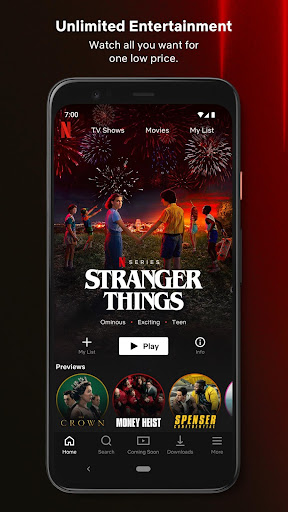
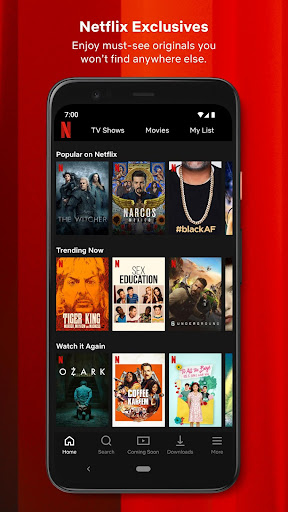
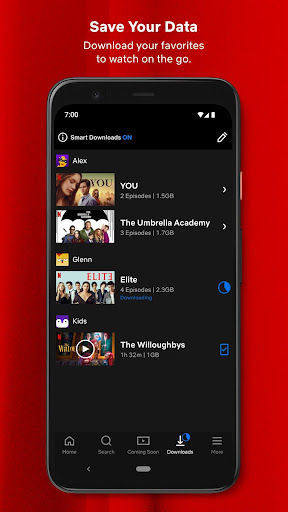
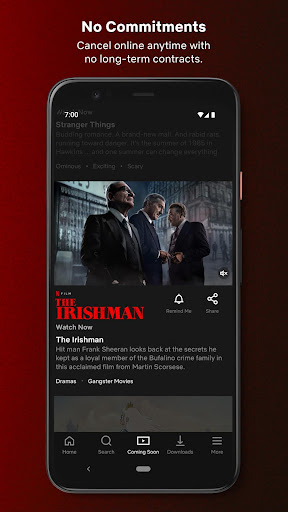
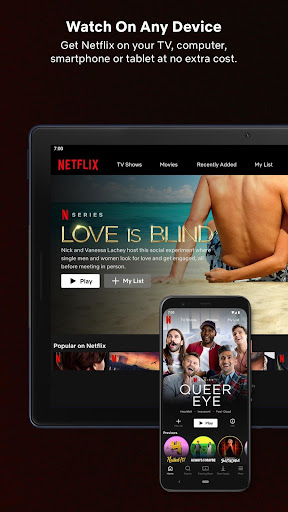
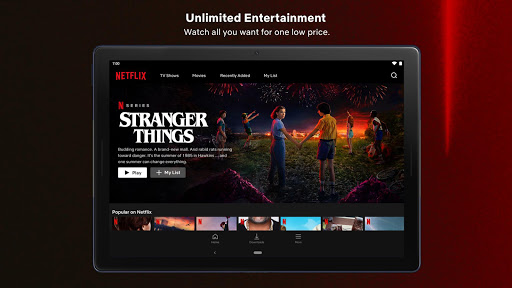
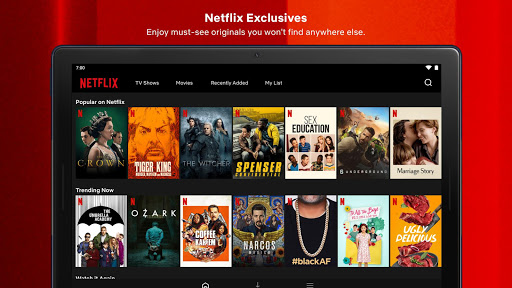
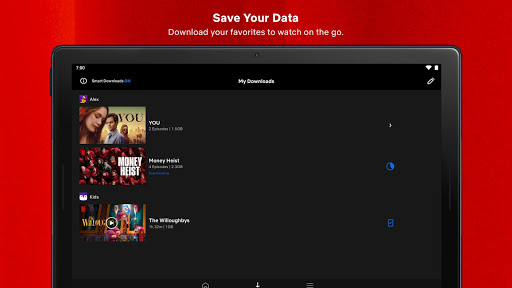
Netflix remains one of those rare apps that feels instantly familiar the moment you open it. After spending real time with the Android app across casual evening viewing, commute downloads, and plenty of indecisive “what do I watch now?” browsing, the biggest takeaway is simple: this is a very polished entertainment app that usually gets out of your way and lets you watch. That sounds basic, but in streaming, it matters more than almost anything. The first thing Netflix gets right is usability. The app is clean, visually confident, and easy to move through even when the catalog is huge. Browsing feels fast, search is straightforward, and the home screen does a good job of pushing you toward something you might actually want to watch instead of making you feel buried in content. The recommendation engine is one of the app’s strongest features in day-to-day use. After a bit of regular watching, the app starts surfacing series, films, documentaries, and international titles that genuinely fit your habits. It is not magic, and it still has misses, but compared with many entertainment apps, it feels unusually good at reducing decision fatigue. That recommendation quality pairs well with one of Netflix’s best strengths: variety. In our testing, the app felt equally comfortable whether we wanted a high-profile original series, a comfort-watch movie, a stand-up special, a documentary, or something from outside the usual English-language mainstream. Netflix is particularly strong when you are open to discovering something instead of hunting for one exact title. It rewards curiosity. The subtitles and general accessibility experience also stand out in practical use. Watching with captions is easy, and for late-night viewing or foreign-language content, the overall setup is smooth and unobtrusive. Another major plus is offline viewing. Downloading shows and movies for travel or patchy connections remains one of the app’s most useful real-world features. For trains, flights, or simply reducing mobile data use, Netflix makes offline watching convenient enough that you actually remember to use it. In testing, this was one of the clearest examples of the app being designed around how people really consume video, not just how they do it from a couch with perfect Wi-Fi. Streaming quality, when the app behaves itself, is excellent. Playback generally starts quickly, looks sharp, and feels stable. On a good connection, Netflix still delivers that “tap and forget the tech” experience that the best consumer apps aim for. Across devices, the interface language also stays consistent, so moving between phone, tablet, and TV does not require relearning the service. But Netflix is not free of annoyances, and some of them show up often enough to mention. The biggest frustration is title availability. During use, you can run into that maddening streaming-app problem where something appears in suggestions, search, or your broader browsing flow, yet is not actually available to watch in the way you expected. Sometimes titles leave the service, sometimes downloads expire, and sometimes content simply is not accessible in your region. Whatever the reason, the end result is the same: a moment of excitement followed by disappointment. It does not ruin the app, but it absolutely chips away at trust. The second weakness is that mobile stability is not perfect. Most of the time the app runs smoothly, but there are still moments where playback can feel temperamental. We ran into occasional app closes and small interruptions that remind you this is still a heavy media app, not a lightweight utility. These problems were not constant, but they were noticeable enough that power users on phones or tablets may occasionally lose patience. The third drawback is that downloads are useful but not always as straightforward as they should be. Some downloaded titles do not remain available indefinitely, and the app is not always as clear as it could be about those limits until you run into them. That is especially annoying when you save something in advance for a trip and discover later that it needs to be refreshed or is no longer available. Offline viewing is a strength overall, but it comes with caveats that could be communicated more transparently. There are also smaller quality-of-life frustrations. Personalization is strong in broad strokes, but not perfect at filtering out things you know you will never watch. Search and discovery can still surface content that feels adjacent rather than truly relevant. And while the app is generally polished, it can sometimes feel a little too controlled, favoring Netflix’s own browsing pathways over giving users more playlist-like freedom in how they queue and sequence what to watch next. So who is Netflix for? It is ideal for viewers who want a reliable, easy-to-use streaming app with a broad catalog, strong original content, smart recommendations, and solid offline support. It is especially good for binge-watchers, families, subtitle users, and anyone who likes to dip across genres and countries instead of staying in one lane. If you value convenience and a polished interface, Netflix is still one of the safest picks on Android. Who is it not for? If you are the kind of viewer who subscribes for one specific title and gets annoyed when content rotates in and out, Netflix can be frustrating. It is also less ideal for users who expect every mobile session to be flawless or who want more granular control over filtering, playlisting, and long-term downloads. Even with those caveats, Netflix remains easy to recommend. The app is mature, fast, attractive, and genuinely enjoyable to use. Its best moments feel effortless, and that matters. You open it, find something quickly, and start watching without a fight. In a crowded category, that kind of consistency still counts for a lot.
Alternative apps