Apps Games Articles
ThemeKit - Themes & Widgets
ThemeKit
Rating 4.6star icon
Editor's summary
Editor rating
star icon star icon star icon star icon
half star icon
4.5

One-line summary ThemeKit is one of the easiest and most generous Android customization apps I’ve used, but the shortcut-based icon system and ad-heavy unlocking flow still keep it from feeling truly seamless.

  • Installs

    10M+

  • Developer

    ThemeKit

  • Category

    Personalization

  • Content Rating

    Teen

  • Latest version

    18.3

  • Package

    com.themekit.widgets.themes

In-depth review
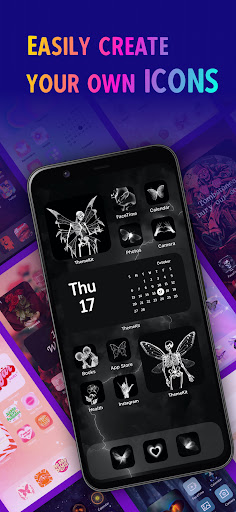
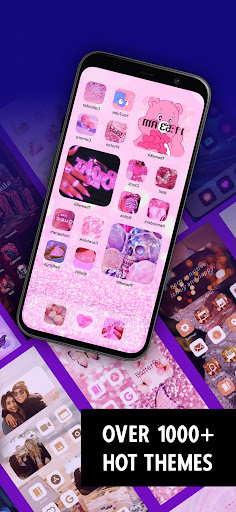
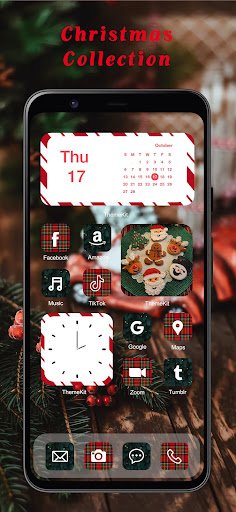
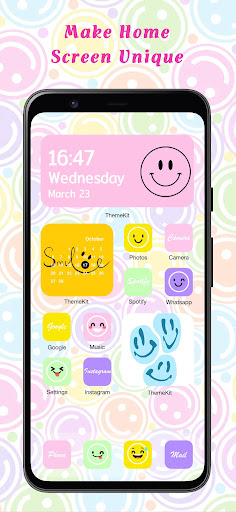
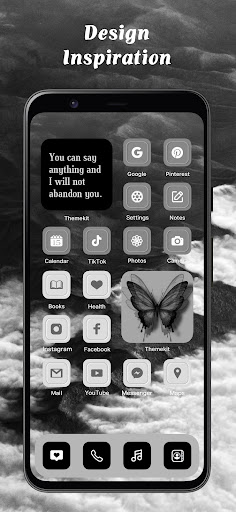
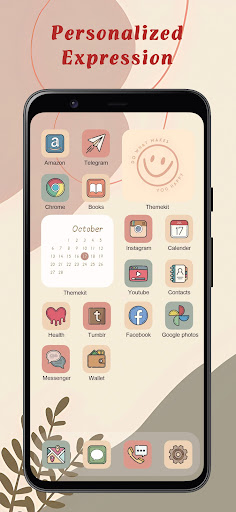
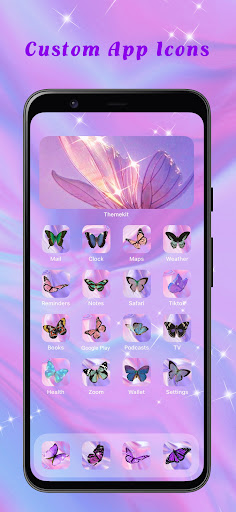
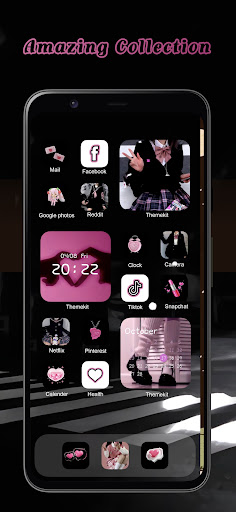
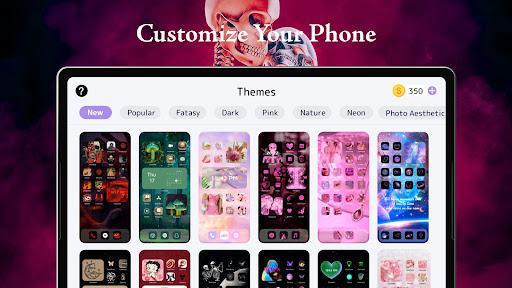
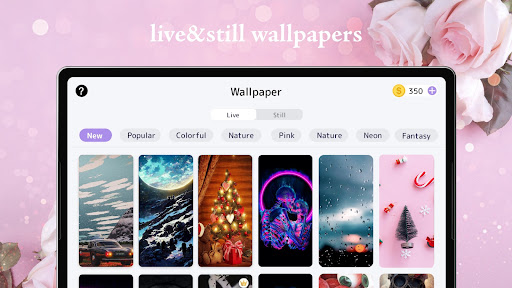
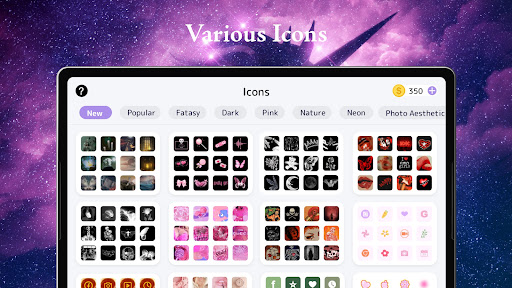
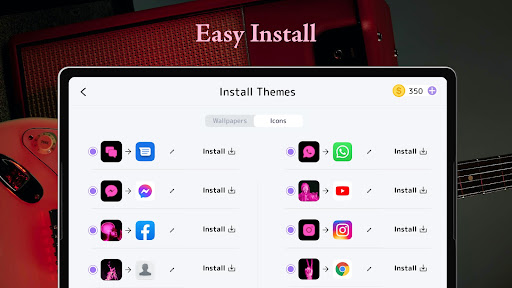
ThemeKit - Themes & Widgets is the kind of Android personalization app that knows exactly what most people want: a fast way to make a phone look dramatically better without needing to learn launchers, icon pack management, or widget design from scratch. After spending time with it, my main takeaway is simple: this app is fun, effective, and surprisingly flexible, but it also carries the usual compromises of free theme apps—especially ads and a few rough edges around icon behavior. The best thing about ThemeKit is how quickly it delivers visible results. Open the app, browse a theme set, and within minutes you can transform a plain home screen into something more curated and expressive. The app does a good job presenting themes, wallpapers, widgets, and icons in a way that feels inviting rather than intimidating. You do not need to commit to a full setup, either. One of the smartest parts of the experience is that you can mix and match: grab only the wallpaper from one theme, use icons from another, and add a widget that fits your own layout. That freedom makes ThemeKit feel more like a toolbox than a rigid template app. In practice, the selection is the app’s biggest strength. There is a lot here. Cute, dark, minimalist, seasonal, anime-inspired, pop-culture flavored, colorful, soft aesthetic, sporty—ThemeKit clearly understands the visual language modern phone customization revolves around. I found it especially good at giving you enough variety to keep browsing interesting. Even if one full theme is not exactly right, parts of it often are. That matters, because most users are not trying to recreate a promotional screenshot pixel for pixel; they are trying to build a home screen that feels personal. The second major strength is that ThemeKit is accessible. Many apps in this category either hide the good stuff too aggressively or make the setup process more technical than it needs to be. ThemeKit generally keeps things straightforward. Installing wallpapers and widgets is easy enough, and the app guides you through customizing icons without asking you to become an Android power user. It feels built for people who want a stylish result, not a hobby project. If you are a teenager decorating your first phone, or just someone bored with the default home screen, this app meets you where you are. Its third big win is the DIY angle. ThemeKit is not only about downloading somebody else’s aesthetic. It also gives you room to build icons and widgets around your own photos and preferences. That personal element gives it more staying power than a pure theme browser. It is one thing to install a ready-made pastel layout; it is another to turn your own images into something that fits the same visual language. ThemeKit makes that process approachable. That said, the app is not frictionless. The most obvious issue is monetization through ads and coin-based unlocking. For a free app, the balance is not terrible, and I never felt completely blocked from using it. But there is no escaping the fact that customization here often involves watching ads, collecting coins, and tapping through a few extra steps. If you enjoy the process of decorating your phone, that may be an acceptable tradeoff. If you want instant gratification with zero interruptions, ThemeKit will eventually test your patience. The second weakness is the icon implementation. ThemeKit uses a shortcut-style icon changer rather than true system-level icon replacement. That is common on Android, but it still comes with compromises. On some setups, tapping a customized icon can feel slightly less natural than opening an app normally, and there can be a visual transition that reminds you this is a workaround, not native icon theming. It is not a deal-breaker, but it does slightly puncture the illusion of a perfectly polished home screen. The third issue is refinement. ThemeKit is strong on volume and visual appeal, but not every part of the experience feels equally mature. Search could be more precise, app selection for icon replacement can be cumbersome when you are dealing with a lot of installed apps, and some widget behavior may need small adjustments depending on your preferences. I also ran into moments where the app felt more enthusiastic than elegant—lots of options, lots of prompts, lots of things competing for attention. For some users that abundance will feel exciting; for others it will feel cluttered. Still, in everyday use, ThemeKit wins more often than it loses. Once I got past the ads and setup flow, the actual outcome was satisfying. Wallpapers look sharp, widget styles are varied enough to support different aesthetics, and the app does what many customization apps fail to do: it makes personalization feel attainable. You do not need a deep knowledge of Android to get a home screen that looks intentional. Who is it for? ThemeKit is for Android users who care about visual customization, enjoy browsing lots of styles, and do not mind trading a bit of time for free access. It is especially good for people who want a cute, trendy, themed phone without having to build everything manually from the ground up. It is also a solid choice for users who like combining pieces from different sets instead of sticking to one prebuilt theme. Who is it not for? If you hate ads, want completely native-feeling icon behavior, or prefer a minimal, highly efficient utility over a content-heavy customization app, this probably is not your ideal fit. Likewise, if you expect every search result, widget setting, and icon assignment tool to feel expertly streamlined, ThemeKit can feel a little messy around the edges. Overall, I came away impressed. ThemeKit is not perfect, but it is one of the more enjoyable and approachable theme apps on Android right now. It offers a huge amount of style, a decent level of creative control, and enough flexibility to keep experimenting. You just have to accept that the price of all that free personalization is a little patience.
Alternative apps