Apps Games Articles
Calculator
Google LLC
Rating 4.4star icon
Editor's summary
Editor rating
star icon star icon star icon star icon
half star icon
4.5

One-line summary Choose Calculator if you want a fast, clean, no-nonsense math tool that stays out of your way; skip it only if you need deeper specialty functions or a more customizable scientific workflow.

  • Installs

    1B+

  • Developer

    Google LLC

  • Category

    Tools

  • Content Rating

    Everyone

  • Latest version

    8.3 (477856174)

  • Package

    com.google.android.calculator

In-depth review
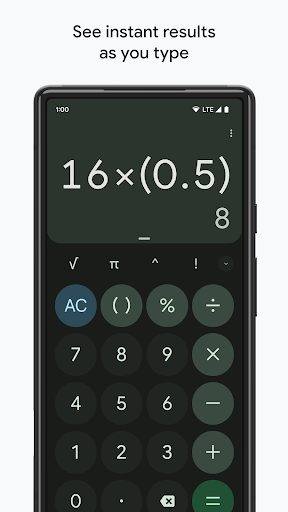
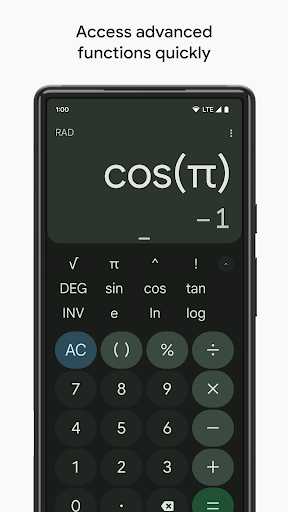
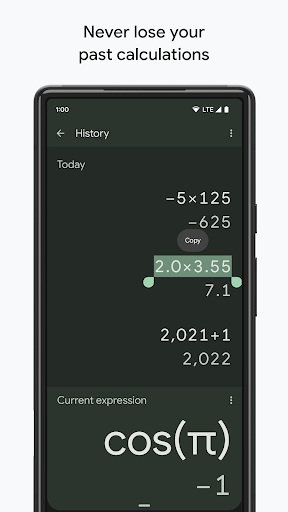
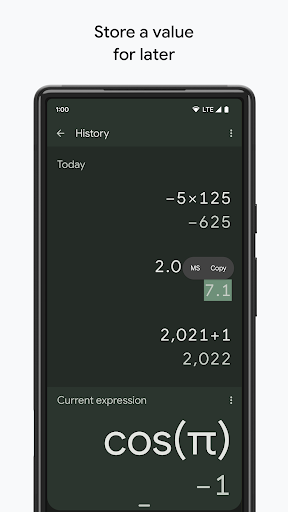
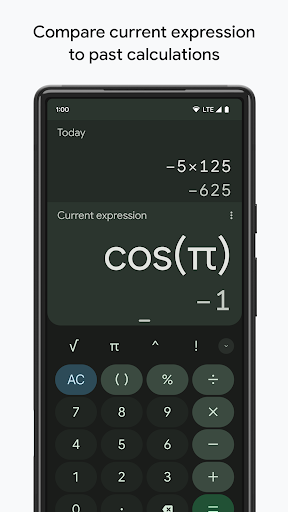
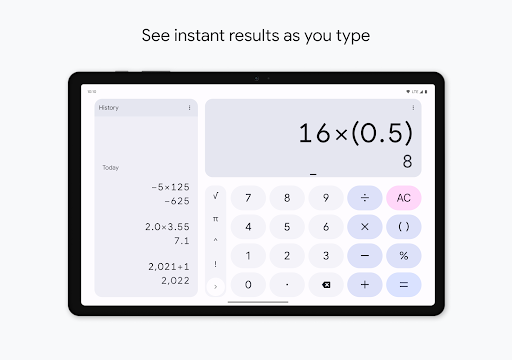
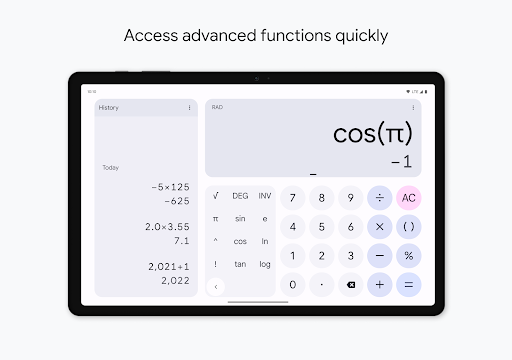
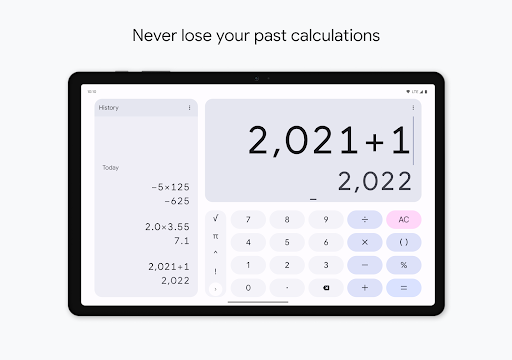
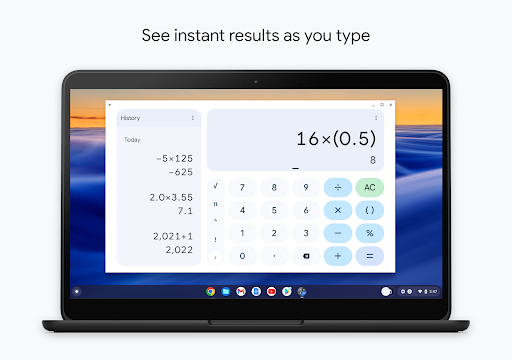
Google’s Calculator is one of those apps that almost disappears into the phone, and that is exactly why it works so well. After spending time with it as a daily utility rather than a flashy feature demo, my biggest takeaway is that this app understands its job. It opens quickly, presents the right controls without fuss, and lets you get in, do the math, and get out. That sounds simple, but on Android, where even basic utilities are often bloated with converters, finance widgets, shopping prompts, or ad-riddled distractions, a calculator this restrained feels refreshingly confident. The first thing I noticed in regular use was how readable and approachable it is. The layout is clean, the buttons are large enough to hit comfortably, and the visual hierarchy is obvious even at a glance. For quick arithmetic while splitting a bill, checking a discount, or adding up expenses, it feels effortless. There is very little cognitive overhead here. You do not need to hunt through menus or decipher tiny labels. It behaves like a calculator should behave, and that basic usability is one of its biggest strengths. That simplicity does not mean it is bare-bones. When I moved beyond ordinary arithmetic, the app handled scientific functions in a way that still felt accessible. Trigonometric, logarithmic, and exponential operations are available without making the interface intimidating. I especially like the balance it strikes: casual users are not overwhelmed, but there is enough depth to support schoolwork, quick technical calculations, and occasional more advanced math. It is the kind of scientific calculator that stays friendly instead of turning into a wall of symbols. Another area where Calculator feels better than many rivals is polish. Animations are subtle, performance is smooth, and the app is free of the junk that ruins so many utility apps. No ads, no nagging upgrades, no weird interruptions. That absence of friction matters more than it sounds. During testing, I found myself trusting it in a way I do not trust many free utilities anymore. Open app, tap numbers, get answer. It sounds obvious, but plenty of calculators somehow make that experience more annoying than it needs to be. The history functionality also adds real usefulness. Being able to look back at previous calculations is genuinely handy when you are chaining several steps together or checking your own work. In everyday use, that turned Calculator from a disposable scratchpad into a more dependable tool. I could bounce between subtotaling expenses, revisiting a percentage, and confirming a previous result without re-entering everything from memory. It is a small feature, but one that earns its keep quickly. There is also a pleasant sense that the app was designed for long-term use rather than novelty. It feels lightweight, stable, and dependable. I never got the sense that it was trying to impress me with gimmicks. Instead, it succeeds by being consistently available and consistently understandable. For many people, especially those who just want a calculator that is easy on the eyes and never gets in the way, that will be the main reason to install it and forget about alternatives. That said, this is not a perfect app, and its strengths come with trade-offs. The biggest limitation is that its minimalism can start to feel restrictive if your needs go beyond mainstream math. If you want a highly programmable calculator, extensive engineering tools, or niche functions such as complex-number workflows, Calculator will feel too basic. It covers the common scientific ground well, but it is not trying to be a specialist’s powerhouse. For advanced users, that ceiling appears pretty quickly. I also ran into a smaller usability annoyance with expression handling. On longer entries, the display can feel less elegant than the rest of the app, and there have been reports of visual oddities where part of the expression briefly disappears before reappearing. Even when it does not break functionality, that kind of inconsistency stands out more in an app this simple, because there is nowhere for rough edges to hide. A calculator should feel rock-solid at all times, and minor display glitches chip away at that perception. There is another subtle frustration in the app’s streamlined design: it does not offer much in the way of customization or alternate modes for people who work differently. Some users will want easier toggling for result formats or more control over how advanced features are surfaced. Others may be irritated by interface changes if they have built up muscle memory over time. Because Calculator is so dependent on habit and speed, even small shifts in button placement or behavior can feel larger than they would in other apps. So who is this app for? Almost anyone who wants a dependable everyday calculator. Students, casual users, shoppers, budget trackers, and people who just need quick arithmetic or occasional scientific functions will get a lot out of it. It is especially good for those who value clarity, speed, and a distraction-free experience. It is also a strong pick for anyone tired of free calculator apps that bury the actual calculator under ads and clutter. Who is it not for? Users who need extensive advanced math support, deeper customization, or specialist calculation environments should probably look elsewhere. If your idea of a calculator involves complex functions, engineering-specific workflows, or lots of fine-grained control, Google’s restrained approach may feel too narrow. In the end, Calculator earns its place by nailing the fundamentals better than most. It is quick, clean, reliable, and thoughtful in all the places that matter most for a utility you may open several times a day. Its weaknesses are real, but they mostly appear once you push beyond its intended role. For the vast majority of Android users, this is exactly what a calculator app should be.