Apps Games Articles
Contacts
Google LLC
Rating 4.3star icon
Editor's summary
Editor rating
star icon star icon star icon star icon
half star icon
4.5

One-line summary Google Contacts is one of the easiest and most reliable ways to keep your address book synced everywhere, but power users may still wish it offered deeper customization and smarter contact handling.

  • Installs

    1B+

  • Developer

    Google LLC

  • Category

    Communication

  • Content Rating

    Everyone

  • Latest version

    VARY

  • Package

    com.google.android.contacts

In-depth review
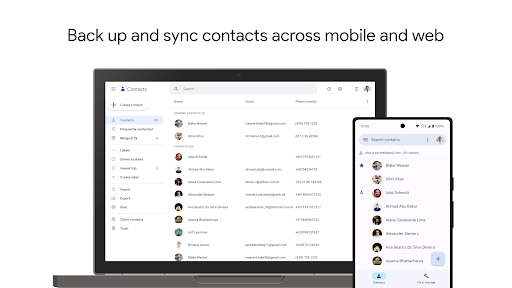
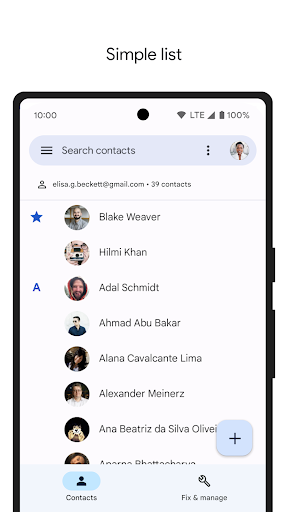
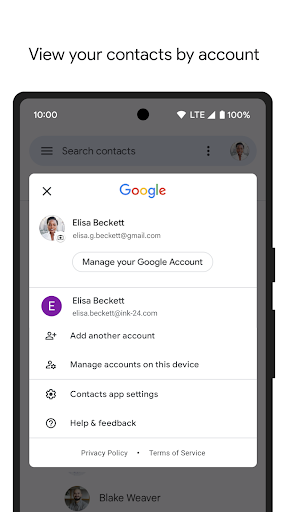
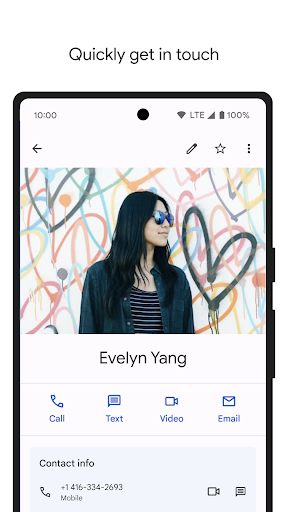
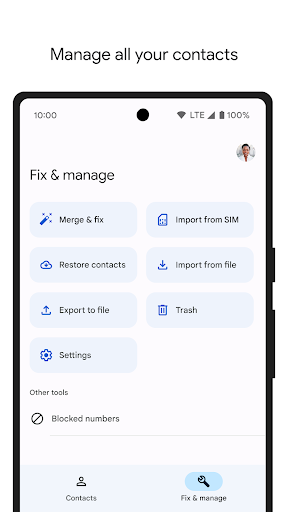
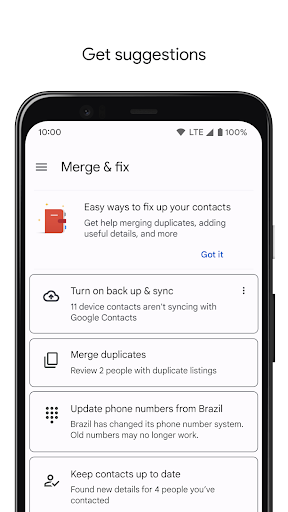
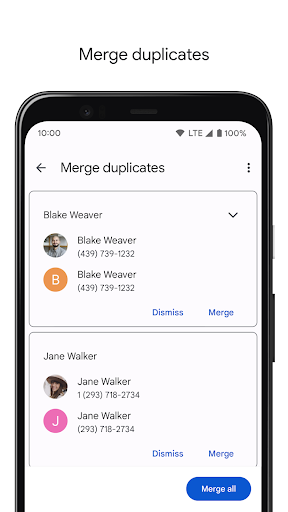
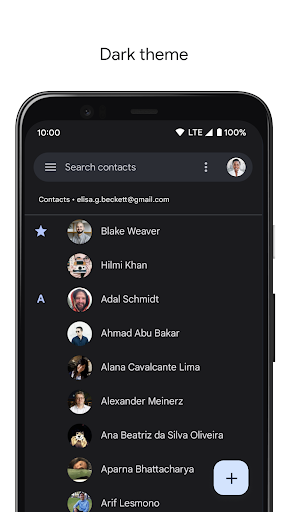
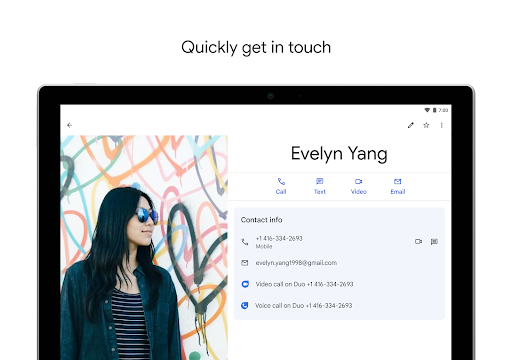
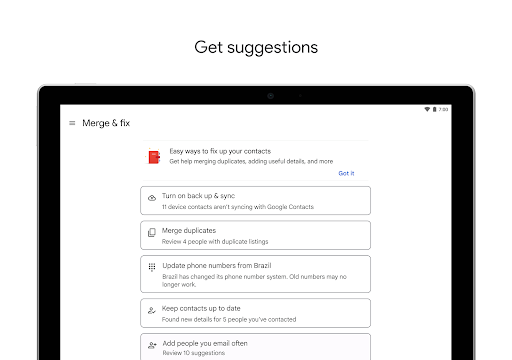
Contacts is one of those apps that most people never think about until the moment they absolutely need it. After spending real time with Google’s Contacts app across everyday tasks—adding new numbers, cleaning up duplicate entries, switching between devices, and retrieving older information—the strongest impression it leaves is not flash or innovation, but stability. This is a utility app in the best sense: simple, dependable, and quietly essential. The first thing that stands out in daily use is how clean the app feels. Google has kept the interface straightforward, with a contact list that is easy to scan, large touch targets, and editing screens that rarely feel cluttered. Creating a new contact is fast, and editing an existing one is just as painless. Phone numbers, email addresses, photos, notes, birthdays, and multiple labeled fields are all where you expect them to be. That matters more than it sounds. A contacts app should disappear into the background and let you get things done quickly, and for the most part this one does exactly that. Its biggest practical advantage is syncing. In testing, this is where the app earns its place on an Android phone. Add a contact on one device, and it becomes available across other devices tied to the same Google account with very little friction. That creates a reassuring sense that your address book is no longer trapped inside a single handset. If you upgrade phones, lose one, break one, or just move between phone and web access, Contacts feels like a safety net. Backups are automatic enough that you stop worrying about them, which is arguably the highest compliment you can pay a utility this basic. The app is also genuinely helpful when your contact list gets messy. Duplicate entries are a normal part of modern phone life, especially when contacts come from different accounts or messaging apps. Contacts does a respectable job of identifying and merging duplicate information, and that cleanup process is handled with minimal drama. It is not glamorous, but it saves time and makes the app feel smarter than a static digital phone book. The ability to view contacts by account is another quietly useful touch. If you keep personal and work identities separate, being able to see where entries live helps prevent accidental edits in the wrong place. There are other small quality-of-life touches that make the app feel more modern than older contact managers. Highlights like birthdays and anniversaries give the app a bit of warmth and context rather than reducing everyone to just a number and an email address. Access to recent contacts also helps when you are bouncing between a handful of people and do not want to search every time. That said, Contacts is not perfect, and some of its limitations become more obvious the longer you use it. The first weakness is customization. The app is polished, but very much in Google’s house style, which means you do things the Google way. If you want deeper control over how names are displayed, richer nickname handling, alternate list navigation styles, or more visual personalization, the app can feel rigid. It works well, but it does not always bend to individual preference. The second issue is that search and navigation are good rather than exceptional. In a modest contact list, finding someone is effortless. In a very large one, the experience can become less elegant. The list is smooth, but jumping quickly through a long alphabetized directory is not always as efficient as it could be. This is one of those details that casual users may never notice, while anyone managing hundreds or thousands of contacts probably will. The third weak point is that Contacts remains primarily a contact manager, not a relationship manager. It handles the fundamentals very well, but if you want advanced reminders, stronger contextual notes, better follow-up tools, or a more sophisticated view of your interactions with people, you quickly reach the edge of what it offers. There is a notes field, there are birthday reminders, and there are useful account tools—but the app stops short of becoming a richer personal CRM. For many users, that restraint is a virtue. For others, it will feel like untapped potential. In day-to-day use, though, the app’s strengths outweigh its shortcomings. It is fast, mostly frictionless, and tightly integrated into the wider Android and Google ecosystem. On phones that use Google’s dialer, Contacts often feels like part of the plumbing underneath the experience rather than a separate app you consciously launch. That integration makes it feel more important than its plain name suggests. Who is this app for? Almost anyone who wants a reliable, low-maintenance contact book that follows them from device to device. It is especially good for Android users who live in Google services already and want painless backup, syncing, and cleanup without a learning curve. It is also a strong fit for people who have had the unpleasant experience of losing contacts in the past and never want to deal with that again. Who is it not for? Users who want extensive interface customization, advanced organization schemes, or a more relationship-focused system may find it too basic. Privacy maximalists who are uncomfortable anchoring personal data to a Google account may also prefer a different solution. Ultimately, Contacts succeeds because it understands its job. It keeps your address book accessible, organized, and safe with very little effort from you. It is not exciting, and it does leave room for refinement, but as an everyday tool it is hard to fault. When an app becomes most valuable in exactly the moments when your phone life goes wrong, that is a strong sign it is doing something right.
Alternative apps