Apps Games Articles
FreeTone Calls & Texting
TextMe, Inc.
Rating 4.3star icon
Editor's summary
Editor rating
star icon star icon star icon star icon
half star icon
4.5

One-line summary FreeTone is one of the rare calling apps that genuinely feels free and useful day to day, but the ad-heavy interface and a few fine-print limitations keep it from being an easy recommendation for everyone.

  • Installs

    10M+

  • Developer

    TextMe, Inc.

  • Category

    Social

  • Content Rating

    Everyone

  • Latest version

    3.33.11

  • Package

    com.textmeinc.freetone

Screenshots
In-depth review
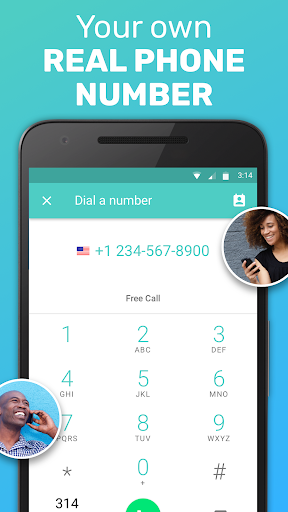
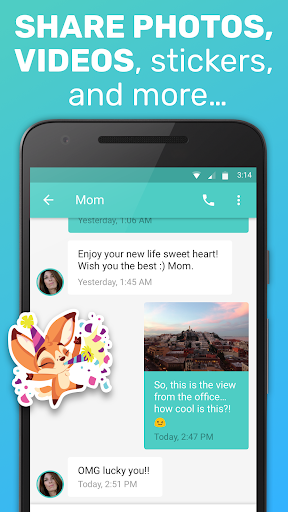
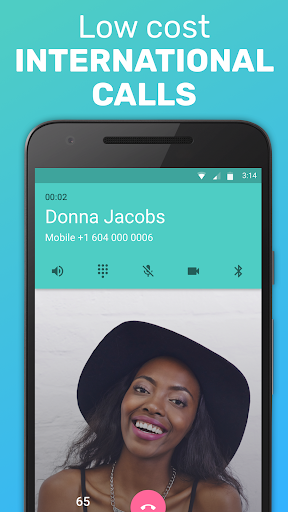
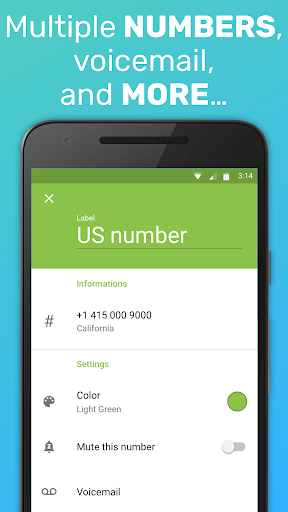
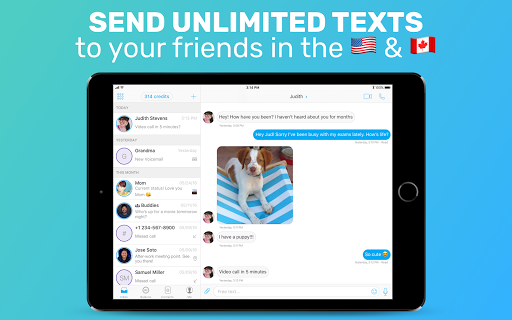
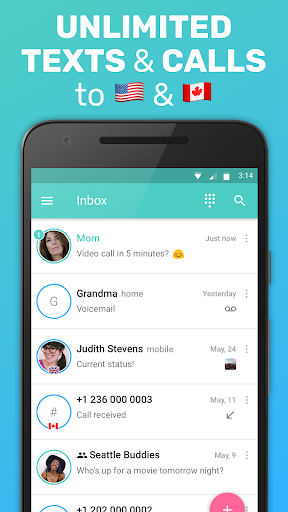
FreeTone Calls & Texting is one of those apps that immediately makes sense the moment you actually need it. I tested it the way many people realistically would: not as a novelty, but as a backup number, a Wi-Fi-based calling option, and a low-cost substitute for traditional phone service when a normal carrier plan is unavailable or inconvenient. In that role, FreeTone is surprisingly effective. The first thing that stands out is how little friction there is in getting started. Sign-up is quick, picking a number is straightforward, and the app does a good job of making the core promise obvious: get a real number, send texts, place calls, and use voicemail without feeling like you are navigating a maze of locked features. That matters, because many apps in this category bury basic functionality behind credits, “earn more minutes” gimmicks, or aggressive upsells. FreeTone feels more direct. During my time with it, the app’s strongest quality was simple: it actually behaves like a phone service rather than a game you have to keep feeding. Texting is the part that felt most dependable. SMS messaging is fast enough that it doesn’t feel like a compromised experience, and MMS support makes the app much more practical than bare-bones texting tools. Sending pictures and receiving media felt natural, and that alone gives FreeTone a big usability win. If your main goal is to have a second number for everyday texting, account verification in some cases, or staying reachable over Wi-Fi, this app is easy to live with. Conversations load quickly, and once you get into a rhythm with it, it starts to feel less like a backup app and more like a legitimate communications tool. Calling performance is also better than I expected from a free service. On a stable Wi-Fi connection, voice quality is generally clear, and I had no major trouble completing calls. It does not completely erase the realities of internet calling, though. There can be a slight delay at times, the kind that makes two people talk over each other for a second before adjusting. That is not unusual for VoIP apps, and FreeTone handles it reasonably well, but it is still noticeable enough that I would not call the experience flawless. For casual use, quick check-ins, and staying connected when you do not have active cell service, it is absolutely good enough. For critical business calls or anything where timing and consistency really matter, I would still rather rely on a standard carrier line. Another thing I liked is that FreeTone feels flexible. It works well as a secondary number, and it makes sense on devices that are not traditional phones, especially tablets or spare devices running on Wi-Fi or mobile data. Voicemail is also a meaningful addition rather than a throwaway checkbox feature. It helps the app feel complete. A lot of free calling apps can technically place calls, but they do not give you the surrounding pieces that make a number feel real. FreeTone mostly does. That said, the free model comes with very visible trade-offs. The biggest annoyance is advertising. Ads are not subtle here. They can take up significant screen space, and in some parts of the app they make the interface feel more cramped than it should. The core functions remain usable, but the overall experience is less polished than it could be because the app is constantly reminding you that you are on the free tier. I could tolerate the ads, but I never stopped noticing them. If you are the kind of user who values a clean interface, this will wear on you. The second issue is that “free” is not completely without conditions. The broad promise is generous, but the actual service still has limitations that matter: supported regions are narrower than the headline suggests, inbound calling has caps before extra fees can come into play, and some free usage depends on policies that are not obvious unless you go looking for them. None of that makes the app deceptive, but it does mean the best experience comes when you understand exactly what kind of free service you are getting. It is excellent as a practical backup, but less ideal if you expect a perfect replacement for a full mobile plan with no strings attached. The third weakness is that setup does not end at sign-up. To get the best results, you may need to adjust notification settings carefully, especially if you want to reliably notice incoming calls. That is not a deal-breaker, but it does make FreeTone feel a little more hands-on than mainstream calling apps. This is not the sort of service I would hand to a less technical family member without checking that alerts, permissions, and voicemail are properly configured. So who is FreeTone for? It is a strong fit for anyone who needs a second number, a fallback communication method, a Wi-Fi-based calling and texting option, or a way to stay reachable during a rough patch without paying for a full carrier plan. It is also useful for people who mainly text and only make occasional calls. Who is it not for? Anyone who hates ads, needs bulletproof call reliability at all times, or wants a complete carrier-grade replacement with zero caveats will probably run into the edges of what FreeTone can comfortably do. After spending time with it, my verdict is simple: FreeTone earns its reputation by being genuinely useful where it counts. It is not elegant, and it is not entirely free of compromise, but it clears the most important hurdle in this category: it works. For many people, especially those who need dependable texting and decent Wi-Fi calling without jumping through hoops, that will be more than enough reason to install it.
Alternative apps