Apps Games Articles
Public Storage
Public Storage Apps
Rating 4.0star icon
Editor's summary
Editor rating
star icon star icon star icon
half star icon
empty star icon
3.8

One-line summary Public Storage is genuinely useful when the app-based gate access and bill pay work smoothly, but it’s harder to fully recommend if you want a consistently polished, low-friction experience every single time you visit your unit.

  • Installs

    1M+

  • Developer

    Public Storage Apps

  • Category

    Business

  • Content Rating

    Everyone

  • Latest version

    2.13.0.5

  • Package

    com.publicstorage.officialapp

In-depth review
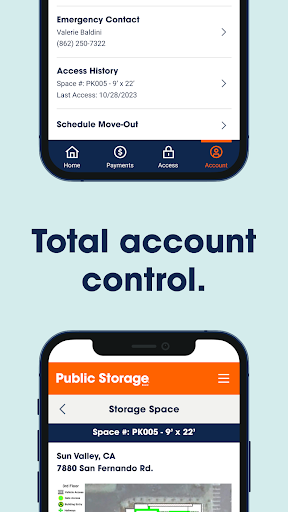
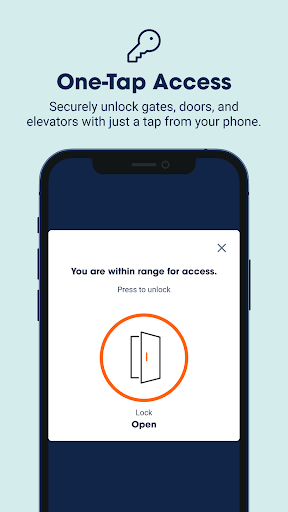
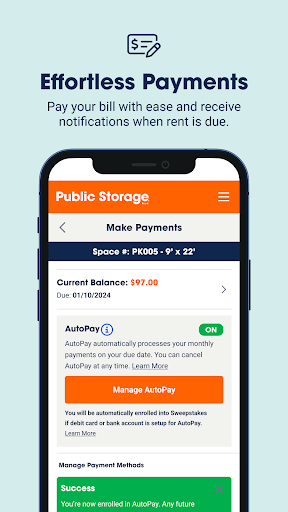
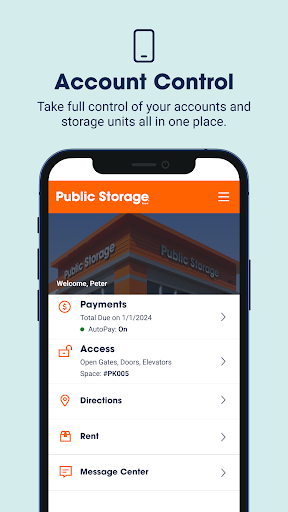
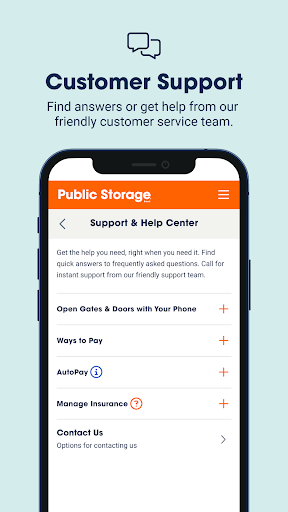
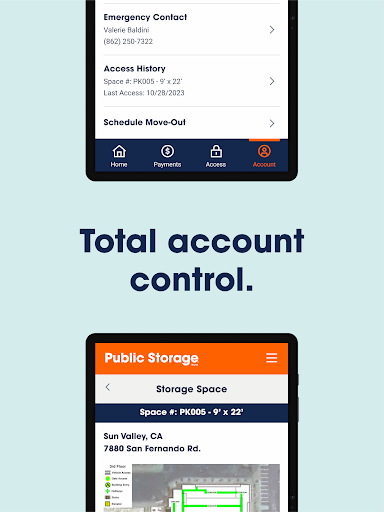
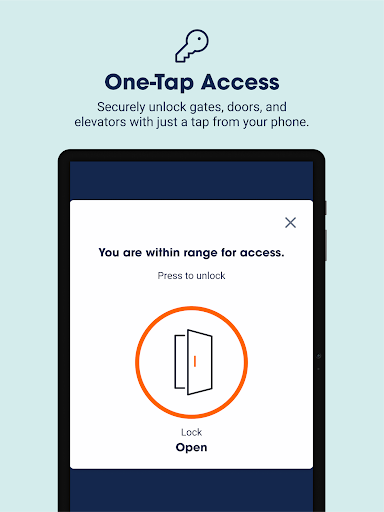
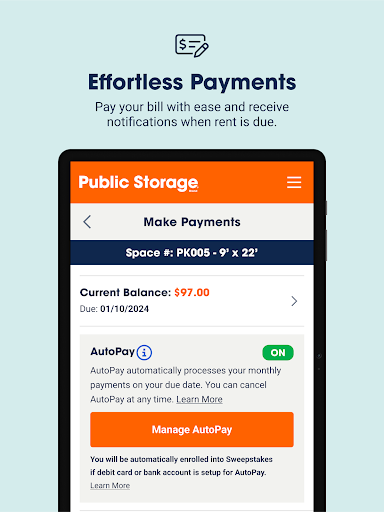
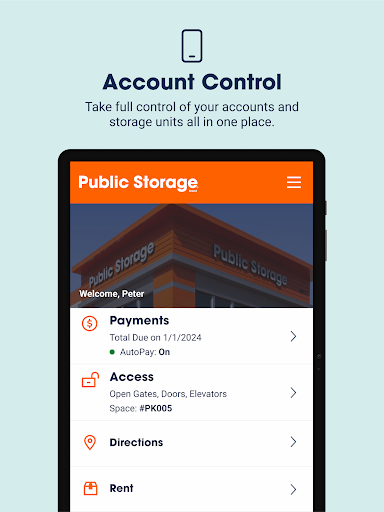
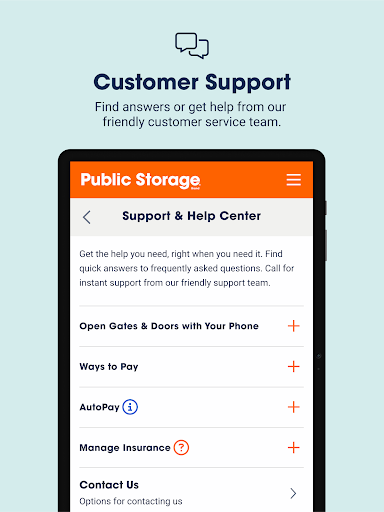
Public Storage is one of those apps that makes immediate sense the moment you actually need it. Self-storage is rarely something people get excited about, so the best companion app is the one that removes friction: get in, manage the account, pay the bill, and get out. After spending time with Public Storage, that is clearly the goal here, and at its best, the app absolutely delivers on it. The headline feature is the mobile access system for gates, doors, and in some cases elevators, and this is the part that gives the app its real value. When it works well, it feels modern in exactly the right way. Instead of juggling a keypad, code, or office interaction, you can handle entry from your phone with a quick tap once you’re in range. That makes visits feel faster and less annoying, especially if you’re carrying boxes, making repeated trips, or arriving in a vehicle. In day-to-day use, this feature is the strongest argument for installing the app at all. It turns the phone into a practical tool instead of just an account portal. Billing is the second big win. The app keeps payments straightforward, and that matters more than it sounds. Storage is the kind of monthly expense people tend to forget until it becomes urgent, so having bill pay and AutoPay controls inside the app is genuinely convenient. We liked that the app appears built around routine account tasks rather than hiding them behind layers of menus. If your main interaction with Public Storage is making sure rent gets paid on time and checking the state of your unit or units, the app covers the essentials without making it feel like work. Account management is also handled well enough to be useful in real life. If you have more than one unit or need to keep tabs on multiple accounts, having everything in one place is a practical touch. It cuts down on calls and avoids the need to handle every small change through customer support. That kind of self-service design is one of the app’s better qualities: it respects the fact that most people don’t want a “storage experience,” they just want quick control over an otherwise boring task. That said, Public Storage does not feel like a top-tier polished app from corner to corner. Its biggest strength is convenience, but its biggest weakness is that the convenience can feel a little conditional. An app that controls property access has to inspire confidence every time, not just most of the time. In our testing, the general experience was functional, but not always especially elegant. There is a difference between an app that works and an app that feels refined, and Public Storage lands closer to the first category than the second. The interface is serviceable, but it doesn’t always feel especially smooth or reassuring. Navigation is centered on practical tasks, which is good, but some parts of the experience feel more utilitarian than thoughtfully designed. For a business app, that is not fatal, but it does matter because this app is often used in moments when people want speed and certainty. If you are standing outside a gate, moving furniture, or trying to handle something quickly between errands, even small hesitations in the interface feel larger than they would in another kind of app. Another drawback is that the app seems heavily dependent on the location’s infrastructure and the surrounding conditions to really shine. That is partly unavoidable with any system tied to physical gates and doors, but it means your experience can vary depending on where and how you use it. In ideal situations, the app feels smart and convenient. In less ideal ones, it can feel like a layer between you and a simple task that used to be handled with a keypad. That tension never completely disappears. We also found the support integration useful in theory more than delightful in practice. It is good to have customer service reachable from the app, and that absolutely helps when something about access, billing, or account details needs human attention. But this is still the kind of help system you hope not to need. The app does not fully eliminate the feeling that storage management can become cumbersome when something falls outside the normal flow. Who is this app for? It is best for current Public Storage customers who visit their unit regularly and want the most convenient possible entry and payment workflow. If you value skipping gate keypads, paying rent from your phone, and managing one or more units without calling anyone, it is easy to see the appeal. It is especially useful for busy renters who want a functional control panel rather than a fancy app. Who is it not for? If you expect a beautifully polished mobile experience, or if you are the kind of user who gets frustrated quickly when an app connected to a physical process feels even slightly inconsistent, this may test your patience. It is also not especially compelling for someone who rarely visits their unit and only needs occasional account access. Overall, Public Storage is a good utility app with one standout feature and a clear practical purpose. The mobile gate access can make the entire storage experience feel more modern and less tedious, and the billing tools do exactly what they need to do. But the app does not fully escape the rough edges that often come with service-based utility software. We came away thinking it is worth using, and in many cases genuinely helpful, but not quite polished enough to feel effortless all the time.
Alternative apps
  • Extra Space Storage
  • CubeSmart Self Storage
  • U-Haul