Apps Games Articles
Wear OS by Google Smartwatch
Google LLC
Rating 3.6star icon
Editor's summary
Editor rating
star icon star icon star icon
half star icon
empty star icon
3.8

One-line summary Wear OS by Google Smartwatch is easy to recommend if you want your watch to handle notifications, messages, and daily basics cleanly, but I’d hesitate if you expect a consistently polished setup experience or flawless reliability across every device.

  • Installs

    50M+

  • Developer

    Google LLC

  • Category

    Communication

  • Content Rating

    Everyone

  • Latest version

    VARY

  • Package

    com.google.android.wearable.app

In-depth review
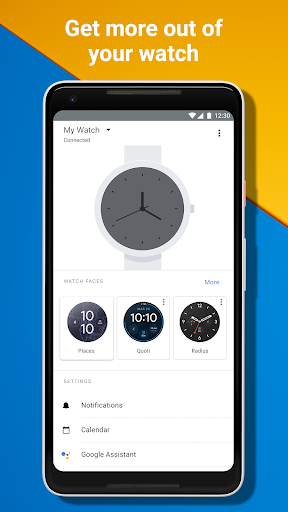
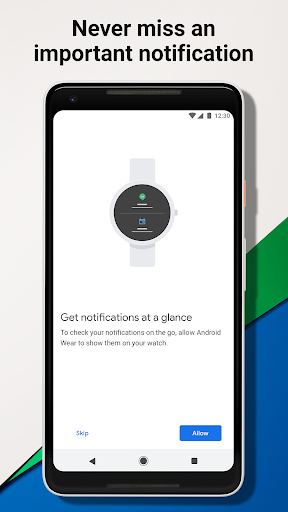
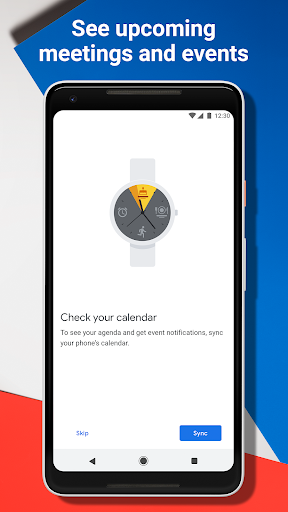
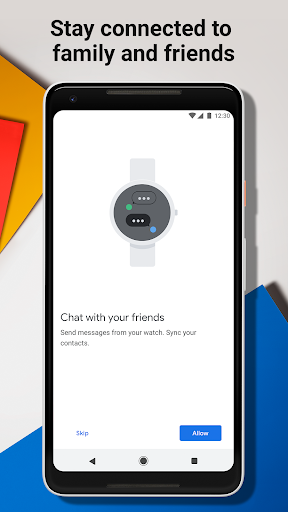
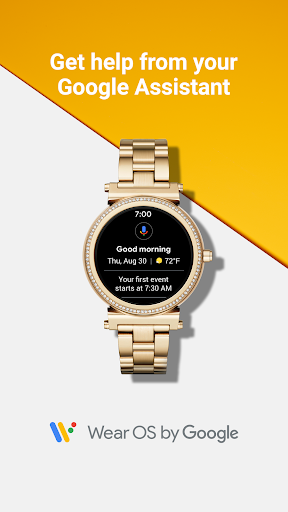
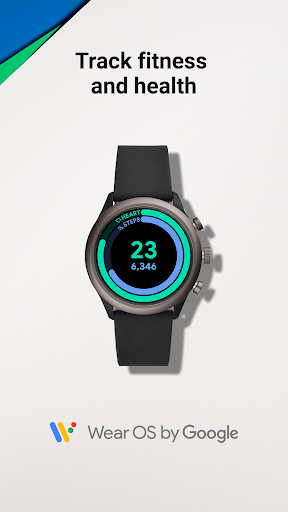
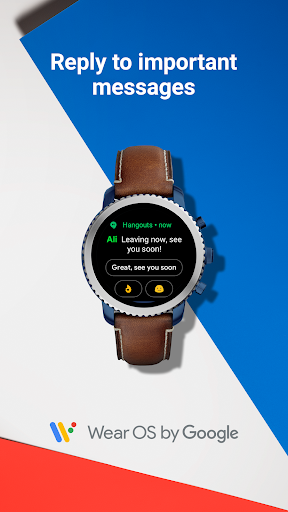
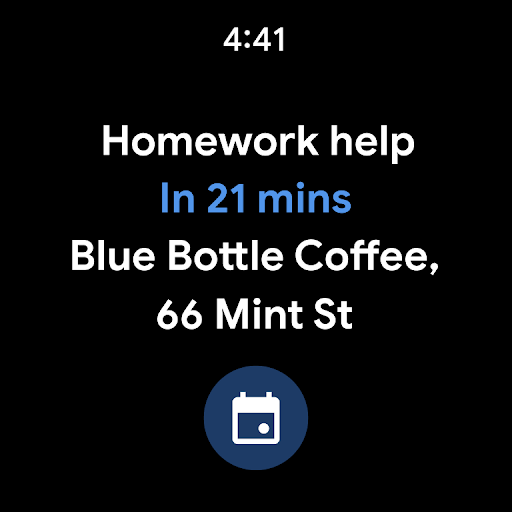
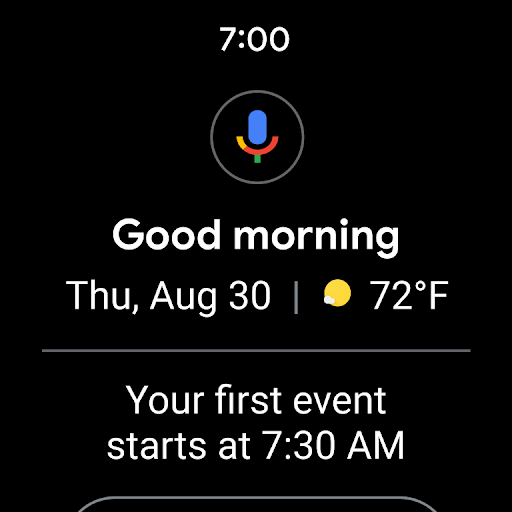
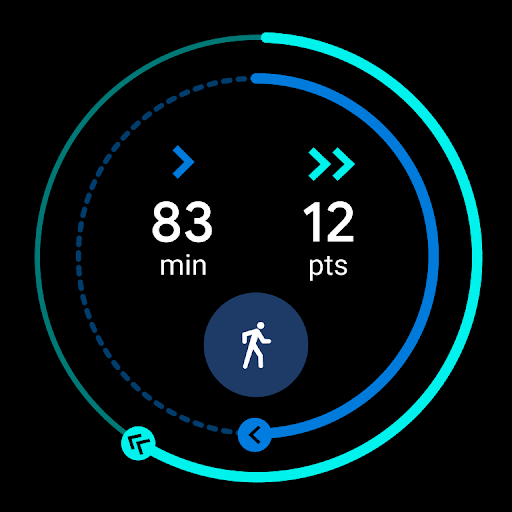
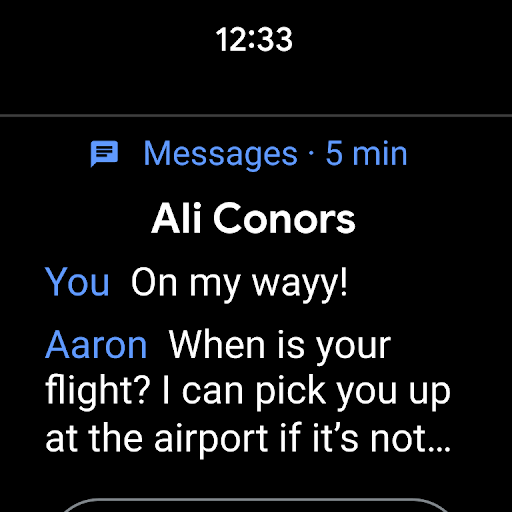
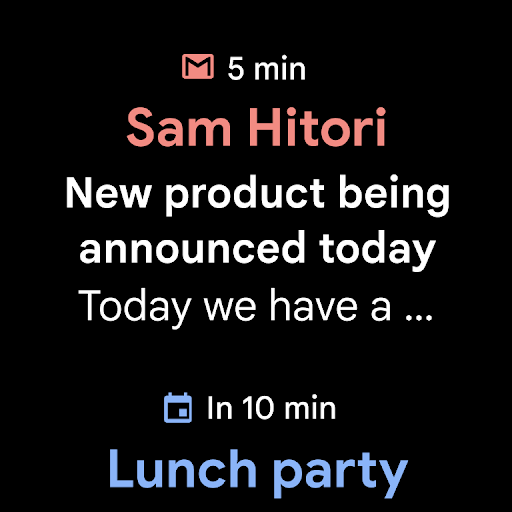
Wear OS by Google Smartwatch is one of those apps that makes the most sense when you stop asking it to be magical and start judging it by what a smartwatch actually does all day: glanceable alerts, quick actions, light fitness tracking, and a little convenience without reaching for your phone. Used that way, it can feel genuinely useful. Expect it to transform your watch into a phone replacement, though, and the cracks show quickly. In day-to-day use, the app’s biggest strength is that it keeps the smartwatch experience grounded. Pairing the watch and getting the basics in place is fairly straightforward when everything behaves: notifications start flowing, messages become easy to triage from the wrist, and the entire setup encourages short interactions instead of long ones. That matters. The best smartwatch software understands that you are usually looking at your wrist for a few seconds, not settling in for a session. On that front, Wear OS gets the philosophy right. I especially liked how the app acts as a bridge rather than a distraction. Once synced, it largely stays out of the way. Notifications are the headline feature in practice, and this is where the app earns its keep. Messages, calls, emails, and reminders arriving at a glance make the watch feel immediately practical. There is real value in being able to check whether something is urgent without pulling out your phone. During a normal workday, that subtle convenience adds up more than any flashy smartwatch feature ever could. The second thing Wear OS does well is keep Google’s ecosystem feeling close at hand. Assistant integration, reminders, calendar awareness, and basic day-planning touches help the watch feel like a lightweight extension of your phone rather than a separate gadget demanding attention. I found that useful in small bursts: checking what is next, seeing a prompt at the right moment, or handling a simple task from the wrist. None of this is revolutionary, but it is the kind of low-friction utility that justifies wearing a smartwatch in the first place. A third positive is that the app gives the experience a bit of personality without making customization feel like homework. Watch face options and general personalization help the device feel more yours. At the same time, health and activity tracking are present enough to be motivating without overwhelming the core communication-focused experience. Steps and Heart Points are simple goals, and that simplicity works in the app’s favor. That said, Wear OS is not polished enough to earn unqualified praise. Its biggest weakness is reliability during setup and syncing. When the app works, it fades into the background exactly as it should. When it does not, it can become surprisingly stubborn. Pairing problems, sync oddities, and the occasional feeling that phone and watch are not quite on the same page can turn a normally simple companion app into a troubleshooting exercise. In my time with it, this was the most frustrating part of the experience because it undermines confidence in a product that should feel seamless. The second weakness is inconsistency. Some parts of the app feel clean and mature, while others feel a little too dependent on your specific watch, phone, and region. The app itself makes it clear that features vary, and you can feel that in use. A smartwatch platform should ideally feel predictable, but Wear OS sometimes gives the impression that what you get depends heavily on the exact hardware combination and account setup. That uncertainty makes it harder to recommend broadly without qualification. The third complaint is that the app can feel more functional than delightful. There is nothing wrong with that in principle, and in fact its no-nonsense approach is part of its appeal. But the interface and overall flow are at their best when you are doing basic companion-app tasks and at their weakest when you expect a richer sense of control or refinement. It is competent more often than it is elegant. For some users, that will be perfectly fine. For others, especially anyone expecting a premium-feeling smartwatch hub, it may come across as a little flat. Still, I came away feeling that Wear OS by Google Smartwatch succeeds at the things that matter most often. It lets a smartwatch behave like a smart companion instead of a tiny, awkward phone. It handles quick communication well, supports everyday awareness through notifications and scheduling, and adds enough fitness and personalization to round out the package. Those are meaningful strengths. This app is for people who want practical smartwatch utility: office workers triaging notifications, commuters checking reminders and timing, and users who prefer small, efficient interactions over deep wrist-based app use. It is also for anyone already comfortable with Google services and looking for a direct bridge between phone and watch. It is not for people who want absolute plug-and-play reliability, nor for those expecting their smartwatch app to feel universally smooth across all devices and scenarios. If you are highly sensitive to setup friction, occasional sync weirdness, or uneven feature availability, this app may test your patience. My final take is that Wear OS by Google Smartwatch is good at the core smartwatch job and weaker at the seamless polish you expect from a mature companion app. When it clicks, it is genuinely convenient and refreshingly practical. When it stumbles, it reminds you how fragile the smartwatch-phone relationship can be. That leaves it as a solid recommendation, but not an effortless one.