Apps Games Articles
Live Earth Map & GPS Map
Gitola Tech Studios
Rating 3.3star icon
Editor's summary
Editor rating
star icon star icon star icon
half star icon
empty star icon
3.6

One-line summary Live Earth Map & GPS Map is a surprisingly handy all-in-one travel and map browser if you like exploring places visually, but the heavy ad presence makes it hard to fully trust when you need fast, no-nonsense navigation.

  • Installs

    10M+

  • Developer

    Gitola Tech Studios

  • Category

  • Content Rating

    Everyone

  • Latest version

    1.8.6

  • Package

    com.gps.location.live.earth.map.diriving.direction.weather.voice.navigation

Screenshots
In-depth review
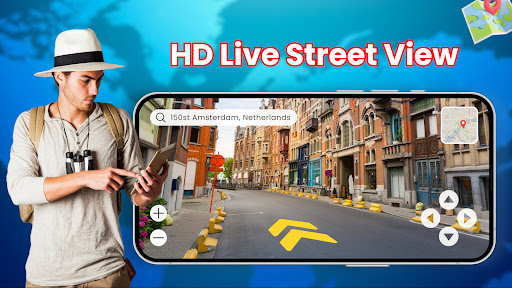
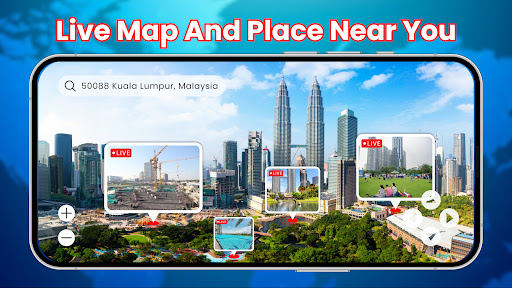
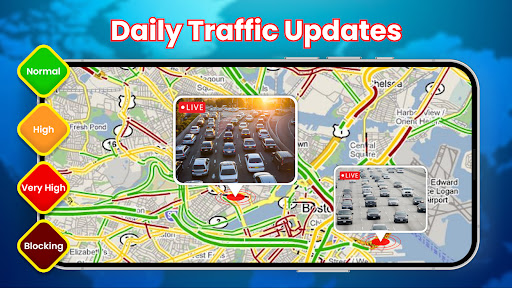
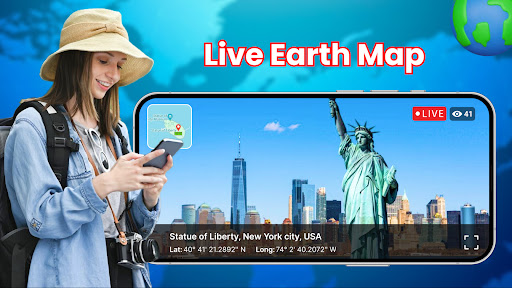
Live Earth Map & GPS Map is one of those Android apps that tries to be more than a plain route finder. After spending time with it, what stood out most is that it clearly wants to blend practical navigation with armchair exploration. Part of the appeal is exactly that mix: one minute you are checking directions or looking up an area, and the next you are casually jumping around the map to get a feel for a city, landmark, or neighborhood from above. When the app is working in that mode, it can be genuinely entertaining. The first thing I noticed is that the app leans heavily into the “live earth” and satellite-style presentation. That matters because the experience is less about sterile, utilitarian map reading and more about visual context. If you are the kind of person who likes seeing where roads sit relative to buildings, open land, or city layout, this app has a certain immediate charm. Searching places and moving around the globe feels easy enough, and that broad accessibility is one of its biggest strengths. I never felt like I needed to decode a complicated interface just to jump from one location to another. That said, this is not an app that feels laser-focused. It is better understood as a bundle of mapping-related ideas than a polished specialist tool. You can sense that in how it presents itself: navigation, route finding, earth view, traffic-style usefulness, and some travel-friendly discovery all sit under one roof. For casual use, that is often a plus. For serious use, it can feel a little scattered. In everyday use, I found the app most enjoyable when I treated it as a visual exploration tool with navigation extras. Looking up a city, checking how an area is laid out, or casually browsing places is where it feels strongest. There is a low barrier to entry here. Even if you are not especially techy, the app gives off a “tap around and you’ll figure it out” vibe. That makes it appealing for travelers, drivers, and curious users who want a simple way to peek at locations without dealing with a dense professional mapping interface. A second strength is that the app appears to cover several needs in one place. If you like the idea of not juggling separate tools just to browse a place, look at a route, and get a general sense of the terrain or street layout, Live Earth Map & GPS Map has value. It feels especially aimed at people who want convenience more than precision. Truckers, road-trippers, delivery workers, and casual travelers may appreciate that broad utility, even if the app does not always feel refined. The third clear positive is basic usability. For an app with a fairly busy concept, it does not feel intimidating. Core interactions are straightforward, and the visual style seems designed to keep things readable rather than technical. It is easy to understand why some people enjoy just roaming around in it for fun. There is a slightly playful quality to being able to inspect places you may never visit in person. Now for the part that keeps this from being an easy recommendation: the ads. In testing, the ad load is the most disruptive element of the whole experience. A free app needs to monetize, and that is not unusual, but here the interruptions matter because this is the kind of app people may open in a hurry. If you are trying to quickly check a route, verify a place, or glance at a map while in motion as a passenger, even a short delay feels more intrusive than it would in a casual game. The result is that the app can feel useful and irritating almost at the same time. The second weakness is trust. Not in the sense of safety claims, but in workflow trust. For navigation apps, reliability is not just about whether a map loads. It is about whether the app feels fast, focused, and frictionless enough that you would instinctively reach for it when time matters. Live Earth Map & GPS Map does not always project that level of confidence. It feels more like an app I would browse with than one I would depend on for every urgent turn-by-turn moment. The third issue is that some of its feature pitch feels broader than the actual day-to-day payoff. The app talks a big game about earth views, route help, and customization, but the practical experience is more modest: useful, sometimes fun, but not especially elegant. I came away thinking that it is at its best when expectations are realistic. If you open it hoping for a visually interesting map companion, it satisfies. If you expect a top-tier navigation powerhouse, it is less convincing. So who is this app for? It is for casual explorers, travelers who enjoy previewing destinations, and users who like a map app that mixes practical route checking with a bit of globe browsing. It is also a decent fit for people who want a simple, approachable interface and do not mind a free-app experience with ads. It is not for users who need a highly polished, professional-feeling navigation tool with minimal interruption. If your top priority is speed, focus, and zero-nonsense route guidance, this app may test your patience. Overall, Live Earth Map & GPS Map is more enjoyable than its rough edges suggest. There is real utility here, and the visual exploration angle gives it personality. But the ad pressure and slightly unfocused execution stop it from feeling essential. I would call it a worthwhile casual install, especially if you like browsing places from above, but not the first app I would trust when I need navigation done quickly and cleanly.
Alternative apps