Apps Games Articles
Viber - Safe Chats And Calls
Viber Media S.à r.l.
Rating 4.5star icon
Editor's summary
Editor rating
star icon star icon star icon star icon
half star icon
4.5

One-line summary Viber is easy to recommend if you want dependable international chats and calls with strong privacy, but its occasional update quirks and a few irritating interface decisions keep it from feeling truly best-in-class.

  • Installs

    1B+

  • Developer

    Viber Media S.à r.l.

  • Category

    Communication

  • Content Rating

    Teen

  • Latest version

    VARY

  • Package

    com.viber.voip

Screenshots
In-depth review
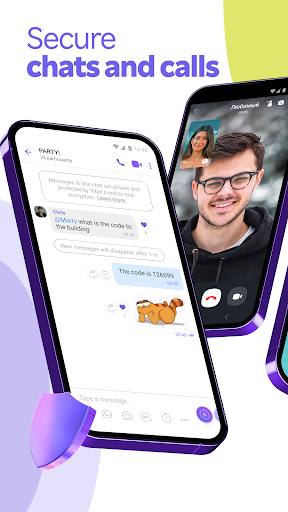
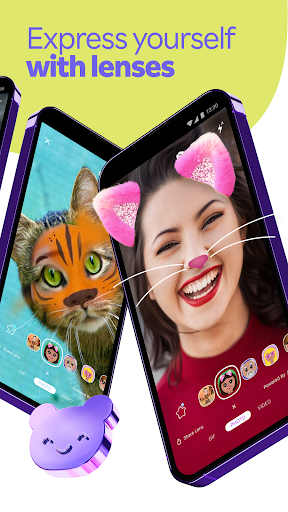
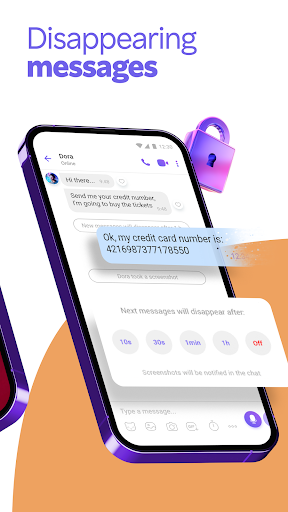
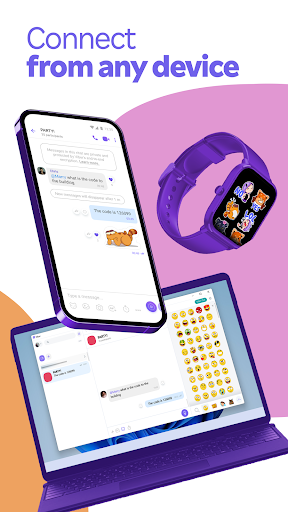
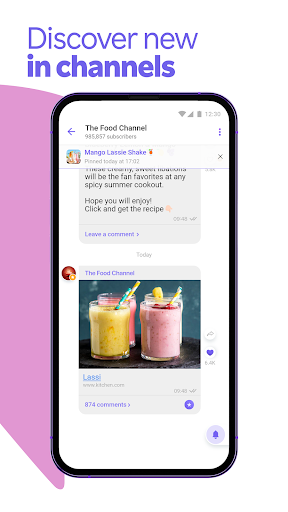
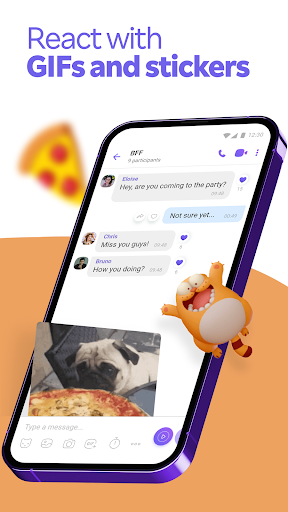
Viber has been around long enough that it could easily have turned into one of those bloated communication apps you keep installed only because a few relatives refuse to switch. After spending real time with it, I came away with a much more positive impression than that. Viber still feels like a practical, mature messenger built around the basics that matter most: messaging, voice calls, video calls, and staying connected across countries without making everything complicated. The first thing that stands out in day-to-day use is how straightforward the app feels. Setup is familiar for anyone who has used a phone-number-based messenger, and once you are in, the core actions are easy to find. Starting a chat, making a voice call, sending a photo, dropping in a sticker, or jumping to a video call all happen without much friction. I especially liked how little time it takes to move from text conversation to actual calling. Some apps bury their call features under layers of tabs and menus; Viber generally keeps them close at hand. That matters because calling is where Viber is at its best. In my use, voice calls were consistently strong, and video calls were good enough that I never felt like I was wrestling the app instead of talking to someone. It has the feel of a tool people actually rely on for real communication, especially across borders. If your family is scattered across different countries or you regularly need to talk to people abroad, Viber makes a convincing case for itself very quickly. There is also a practical side to the app that goes beyond pure Viber-to-Viber communication: the low-cost calling option for landlines and mobile numbers is the kind of feature that still matters in the real world, especially when not everyone you need to reach uses the same app. The second major strength is that Viber does a good job balancing utility with personality. Messaging is not just about plain text. Sending photos, videos, files, voice notes, GIFs, and stickers feels natural, and the app gives you plenty of ways to make conversations less dry without becoming chaotic. Group chats are another area where Viber feels mature rather than flashy. The tools for reactions, mentions, polls, and larger group organization make it useful for family groups, social circles, local communities, and lightweight coordination. It is one of those apps that can handle both a quick “call me when you can” and a busy shared group where people are passing media, updates, and reminders around all day. The third strength is privacy. Viber puts secure communication front and center, and the app does a reasonably good job of making that feel like a built-in part of the experience rather than an advanced setting for power users. Features like end-to-end encryption and disappearing messages help make private chats feel genuinely private. You do not need to be a security obsessive to appreciate that kind of baseline protection. That said, Viber is not flawless, and its weaknesses mostly show up in the small but important edges of everyday use. My biggest frustration is that the app sometimes feels just a little too willing to change familiar interface behavior. There are moments where a once-obvious action becomes less convenient after an update, or where a useful shortcut is removed or moved around. None of this destroys the app, but it does create the sense that Viber occasionally meddles with things that were already working. Another weak spot is reliability at the margins. The app is generally stable, but not always perfectly polished. I ran into occasional odd behavior around calling and messaging flow that broke the otherwise smooth experience: things like delayed syncing behavior, voice-message hiccups, or call handling not feeling quite as seamless as it should during more complicated phone situations. These are not constant failures, but they are exactly the kind of rough edges you notice because the app is otherwise so competent. The third complaint is that some of Viber’s extra surfaces can feel more intrusive than helpful. Channels and post-call prompts can occasionally nudge their way into the experience when all you really want is a clean messaging tool. The good news is that a lot of this can be muted, ignored, or tuned down, but the app is at its best when it sticks to communication rather than trying to pull you into every extra feature it offers. In daily use, one of the nicest things about Viber is that it rarely demands much from you. It handles straightforward messaging very well, call quality is strong, and transferring or preserving chat history appears to be treated as an important part of the product rather than an afterthought. I also appreciated the feeling that this is an app built for ordinary use cases: talking to relatives, keeping up with community groups, sharing files, and making the occasional cheap call to a number outside the app ecosystem. Who is Viber for? It is a very good fit for people who care about dependable international communication, want a phone-number-based messenger, and like having strong voice and video calling built into the same app they use for chats. It is also a smart choice for users who participate in active group conversations and want more than bare-bones texting. Who is it not for? If you are extremely sensitive to UI changes, want the most minimalist possible messenger, or get annoyed when an app’s side features start competing with its core purpose, Viber may occasionally test your patience. And if every tiny glitch in call behavior or message syncing bothers you, you will notice the rough spots. Still, after using it as an everyday communication app, I think Viber remains one of the more solid all-purpose messengers on Android. It is not perfect, and it sometimes trips over its own updates, but it gets the most important things right: it is easy to use, calling quality is strong, messaging is flexible, and privacy is built in. For many people, that is more than enough reason to keep it installed and actually rely on it.