Apps Games Articles
Opera Mini - fast web browser
Opera
Rating 4.3star icon
Editor's summary
Editor rating
star icon star icon star icon star icon
half star icon
4.5

One-line summary Opera Mini is still one of the best browsers for low-data, low-bandwidth browsing, but the occasional ads, some sluggish sections, and a few rough edges keep it from being an easy universal pick.

  • Installs

    500M+

  • Developer

    Opera

  • Category

    Communication

  • Content Rating

    Everyone

  • Latest version

    -

  • Package

    com.opera.mini.native

In-depth review
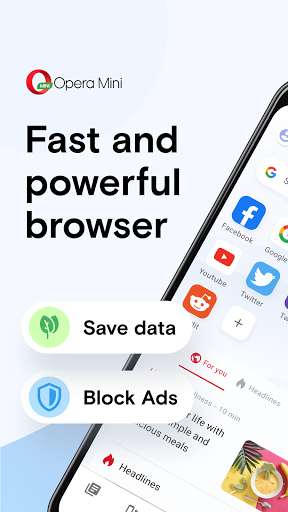
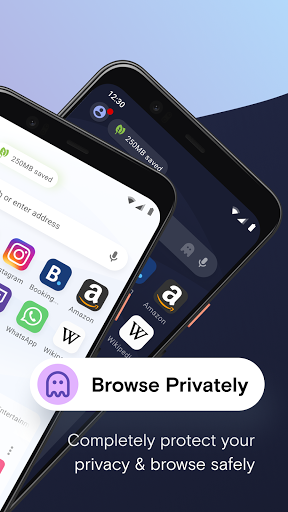
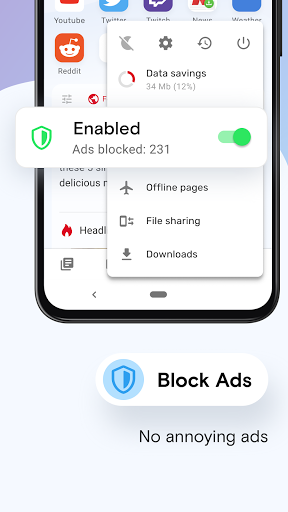
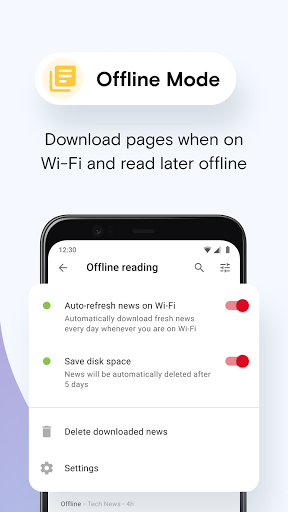
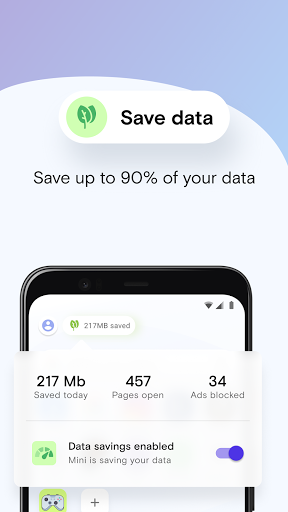
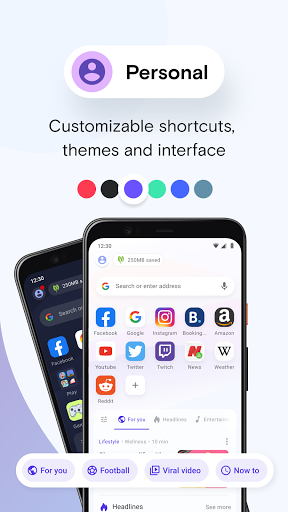
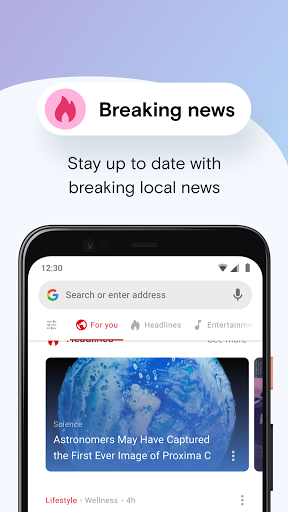
Opera Mini feels like a browser built with a very specific mission: make the web usable when your phone, your connection, or your data allowance is not on your side. After spending time with it as a daily mobile browser, that mission comes through immediately. This is not a flashy “everything browser” that tries to overwhelm you with premium polish. It is a practical, lightweight, surprisingly capable app that prioritizes speed, data savings, and getting you to a page quickly. The first thing I noticed in regular use was how brisk Opera Mini feels on weaker connections. Pages tend to open with less friction than you would expect from a full mobile browser, and the app generally gives the impression that it is trying to strip away unnecessary weight wherever possible. On a stable network, that means quick launches and snappy page loads. On a poor network, it means the browser remains usable when other apps start to feel bloated or impatient. That alone makes Opera Mini easy to appreciate. If your mobile browsing often happens on limited data plans, patchy coverage, or older hardware, this app still has a very strong reason to exist. Its biggest strength is clearly the data-saving approach. This is not just a marketing checkbox buried in settings; it shapes the whole experience. Browsing feels intentionally compressed and optimized, and that can make a real difference when you are reading articles, checking lightweight pages, or trying to stretch a limited mobile plan. In everyday use, that translated into a browser I felt comfortable opening for casual research, news reading, and social browsing without worrying as much about data burn. Opera Mini earns a recommendation largely on this point alone. A second strength is that the app remains feature-rich without becoming heavy. There is a built-in ad blocker, a customizable interface, offline page support, night mode, news content, and a locked mode for private browsing behind a PIN. I especially liked that Opera Mini does not feel like a barebones emergency browser; it feels like a real browser that just happens to be optimized for efficiency. Locked mode is particularly useful for anyone who shares a phone or simply wants a bit of privacy without overcomplicating the process. Small touches like changing the address bar position or adjusting the look of the browser also help it feel more personal than many lightweight apps do. The third strength is download handling. Opera Mini is genuinely good at making downloads feel visible and manageable. It is easy to see progress, monitor speed, and keep track of files. For people who often download PDFs, images, or app files over mobile data, that attention to download behavior matters. In testing, it gave the browser a more functional, utility-focused feel than some mainstream alternatives that treat downloading as an afterthought. That said, Opera Mini is not flawless, and its weaknesses become clearer the longer you use it. The most obvious annoyance is advertising and promotional clutter inside the app experience. It is somewhat ironic for a browser with ad blocking to still feel ad-touched in places. The core browsing experience is usually fine, but parts of the interface can feel busier than they need to be. If you want a very clean, minimal browser, Opera Mini may occasionally test your patience. Another issue is inconsistency. While most browsing is fast, not every section of the app feels equally optimized. Some built-in content areas, such as news or football-related panels, can feel slower than the browser core itself. There are moments when Opera Mini feels impressively lean and moments when it feels like extra features are pulling against that simplicity. I never found it unusable, but I did run into enough pauses and slower-loading sections to notice the contrast. The third weakness is that some management tools could be better thought out. Downloads are easy to monitor, but cleaning up old entries or handling file lists can feel less elegant than it should. Likewise, a few parts of the app still give off the impression of a mature product with long history rather than a perfectly streamlined modern browser. That is not a deal-breaker, but it does mean the app occasionally feels more functional than refined. Who is Opera Mini for? It is ideal for people on limited data plans, users in areas with weaker networks, and anyone who wants a lightweight browser that starts fast and gets out of the way. It is also a smart pick for users who value built-in utilities like ad blocking, privacy locking, and solid download handling without installing extra tools. Who is it not for? If you want the slickest possible browser UI, total consistency across every feature, or a completely clutter-free experience, Opera Mini may feel a bit old-school and uneven. Power users who care more about visual polish than efficiency may prefer something else. Still, after using it, I came away with a lot of respect for what Opera Mini does well. It understands its purpose, and in the areas that matter most to its target audience—speed, data efficiency, and usability on imperfect connections—it still performs better than many browsers that are technically more ambitious. It is not the prettiest or cleanest browser on Android, but it remains one of the most practical. For the right user, that matters far more.