Apps Games Articles
Alarm Clock for Me
Mobile Heroes
Rating 4.4star icon
Editor's summary
Editor rating
star icon star icon star icon star icon empty star icon
4.4

One-line summary Alarm Clock for Me is easy to recommend if you want a stylish, flexible bedside clock with genuinely useful alarm options, but the free version’s ads and occasional reliability quirks keep it from being an automatic yes for everyone.

  • Installs

    50M+

  • Developer

    Mobile Heroes

  • Category

    Productivity

  • Content Rating

    Everyone

  • Latest version

    2.85.3

  • Package

    com.apalon.myclockfree

In-depth review
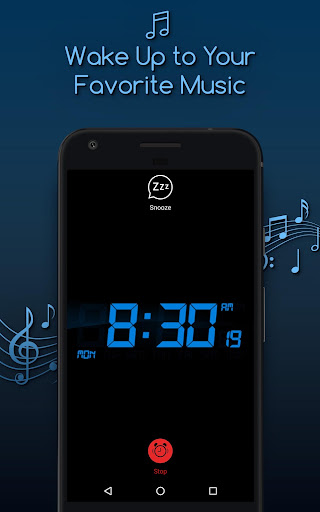
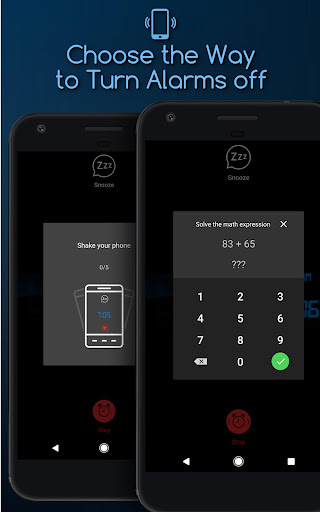
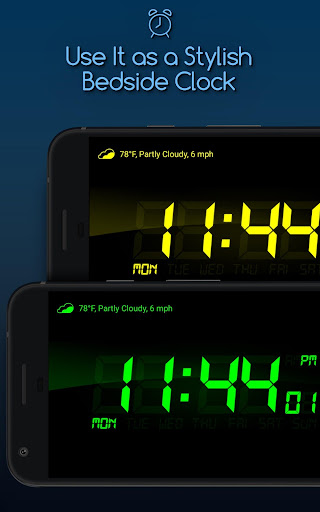
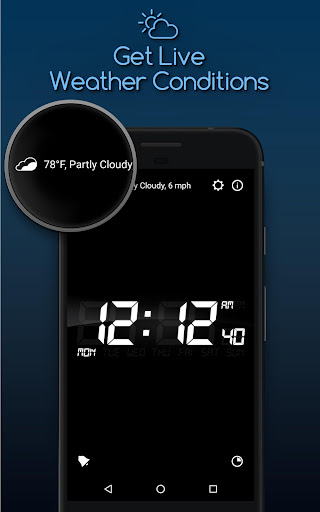
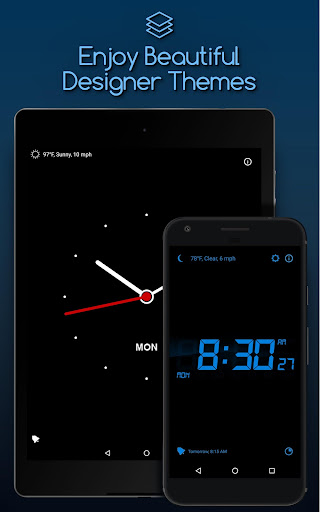
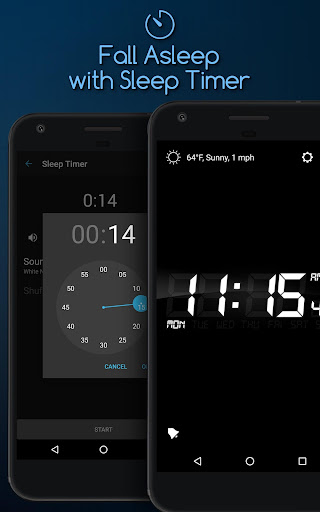
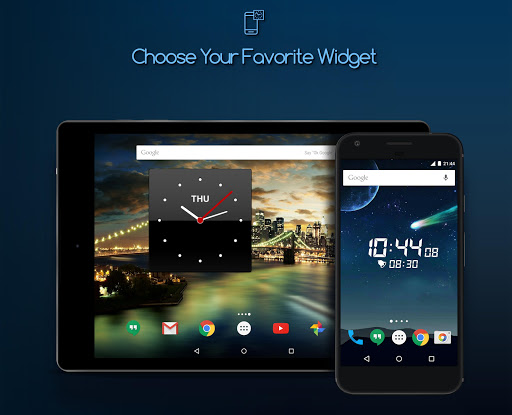
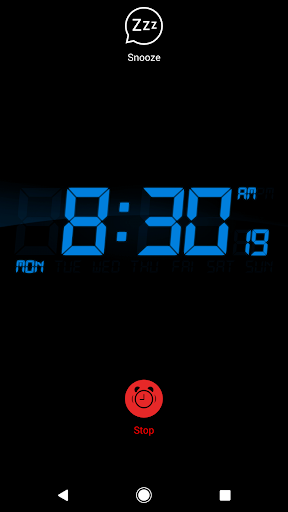
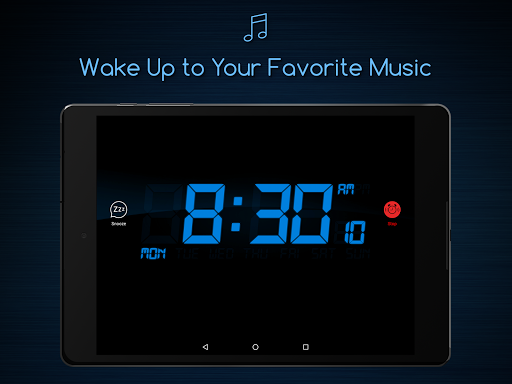
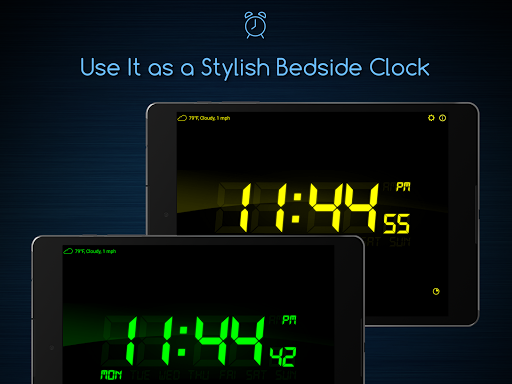
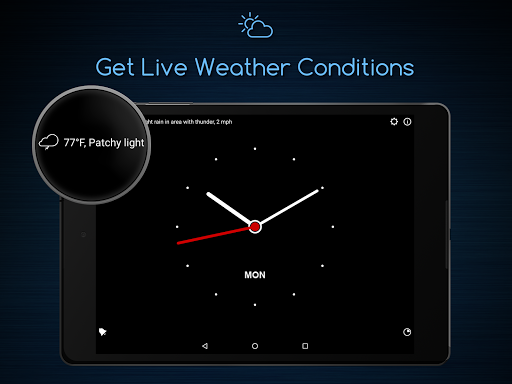
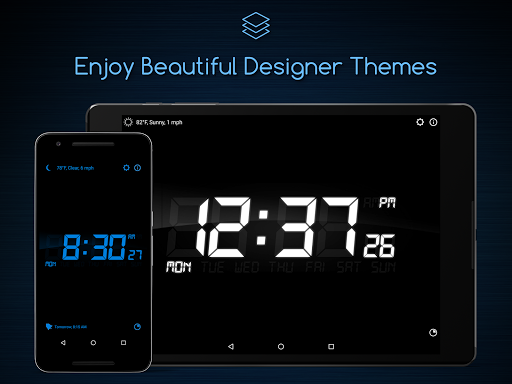
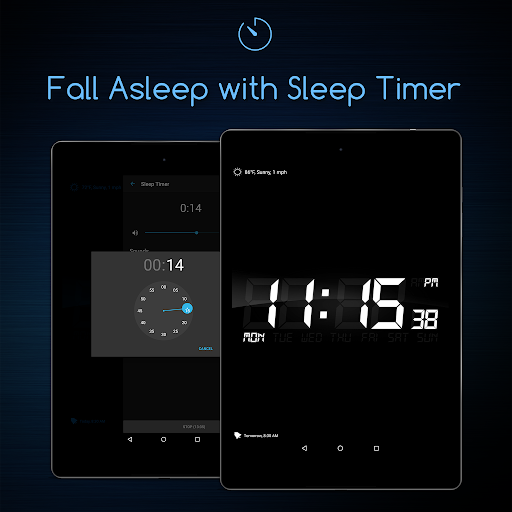
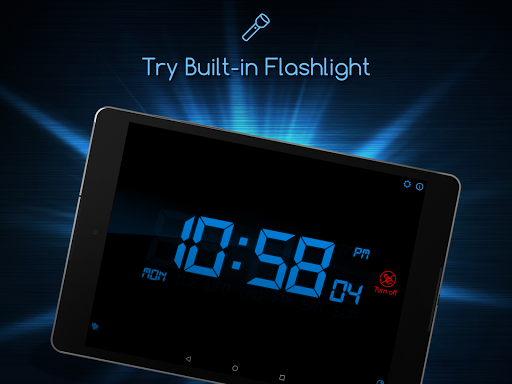
Alarm Clock for Me is one of those apps that tries to be more than a simple alarm, and after spending time with it as both a daily wake-up tool and a bedside display, I can see why it has stuck around for so many people. It blends three ideas into one package: a practical alarm clock, a nightstand-style clock screen, and a general-purpose timer/sleep helper. The good news is that, for the most part, it handles that balancing act well. What immediately stands out is the presentation. A lot of alarm apps feel purely functional, with cramped menus and ugly default screens that do the job but don’t invite you to keep them open. Alarm Clock for Me is much more pleasant to live with. The large clock display is readable from across the room, the themes and color options make it easy to fit into a dark bedroom, and the brightness controls matter more than you might think. During testing, that ability to dim the display down to something comfortable was one of the app’s best qualities. Used on a charging phone at night, it feels far closer to a real bedside clock than a typical phone app does. The alarm setup is also one of the app’s strongest points. Creating multiple alarms is straightforward, and this is clearly designed for people whose schedules are not identical every day. If you need one wake-up time on weekdays, another on certain work shifts, and a one-off alarm for an appointment, the app handles that without feeling cluttered. I liked that alarms can be kept around and reused instead of constantly remade. In everyday use, that saves more time than flashy features ever do. There is also enough flexibility in how alarms behave to make the app feel accommodating rather than rigid. Fade-in options, snooze controls, vibration, and more active wake-up methods like shake or math dismissal give it a broader range than a bare-bones system clock. The gentler side of the app is just as useful: if you prefer to wake up gradually instead of being jolted awake, features like a softer pre-alarm approach make sense and feel thoughtfully included rather than gimmicky. The sleep timer rounds out the package nicely for anyone who falls asleep to music or ambient sound. Another pleasant touch is that the app tries to act like a bedside companion, not just an alarm trigger. The weather/temperature glance is handy in the morning, and the overall layout is simple enough that you don’t have to think much to use it half-awake. That sounds like faint praise, but for an alarm app it is crucial. Anything too clever becomes frustrating at 6 a.m. Alarm Clock for Me generally remembers that. That said, it is not perfect, and the biggest issue with the free version is advertising. Ads are not unusual in free utility apps, but here they can feel especially intrusive because this is an app you often use in low-light conditions and at moments when you want zero friction. A bright ad or a badly timed interruption when setting an alarm undercuts one of the app’s best features: its calm nightstand feel. If you only use it casually, that may be tolerable. If you plan to keep it running every night, the ads become much harder to ignore. The second weakness is that while the app presents itself as reliable, alarm apps live or die on consistency, and this is the one area where even small hiccups matter too much. In my general use, the core alarm functions feel dependable, but there are enough signs of occasional edge-case problems that I would still advise anyone relying on custom tones or more unusual setups to test their exact configuration before trusting it on an important morning. An alarm app does not get much credit for style if it fails once when you need it most. The third drawback is that some of its extra polish is a little uneven. The app is full of nice quality-of-life touches, but now and then the experience can feel less refined than the attractive design suggests. The free version particularly highlights this contrast: on one hand you get a beautiful dimmable clock and useful customization, on the other hand you are reminded that this is still a utility app trying to monetize your attention. It never becomes unusable, but it does occasionally break the illusion of a premium bedside device. Who is this for? It is a very good fit for people who want their phone or an older spare device to double as a bedroom clock, especially if they care about readability, dimming, multiple recurring alarms, and a little more personality than the stock clock app offers. It is also well suited to shift workers, heavy snoozers, and anyone who likes having several wake-up methods available. Who is it not for? If you want the most minimal, ad-free experience possible and do not care about themes, widgets, weather, or sleep extras, a simpler clock app may suit you better. It is also not ideal for anyone who has zero tolerance for occasional quirks in a mission-critical alarm tool. Overall, Alarm Clock for Me succeeds because it is pleasant to use every day. It looks good, it is flexible, and it understands that waking up is not one-size-fits-all. The free version asks for some patience, and I would not call it flawless, but as an all-in-one bedside alarm app, it gets more right than wrong.