Apps Games Articles
Google Assistant
Google LLC
Rating 4.0star icon
Editor's summary
Editor rating
star icon star icon star icon
half star icon
empty star icon
3.9

One-line summary Google Assistant is still one of the most useful hands-free tools on Android when it behaves, but its uneven reliability and the awkward Gemini transition make it harder to recommend without reservations.

  • Installs

    1B+

  • Developer

    Google LLC

  • Category

    Productivity

  • Content Rating

    Everyone

  • Latest version

    0.1.474378801

  • Package

    com.google.android.apps.googleassistant

Screenshots
In-depth review
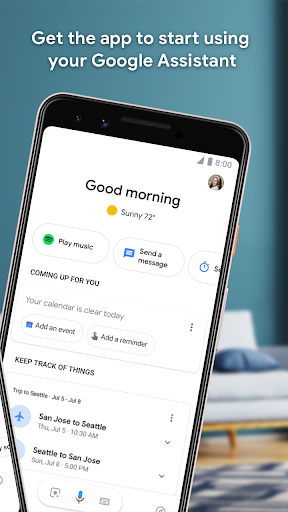
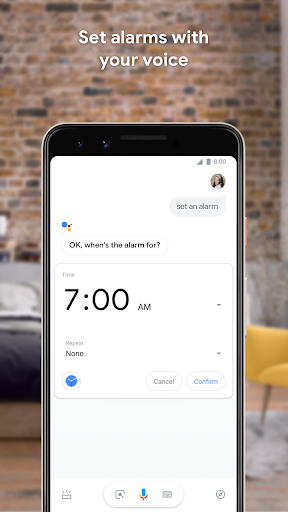
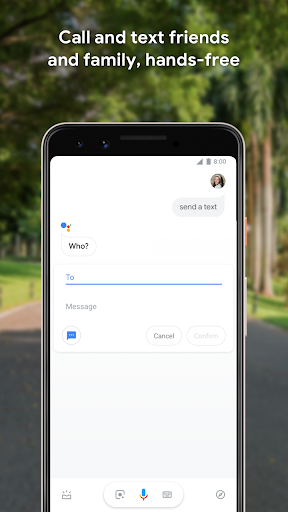
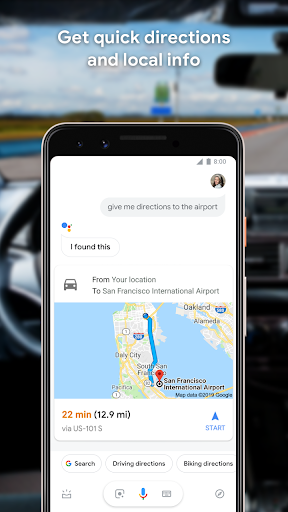
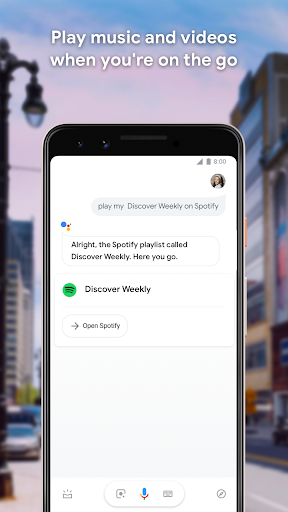
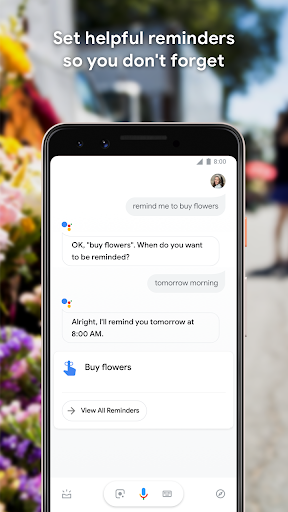
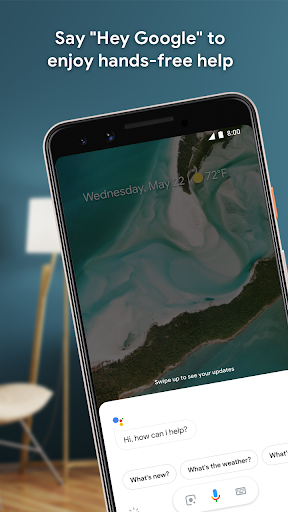
Google Assistant is one of those apps that can feel almost invisible when it is working well, and absolutely maddening when it is not. After spending real time with it as an everyday tool rather than a demo feature, that is the clearest takeaway: this is still a genuinely helpful assistant for routine tasks, but it no longer feels consistently dependable enough to earn an automatic recommendation for everyone. At its best, Google Assistant remains extremely convenient. The core voice workflow is still the main attraction. Saying “Hey Google” and firing off a quick request to set an alarm, send a message, ask about the weather, or start navigation still feels natural in a way that touch-based interfaces do not. For simple actions, the app can save real time. It is especially good when your hands are occupied: driving, cooking, cleaning, or walking around the house. In those moments, Google Assistant feels like practical technology rather than a gimmick. The app also benefits from breadth. It is not just a question-answering tool; it reaches into phone controls, reminders, calls, texts, media playback, and smart home devices. That range matters. During testing, the most satisfying part of the experience was not any single flashy command, but the way Assistant could slide between little jobs without friction. Ask for tomorrow’s weather, then set a reminder, then turn on a light, then start a playlist. When the system is in sync, it feels polished and well integrated into Android life. Another clear strength is accessibility and ease of use. There is very little learning curve for the basics. Even if you never touch advanced settings, the app is approachable. The best commands are also the most obvious ones, which is exactly how a voice assistant should work. You do not need to memorize some robotic syntax to get value out of it. That straightforwardness makes it useful for a broad audience, from people who want a safer hands-free option in the car to users who simply want quick answers or routine automation in the morning. But then there is the other side of Google Assistant: reliability. In day-to-day use, it can feel strangely inconsistent. There were stretches where voice activation responded quickly and accurately, followed by moments where the app acted like it had forgotten how to be an assistant at all. Sometimes it would only respond after opening the app manually and tapping the microphone, which defeats the entire point of a hands-free assistant. That inconsistency is the biggest problem here. A voice assistant does not just need to be smart; it needs to be available every time, without drama. Accuracy is also good rather than flawless. For basic commands, it generally understands natural speech well enough, but occasional misheard phrases still happen, especially when speaking quickly or casually. That is not unique to this app, and it is often tolerable for simple requests. Still, it becomes more annoying when paired with the reliability issue, because a mistaken command feels minor, while a missed wake phrase or a dead response feels like the whole product is letting you down. The third major issue is the current identity problem created by Gemini’s presence. Google is clearly trying to bridge the old Assistant world with a newer AI assistant experience, but the transition does not yet feel seamless from a user perspective. If you are someone who just wants dependable utility, the messaging around Gemini can feel like a distraction from the basics. Google Assistant’s traditional strengths have always been speed, convenience, and direct device control. When that core experience becomes muddier, it creates uncertainty about what this app is supposed to be right now: a stable utility assistant, or a stepping stone to something else. That tension is important because Google Assistant is still best when treated as a practical tool, not a futuristic showcase. It shines in routines, reminders, communication, navigation, and smart home control. It is for Android users who want quick voice access to everyday actions and who are willing to spend a little time adjusting settings if something goes wrong. It is also a strong fit for people who value hands-free use for convenience or safety. It is not ideal for users who expect absolute consistency every single time, or for anyone who will be deeply frustrated by occasional setup hiccups, disappearing voice features, or temporary breakage after changes. If your patience for troubleshooting is low, the app can quickly move from helpful to aggravating. It is also not the best fit for people who are specifically wary of the newer Gemini direction and simply want a no-nonsense assistant that stays exactly the same. In the end, Google Assistant remains useful enough to keep on your phone and, in many cases, useful enough to rely on daily. When it clicks, it is fast, flexible, and genuinely helpful. But this is no longer the kind of utility I would call rock-solid. I would recommend it to Android users who want broad hands-free functionality and can tolerate occasional rough edges. I would hesitate for anyone who needs unwavering reliability above all else. Google Assistant is still good; it just no longer feels effortlessly dependable, and that matters more for an assistant than it does for almost any other kind of app.
Alternative apps