Apps Games Articles
Google Wallet
Google LLC
Rating 4.4star icon
Editor's summary
Editor rating
star icon star icon star icon star icon
half star icon
4.5

One-line summary Google Wallet is one of the easiest ways to turn your Android phone into an everyday payment-and-passes hub, but its polish is still undercut by occasional setup friction and uneven feature availability.

  • Installs

    1B+

  • Developer

    Google LLC

  • Category

    Finance

  • Content Rating

    Everyone

  • Latest version

    VARY

  • Package

    com.google.android.apps.walletnfcrel

In-depth review
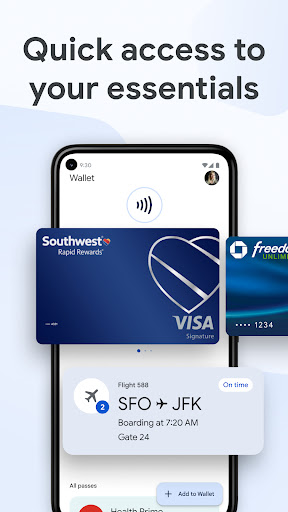
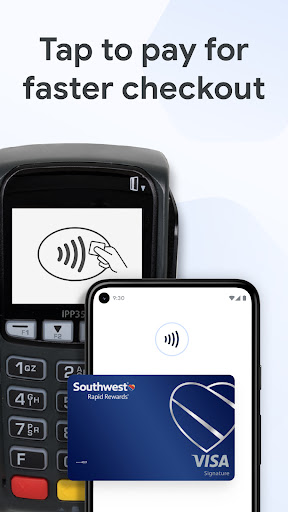
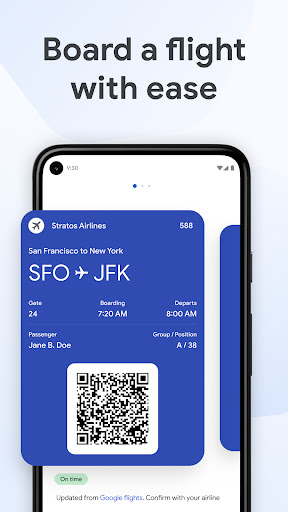
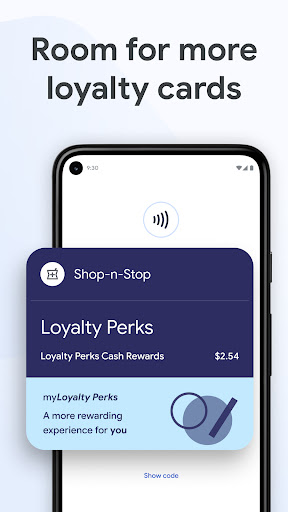
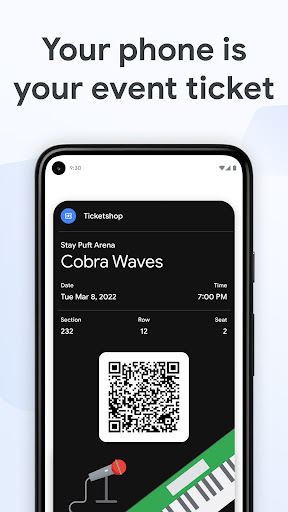
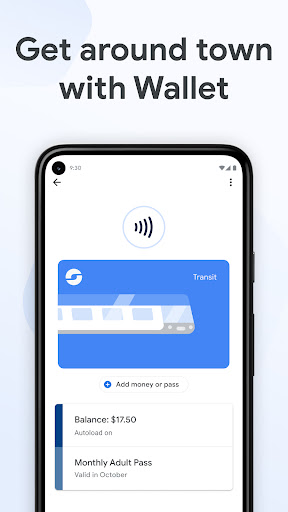
Google Wallet is one of those apps that becomes more valuable the less you have to think about it. After spending real time using it as a daily companion for payments, passes, and the general clutter that normally lives in a physical wallet, the biggest takeaway is simple: when Google Wallet is set up properly, it feels invisible in the best possible way. That invisibility is its greatest strength. For routine in-store payments, the app barely asks for attention. You unlock your phone, tap at the terminal, and move on. There is no dramatic flourish, no sense that you are “using a finance app” in the traditional sense. It behaves more like a native part of Android than a separate utility, and that is exactly what a digital wallet should do. In practice, this removes a lot of the little frictions of everyday shopping: no digging for cards, no wondering which pocket your wallet is in, no awkward shuffle at the checkout. On compatible Android devices, access feels especially streamlined because Wallet is woven into quick settings and the broader system experience. The second thing Google Wallet gets right is organization. Beyond payments, it is genuinely useful as a central place for loyalty cards, tickets, and passes. In day-to-day use, that means fewer screenshots buried in the gallery, fewer emails searched at the last minute, and fewer paper backups stuffed into a bag. I particularly liked the sense that important items were waiting where I expected them to be rather than scattered across different apps and inboxes. The app does a good job of making digital essentials feel like they belong together, and when travel or events are involved, that convenience becomes very tangible. Its third major strength is the balance between convenience and reassurance. Payment apps live or die on trust, and Google Wallet mostly succeeds here by not feeling reckless. The security framing is clear, and in regular use I appreciated the fact that it did not feel like I was exposing card details every time I paid. There are moments where the app asks you to verify that it is really you, and while that can interrupt the flow slightly, it also reinforces the idea that convenience has not come at the expense of basic safeguards. In a category where confidence matters almost as much as functionality, that goes a long way. That said, Google Wallet is not flawless, and its weak points tend to show up exactly where you want a wallet app to be most dependable. The first annoyance is setup and card management. Once everything is working, the app feels effortless. Getting to that point is not always as smooth. Adding cards is often simple, but not universally so, and when something goes wrong, the error handling can feel too vague. A payment decline or a failed add-card process does not always explain itself in a useful way. For an app tied so closely to money and identity, that can be frustrating. You want precision, not mystery. Wallet is at its best when it disappears into the background, but troubleshooting drags it very abruptly back into the foreground. The second weakness is inconsistency in feature availability. Google Wallet presents itself as a broad container for modern digital life, but the actual experience depends heavily on where you live, what bank you use, and what type of pass or document you are trying to add. Some advanced functions are clearly limited by region, and not every kind of card or document fits neatly into the system. In use, that means the app can feel futuristic one moment and oddly restrictive the next. For example, it is excellent at handling standard cards and many mainstream passes, but there are still situations where you may wish it accepted a local file or a specific document format more flexibly. The third complaint is that the interface, while generally clean, is not always perfect in its details. The core layout is easy to understand, and improvements like clearer card presentation help, especially if you manage several similar cards. But there are still small usability rough edges. Sometimes the distinction between cards is not as immediate as it should be, and the app could do more to surface practical information when a transaction fails or a card is unavailable. These are not deal-breakers, but they are reminders that this is a polished app, not a perfect one. Who is Google Wallet for? It is ideal for Android users who want a fast, low-friction way to pay in stores and keep essential passes in one place. If you already live comfortably in Google’s ecosystem, the app feels especially natural. It is also a strong fit for anyone who wants a more secure-feeling alternative to tapping a physical card everywhere. Who is it not for? If you dislike relying on your phone for payments, need every wallet feature to work uniformly across countries and institutions, or regularly deal with niche document types that are not easily supported, Google Wallet may feel incomplete. It is also not the app for someone who wants deep reward optimization, advanced spending intelligence, or highly detailed payment diagnostics inside the wallet itself. Overall, Google Wallet earns its place on an Android phone because it handles the basics exceptionally well and makes modern digital carry feel normal rather than novel. Its best moments are quiet ones: a payment that works instantly, a pass that appears when needed, a loyalty card ready at checkout. The rough edges are real, especially around setup issues and feature gaps, but they do not overshadow how useful the app becomes once it settles into your daily routine. For most Android users, Google Wallet is not just easy to recommend; it is the kind of app that quickly starts to feel essential.
Alternative apps