Apps Games Articles
Shop Samsung
Samsung Electronics Co. Ltd
Rating 4.5star icon
Editor's summary
Editor rating
star icon star icon star icon star icon
half star icon
4.5

One-line summary Shop Samsung is one of the slickest brand-store apps on Android if you want the best Samsung deals, trade-ins, and financing in one place, but it loses some shine when the app slows down or post-purchase support enters the picture.

  • Installs

    10M+

  • Developer

    Samsung Electronics Co. Ltd

  • Category

    Shopping

  • Content Rating

    Everyone

  • Latest version

    2.0.35723

  • Package

    com.samsung.ecomm

In-depth review
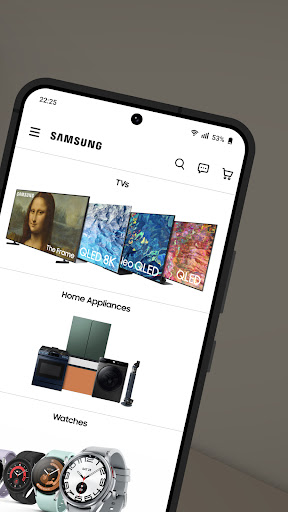
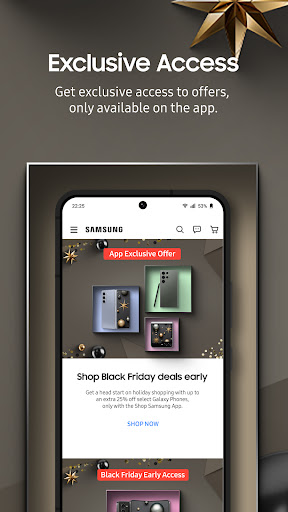
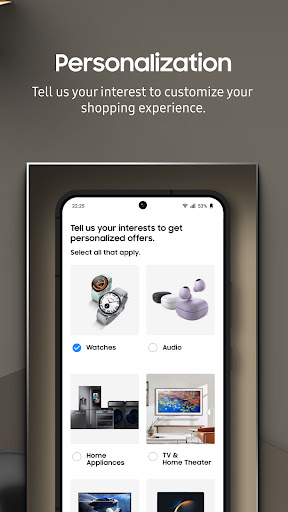
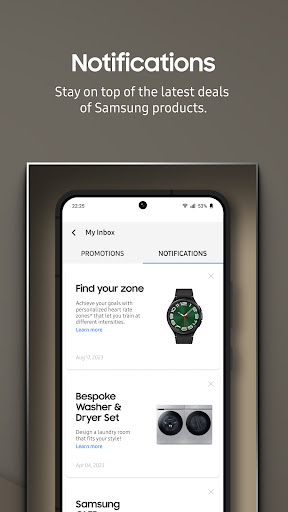
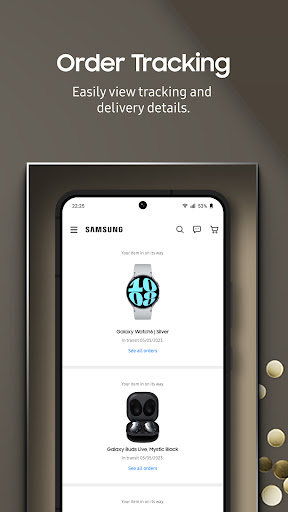
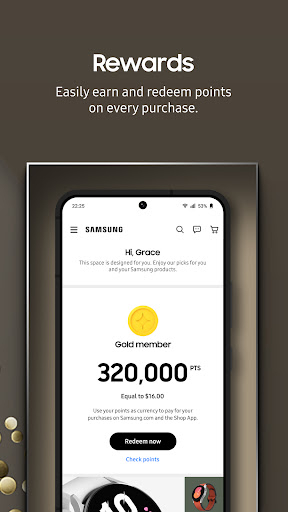
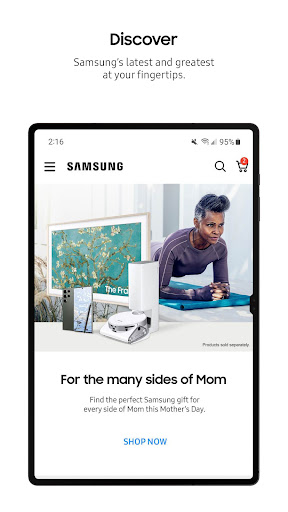
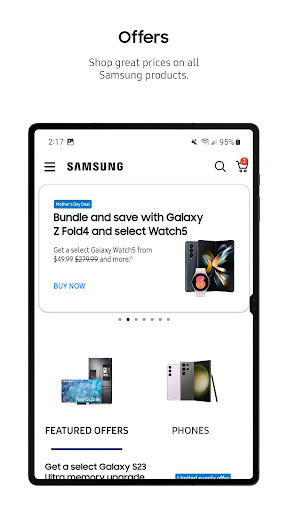
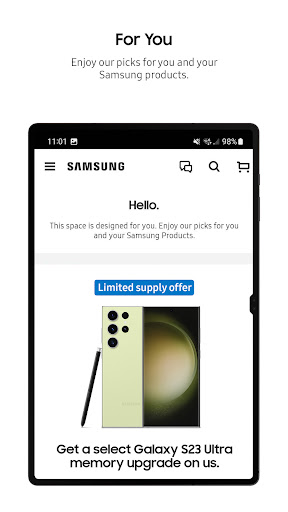
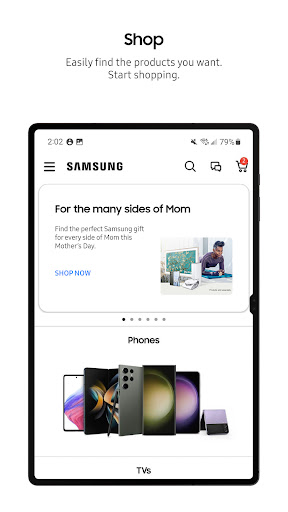
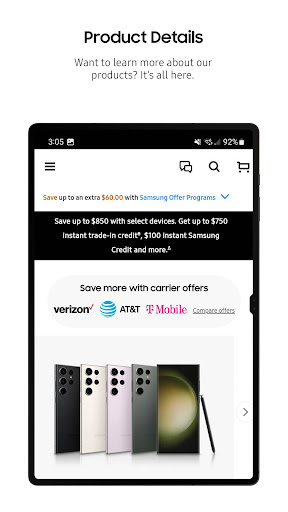
Shop Samsung feels less like a generic shopping app and more like a direct pipeline into Samsung’s product catalog, promotions, and upgrade machinery. After spending real time browsing phones, tablets, wearables, accessories, and larger home products, what stood out immediately was how purpose-built the app feels for people who already know they want Samsung hardware. This is not really an app for leisurely marketplace discovery in the Amazon sense. It is a branded storefront, and in that role, it works remarkably well. The best part of the experience is how efficiently it turns product interest into an actual purchase. Browsing is clean, categories are easy to understand, and product pages are generally laid out in a way that helps you move from curiosity to checkout without confusion. During our time with the app, it was especially good at surfacing bundles, promotions, trade-in options, and app-exclusive savings without making the buying flow feel cluttered. That matters, because Samsung’s offers can get complicated fast. In lesser retail apps, stacking discounts, financing, trade-ins, and accessories often turns into a maze. Here, the process usually feels surprisingly smooth. That ease of checkout is one of the app’s biggest strengths. Payment flexibility is clearly a major part of the experience, and the app does a good job presenting multiple ways to pay without overwhelming the screen. Financing, digital payment options, and installment plans are all presented as part of a natural purchase flow rather than an obstacle course. We found it easy to configure an order, review pricing, and get through checkout quickly. If you are the kind of buyer who waits for pre-order bonuses, trade-in credits, or special app discounts, Shop Samsung makes a strong case for skipping third-party retailers and going straight to the source. Another strength is that the app often gives off a polished, high-trust feel. That may sound obvious for a first-party store, but it matters. Orders, rewards, account access, and product details all live in a single environment, and that convenience adds up. There is a reassuring sense that the app is built to support the whole shopping cycle, not just the moment of payment. We especially liked how simple it was to move between browsing, cart management, account-linked perks, and promotional offers. Even the idea of earning and redeeming Samsung Rewards is handled in a way that feels integrated rather than bolted on. The third thing Shop Samsung gets right is value visibility. This app is at its best when you are shopping strategically. Trade-in values, bundles, financing options, and occasional app-only discounts can make a purchase look materially better here than at a carrier or big-box store. If you are buying a Galaxy phone, tablet, watch, earbuds, TV, or appliance and want to compare configurations, promotions, and direct-from-Samsung incentives, this app makes that process straightforward. It is especially appealing for loyal Samsung customers who want to keep everything under one account and take advantage of rewards or upgrade offers. That said, the app is not flawless, and its rough edges are noticeable precisely because the buying flow is otherwise so polished. The first issue we ran into was performance inconsistency. Most of the app is responsive, but there are moments when pages take a bit too long to load or transitions feel slower than they should. It is not broken, and it does not usually stop you from completing a purchase, but it can undermine the premium feel. On a high-profile brand storefront, even occasional sluggishness stands out. The second weakness is that promotions can sometimes feel more complicated than they should. The app is very good at presenting deals, but not always perfect at making every promotional rule feel intuitive. Some offers appear easy on the surface, yet the practical path to qualifying can be less elegant than expected. If you are a detail-oriented shopper, you will want to read carefully before tapping through. The app gives you access to the savings, but it does not always remove all of the friction around how those savings are applied. The third weakness is what happens after the order, especially if something goes wrong. The app itself handles shopping well, but the support experience does not always feel equally streamlined. When everything works, the app is excellent. When you need a question answered, a damaged item replaced, or an order issue resolved cleanly, the experience can become less graceful than the front-end design suggests. That is an important distinction: Shop Samsung is a strong shopping app, but not always a stress-free service app. There is also a smaller annoyance with notifications. The app can be a little too eager to market broadly rather than intelligently. If you buy one type of device, you may still find yourself nudged toward unrelated categories. That is hardly unique in shopping apps, but it does make the experience feel more promotional than personalized at times. So who is Shop Samsung for? It is ideal for people who already prefer Samsung products and want the most direct, deal-friendly path to buying them. It is particularly well suited to shoppers interested in pre-orders, trade-ins, financing, bundles, rewards, and exclusive colorways or app-only incentives. It also makes sense for buyers who want to order larger-ticket Samsung products without bouncing between retailers. Who is it not for? If you are brand-agnostic, like comparing many manufacturers in one app, or want a shopping experience built around broad product discovery rather than a single ecosystem, this will feel narrow. It is also not the best fit for anyone who has very low tolerance for occasional app sluggishness or who expects customer support to be as seamless as the checkout flow. Overall, Shop Samsung is a very good branded retail app with a clear mission and mostly strong execution. It makes buying Samsung gear feel easy, often rewarding, and sometimes genuinely better than going through a third party. Its biggest strengths are its smooth checkout, strong deal integration, and coherent account-based shopping experience. Its biggest frustrations are sporadic slowdowns, some promotional complexity, and a support layer that does not always match the polish of the storefront. If you are in the market for Samsung hardware specifically, this is one of the easiest apps to recommend.
Alternative apps