Apps Games Articles
Norton360 Antivirus & Security
NortonMobile
Rating 4.6star icon
Editor's summary
Editor rating
star icon star icon star icon star icon
half star icon
4.5

One-line summary Norton360 Antivirus & Security is easy to recommend if you want a trusted, full-featured mobile security suite that largely stays out of your way, but its aggressive upselling and a few rough edges around VPN and notifications keep it from feeling truly premium.

  • Installs

    50M+

  • Developer

    NortonMobile

  • Category

    Tools

  • Content Rating

    Everyone

  • Latest version

    26.4.0.260305158

  • Package

    com.symantec.mobilesecurity

In-depth review
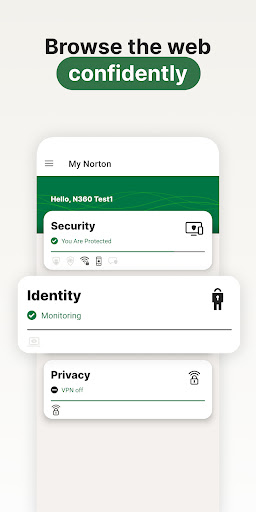
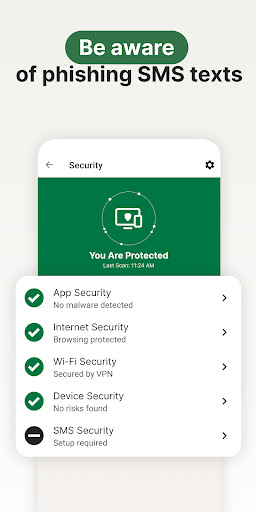
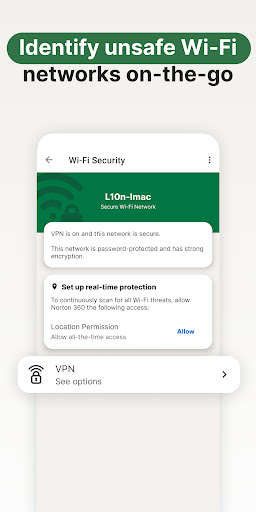
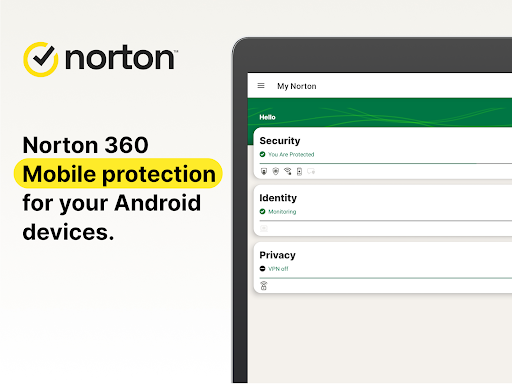
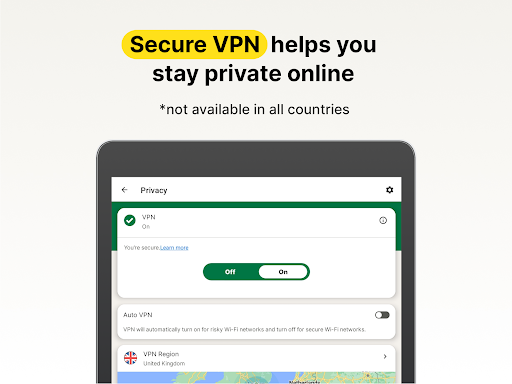
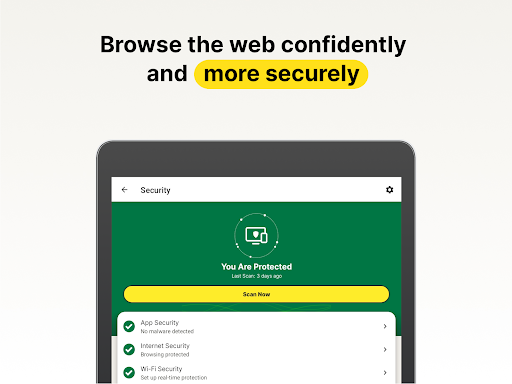
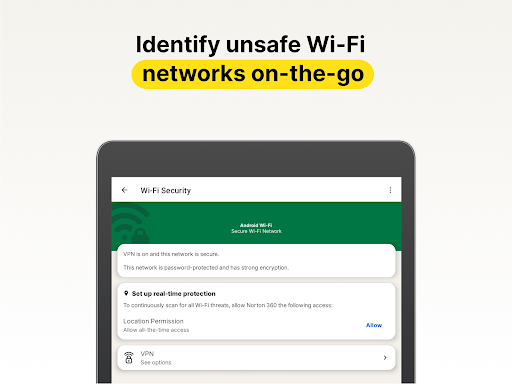
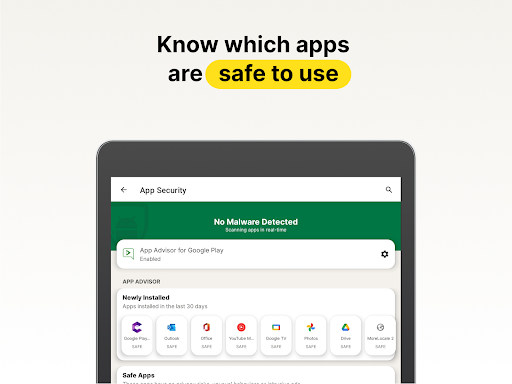
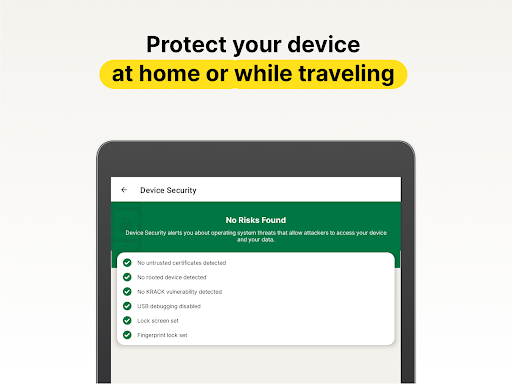
Norton360 Antivirus & Security feels like the mobile version of a very old security brand trying to prove it still belongs on modern phones—and for the most part, it succeeds. After spending time with the app as an everyday protection layer rather than a one-time install-and-forget utility, what stood out most was how complete it feels. This is not just a token antivirus badge slapped onto Android. It aims to be a full security hub, with malware scanning, web protection, SMS filtering, Wi-Fi checks, VPN access, and a growing set of AI-assisted scam tools. If you like the idea of one app handling most of your security chores, Norton360 makes a strong first impression. Setup is straightforward. The app does a decent job of guiding you through permissions and security features without turning the process into a maze. That matters, because apps in this category can easily become overwhelming once they start asking for accessibility access, VPN permissions, notification access, and message filtering rights. Norton’s onboarding is cleaner than many security suites, and the interface itself is polished: large status panels, clear scan options, and a dashboard that makes it obvious whether the phone is protected or whether some feature still needs attention. In day-to-day use, that clarity goes a long way. The first major strength here is confidence. Norton has a reassuring way of presenting security information. Scans are easy to run, alerts are easy to understand, and protections like app checks and risky link warnings feel integrated into normal phone use rather than hidden behind menus. During testing, the app gave the sense that it was actively watching for trouble without demanding constant babysitting. That is exactly what a mobile security app should do. Good security software should reduce anxiety, not create more of it, and Norton generally lands on the right side of that line. Its second big strength is breadth. Some Android security apps do one thing reasonably well and leave the rest to separate tools. Norton360 tries to centralize the experience. The inclusion of browsing protection, scam detection, Wi-Fi awareness, and VPN access makes it feel more like a bundled safety net than a single-purpose scanner. For users who are not deeply technical, that convenience is a real advantage. Instead of piecing together separate apps for privacy, link safety, and malware alerts, you can manage most of it from one place. The third strength is how lightly it tends to run in the background. On a modern phone, Norton360 does not feel especially heavy in routine use. It is there, it checks, it warns, and then it gets out of the way. That quiet competence is one of the app’s best qualities. A security app that constantly slows the phone, burns battery, or floods the notification shade quickly becomes the problem it was supposed to solve. Norton mostly avoids that trap. That said, it is not a perfect experience, and the biggest irritation is also the most predictable one: Norton is very eager to sell you more Norton. Even when the core app is doing its job well, there is a recurring sense that every corner of the experience is also a storefront. Promotions for add-ons and upgrades can make the app feel less like a clean security dashboard and more like a premium service that never stops nudging. If you are already paying or considering paying, this is the kind of friction that stands out more than it should. The second weakness is inconsistency in some of the extra features. The core protection experience is solid, but the more ambitious tools—especially around VPN behavior and some proactive protections—do not always feel as dependable as the basic scanning and alerts. In use, this can show up as connections that do not always behave as smoothly as you expect or security features that seem more polished on paper than in everyday execution. None of that ruins the app, but it does create a gap between the promise of an all-in-one suite and the reality of a few tools that still feel finicky. The third complaint is that Norton can occasionally become too chatty. Security notifications are useful when they are timely and specific, but less useful when they start repeating familiar information or flagging routine situations in ways that feel redundant. There is a fine line between vigilant and noisy, and Norton sometimes steps over it. The app remains usable, but users who prefer a minimalist phone experience may find themselves poking around the settings to dial things back. In practical terms, Norton360 is best for people who want broad protection with minimal technical effort. If you have multiple devices, already trust the Norton name, or want a mobile app that combines antivirus-style checks with web, message, and privacy tools, this is a very comfortable fit. It is also a good choice for less technical users who benefit from clear warnings and a simple dashboard. It is less ideal for people who dislike subscriptions, resent constant upgrade prompts, or want a very lightweight utility that does one job and disappears. And if your main goal is only a basic scanner with zero fuss, Norton360 may feel like more app than you need. Overall, I came away impressed. Norton360 Antivirus & Security is polished, broad, and reassuring in the ways that matter most. It does not completely escape the old security-suite habit of overselling itself, and some advanced features feel stronger in concept than in day-to-day reliability. But as a mobile protection app you can actually live with, it is one of the better options on Google Play: capable, approachable, and strong enough to earn a recommendation from anyone who wants serious security without turning their phone into a maintenance project.