Apps Games Articles
SHAREit: Transfer, Share Files
Smart Media4U Technology Pte.Ltd.
Rating 4.3star icon
Editor's summary
Editor rating
star icon star icon star icon
half star icon
empty star icon
3.8

One-line summary SHAREit is still easy to recommend if your top priority is fast, cable-free file transfers, but I’d hesitate if you want a clean, distraction-free app experience.

  • Installs

    1B+

  • Developer

    Smart Media4U Technology Pte.Ltd.

  • Category

    Tools

  • Content Rating

    Everyone

  • Latest version

    6.25.38_ww

  • Package

    com.lenovo.anyshare.gps

In-depth review
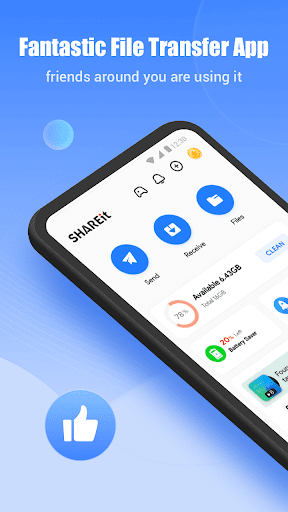
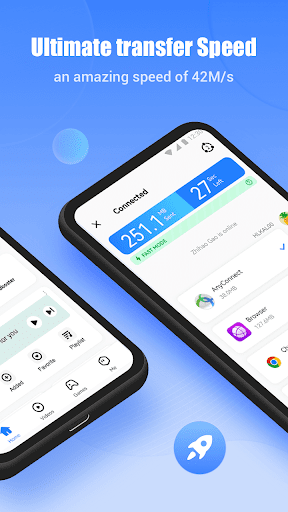
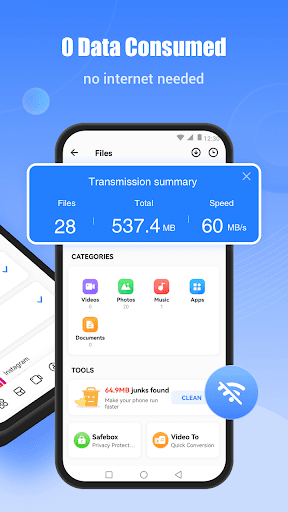
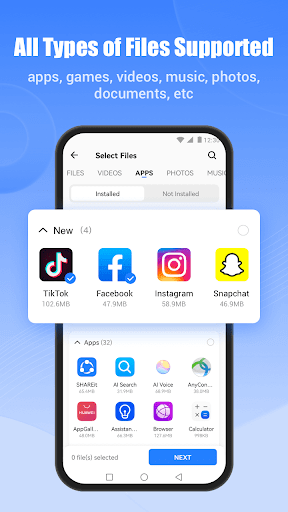
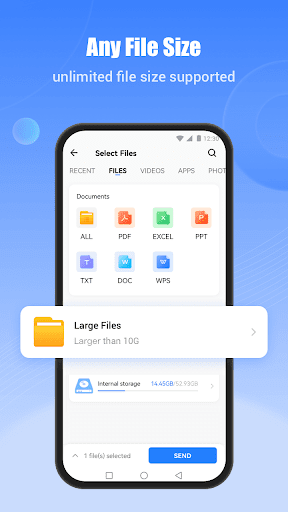
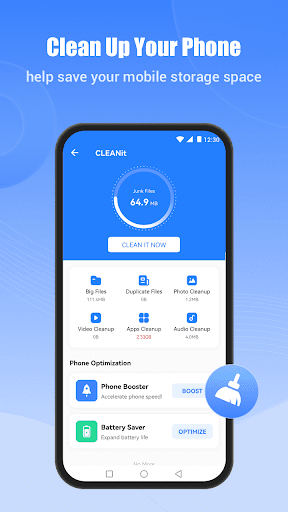
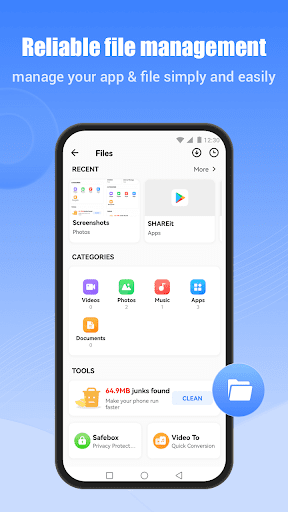
SHAREit is one of those apps that almost everyone has heard of, and after spending real time with it, it’s easy to understand why it became so widely installed. At its core, the app solves a very practical problem: moving files between devices without fussing with cables, cloud uploads, or slow messaging app workarounds. When that basic job is all you need, SHAREit can feel genuinely useful. But the experience is not as clean or focused as it should be, and that gap between utility and polish defines the whole app. The first thing that stands out in daily use is convenience. SHAREit is built around a straightforward idea, and in the moments when you just want to send a video, a stack of photos, or a larger file to another phone, it feels much faster and more direct than relying on internet-based tools. You open it, look for the send/receive flow, and the app’s core purpose is immediately understandable even if you are not especially technical. That clarity is one of its biggest strengths. For an app that can easily become part of someone’s “just get this file over there” toolkit, low friction matters a lot. In actual use, the transfer-oriented part of the app feels practical rather than elegant. Once you are inside the file-sharing workflow, the app generally gives the impression that it knows what people are here to do. Selecting files is simple enough, and the value of not needing a cable or a cloud account becomes obvious right away. This makes SHAREit especially appealing for students, families, and users working across multiple Android devices who move media and documents frequently. It is also a good fit for people with limited mobile data, since local transfer is often much more sensible than uploading and downloading the same file twice. Another strength is how broad the app’s appeal is. You do not need to be a power user to understand it. The core function is familiar, the branding is well known, and there is a certain comfort in using an app that has become almost synonymous with phone-to-phone transfer in many places. It feels approachable. That matters more than it sounds like it should. File transfer apps often fail not because the technology is difficult, but because the setup feels like homework. SHAREit usually avoids that feeling when you stick to its main purpose. That said, the app also has a tendency to get in its own way. My biggest frustration is that the overall interface does not always feel focused on file transfer first and foremost, even though that is the reason most people install it. There is a busyness to the app that can make it feel cluttered. Instead of a lean utility, it sometimes comes across like an app trying to do too much around its central feature. That dilutes the experience. You may open SHAREit for one clear task and find yourself having to visually filter out elements that are unrelated to simply sending or receiving files. This leads to the second weakness: polish. SHAREit is functional, but it does not consistently feel refined. Navigation is not exactly difficult, but it is not as clean or streamlined as the best utility apps. There are moments where the app feels a bit crowded, and that can chip away at confidence, especially for less tech-comfortable users helping a parent or friend transfer data. An app like this should feel almost invisible. It should quietly get the job done and step out of the way. SHAREit sometimes feels too loud for the type of task it handles. The third issue is trust in the experience rather than trust in the transfer. The transfer concept itself is useful and mature, but the surrounding app environment can feel distracting enough that it raises the question of whether you really want to keep returning to it. I did get the sense that the app’s best moments happen when you are already in the transfer process; the weakest moments happen before and after, when the interface asks for more attention than a file utility should. If you use it often, that friction becomes more noticeable. Still, it would be unfair to ignore how effective SHAREit can be when judged on the problem it was built to solve. In hands-on use, the appeal is obvious: it saves time, avoids cables, and makes device-to-device sharing feel immediate. That is the app’s strongest selling point, and it remains a good one. For many users, that one benefit will outweigh the annoyances because the alternative is simply more tedious. So who is SHAREit for? It is for people who frequently transfer files between phones and want a familiar, generally easy tool that gets them there without much setup. It is also good for users who care more about speed and practicality than interface purity. If your typical need is sending media, documents, or larger files locally, SHAREit makes sense. Who is it not for? If you are the kind of user who values minimal design, a clean utility-first layout, and an app that does exactly one thing without extra clutter, SHAREit may test your patience. It is also not the best fit for anyone who gets annoyed by busy interfaces and wants a calmer, more polished experience. In the end, SHAREit remains useful because its core feature is still useful. That sounds obvious, but it is the truth of the app. The fundamentals are strong: convenience, approachable file sharing, and practical everyday speed. The drawbacks are also hard to ignore: a cluttered feel, inconsistent polish, and too much noise around the main task. I would recommend it, but with a clear condition: use it for what it does best, and be prepared to tolerate an interface that is less streamlined than it should be.