Apps Games Articles
Dropbox: Secure Cloud Storage
Dropbox, Inc.
Rating 4.4star icon
Editor's summary
Editor rating
star icon star icon star icon star icon
half star icon
4.5

One-line summary Dropbox is still one of the smoothest, most dependable ways to keep files synced everywhere, but its tight free storage and pricey upgrade path make it easier to admire than to recommend to everyone.

  • Installs

    1B+

  • Developer

    Dropbox, Inc.

  • Category

    Productivity

  • Content Rating

    Everyone

  • Latest version

    350.2.2

  • Package

    com.dropbox.android

In-depth review
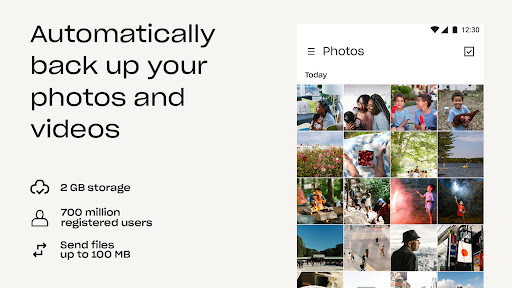
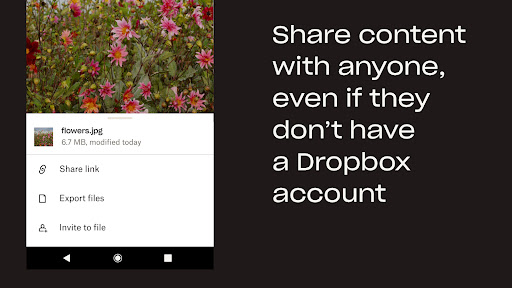
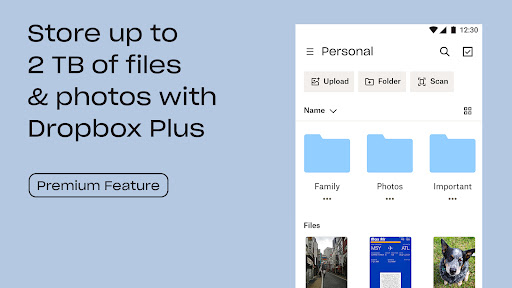
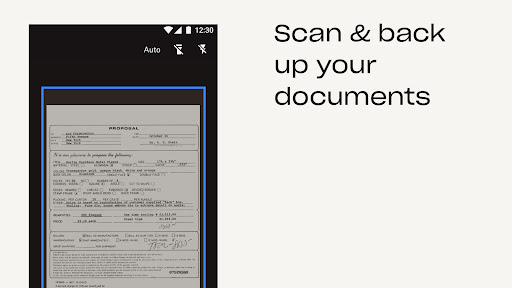
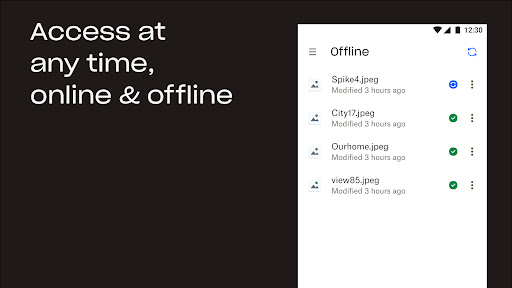
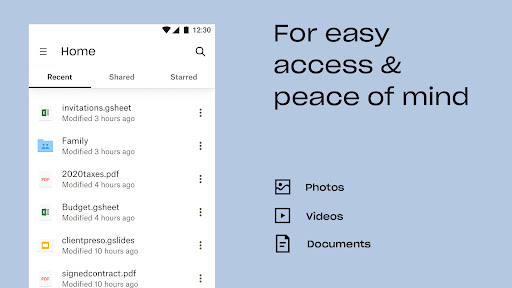
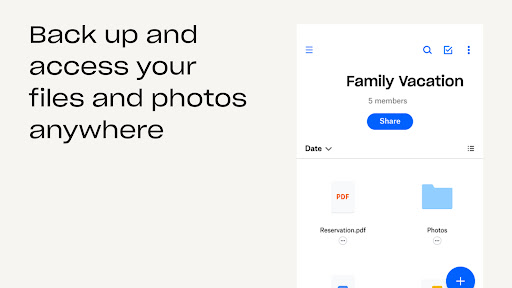
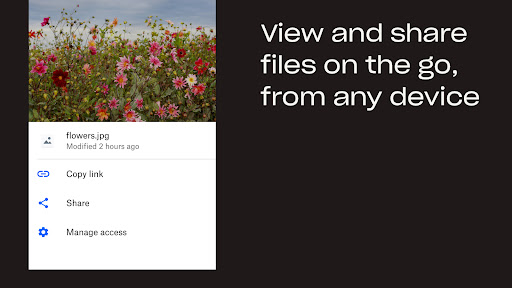
Dropbox on Android feels like an old professional tool that has survived for a reason. After spending real time with the app as a daily file locker, document shuttle, and photo backup utility, the strongest impression it leaves is reliability. Not excitement, not flashy innovation, but the kind of confidence that matters more when your files actually matter. The core experience is very good. Signing in, browsing folders, opening documents, pulling down files you need on the go, and sharing a link with someone all feel straightforward and fast. Dropbox has long understood that cloud storage should behave less like a destination and more like an extension of your local folders, and the Android app still mostly delivers on that idea. In practice, that means I was able to jump between personal documents, PDFs, images, and shared material without feeling like I was fighting the app. File previews are especially handy. Being able to quickly inspect a file instead of downloading it into another app every single time makes a bigger difference than it sounds. One of Dropbox’s best qualities is that it stays out of your way once you understand its structure. The app syncs neatly with the larger Dropbox ecosystem, so files saved from a computer are easy to retrieve on mobile, and anything uploaded from the phone is right where you expect it to be later. That cross-device consistency remains one of its biggest strengths. If your life regularly moves between phone and desktop, Dropbox still feels like one of the cleanest bridges between the two. Photo backup is also a practical use case here, especially for people who don’t want their phone stuffed with old images and videos. Uploading media to the cloud is simple, and once those files are inside Dropbox, they are easier to organize than in many cluttered gallery-first services. I also liked the document scanning feature. Turning receipts, IDs, and paper documents into PDFs from a phone is not new, but Dropbox makes it feel integrated rather than tacked on. For students, freelancers, job seekers, or anyone managing forms and paperwork, that matters. That said, the Android app is not perfect, and some of its rough edges are surprisingly old-fashioned. The biggest usability complaint is that a few common actions are less obvious than they should be. Downloading or exporting files can require too much tapping through menus, and some management options are buried in places that do not feel intuitive. This is not a deal-breaker once you learn the layout, but it does make the app feel less elegant than its reputation suggests. There is a thin layer of interface friction here that keeps showing up in everyday use. The second major drawback is storage value. Dropbox’s free tier is enough for lightweight document storage, a few folders of important files, and maybe selective photo backup, but it fills up quickly if you treat it like a true everything bucket. That becomes a real limitation fast. If you mainly want a home for text files, resumes, PDFs, and essential records, the free account can still be useful. If you are hoping to archive years of phone photos and large videos without paying, Dropbox will start feeling cramped almost immediately. And that leads to the third problem: the upgrade path can feel expensive if your needs are modest. Dropbox is easiest to recommend when you already know you value its syncing, sharing, and recovery tools enough to pay for them. It is harder to recommend if you only need a little more room than the free plan offers. There is a gap between “too little free storage” and “full subscription commitment” that the app never really softens. Still, there is a reason Dropbox remains so easy to trust. In testing, the app handled the fundamentals well: uploads completed without drama, shared links were easy to send, documents remained accessible, and the overall system felt mature. That maturity shows up in small ways too. Files are not hard to preview, the app supports offline access, and there is an underlying sense that Dropbox has spent years refining the boring but important parts. Security-minded users will also appreciate features like PIN protection and account-level safety tools, and more advanced recovery options such as version history and rewind can be genuinely valuable if something goes wrong. Who is this app for? It is for people who care more about dependable syncing and file access than about squeezing every possible gigabyte out of a free account. It is especially good for anyone juggling documents across phone and computer, people who frequently share files by link, and users who want their cloud storage to feel organized rather than social or gallery-driven. Who is it not for? If your top priority is lots of free storage, bargain pricing, or an app with the most immediately obvious Android interface, Dropbox may frustrate you. It is also not ideal for people who only need casual backup and do not benefit much from its stronger sync-and-share workflow. In the end, Dropbox: Secure Cloud Storage remains one of the most polished file-sync services on Android, even if the app itself is not flawless. Its strengths are clear: dependable syncing, strong cross-device access, and genuinely useful file handling tools. Its weaknesses are just as real: limited free space, premium plans that may feel costly, and a mobile interface that occasionally hides simple actions behind too many taps. Even so, if you want a cloud storage app that feels trustworthy every time you open it, Dropbox still earns its place near the top.