Apps Games Articles
Google Drive
Google LLC
Rating 4.3star icon
Editor's summary
Editor rating
star icon star icon star icon star icon
half star icon
4.5

One-line summary Google Drive is still one of the easiest and most dependable ways to keep your files everywhere, though occasional app glitches and a few missing editing niceties stop it from being a flawless recommendation.

  • Installs

    10B+

  • Developer

    Google LLC

  • Category

    Productivity

  • Content Rating

    Everyone

  • Latest version

    VARY

  • Package

    com.google.android.apps.docs

In-depth review
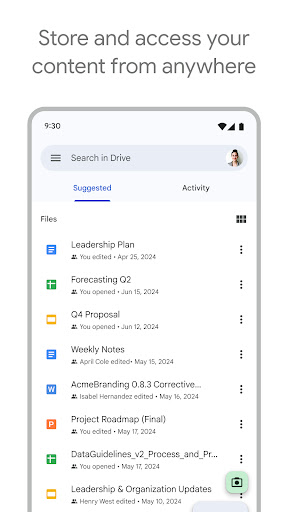
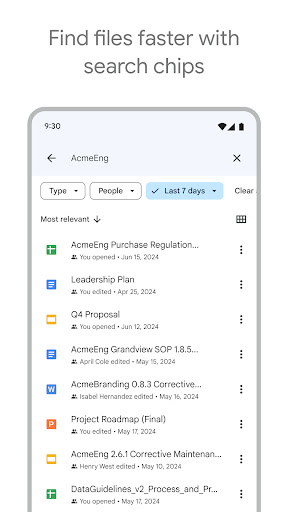
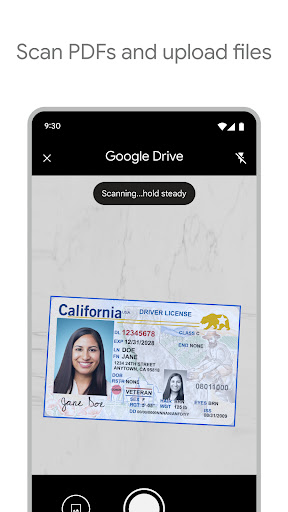
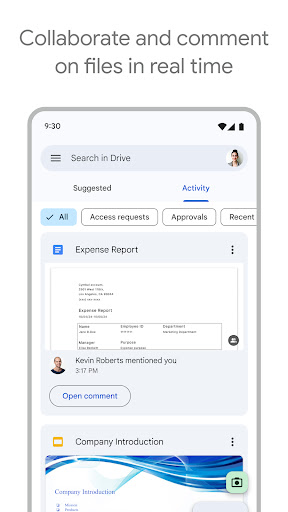
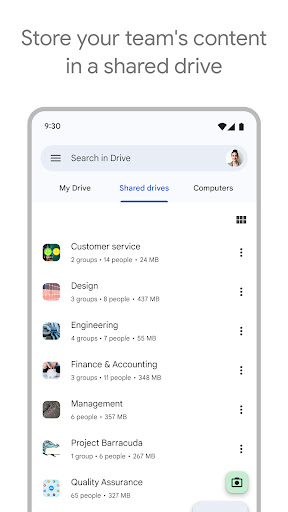
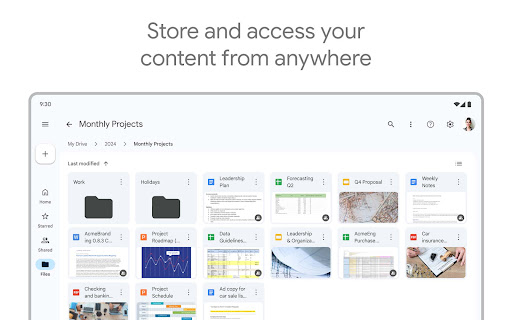
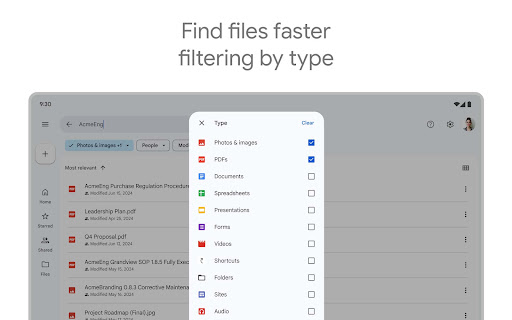
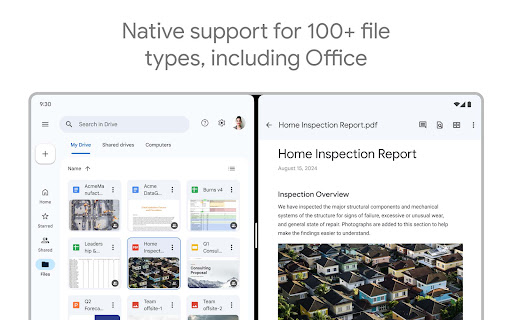
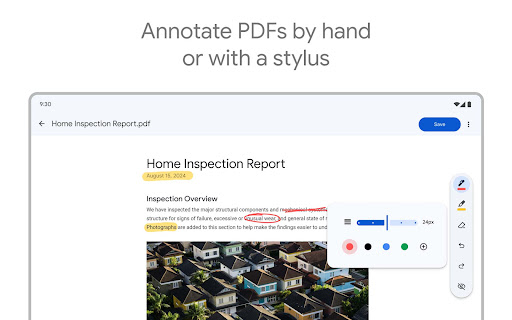
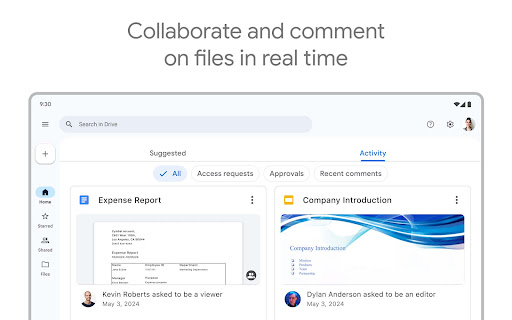
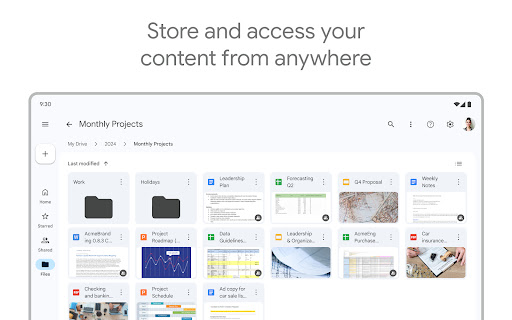
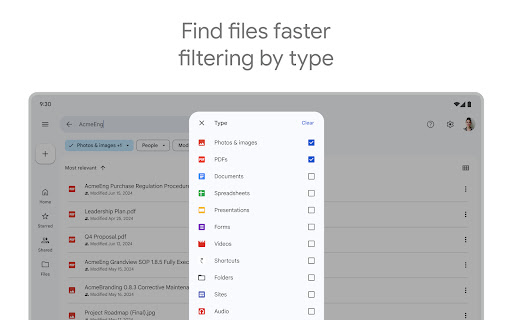
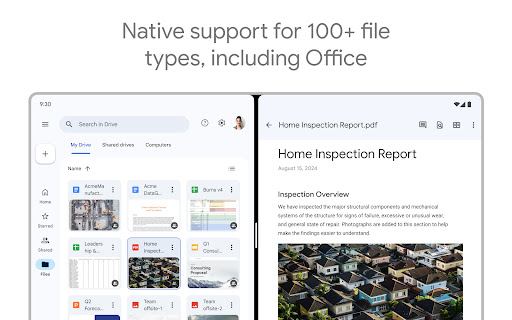
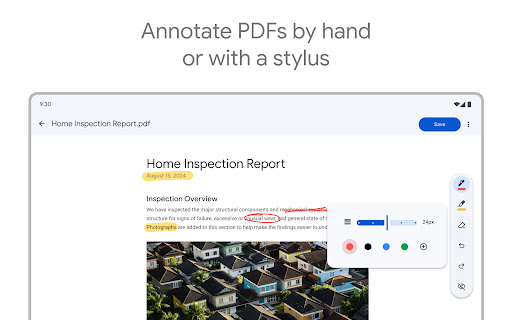
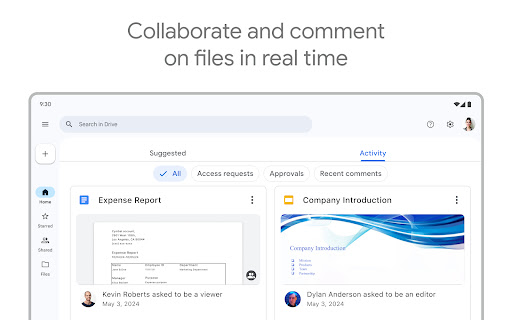
Google Drive is one of those apps that many people install once and then quietly depend on for years, so the real test is not whether it can store files, but whether it makes daily file management feel effortless. After spending time using it as a working cloud locker for documents, photos, PDFs, videos, and shared folders, my impression is that Drive remains one of the most practical productivity apps on Android. It is not exciting in the way a creative app is exciting, but it is deeply useful, and in everyday tech, that matters more. The best thing about Google Drive is how naturally it fits into routine life. On a phone, it is easy to drop in a PDF, a scanned document, a screenshot, a video clip, or a work file and know it will be available elsewhere. That basic promise still feels like the app’s core strength: accessibility. I could upload something from one device, open it on another, and keep moving without thinking too hard about where the file lived. That kind of reliability is what makes a cloud storage app worth recommending. It is especially helpful if you already move between phone, tablet, and desktop during the day, because Drive is designed around that fluid handoff. The second thing Drive does very well is organization without making organization feel like homework. The interface is generally clean, files are easy to sort into folders, and search is genuinely useful when you do not remember exactly where something went. Being able to search by name and, in many cases, by content makes the app feel smarter than a basic storage bin. Recent files are surfaced well, important items are not hard to find, and there is enough filtering to avoid endless scrolling. For an app that can end up holding years of digital clutter, this matters a lot. Its third major strength is sharing and collaboration. Sending a large file or a folder to someone is still much easier through Drive than through clumsy email attachments. Permission controls are straightforward enough for normal use, and the app makes collaboration feel less formal than traditional file-sharing tools. For schoolwork, remote teamwork, family file exchanges, or simply keeping personal backups accessible, Drive handles the basics with very little friction. It also helps that it supports a wide range of file types, so I was not constantly bouncing into another app just to preview something. That said, Google Drive is not immune to the kind of frustration that feels especially irritating because the app is supposed to be dependable. During testing, the app occasionally crossed that line from smooth utility into stubbornness. Uploads can sometimes hang longer than they should, and when Drive gets stuck in a loading state, it feels unusually annoying because it interrupts exactly the sort of quick task the app is meant to simplify. In a storage app, waiting should be invisible; when it becomes noticeable, the whole experience feels less polished. I also ran into moments where the app felt inconsistent in its stability and responsiveness. Sharing actions, opening certain items, or getting files to refresh across devices was not always instant. Most of the time the app behaves itself, but when it stumbles, it tends to do so in very ordinary workflows: upload, open, share, or sync. That is not enough to sink the app, especially because these hiccups seem fixable and not permanent, but it does keep Drive from feeling as bulletproof as its reputation suggests. The third weakness is less about bugs and more about capability gaps. Drive is excellent at storing and distributing files, but once you want deeper editing in certain formats, especially PDFs, the limits become obvious. It is very good at getting a document into your hands, but not always as good at letting you make small, practical changes right there without extra steps. For users who want a more fully featured file editor inside the storage app itself, Drive can feel a little incomplete. Visually, the app is mostly modern and uncluttered, though not every design choice feels like an upgrade. Some interface changes are more cosmetic than functional, and there are times when the older, simpler feeling was actually better. Still, the app is generally easy to understand. Even if you are not especially tech-savvy, you can create folders, upload files, scan papers with the camera, and share links without much learning curve. Who is Google Drive for? Almost anyone who needs a dependable cross-device file hub. Students, office workers, freelancers, families, and casual users who want a safe place for documents and media will get a lot out of it. It is especially good for people already living in Google’s ecosystem, where cloud storage, documents, and collaboration naturally overlap. It is also a strong fit for anyone who values convenience over complexity. Who is it not for? If you want a highly specialized document management app, heavy-duty PDF editing, or a storage experience with zero tolerance for the occasional sync or upload hiccup, Drive may feel too general-purpose. Likewise, if your storage needs grow quickly, the free space is useful but not endless, especially when shared with other Google services. Even with those caveats, Google Drive remains easy to recommend. It succeeds in the places that matter most: your files are accessible, sharing is simple, search is strong, and the app usually stays out of your way. Its rough edges are real, but they do not erase how useful it is when it is working at its best. For most people, Google Drive is not just a cloud storage app; it is the digital drawer, filing cabinet, and handoff tool they end up relying on every day.
Alternative apps