Apps Games Articles
Link to Windows
Microsoft Corporation
Rating 3.7star icon
Editor's summary
Editor rating
star icon star icon star icon star icon empty star icon
4.2

One-line summary Link to Windows is one of those genuinely useful apps that can make a Windows PC feel like an extension of your phone—if you can live with the occasional setup friction, feature gaps, and random hiccup.

  • Installs

    500M+

  • Developer

    Microsoft Corporation

  • Category

    Productivity

  • Content Rating

    Everyone

  • Latest version

    1.22112.125.0

  • Package

    com.microsoft.appmanager

Screenshots
In-depth review
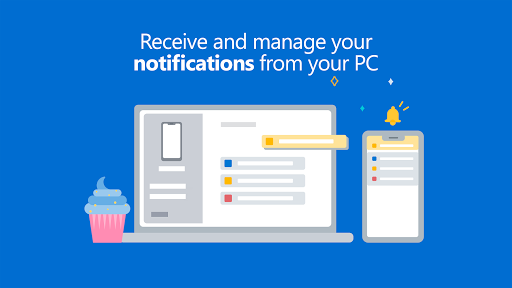
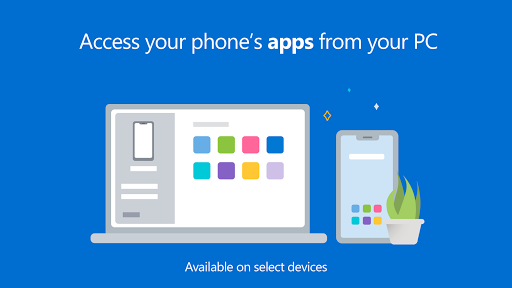
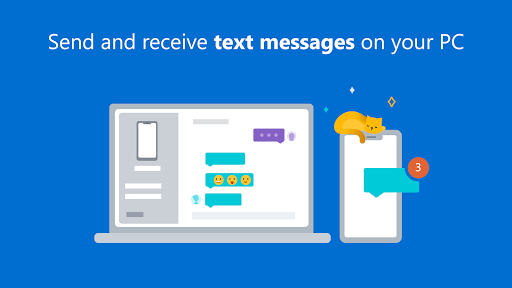
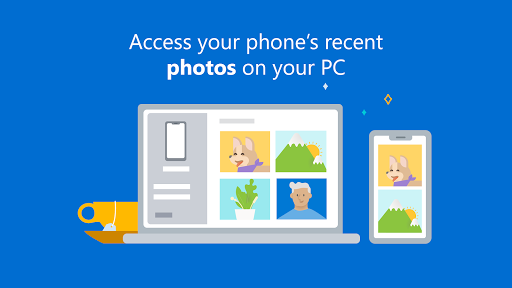
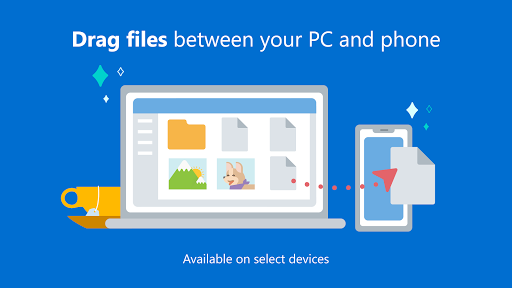
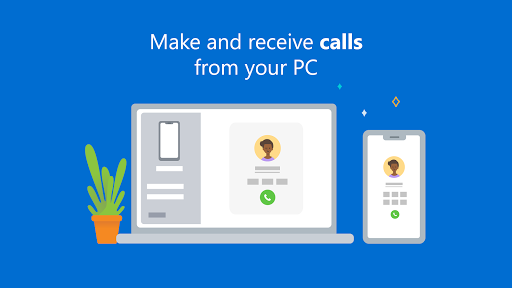
Link to Windows is the kind of utility you do not fully appreciate until it fits into your daily routine. Once it is connected properly, it can remove a surprising amount of friction from using an Android phone alongside a Windows PC. During my time with it, the biggest appeal was not any single flashy feature. It was the cumulative effect of lots of small conveniences: seeing texts without grabbing the phone, dismissing interruptions from the desktop, pulling over a recent photo in seconds, and occasionally handling a call without changing devices. The best way to describe the experience is this: when Link to Windows is working smoothly, it feels like a built-in Windows feature rather than a separate app. That is high praise, because this sort of cross-device syncing can often feel bolted on. Here, the core loop is pretty elegant. You install or enable the app on the phone, pair it with Phone Link on the PC, grant the necessary permissions, and from there your phone starts showing up in ways that are actually useful instead of merely novel. Text messaging is still the feature I came back to most. Being able to answer messages with a full keyboard is not glamorous, but it is one of those quality-of-life improvements that quickly becomes hard to give up. Notifications on the desktop are similarly handy. If you spend most of your day in front of a monitor, this app cuts down on the constant pick-up-the-phone habit. It is especially good for people who want to stay reachable without getting sucked into their handset every few minutes. Photo access is another standout. Pulling recent images from the phone to the PC is fast and painless compared with the old cable routine or emailing yourself attachments like it is 2012. In practical use, this ended up being one of the most reliable and satisfying parts of the whole package. For anyone who regularly snaps a photo and then needs it on a laptop for a document, chat, or upload, Link to Windows saves real time. On compatible devices, the app becomes much more ambitious. Screen mirroring and app access from the PC are the features that make the strongest first impression. Launching a phone app on the desktop or interacting with the phone from a bigger screen can feel almost futuristic the first few times you do it. More importantly, it is useful. I found it particularly valuable for quick app-specific tasks that are annoying on a small screen but do not justify picking up the phone and breaking focus. That said, Link to Windows is not equally polished for everyone, and this is where the app starts to show its limits. The first weakness is setup friction. The pairing process is not impossibly hard, but it can feel more involved than it should be. There are permissions to grant, prompts to approve, codes to confirm, and enough moving parts that a clean first-run experience is not guaranteed. Once connected, it often stays out of the way. Getting there can be a little too fussy for an app whose whole purpose is convenience. The second weakness is inconsistency across devices and features. This is not a universal Android experience in the way many people might hope. Some of the most exciting capabilities are clearly better on certain phones, particularly select Samsung, HONOR, and Microsoft devices. If you are using one of those, Link to Windows can feel rich and deeply integrated. If you are not, the experience may still be good, but not necessarily complete. That unevenness matters because the app advertises a broad phone-to-PC bridge, yet the best version of that bridge is still hardware-dependent. The third weakness is reliability under stress. In everyday use, I found the app generally dependable, but not flawless. Occasional random disconnects, delayed notifications, or a feature that temporarily stops behaving as expected are still part of the package. None of that erased the value of the app for me, but it did keep me from treating it as mission-critical. I trust it for convenience, not for something where I absolutely cannot afford a missed alert. Calls are a good example of both the app’s promise and its rough edges. Being able to answer or place calls from the PC is excellent when it works cleanly, especially if you are already wearing a headset and working. But call routing can be less intuitive than it should be, particularly if your audio setup is more complicated than a basic laptop speaker-and-mic arrangement. It is useful, but not always seamless. I also came away wishing Microsoft pushed the file side of the experience further. Photo handling is strong, and some drag-and-drop workflows are supported on compatible devices, but it still does not feel like a full, elegant bridge into the phone’s storage. If your dream is complete, effortless file-system access from Windows, this app only gets you part of the way there. Who is this app for? It is ideal for Android users who live on a Windows PC all day and want lighter, faster access to texts, notifications, calls, photos, and some apps without constantly unlocking their phone. It is especially worthwhile for owners of supported Samsung, HONOR, or Surface Duo devices, because that is where the experience feels the most complete. Who is it not for? If you want a universal, identical feature set across every Android phone, or if you have very little patience for setup quirks and occasional sync weirdness, Link to Windows may frustrate you more than it delights you. It is also not the best fit for people who expect full file-management freedom or perfect reliability in every environment. Still, after extended use, my overall impression is positive. Link to Windows earns its place not by being flawless, but by being genuinely helpful often enough that I miss it when it is not there. It makes a Windows PC and Android phone feel closer than they normally do, and for many people that alone will be worth the install.
Alternative apps