Apps Games Articles
HP
HP Inc.
Rating 4.2star icon
Editor's summary
Editor rating
star icon star icon star icon star icon
half star icon
4.5

One-line summary HP is one of the better printer companion apps on Android because setup, scanning, and everyday mobile printing are genuinely convenient—just be ready for occasional connection quirks and a little too much account dependence.

  • Installs

    100M+

  • Developer

    HP Inc.

  • Category

    Productivity

  • Content Rating

    Everyone

  • Latest version

    20.2.0.6076

  • Package

    com.hp.printercontrol

In-depth review
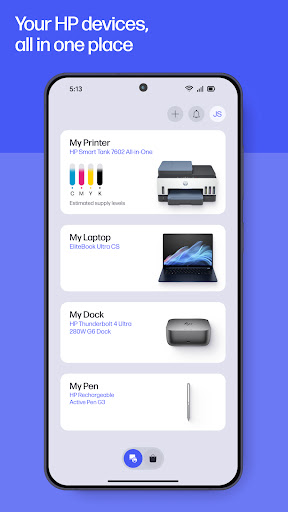
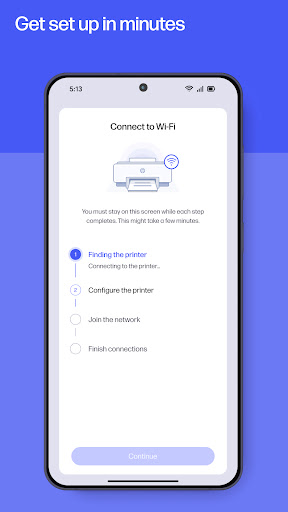
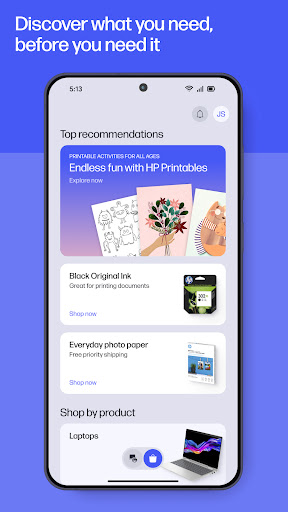
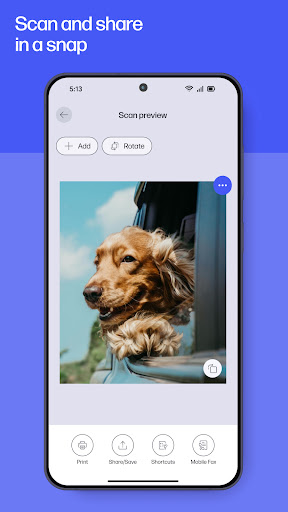
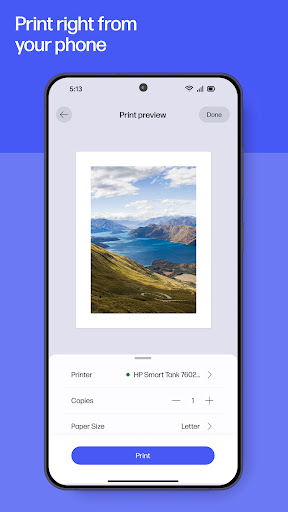
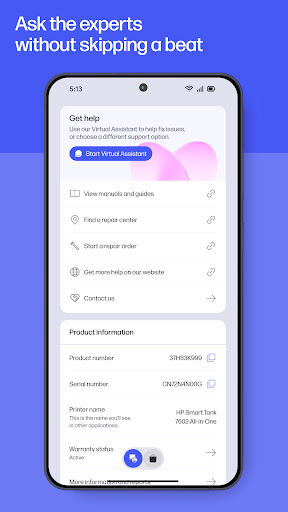
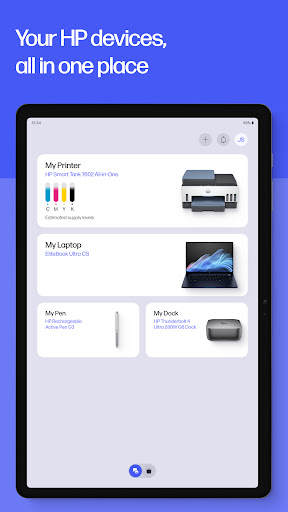
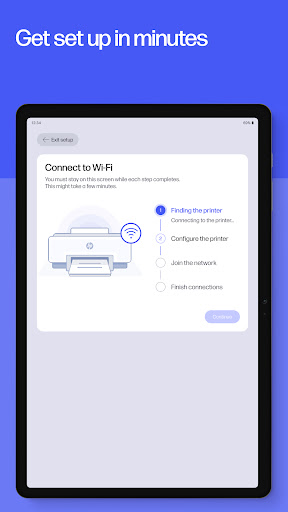
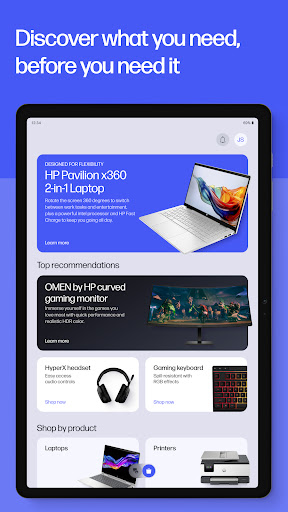
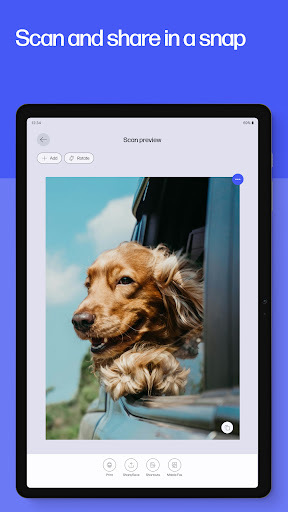
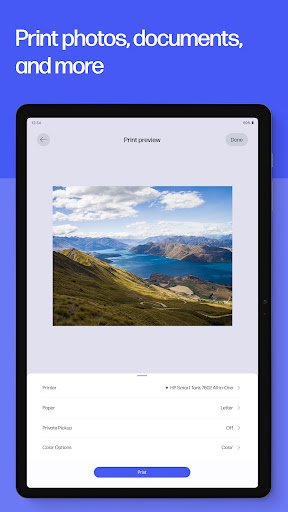
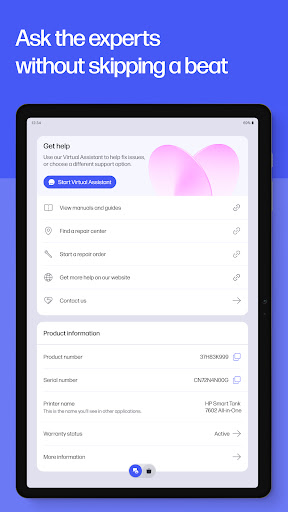
HP, formerly HP Smart, feels like the kind of app that exists to solve a very specific problem: printers are annoying, and most people just want to print, scan, and move on with their day. After spending real time with it in normal home-office use, that is mostly what this app gets right. It is not glamorous software, and it still carries some of the usual printer-app baggage, but when it works well, it removes a surprising amount of friction from tasks that used to send you back to a laptop. The first thing that stood out in daily use was setup. HP clearly understands that the first 10 minutes with a printer can decide whether the whole experience feels modern or infuriating. The app does a good job walking you through adding a device, getting it on Wi-Fi, and exposing the basics without burying you in jargon. It feels guided rather than technical. That matters, especially for households where one person usually becomes the unwilling "printer expert" for everyone else. Once connected, the app presents the key functions in a simple, task-first way: print, scan, check supplies, manage the device, and get help. It is easy to understand at a glance. That simplicity carries over into the best part of the app: scanning. The mobile scan tools are genuinely useful, not just box-checking extras. Capturing a receipt, form, or letter with your phone and turning it into something clean enough to email or archive is fast and surprisingly polished. This is where the app feels more relevant than old-school printer utilities. You are not just controlling the printer; you are handling paperwork from your phone. I found myself using the scan feature even when I did not need the printer itself, which says a lot about how practical that part of the app is. For students, remote workers, and anyone dealing with forms, this alone makes the app worth installing. Printing from a phone is also better than it used to be with printer apps in general, and HP benefits from keeping the process fairly direct. Printing photos, PDFs, and common saved files is straightforward. The app is at its best when you already know what you want to print and where it is stored. Select printer, select file, adjust if needed, print. It is not flashy, but it is effective. Support for multiple printers is another real-world advantage. In a home with more than one HP device, or if you regularly switch between locations, the app makes that less painful than expected. That said, HP is still a printer app, and that means some old frustrations have not completely disappeared. The biggest weakness is reliability around connectivity and sign-in. Most of the time the app behaves, but when it does stumble, it tends to do so in exactly the ways users hate: a device not appearing when it should, a process hanging longer than expected, or features acting strangely until the app or connection is reset. This is not constant, but it is noticeable enough that I would not call the experience seamless. If your network setup is a little messy, or you switch routers and devices often, expect a little troubleshooting. A second annoyance is that the app leans heavily on the HP account model for the full experience. That is not unusual these days, but it can make simple tasks feel more gated than they need to be. In practice, this means the app sometimes feels less like a lightweight utility and more like an ecosystem portal. If you are the type of user who wants a dead-simple local tool with no fuss, HP can occasionally feel more involved than necessary. The third weak point is file handling. The app is competent with common printing tasks, but it does not always feel as flexible as it should for a tool that sits at the center of document workflow. Depending on what you are trying to print, you may find yourself bouncing between storage apps, file pickers, and HP rather than managing everything cleanly in one place. It is rarely a deal-breaker, but it does chip away at the convenience the app promises. To HP's credit, the app does a good job of surfacing support options when something goes wrong. That does not erase the frustration of a finicky printer connection, but it is better than being stranded in a vague help menu. The in-app guidance, supply status, and support access all contribute to a sense that HP understands printer ownership is about maintenance as much as output. Who is this app for? It is for people who already own an HP printer and want to get more use out of it from a phone or tablet. It is especially good for home users, students, families, and hybrid workers who print forms, scan documents, and occasionally need to send something quickly without opening a PC. It is also useful if you have an all-in-one device and want those extra functions to be accessible from anywhere in the house. Who is it not for? If you dislike account-based software, expect absolute plug-and-play reliability, or want broad document handling without any hiccups, HP may test your patience. And of course, if you do not own HP hardware, there is little reason to be here. Overall, HP succeeds because it makes printers feel a little less stuck in the past. The interface is approachable, scanning is genuinely excellent, and basic mobile printing is convenient enough to become part of your routine. It is not free of printer-world headaches, and there are still moments where the app feels more complicated than it should. But taken as a whole, it is a useful, well-rounded companion app that does more right than wrong, especially once your device is set up and stable.
Alternative apps