Apps Games Articles
Steam
Valve Corporation
Rating 3.0star icon
Editor's summary
Editor rating
star icon star icon star icon star icon empty star icon
4.1

One-line summary Recommend it if you live on Steam and want excellent account security plus on-the-go store and library access; hesitate if you expect a truly modern mobile interface or any way to actually play your PC games from the app.

  • Installs

    100M+

  • Developer

    Valve Corporation

  • Category

    Entertainment

  • Content Rating

    Teen

  • Latest version

    3.10.9

  • Package

    com.valvesoftware.android.steam.community

In-depth review
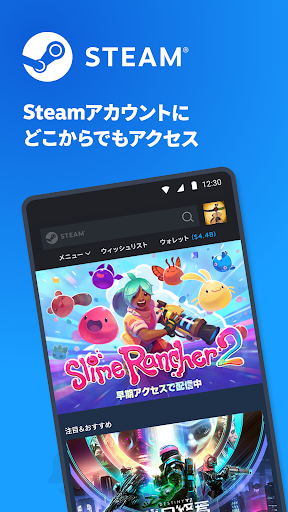
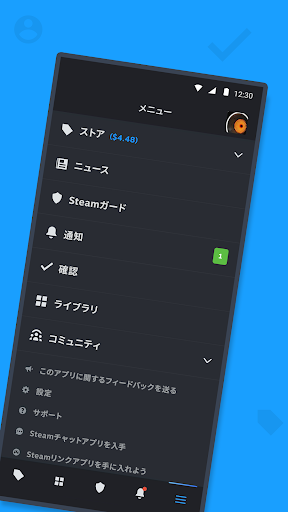
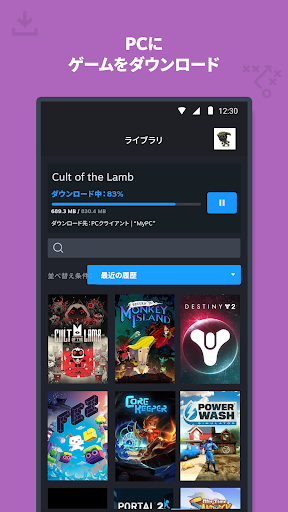
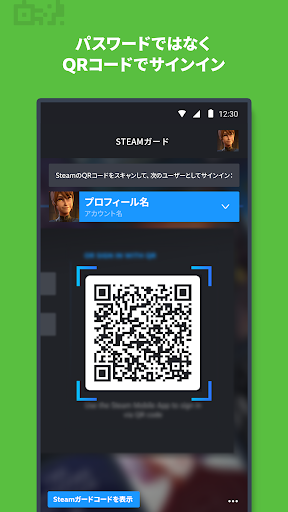
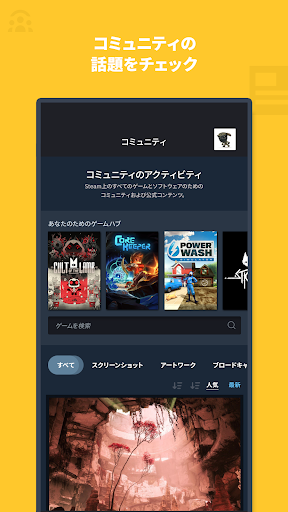
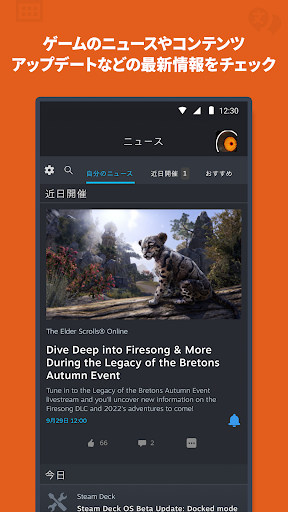
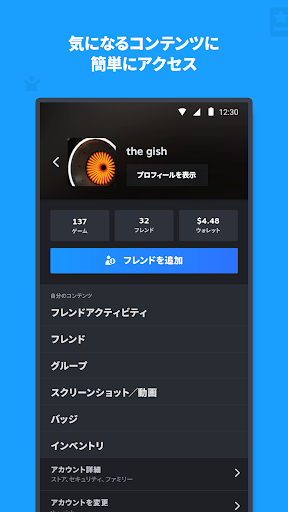
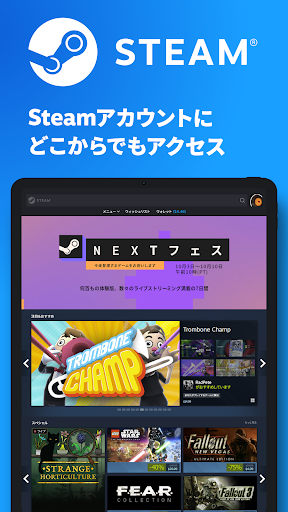
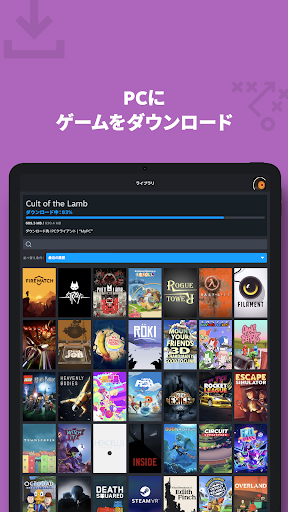
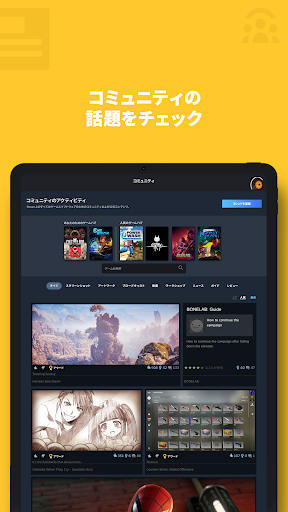
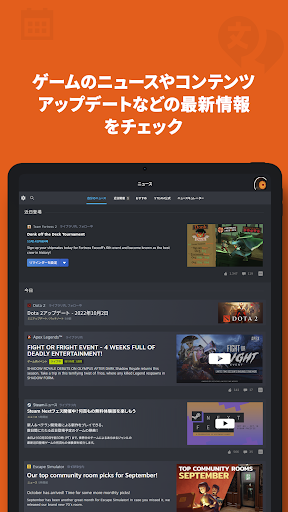
Steam on Android is best understood as a companion app, not a gaming app in the usual mobile sense. After spending time with it in day-to-day use, that distinction ends up defining the whole experience. If your Steam account is an important part of your PC gaming life, this app is genuinely useful and, in some cases, almost essential. If you come in expecting a handheld version of your desktop library where your games somehow run on your phone, you are going to bounce off it immediately. Used for what it is actually built to do, Steam is a strong utility app with a few rough edges that Valve still hasn’t fully sanded down. The most valuable feature by far is Steam Guard. On mobile, account security is not just an extra checkbox feature here; it is one of the app’s main reasons to exist. In practice, it works well. Sign-in confirmations are fast, and the QR code login system is one of those features that quickly becomes hard to give up once you’ve used it a few times. Instead of juggling passwords on another device, you scan and approve. For anyone who signs into Steam across multiple PCs or frequently manages their account, that convenience alone makes the app worth installing. The second major strength is how well it keeps your Steam life accessible when you’re away from your computer. I found it especially handy for browsing the store, checking wishlisted games, keeping an eye on discounts, and looking through library content. It is easy to dip in for a minute, see whether something on your wishlist is on sale, and buy it before a promotion disappears. The library view is also more useful than a simple game list. You can move from a game page into discussions, guides, updates, and support-related content without needing to be at your desktop. Remote download management adds another practical touch for people who want a game ready on their PC by the time they get home. The third thing Steam gets right is breadth. It brings a surprising amount of the wider Steam ecosystem onto mobile: friends, chat, groups, market access, inventory, community features, trade confirmations, and account management tools. That makes the app feel less like a stripped-down store wrapper and more like a pocket access point for the platform. For active Steam users, especially those who trade items or keep up with community activity, the utility is real. That said, using the app also makes its limitations obvious. The biggest weakness is the interface. While parts of the app are clearly designed for mobile, much of the experience still feels too close to a condensed website. Navigation is functional rather than elegant. Some pages feel dense, and certain screens can be a little awkward to parse on a phone-sized display. The app usually works, but it doesn’t always feel graceful. If you are hoping for the kind of polished, highly mobile-native design seen in the best Android apps, Steam often falls short. A second issue is readability and layout consistency. In my time with it, some pages and text blocks felt cramped, and the presentation occasionally seemed to cut things a bit too close for comfort on smaller screens. It is rarely disastrous, but it does create small moments of friction: tapping around tiny elements, rotating the phone to get a better look, or just wishing Valve had simplified certain views more aggressively for mobile. The third weakness is that the app’s purpose is narrower than its name suggests. Steam is a huge brand, and on phones that can create the wrong expectation. This app does not turn your Android device into a portable Steam machine. It is for buying, browsing, chatting, confirming, securing, and managing. It is not for locally playing your PC games. That is not really a flaw in engineering terms, but it is an important practical limitation, and it absolutely affects who will be happy with it. In everyday use, I came away liking Steam more than I admired it. It is not the sleekest app on my phone, and it is not one I open for pleasure the way I might with a beautifully designed consumer app. But it is one I appreciate. Notifications are useful. Friend and account access on the go is convenient. The security workflow is excellent. Trade and sign-in confirmations are the sort of small but critical tasks that are much better handled through a dedicated app than through email or a browser. Steam is for PC gamers who already live inside Valve’s ecosystem and want fast access to store deals, community activity, library management, and account protection from anywhere. It is especially worthwhile for people who use Steam Guard, trade items, monitor wishlists, or want to manage downloads remotely. It is not for players looking for a mobile game service, cloud play client, or a fresh, touch-first redesign of the Steam experience. So, is it good? Yes, with an asterisk. As a utility companion for an existing Steam user, it is absolutely worth having and often genuinely helpful. As a standalone app judged purely on mobile software elegance, it is merely decent. The gap between those two truths is exactly why the Play Store score sits lower than the app’s real value for the right audience. If you need secure, portable access to your Steam account and all the little things that orbit it, this app earns its place on your phone. Just don’t expect it to replace your PC.
Alternative apps